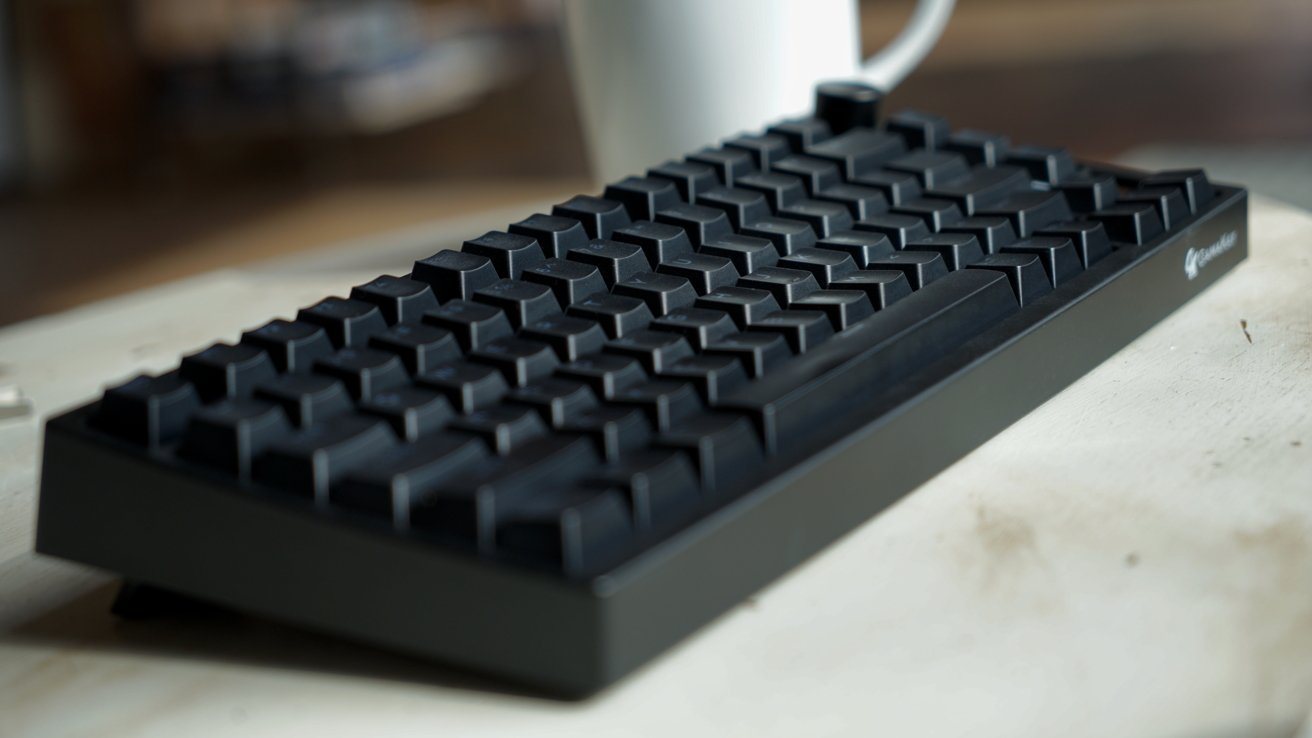
The Gamakay TK75HE V2 mechanical keyboard is very much a gamer's keyboard with the RGB elements and lack of Mac keys, but it is fairly quiet compared to other options.
I've tested a lot of mechanical keyboards over my years at AppleInsider, and I've never encountered one that just felt so Windows coded. That's not necessarily a bad thing, but it leaves its mark from the moment you unbox it.
What struck me right away was the passthrough keycaps that let the RGB shine through. I wish more keyboard companies offered keys like this, but to my dismay, there were a few things missing in the box.
Before we get into the details, I'll say that this is a fine product that has all of the modern features you can expect in a premium mechanical keyboard. It does have some rough edges that make me wish they'd have gone just a half-step further.
Or, perhaps, I'm just spoiled by the premium build and features of Keychron keyboards. They are more costly, but you get that back in premium materials and build.
Gamakay TK75HE V2 review: design
The Gamakay TK75HE V2 looks like your standard 75% layout keyboard, but there are a couple of additions that help it stand out. First, there's the light strip on the right side that can have various RGB patterns shown on it.
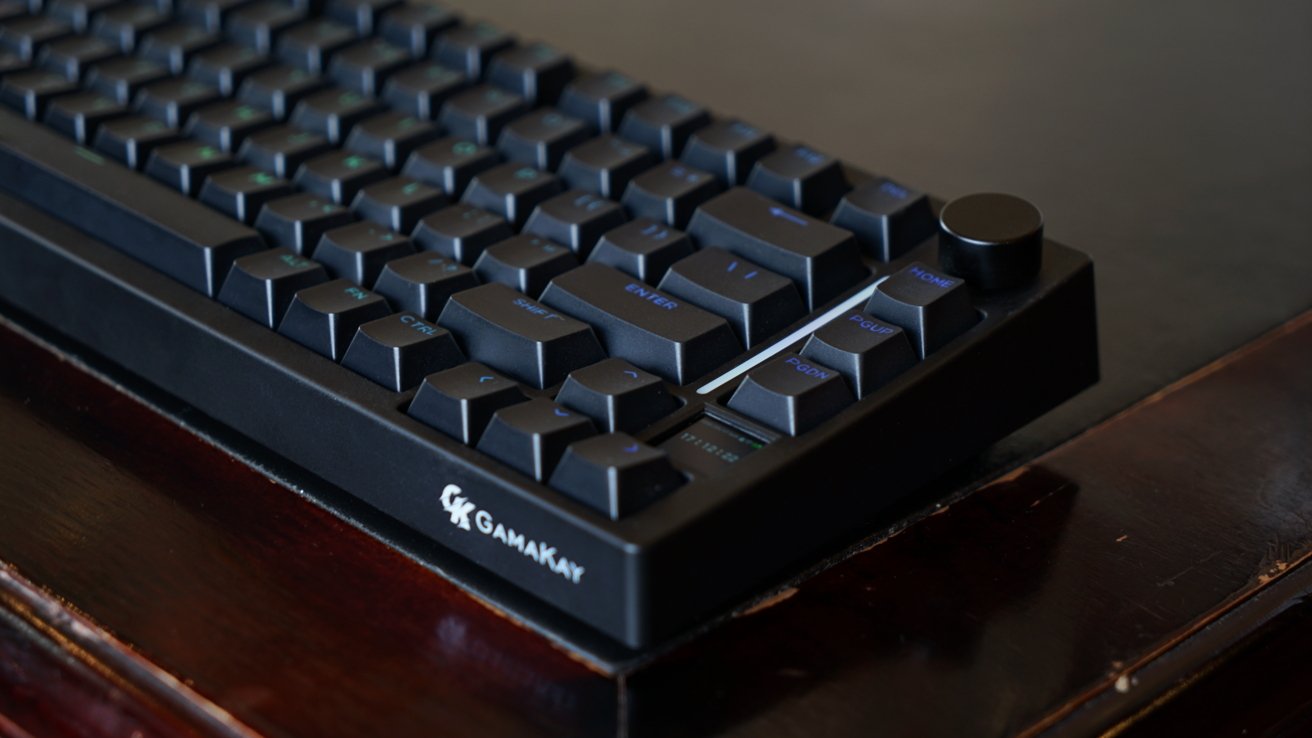
Gamakay TK75HE V2 review: passthrough keycaps and RGBs are a fun combo
Then there's the little display that shows the time, various settings, or even a GIF. It's neat, but mostly forgettable during use.
I like that there's a volume knob. It's one of those things that you get used to and immediately miss when it isn't there.
The case material is plastic. It's soft touch material that's a bit of an oil magnet, but that's what you'd expect at this price.
Underneath, there are two feet that have two set points. I prefer the second setting, which tilts the keyboard a tad higher, but there's a problem.
The USB-A dongle for the 2.4G wireless connection rests underneath one of the feet. The problem, at least with my unit, is that it falls out when the foot is open.
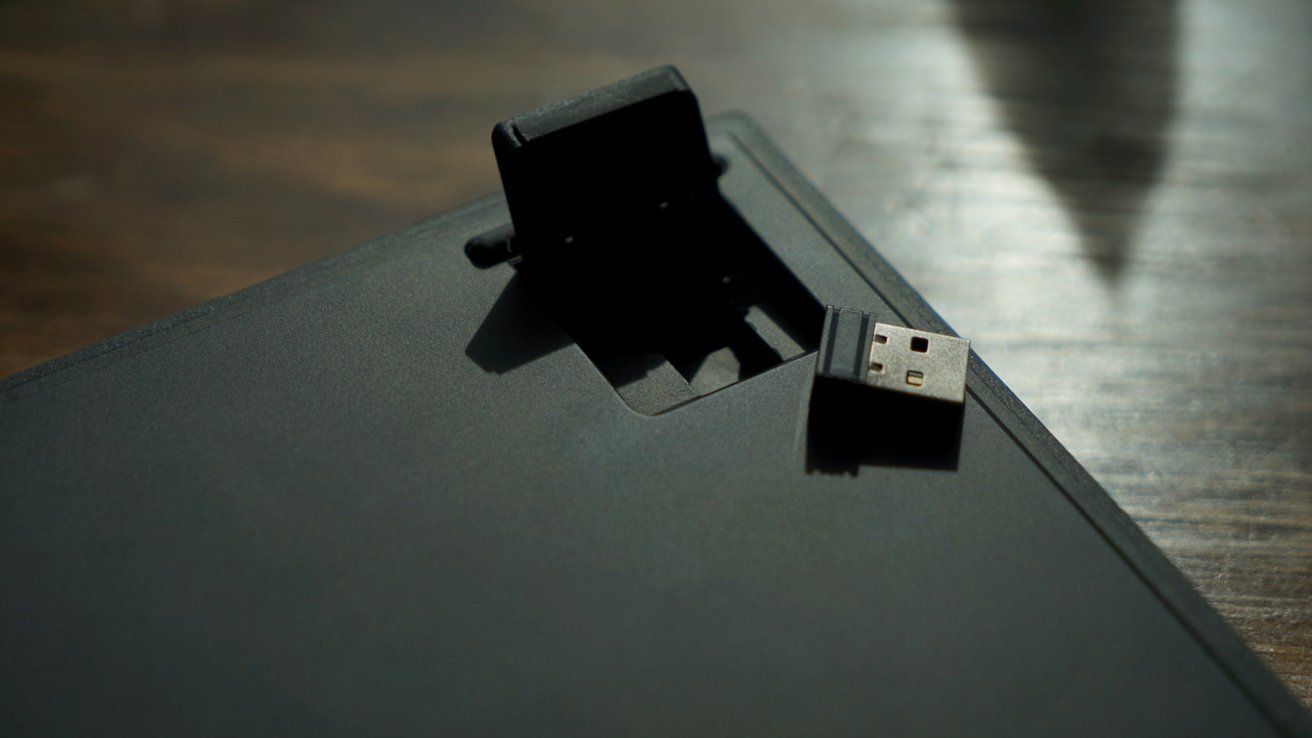
Gamakay TK75HE V2 review: the dongle doesn't stay in place with the feet open
There isn't anything locking it in place. I think this is an oddity in the design and an inconvenience, especially if you're not actively using the dongle.
There's also the included keyset. I love the passthrough keys that allow the RGB backlight to shine through.
What I'm less happy about is the lack of Mac keys. I know I can solve this by buying some keys online, but then there's no guarantee they'd match the set. So, then I'd just have to buy a full keycap set.
Honestly, that's probably for the best too, since the F keys aren't labeled either. I understand that's more of a Mac thing, but it would be nice to have.
The included keys are what make this feel like a purely Windows keyboard that happens to work with Macs. There isn't a physical switch to swap to Mac mode, but there is an option found in the little display menu.
Gamakay TK75HE V2 review: features
The Gamakay TK75HE V2 has hall effect switches that are hot swappable. It has an 8K polling rate and 10K scanning rate with zero dead zone.
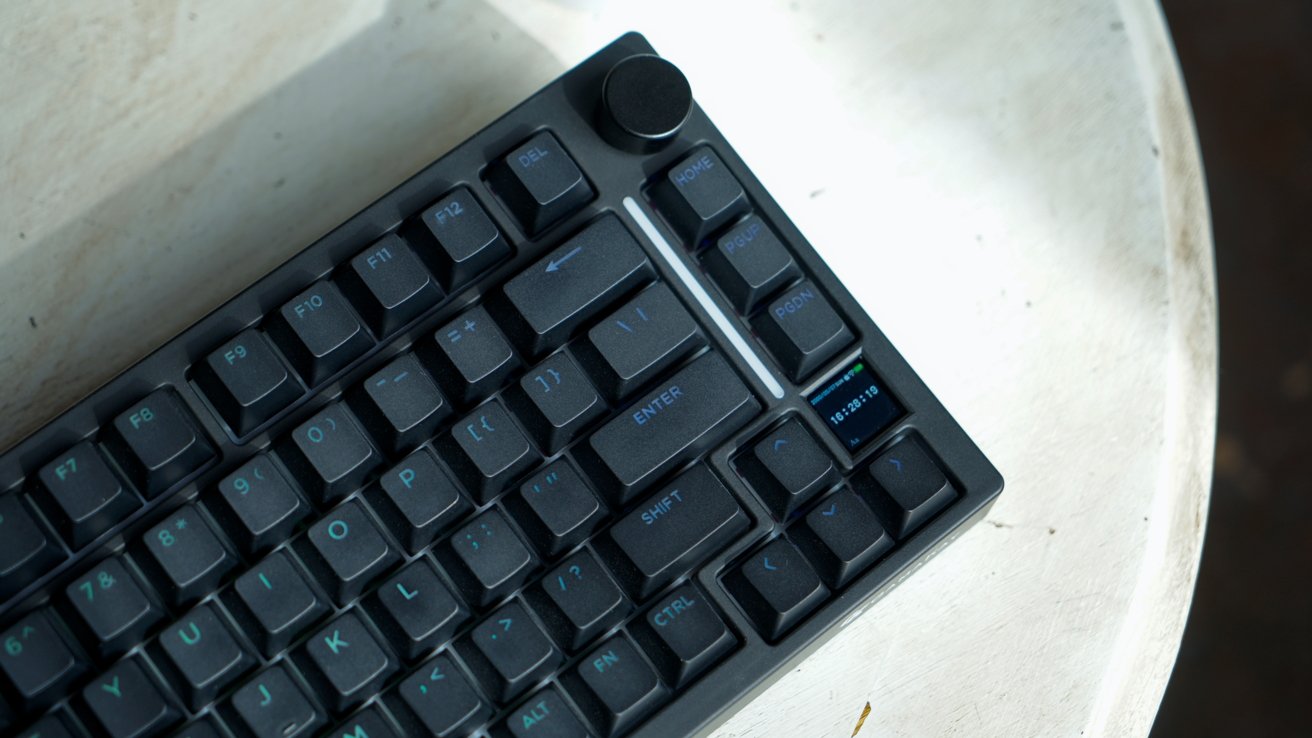
Gamakay TK75HE V2 review: a tiny display that shows GIFs and a light bar
To put it simply, it has magnetic switches that respond instantly and are accurate within 0.005mm of a press.
The Phoenix Silent switches I tested live up to the name, as they're quite silent compared to the clicky keyboards I've tested in the past. Think of it as a solid "thunk" instead of a "clack."
I don't have a preference, but there's also the option of choosing between top mounting or gasket mounting the board. Simply choose between one of the screws to secure it in place with the cover removed.
Gamers need fast response times, so Gamakay offers a 0.06 ms latency when wired or using the 2.4G connection. There are three Bluetooth radios that offer a standard connection speed.
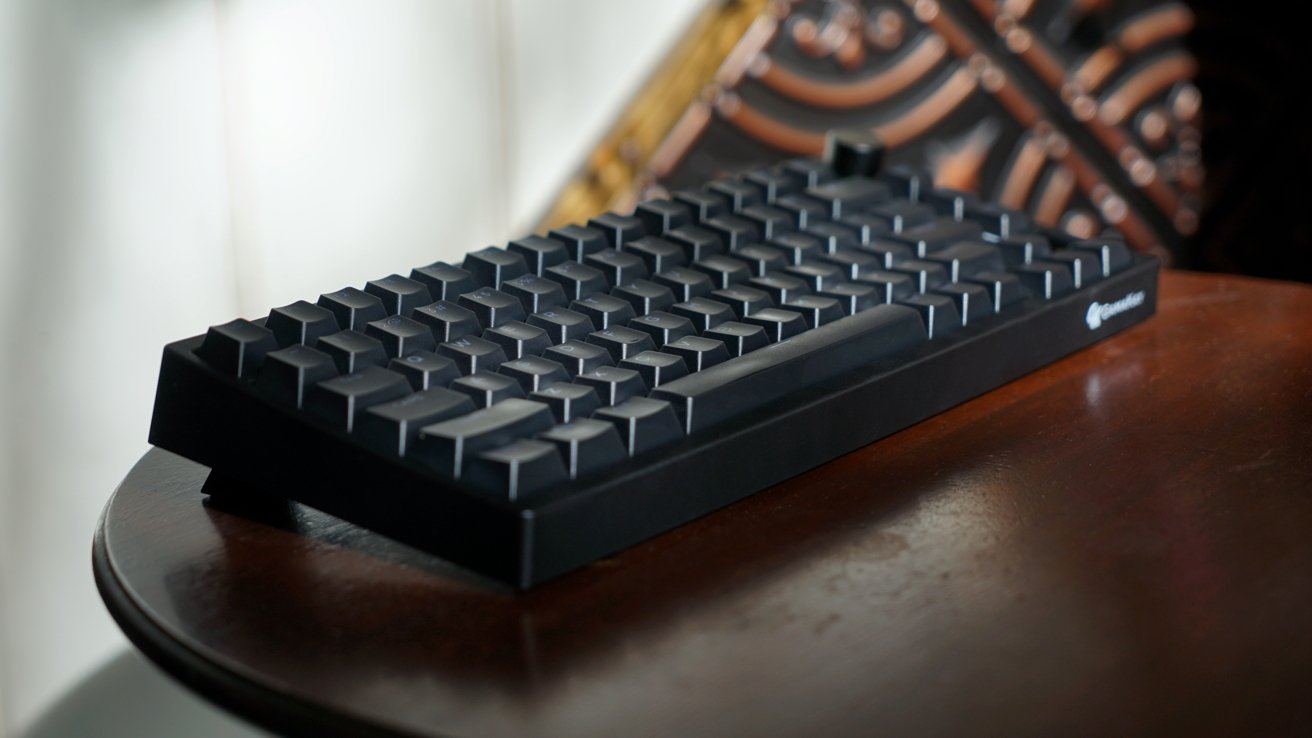
Gamakay TK75HE V2 review: a standard mechanical keyboard experienceGamakay TK75HE V2 review: a standard mechanical keyboard experienceGamakay TK75HE V2 review: a standard mechanical keyboard experience
Swap between various backlight colors and flashing patterns using the FN key. Press FN and turn the knob to access settings on the tiny display, then choose between lighting patterns.
The key backlights and light bar can be set to have different colors and patterns. The light bar has a fairly thick piece of plastic over it, so it comes off a bit dim compared to the backlight, especially in direct sunlight.
Because this is a magnetic keyboard, users can program the actuation distance of each key individually using the product software on Mac.
Gamakay's keyboard software for Mac
I tried to test the keyboard software that would let me program each key's actuation distance and upload GIFs for the little display. Long story short, it didn't work.
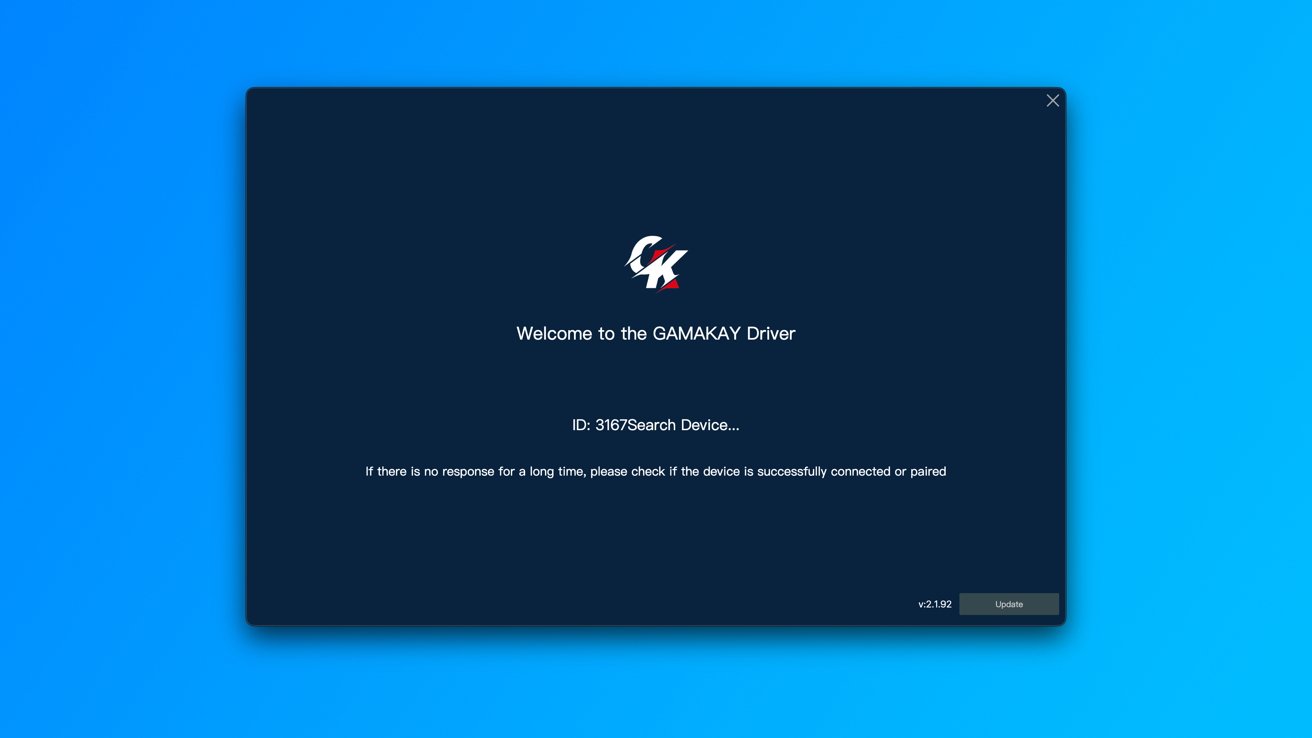
Gamakay TK75HE V2 review: the software never detected the keyboard
I'm not sure if this is an issue with the software on the Mac, the keyboard, or what, but I was stuck in a "looking for device" screen forever. It wouldn't connect whether it was over a wire, Bluetooth, or dongle.
Others may have better luck than me, but it isn't worth the effort fighting with the software. This is the same experience a customer would encounter, and I draw the line at dealing with customer support to get a feature that works fine with every other keyboard I've ever tested.
Your mileage may vary.
Using the Gamakay TK75HE V2
The Gamakay TK75HE V2 is not made for me, and that's okay. I've grown to like some of the louder switches offered by other keyboards, while this one prioritizes quiet.
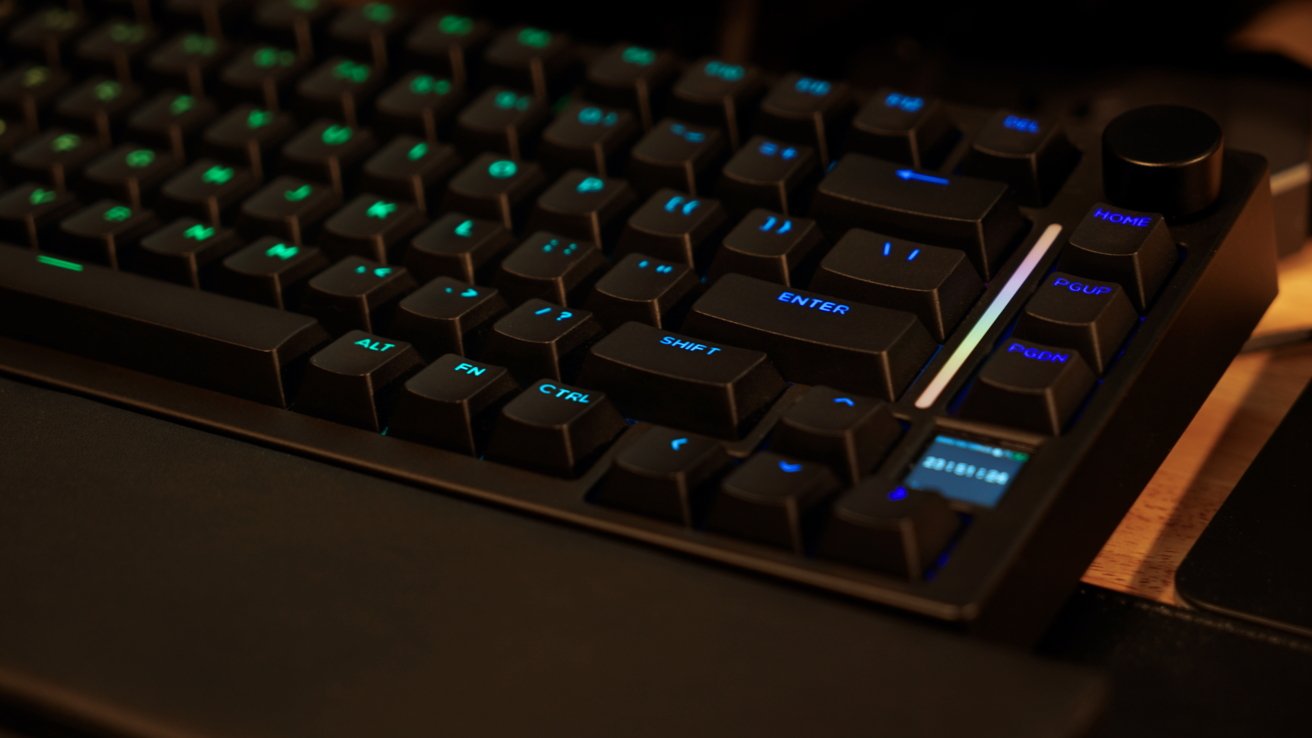
Gamakay TK75HE V2 review: plastic on plastic with soft touch keys
The build also feels a bit cheap, which makes sense given that it's plastic and priced around $100. The casing isn't bad, but there are small things that make it feel less premium.
I've already mentioned the dongle not staying in place when the feet are extended. There's also this feeling that I'm going to break the case when I try to take the cover off.
It doesn't seem like it's supposed to be removed, and yet the website says that's how I adjust the plate screws. I decided not to risk forcing it and breaking the connection pins since I didn't have a real need to get under the case.
The soft and spongy feeling keys likely appeal to some. Perhaps some gamers prefer having quieter keys so they don't interrupt streams or voice chats.
There was one other oddity that I can't quite figure out. When connected to the Apple Vision Pro, it randomly drops the connection and won't reconnect without a power cycle.
I never encountered issues over Bluetooth or the 2.4G connection to iPad or Mac.
Apple Vision Pro does have problems with some kinds of keyboards and Bluetooth connections, so it may be related to that. It even displays a warning in the Settings menu to suggest when connected peripherals may experience issues.
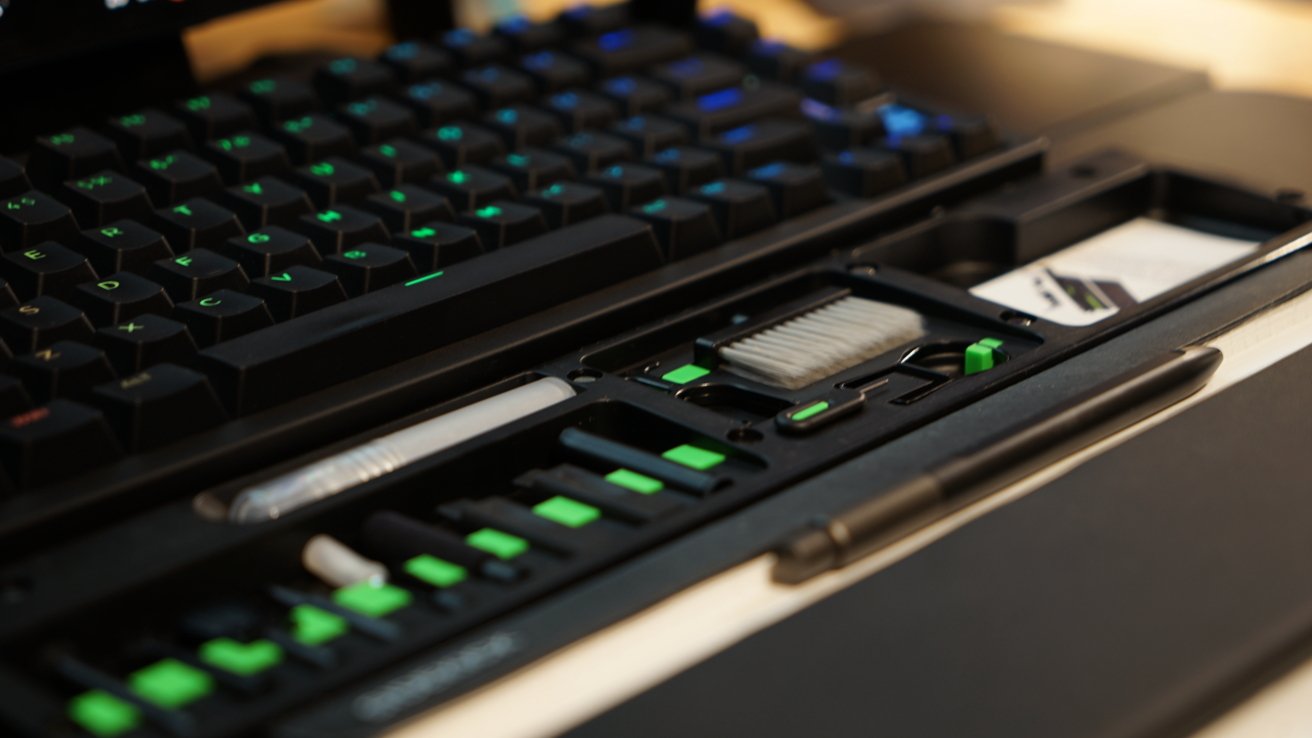
Gamakay TK75HE V2 review: at least there's a cool wrist rest full of tools
I also got to check out Gamakay's interesting wrist rest. It holds a bunch of cleaning supplies great for maintaining your keyboard, AirPods, and other gear.
It's a neat addition to a setup that's comfortable to use. It's only $17.99 on Amazon, a 10% discount off the regular price of $29.99.
Hall effect switches on a budget
The lowest-priced all-plastic Lemokey P1 HE option is $169. There are other differences in terms of build quality and software, but that's what you're paying for the more premium option.
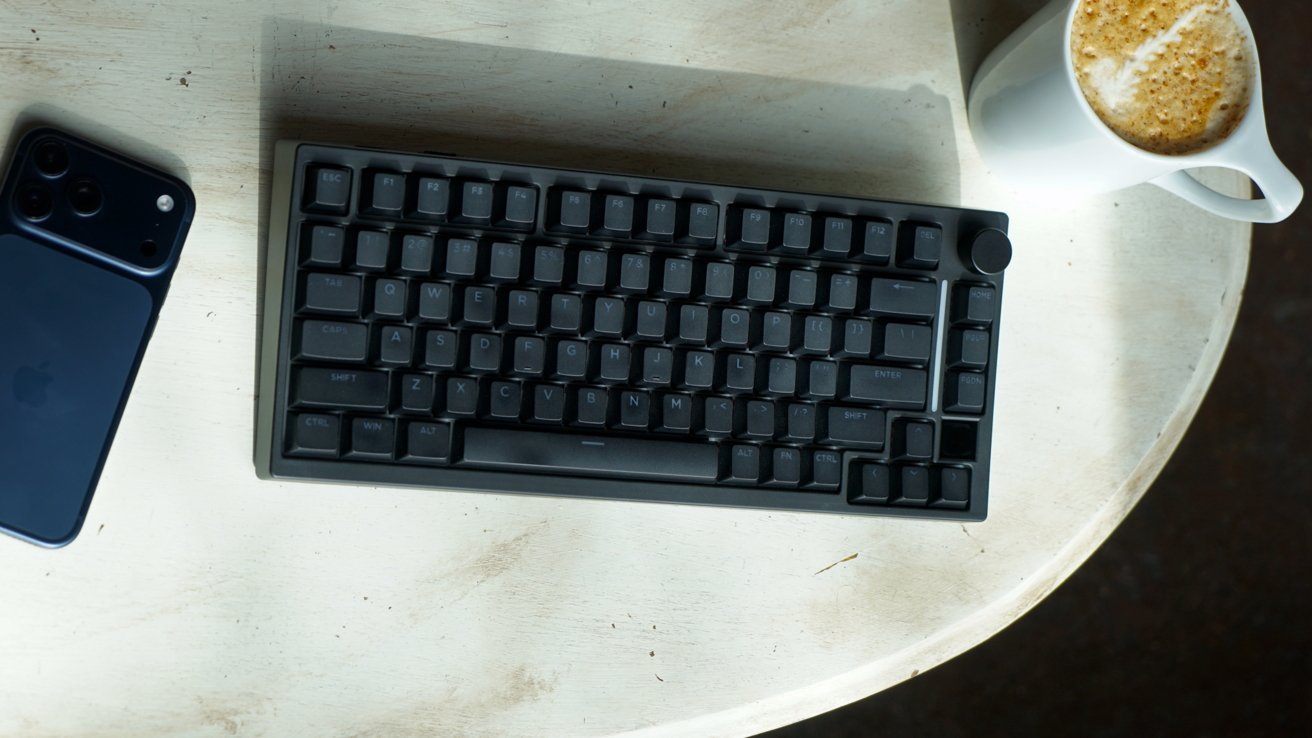
Gamakay TK75HE V2 review: one for the Windows gamers
For those looking to get into mechanical keyboards and having one for gaming, this isn't a bad entry point. Its fully customizable hardware and software make it just as viable a keyboard as the more premium options.
Also, it's hard to beat that price. It's listed at $110, but is shown for sale at $89.99, making it very inexpensive for the specs.
I can't easily recommend this for Apple users. Though, I believe it's a great option for those looking to get premium mechanical keyboard features on a budget.
Gamakay TK75HE V2 review - Pros
- Soft touch keys are quieter than other mechanical keyboards
- Passthrough key caps help emphasize the back light
- The tiny display for GIFs add a unique customization feature
Gamakay TK75HE V2 review - Cons
- Low price means less premium build
- Connectivity issues with Apple Vision Pro
- No included Mac-specific keycaps
- Customization software unresponsive on Mac
Rating: 2.5 out of 5
This keyboard is fine for what it is and what you pay for it. Swapping out the keys to be more Mac friendly isn't a problem, it's just an added expense.
For a little bit more money you can get a more premium build and feature set. This model works fine, but might be better for use with Windows overall.
Where to buy the Gamakay TK75HE V2
Get the Gamakay TK75HE V2 mechanical keyboard from Amazon for $77.39, or direct from the Gamakay website for $79.20 with promo code GK12. That's discounted at the time of publication from the retail price of $109.99.