Apple's new M5 Pro and M5 Max Apple Silicon chips means there's more choice in the 14-inch MacBook Pro range. Here's how the specs of the three models compare.
When Apple updated its Apple Silicon lineup to include a few models with the M5 chip in October, the 14-inch MacBook was one of the lucky few. For those who wanted more cores, the M4 Pro and M4 Max were still around as higher-performance options.
Months later, and Apple has done the inevitable by bringing out the M5 Pro and M5 Max. With the entire 14-inch MacBook Pro range now on the M5 series, the choice between models no longer needs to account for a generational change.
So, let's compare the specifications between the base M5 14-inch MacBook Pro and the M5 Pro edition of the 14-inch MacBook Pro. Also check out our M5 MacBook Pro Price Guide for deals.
While they are going to be very similar, there's a little bit more to the story than just a new chip.
M5 Pro 14-inch MacBook Pro vs M5 14-inch MacBook Pro - Specifications
| Specifications | M5 Pro MacBook Pro (14-inch, 2026) | M5 MacBook Pro (14-inch, 2025) |
|---|---|---|
| Launch Starting Price | $2,199 | $1,699 |
| Dimensions (inches) | 12.31 x 8.71 x 0.61 | 12.31 x 8.71 x 0.61 |
| Weight (pounds) | 3.5 | 3.4 |
| Display | 14.2-inch Liquid Retina XDR, Wide Color (P3) True Tone ProMotion, Nano-texture (optional) | 14.2-inch Liquid Retina XDR, Wide Color (P3) True Tone ProMotion, Nano-texture (optional) |
| Resolution | 3,024 x 1,964 | 3,024 x 1,964 |
| Brightness | 1,000 nits sustained fullscreen, 1,600 nits peak HDR, 1,000 nits SDR | 1,000 nits sustained fullscreen, 1,600 nits peak HDR, 1,000 nits SDR |
| Processor | Apple M5 Pro 15-Core, Apple M5 Pro 18-Core | Apple M5 10-Core |
| Graphics | 16-core GPU, 20-core GPU | 10-core GPU |
| Memory | 24GB, 48GB, 64GB (18-core only) | 16GB, 24GB, 32GB |
| Storage | 1TB, 2TB, 4TB | 512GB (No longer available), 1TB, 2TB, 4TB |
| Battery | 72.4Wh lithium-polymer | 72.4Wh lithium-polymer |
| Networking | 802.11ax Wi-Fi 7 Bluetooth 6 | 802.11ax Wi-Fi 6E Bluetooth 5.3 |
| Touch ID | Yes | Yes |
| Camera | 12MP Center Stage camera with Desk View | 12MP Center Stage camera with Desk View |
| Audio | Six-speaker sound system, Force-cancelling woofers, Three-mic array with directional beamforming and high signal-to-noise ratio, Headphone jack with high-impedance headphone support, Dolby Atmos support with Spatial Audio | Six-speaker sound system, Force-cancelling woofers, Three-mic array with directional beamforming and high signal-to-noise ratio, Headphone jack with high-impedance headphone support, Dolby Atmos support with Spatial Audio |
| Ports | Three Thunderbolt 5 ports, SDXC Card Slot HDMI 3.5mm headphone, MagSafe 3 | Three Thunderbolt 4 ports, SDXC Card Slot HDMI 3.5mm headphone, MagSafe 3 |
M5 Pro 14-inch MacBook Pro vs M5 14-inch MacBook Pro - Design, weight, size
When the base 14-inch MacBook Pro morphed from M4 to M5, it was essentially a spec-bump update. For the M5 Pro's roster addition, we couldn't expect anything different, really.
The external appearance is the same as usual for the 14-inch MacBook Pro, consisting of an aluminum slab that anyone will instantly recognize.
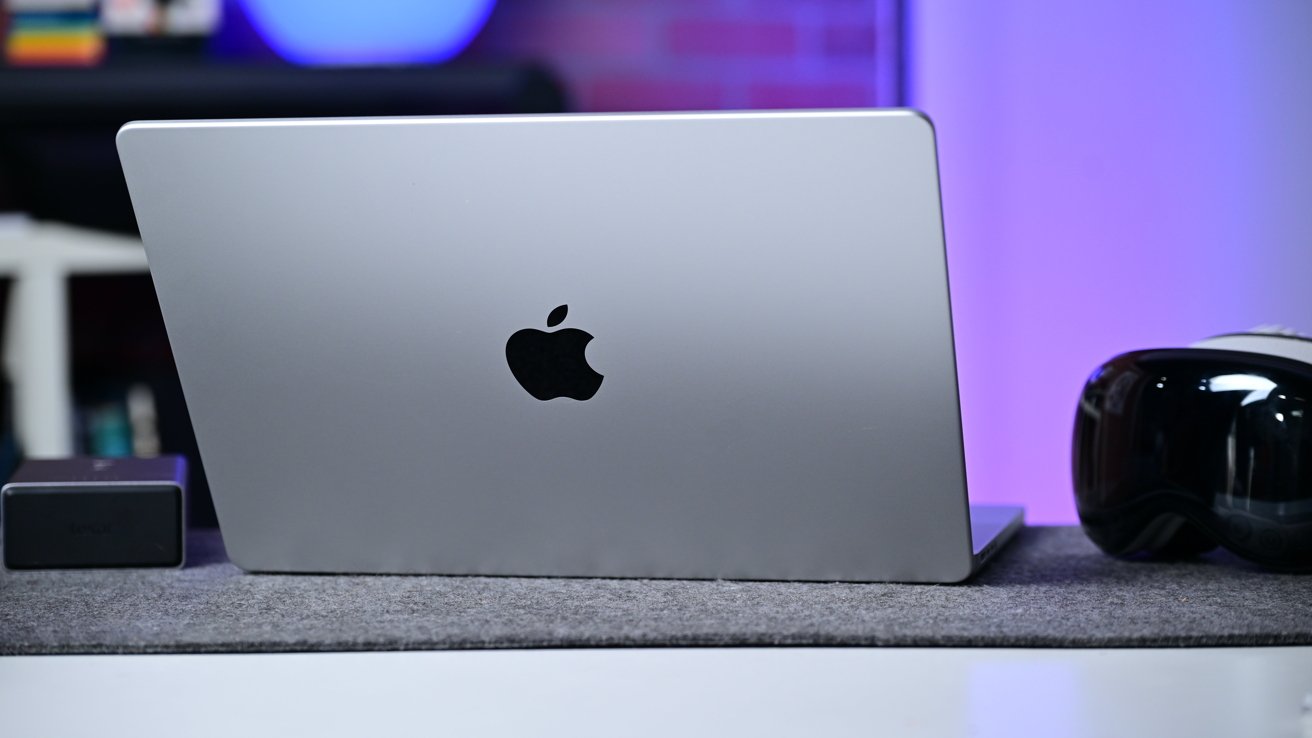
M5 Pro 14-inch MacBook Pro vs M5 14-inch MacBook Pro: The enclosure is unchanged.
The M5 model has a footprint of 12.31 inches by 8.71 inches, which the M5 Pro dutifully copies. The thickness of 0.61 inches is also identical across the two models.
There is one small variation, and that's weight. The M5 model weighs in at 3.4 pounds, versus the slightly heavier 3.5 pounds of the M5 Pro model.
Without getting a close look inside the casing, the probable culprit would be differences in thermal management for the upgraded chip, as well as the chip's weight too.
M5 Pro 14-inch MacBook Pro vs M5 14-inch MacBook Pro - Display
Using the same enclosure usually means that the display will be unchanged as well. While Apple is believed to be coming up with an OLED model at some point, it's not happening right now.
The M5 shipped with a 14.2-inch XDR display, which has mini LED backlighting for a million-to-one contrast ratio. Brightness hit 1,000 nits for SDR content, going up to 1,600 nits for peak HDR content.
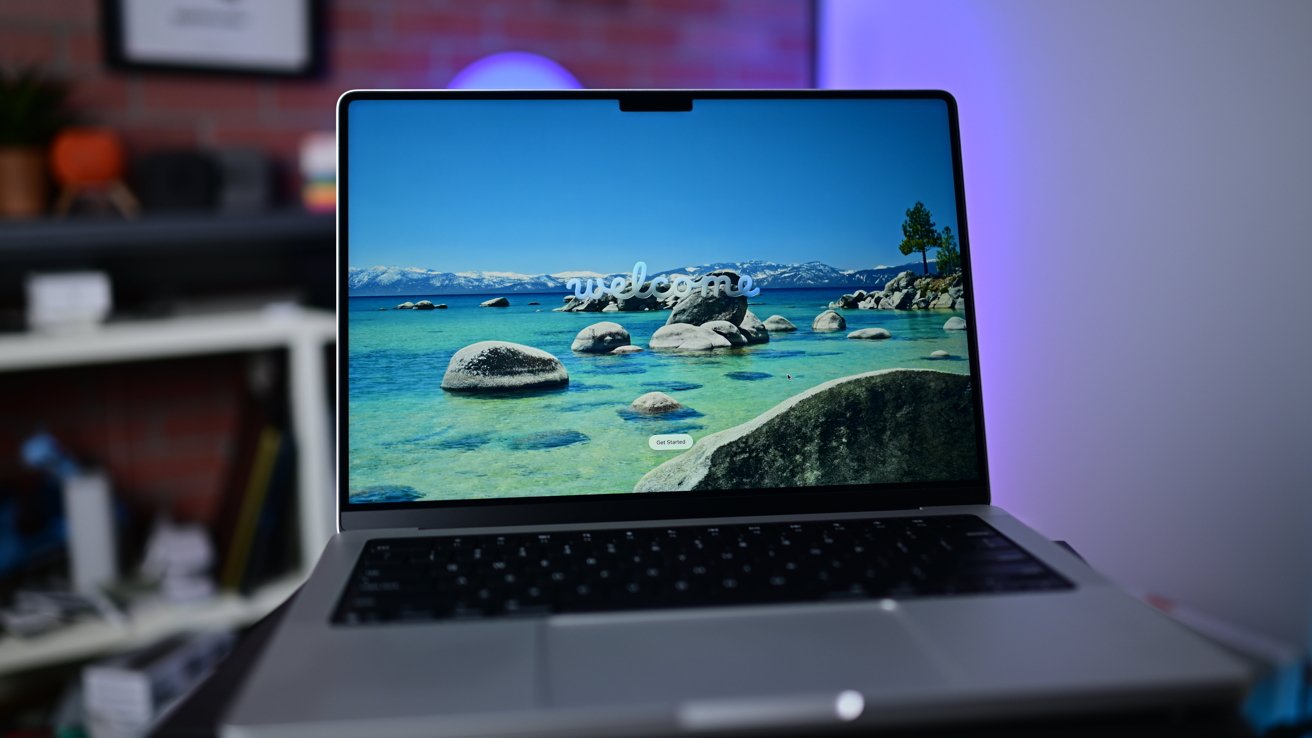
M5 Pro 14-inch MacBook Pro vs M5 14-inch MacBook Pro: Identical displays
The resolution of 3,024 by 1,964 is also a well-worn specification, giving the M5 model a pixel density of 254 pixels per inch. At the top of the display is the notch, which houses a camera.
Support for a billion colors, the Wide Color (P3) gamut, True Tone, and ProMotion up to 120Hz was also brought along for the M5 variant's release.
Unsurprisingly, these specifications are mirrored in the M5 Pro model. There is, however, a slight variation when it comes to extended display support.
The M5 model supports native DisplayPort 1.4 over Thunderbolt 4. It can support up to two displays, each with a resolution of 6K at 60Hz or 4K at 144Hz, or one 8K screen at 60Hz or 4K at 240Hz.
14" MacBook Pro M5
The M5 Pro can handle up to three external displays over Thunderbolt and HDMI. That includes three displays at 6K 60Hz or 4K 144Hz, and up to three over a single Thunderbolt port too.
At its most extreme, the M5 Pro can handle a single 8K display at 60Hz or a 4K screen at 240Hz, along with a second display up to 5L 120Hz or 4K 200Hz.
If you are particular about reflectiveness, you can add the Nano-texture treatment to both models.
M5 Pro 14-inch MacBook Pro vs M5 14-inch MacBook Pro - Performance
The main talking point this time is the chip, and how much performance Apple provides in the Pro over the non-Pro.
The M5 chip has a 10-core CPU with four "super cores" and six efficiency cores. By contrast, the M5 Pro starts with a 15-core CPU with five "super cores" and 10 performance cores, with an option for an 18-core CPU with six super and 12 performance cores.
You may be wondering about the use of super cores, performance cores, and efficiency cores. Previously, Apple's language about its chips revolved around performance and efficiency cores, with one being fast and power-hungry and the other more modest and low in terms of consumption.
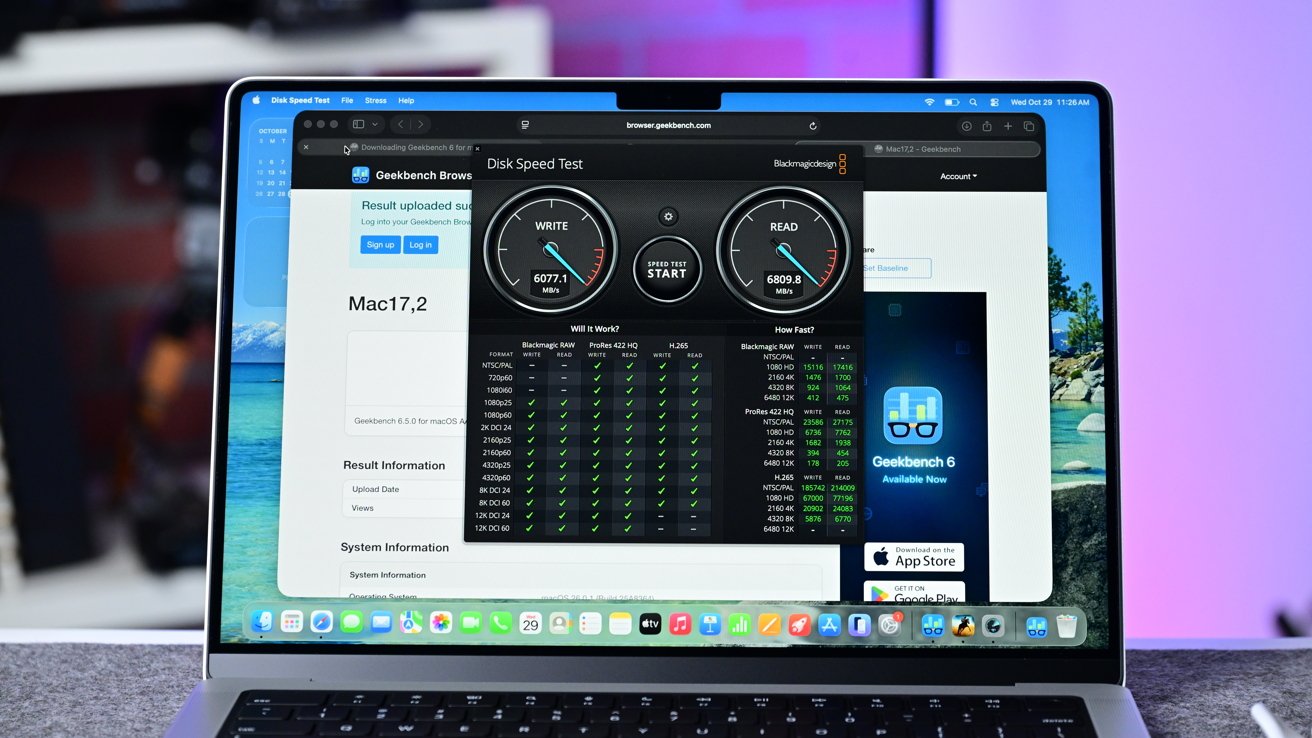
M5 Pro 14-inch MacBook Pro vs M5 14-inch MacBook Pro: Benchmarks will have to wait
For the M5 Pro, Apple refers to these super cores as having the world's fastest CPU core. Meanwhile, the performance cores are "all new" and are optimized for "power-efficient, multithreaded workflows."
We would need to see this in action to truly understand what Apple means, but this could just be a rebranding effort.
Accompanying the CPU is the GPU, which in the M5 is a 10-core effort. It includes hardware-accelerated ray tracing as well as Neural Accelerators in each core to boost machine learning tasks.
The M5 Pro's GPU starts with 16 cores in the lower-tier option, complete with ray tracing and Neural Accelerators. The count grows to 20 cores in the upper-tier option.
There's also the usual 16-core Neural Engine in both versions, as well as the Media Engine. This means hardware-accelerated encoding and decoding of video, including H.264, HEVC, ProRes, and ProRes RAW.
As for how much more performance there is, we don't know at this stage. So far, Apple has compared the M5 Pro against the M1 Pro and M4 Pro, with claims of 7.8x faster image generation against the M1 Pro, and 6.9x faster LLM prompt processing too.
However, it has been careful not to compare directly against the M5 MacBook Pro.
Ultimately, we won't know what the deal is here until benchmarks start to be performed on the new hardware. They will be better, and substantially so based on the specifications.
M5 Pro 14-inch MacBook Pro vs M5 14-inch MacBook Pro - Camera and Audio
In the M5 release, Apple retained the same camera upgrade as it had installed for the M4 generation. The 12MP Center Stage camera, aided by computational video improvements from an advanced image signal processor.
It brought in Center Stage, a feature borrowed from the iPad Pro that centralizes the user in the middle of the frame in video calls. Desk View gave an instant approximation of a top-down shot of the user's desk, which was handy for showing physical objects to others in a call.
There's no difference in camera for the M5 Pro-equipped model.
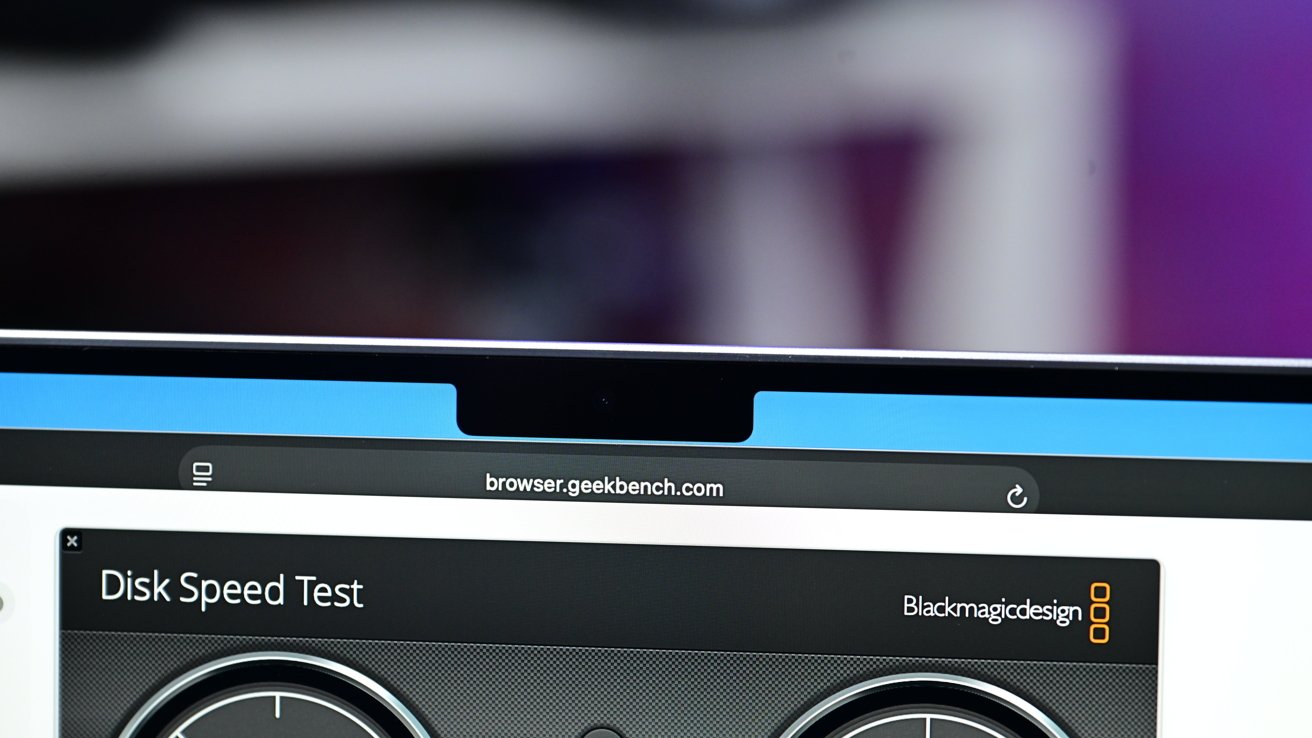
M5 Pro 14-inch MacBook Pro vs M5 14-inch MacBook Pro: There's no dodging that notch...
On audio, the M5 continued the use of a high-fidelity six-speaker sound system with force-cancelling woofers. There was wide stereo sound and Spatial Audio support for Dolby Atmos content over the speakers.
If you had AirPods or other compatible headwear, you could also use Spatial Audio with dynamic head tracking. Or, if you liked using high-end, high-impedance headphones, there's also a 3.5mm headphone jack.
Recording audio on the M5 model used a set of three "studio-quality" microphones in an array. They all had high signal-to-noise ratios and directional beamforming to capture the user's voice.
The M5 Pro doesn't deviate from this setup at all.
M5 Pro 14-inch MacBook Pro vs M5 14-inch MacBook Pro - Storage, connectivity, power
When it comes to storage, Apple shifted from the norm when it brought in the M5. While the M4 preceding it had options up to 2TB in capacity, the M5 started at 512GB and had 1TB, 2TB, and 4TB SSD variants.
Following the M5 Pro's introduction, Apple has removed the 512GB option from view, leaving 1TB to 4TB capacities available. These capacities are also supported by the M5 Pro model.
There is apparently a difference in storage speed this time, with Apple claiming the read and write performance to be up to twice as fast, though the more extreme end will be felt by the M5 Max users.
On the memory side, the M5 has 16GB of unified memory with 24GB and 32GB options available.
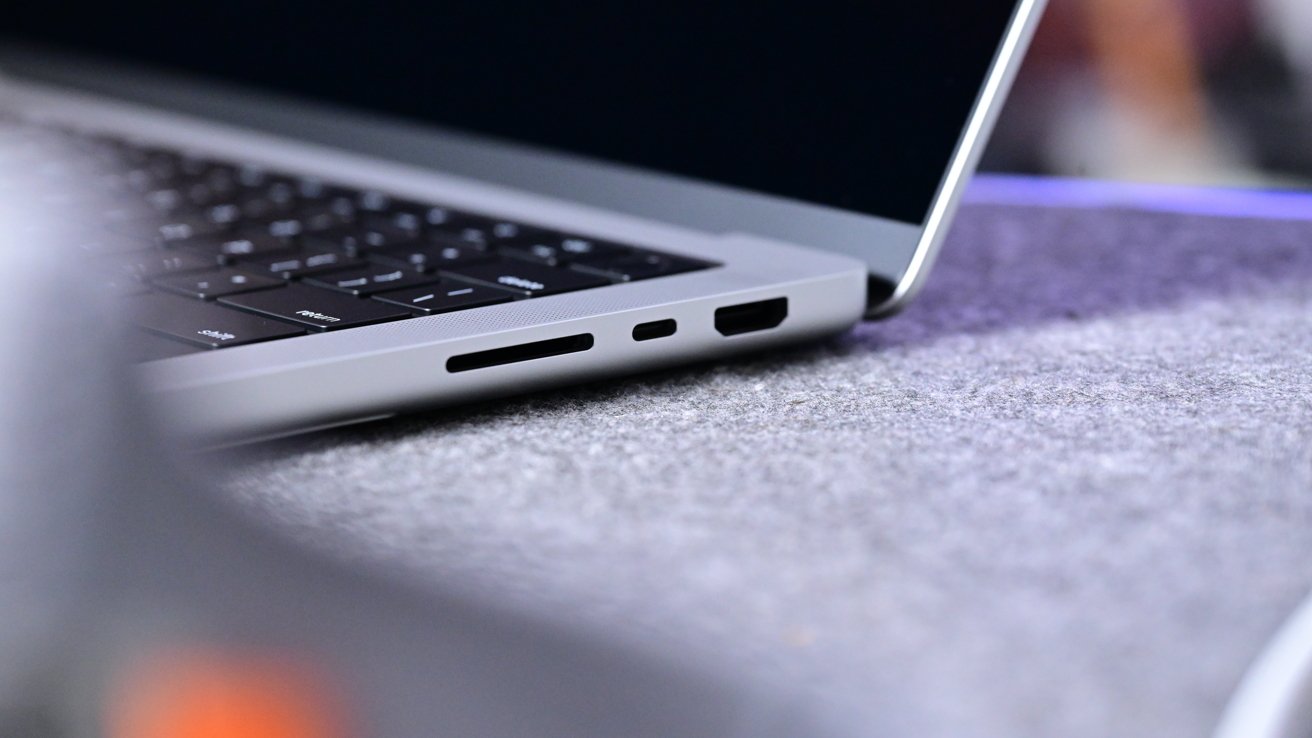
M5 Pro 14-inch MacBook Pro vs M5 14-inch MacBook Pro: A familiar set of ports.
The M5 Pro does benefit from providing more memory, starting with 24GB and with a 48GB option also available. 64GB is possible, but only for the upper-tier M5 Pro chip.
There is a considerable difference in memory bandwidth. The M5 has 153GB/s of bandwidth, while the M5 Pro doubles it to 307GB/s.
For connectivity, both models are pretty similar, with one key difference. Both have three Thunderbolt ports, but the M5 uses the 40Gbps Thunderbolt 4, while the M5 Pro has Thunderbolt 5, which can go up to 120Gbps.
The rest of the side connections list reads the same across the two models. There's the SDXC memory card reader, an HDMI port, a 3.5mm headphone jack, and MagSafe 3.
Wireless connectivity has improved between tiers, with Wi-Fi 6E replaced by Wi-Fi 7 and Bluetooth 5.3 for Bluetooth 6. This is down to Apple including its self-designed wireless chip, the N1.
For power, Apple uses a 72.4-watt-hour lithium polymer battery, which has become the standard for the 14-inch MacBook Pro for a while.
The M5 is said by Apple to last for up to 24 hours of video streaming, or up to 16 hours of wireless web access. The more powerful M5 Pro does draw more power, lasting for up to 22 hours of streaming and 14 hours of web surfing by Apple's estimation.
Each can be charged using the USB Type-C ports, or through MagSafe 3.
M5 Pro 14-inch MacBook Pro vs M5 14-inch MacBook Pro - Pricing
At launch, the M5 version of the MacBook Pro was priced at $1,599 for the base model with 24GB of memory and 512GB of storage. Now, it starts with 1TB and a $1,699 price tag.
Upgrading the memory from 16GB to 24GB added $200 to the cost, and 32GB a further $200 again. Storage upgrades from 1TB to 2TB cost $400, with 4TB costing an extra $600 again.
The M5 Pro 14-inch MacBook Pro starts at $2,199 with the 15-core CPU, 24GB of memory, and 1TB of storage.
The chip upgrade to the 18-core CPU is $200. Going from 24GB to 48GB of memory is $400, but the 64GB capacity upgrade is an extra $200 only if you go for the upper-tier chip.
Storage upgrades for the M5 Pro mirror the M4 in both capacity and price.
Nano-texture is a $150 add-on, regardless of model.
M5 Pro 14-inch MacBook Pro vs M5 14-inch MacBook Pro - Which to buy?
Whenever there are tiers of price in play, you always look to see how much you get for your extra money. When it comes to the M5 or M5 Pro 14-inch MacBook Pro, it's almost purely a performance play.
Ignoring Apple's decision to go with a new "super-core" name, the sheer core counts at hand are considerable. The M5 Pro has either 15 or 18 cores for the CPU, which is a big jump from the 10 of the M5.
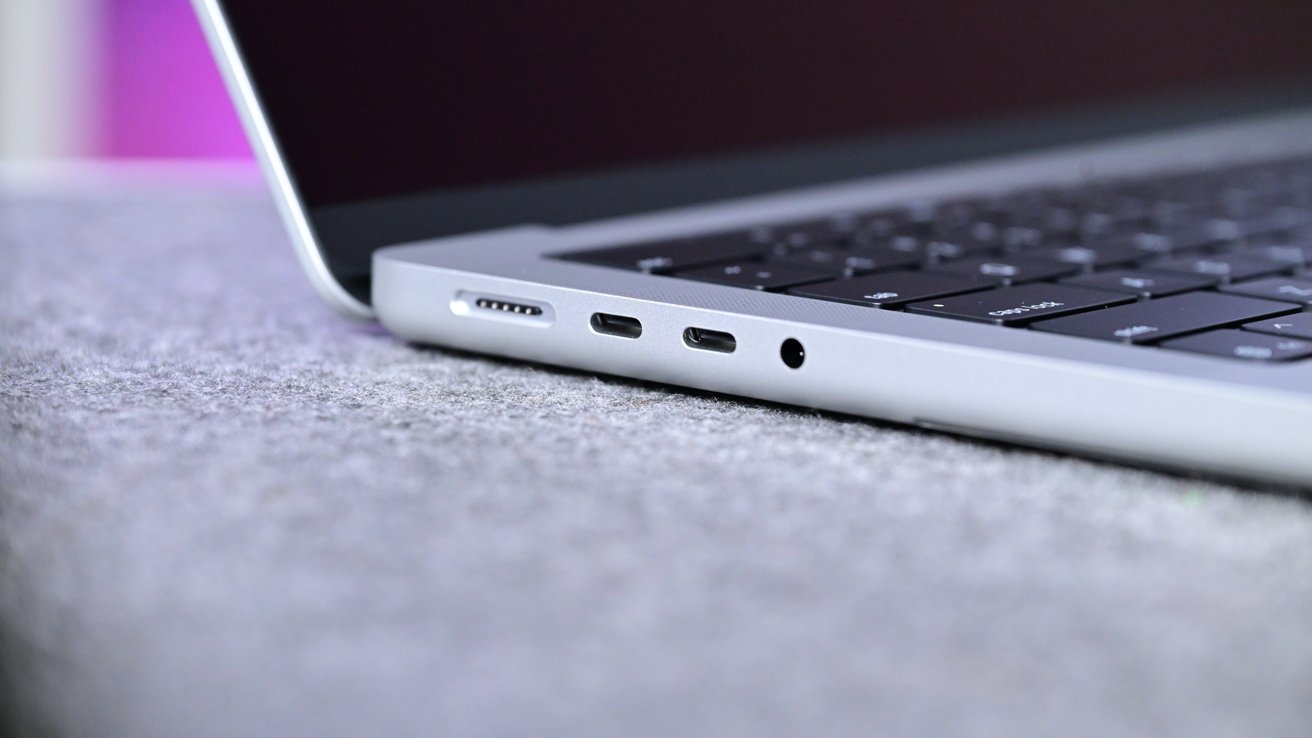
M5 Pro 14-inch MacBook Pro vs M5 14-inch MacBook Pro: The other ports are similar in appearance, too.
Then there's the GPU, which again goes to 16 cores or 20 cores in the M5 Pro versus the 10-core option in the M5.
Remember, with the per-core Neural Accelerators in play here, that means more help for the Neural Engine and machine learning tasks in general on the Pro versus the non-Pro.
Other than Thunderbolt differences, a doubling of memory bandwidth, and more starting-configuration memory, the rest of the M5 Pro update is very much the same as the M5 model.
It seems that $500 can get you a lot more performance for your money, just looking at the base-tier configurations.
That all said, if you're looking for a MacBook Pro with tons of performance, you're probably going to get the higher-configuration versions, or even splash out on the M5 Max. If all you need is a MacBook to do work on, the comparable M5 MacBook Air is there for you.
There's an argument that the M5 MacBook doesn't really need to exist since the Air is so capable.
As it stands, anyone wanting a MacBook Pro should look at the M5 Pro or M5 Max, or save their money and settle for the MacBook Air.
Where to buy Apple's M5 14-inch MacBook Pro vs M5 Pro 14-inch MacBook Pro
Apple's M5 14-inch MacBook Pro can be purchased now, with discounted prices at your fingertips in our M5 14-inch MacBook Pro Price Guide. At press time, deals can be found from $1,449.
Apple's M5 Pro MacBook Pro, meanwhile, will be available for purchase at Amazon and B&H Photo when preorders go live on March 4.
Today's top MacBook Pro deals
- 14" MacBook Pro M4 Pro 12C CPU, 16C GPU, 24GB, 512GB: $1,799 ($200 off)
- 14" MacBook Pro M4 Pro 12C CPU, 16C GPU, 24GB, 1TB: $1,999 ($200 off)
- 16" MacBook Pro M4 Pro 14C CPU, 20C GPU, 24GB, 512GB: $2,239 ($260 off)