
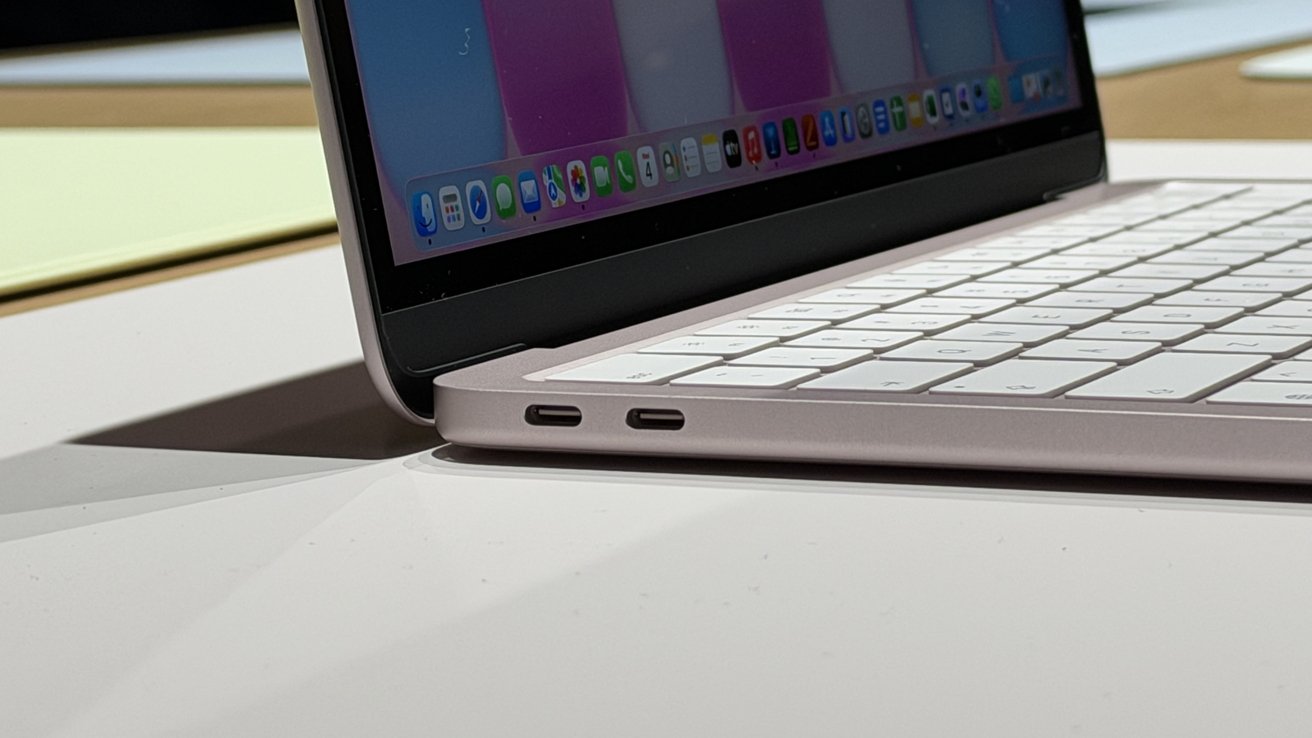
The MacBook Neo keeps things simple with just a couple of ports, which means most desk setups will need a USB-C dock. Here are some of the best MacBook Neo docking stations to expand ports, connect external displays, and power your laptop from a single cable.
Apple's budget-focused notebook is built around portability and minimalism, but that approach limits how many accessories you can connect at once. Add a monitor, external storage, or wired networking, and the available ports disappear fast.
A USB-C docking station is a great solution for turning a single connection into a full workstation hub. You can choose from compact travel docks to full desktop stations that offer multiple display outputs, extra USB ports, Ethernet, and charging support.
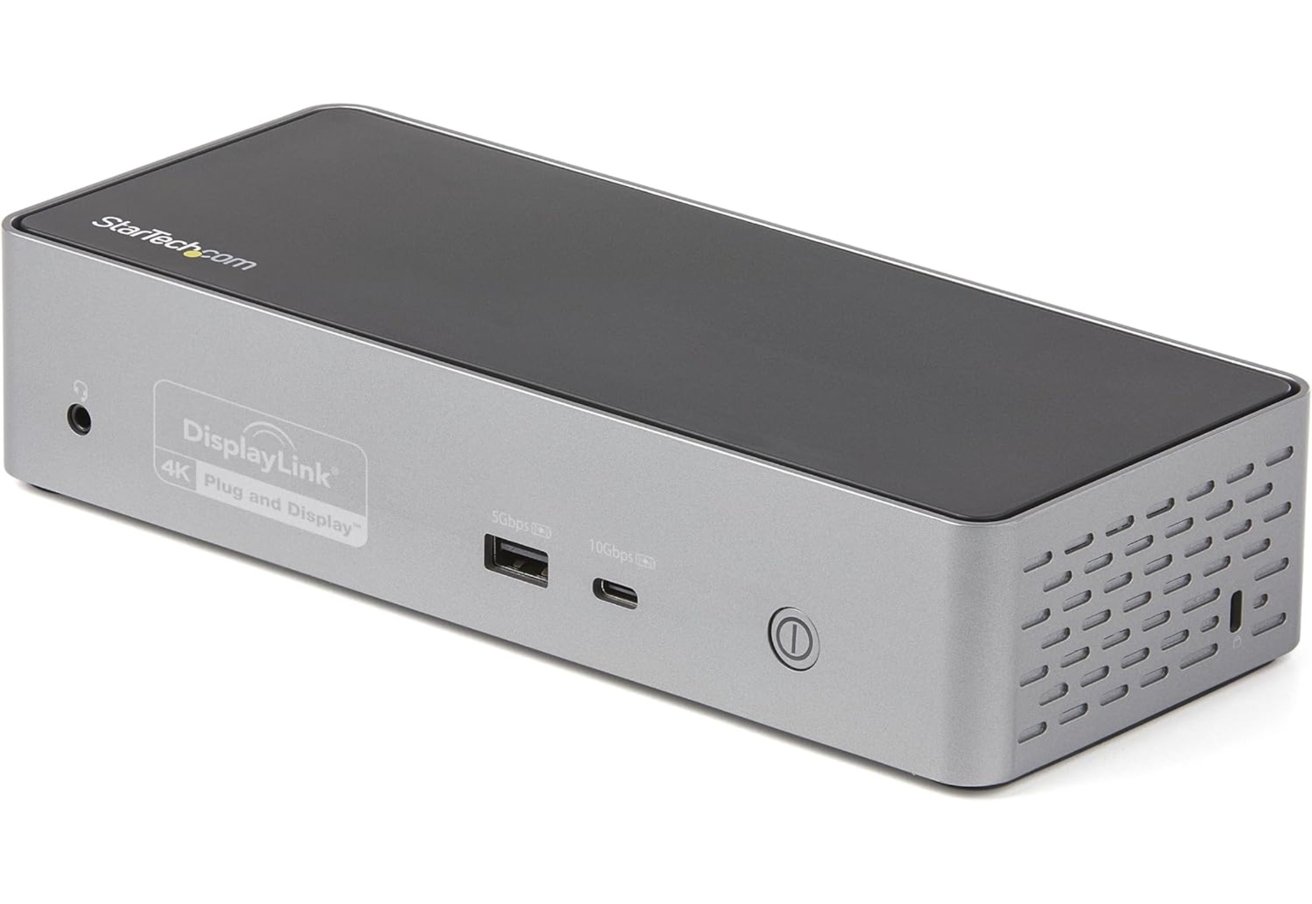
StarTech DK31C4DPPD USB-C quad monitor dock
The StarTech DK31C4DPPD USB-C dock is aimed at users who want to run several external displays from a single connection. It uses DisplayLink technology, which enables Macs to drive multiple extended monitors even on systems that normally support only one external display.
- 4 x HDMI or DisplayPort video outputs in any combination
- 1 x USB-C host connection
- 1 x USB-C 10Gbps port
- 3 x USB-A 5Gbps ports
- 1 x Gigabit Ethernet
- 1 x 3.5mm headset jack
StarTech positions the device as more than a display adapter. Alongside the video outputs, it adds USB-A and USB-C expansion ports, Gigabit Ethernet, a headset jack, and up to 100W of USB-C power delivery to charge a connected laptop.
StarTech DK31C4DPPD USB-C quad monitor dock
You can find the dock for about $236. There are plenty of other DisplayLink docks on the market that enable multiple external monitors on MacBook Neo.
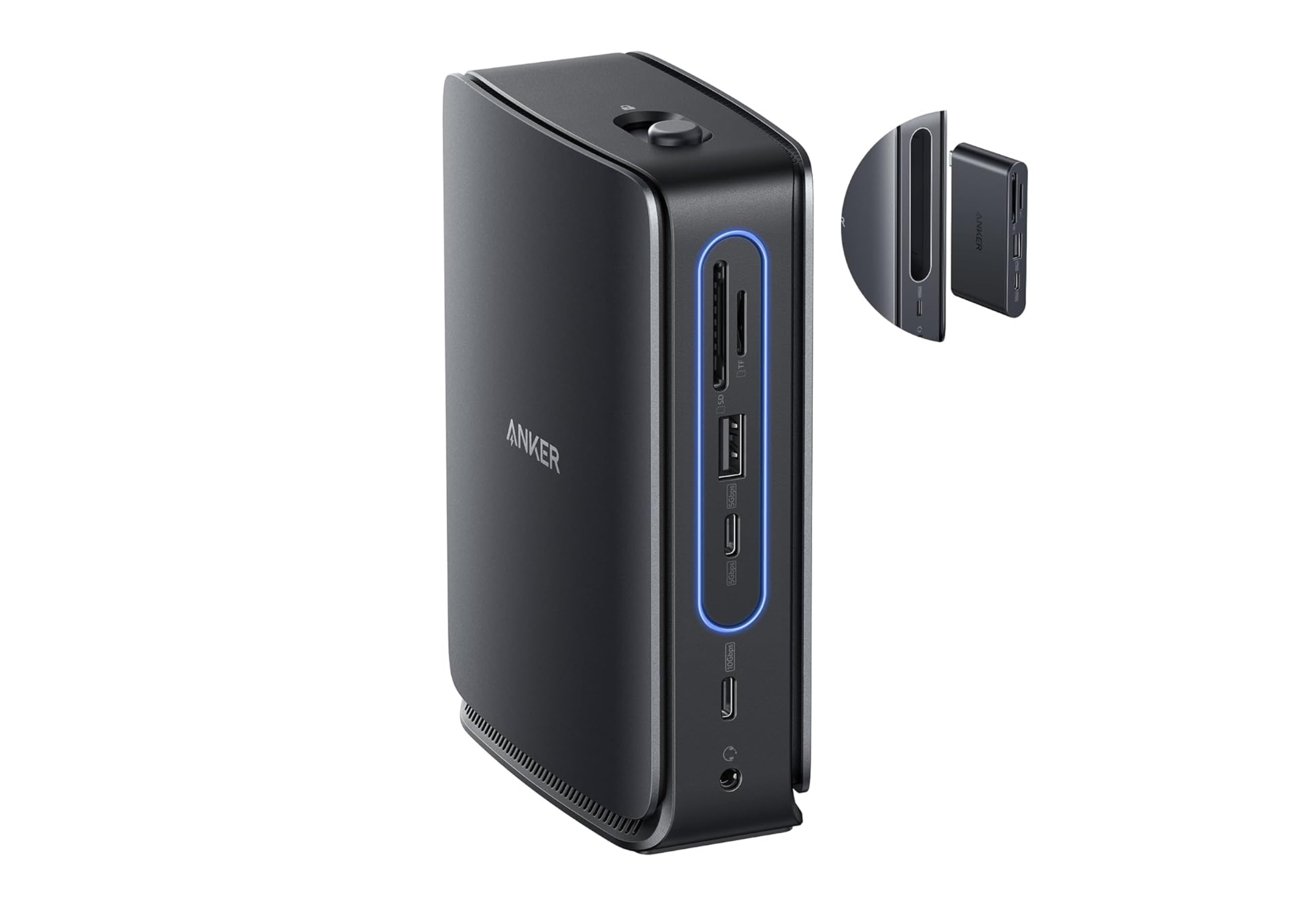
Anker Nano 13-in-1 docking station
The Anker Nano docking station combines a full desktop dock with a detachable portable hub. It offers a wide range of ports, including two HDMI outputs, DisplayPort, USB-C, USB-A, Ethernet, audio, and SD and TF card slots.
- 1 x USB-C host port
- 2 x HDMI ports
- 1 x DisplayPort
- 2 x USB-C data ports
- 3 x USB-A ports
- 1 x Gigabit Ethernet
- 1 x 3.5mm audio jack
- 1 x SD card slot
- 1 x microSD card slot
Anker says the dock can support up to three external displays. On macOS, however, external monitors mirror the same content rather than extending independently.
Anker Nano 13-in-1 docking station
Power delivery reaches up to 100W to a connected laptop, with the included adapter supplying up to 140W input to keep everything running smoothly. That makes it capable of charging most laptops while handling peripherals and displays at the same time.
Anker Nano 13-in-1 docking station — $149.99.
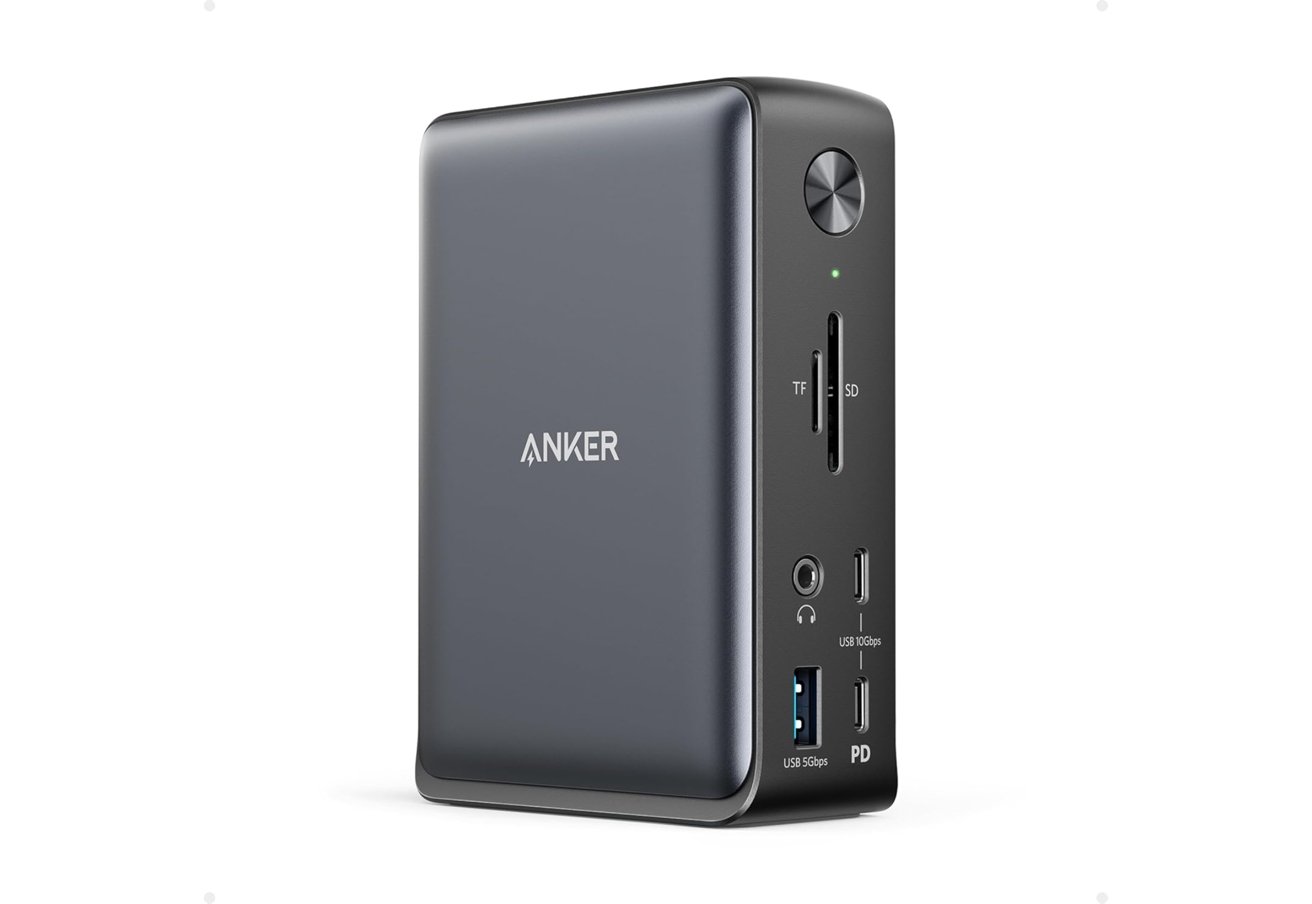
Anker PowerExpand 13-in-1 USB-C dock
The Anker PowerExpand 13-in-1 dock is a more traditional desktop docking station built to consolidate a laptop's connections into a single USB-C cable. It includes two HDMI ports, DisplayPort, multiple USB-C and USB-A ports, Ethernet, audio, and SD and microSD card slots for a wide range of peripherals.
Anker PowerExpand 13-in-1 USB-C dock
The dock can stream video to up to three monitors at once through the DisplayPort and HDMI outputs.
- 1 x USB-C host port
- 1 x USB-C Power Delivery port
- 1 x USB-C data port
- 3 x USB-A ports
- 2 x HDMI ports
- 1 x DisplayPort
- 1 x Gigabit Ethernet
- 1 x 3.5mm audio jack
- 1 x SD card slot
- 1 x microSD card slot
On macOS systems, however, the displays mirror the same content rather than extending separate desktops. Charging is handled through an 85W USB-C connection, allowing most laptops to stay powered while connected to displays and accessories.
Anker PowerExpand 13-in-1 USB-C dock — $139.99.
Belkin 11-in-1 USB-C Pro GaN dock
Belkin's 11-in-1 USB-C Pro dock focuses on delivering strong power alongside a full desktop port selection. The dock includes HDMI outputs, multiple USB-C and USB-A ports, Ethernet, audio, and both SD and microSD card readers.
- 1 x USB-C host port
- 1 x USB-C Power Delivery port
- 2 x USB-C data ports
- 1 x USB-A port
- 2 x HDMI ports
- 1 x USB-C DisplayPort Alt Mode video port
- 1 x Gigabit Ethernet
- 1 x 3.5mm audio jack
- 1 x SD card slot
- 1 x microSD card slot
It supports up to three external displays, including 4K monitors at 60Hz or a single display up to 8K depending on the configuration. Windows systems can extend across multiple displays, while macOS typically limits extended output to one display with the second mirrored.
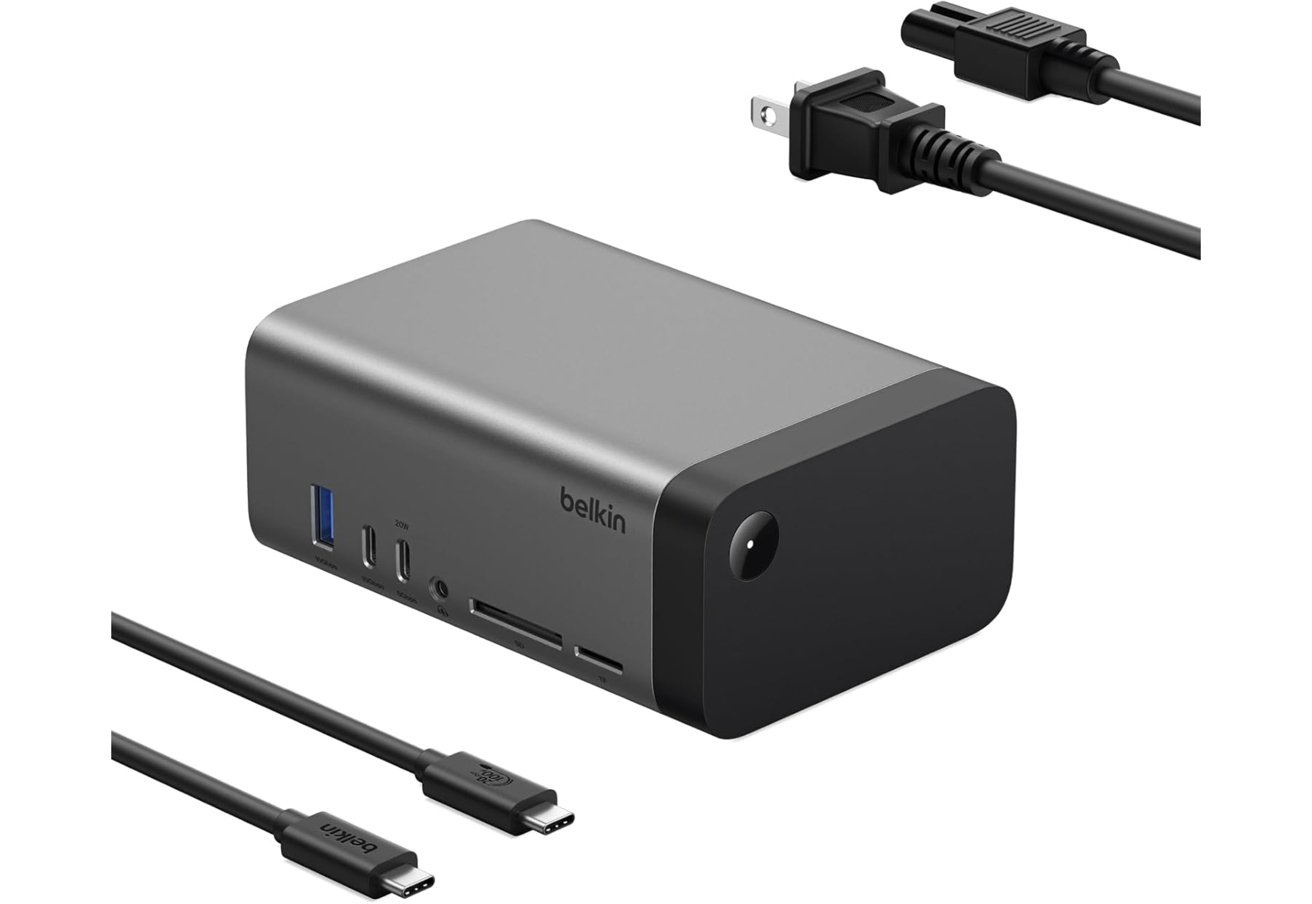
Belkin 11-in-1 USB-C Pro GaN dock
The integrated GaN power supply delivers up to 96W of charging to a connected laptop while distributing power to peripherals.
Belkin 11-in-1 USB-C Pro GaN dock — $183.25.
Baseus 10-in-1 USB-C docking station
Baseus offers a compact 10-in-1 dock that focuses on portability while still providing a solid range of ports. The hub includes two HDMI outputs, USB-C and USB-A data ports, Gigabit Ethernet, and SD and TF card readers in a slim aluminum design.
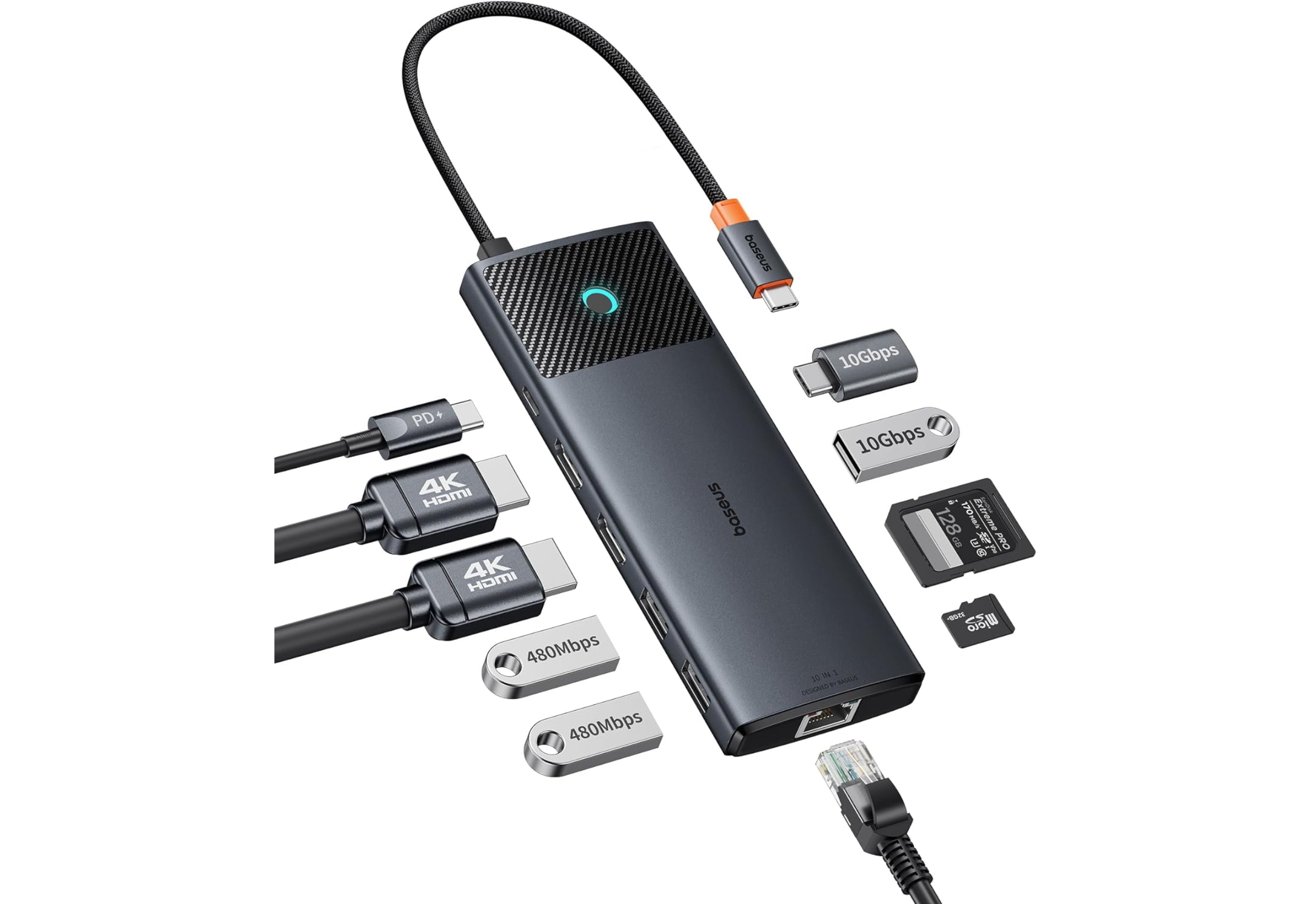
Baseus 10-in-1 USB-C docking station
Display support allows a single monitor up to 4K at 120Hz, or dual 4K displays at 60Hz depending on the host system. The dock also supports data transfers up to 10Gbps through USB-C and USB-A ports for external drives and accessories.
- 1 x USB-C host port
- 2 x HDMI ports
- 1 x USB-C Power Delivery port
- 1 x USB-C data port
- 3 x USB-A ports
- 1 x Gigabit Ethernet
- 1 x SD card slot
- 1 x microSD card slot
Power delivery supports up to 100W input and can provide about 85W charging to a connected laptop while peripherals remain attached.
Baseus 10-in-1 USB-C docking station — $69.99.







