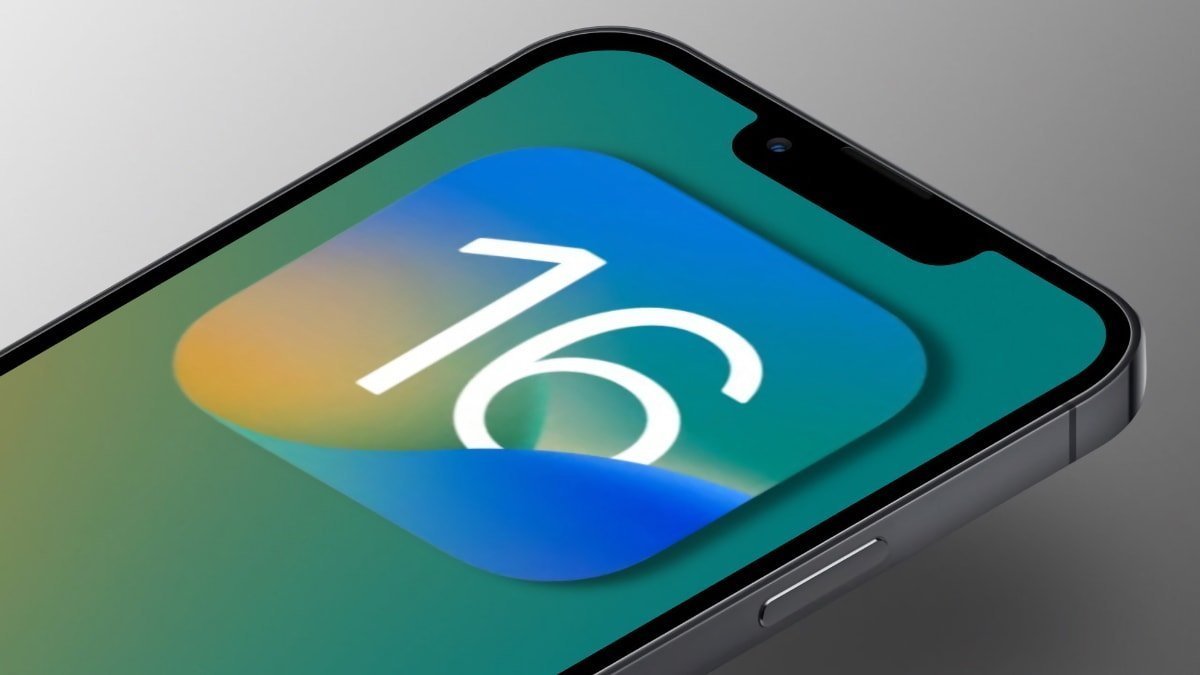
While all eyes are on iOS 26 and its latest features, Apple hasn't forgotten about its older products, as iOS 15 and iOS 16 just received an update.
Following the release of macOS 26.3.2, which included fixes specific to the MacBook Neo, Apple has deployed yet another set of software updates. This time, though, it's intended for significantly older products.
To be more specific, the iPhone maker has released iOS 15.8.7, with the build number 19H411, along with iOS 16.7.15, which bears the build number 20H380. Their iPadOS counterparts received new versions as well, bringing important security and bug fixes to a variety of devices.
Much like the iOS 16.7.14 update, Wednesday's releases are primarily intended for devices that can't update to iOS 17 or later. This includes the iPhone X, iPhone 8, and iPhone 8 Plus.
The iPhone SE, iPhone 7, and iPhone 6S, meanwhile, are limited to iOS 15. The iPad Air 2 and iPad mini 4 will benefit from Wednesday's iPadOS 15 security update.
Apple hasn't provided any detailed release notes for the new software, but the company says Wednesday's updates contain important bug fixes and security improvements.
It's unlikely that any of the updates contain new features, and we can, instead, expect to see quality-of-life improvements for aging devices.
How to update iOS and iPadOS
Apple's software updates can be installed manually from the Settings app. Navigate to General, followed by Software Update. If an update is available for your device, you can install it from here.
The same settings menu features an option for Automatic Updates. If your device has this option enabled, then there's no need to install updates manually.
AppleInsider recommends keeping your software up-to-date to ensure the security of your devices and the data stored on them.