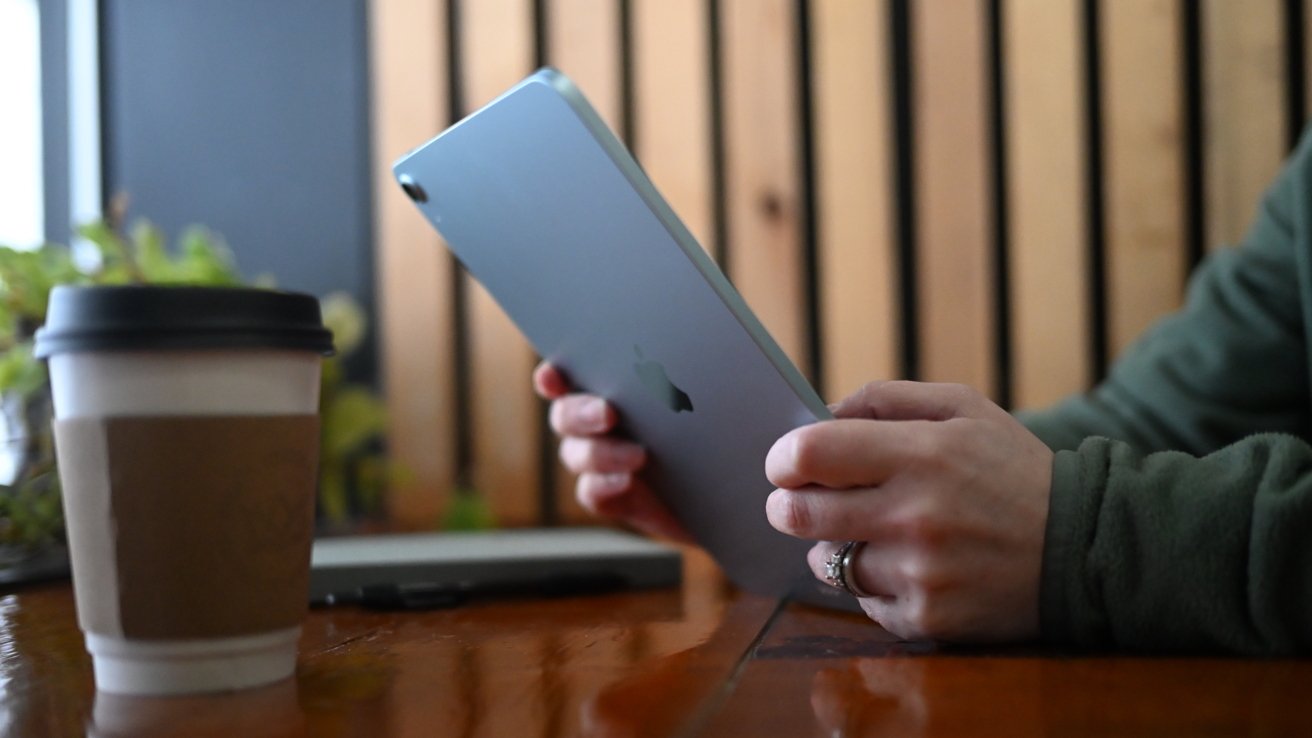
Apple's M4 iPad Air refresh is overkill for nearly every tablet task, and sits in a strange but welcome spot between the iPad and iPad Pro.
Recently, the iPad Air has been simultaneously a compromise and upgrade sitting in the middle of on the iPad roster. It provides users with more performance than they'd get on the base iPad, but without hitting the sometimes-nosebleed pricing of the premium iPad Pro.
This is why it's been our recommended iPad for most users. It's most of an iPad Pro, more than an entry-level iPad, at a solid price point.
With the March 2026 refresh, Apple has tweaked the formula ever so slightly with a classic spec-bump update. The change doesn't change its position on the iPad price ladder too much, and is an even better deal for users.
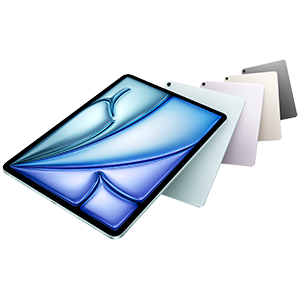
M4 iPad Air
M4 iPad Air review: Unchanged externals
As is traditional for a spec-bump update, Apple hasn't wasted time and resources doing anything to the design of the iPad Air. We're still looking at a device that, from the front, could easily be mistaken for an iPad Pro.
And, we're expecting this design language to persist for a while. Sure, Apple may move buttons around sooner rather than later, but this is what Apple wants you to expect from an iPad, across the board.
It continues Apple's flat-edge slab design language that all of its models have. Kept is that large display with a reasonable bezel for handling the device and not obscuring content around the edge.
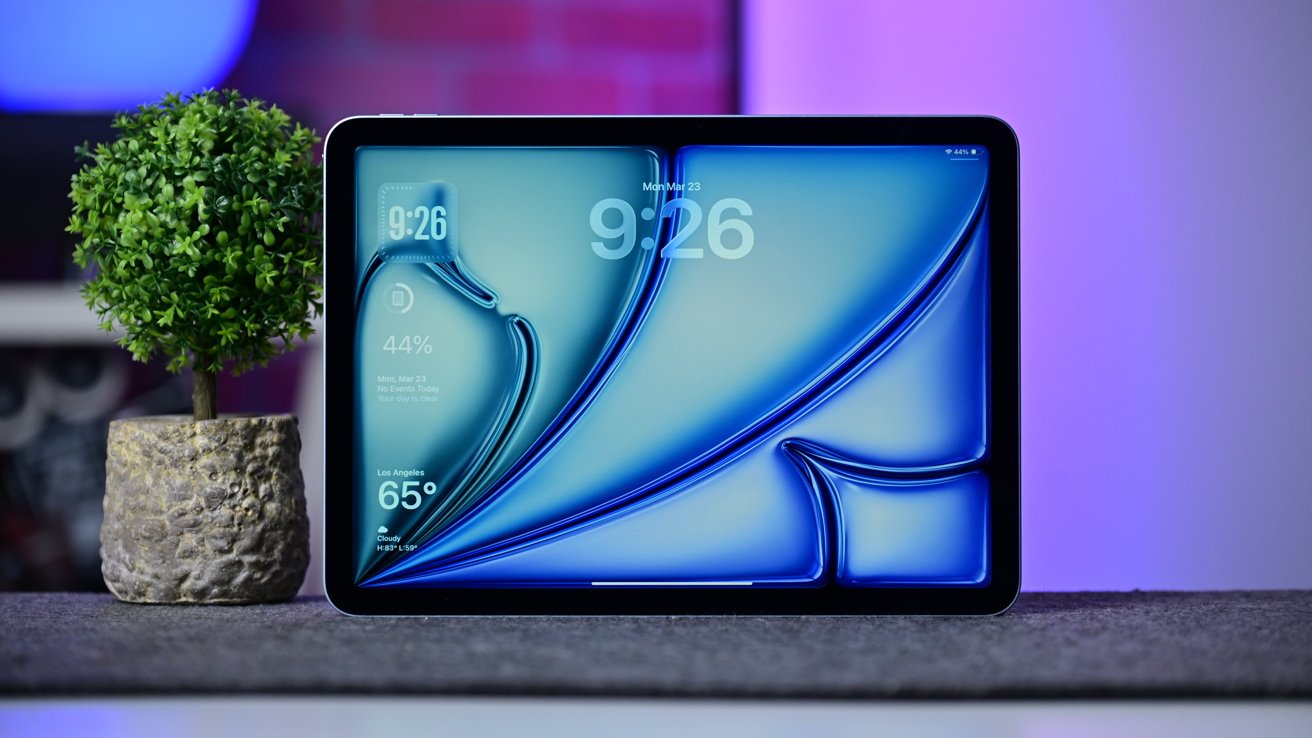
M4 iPad Air review: iPad Air comes in both 11-inch and 13-inch sizes
That fully-laminated screen is still 11-inches and 13-inches in size, just as before, with unchanging resolutions of 2,360 by 1,640 and 2,732 by 2,048, respective of dimensions. Liquid Retina continues to use LED backlighting instead of an OLED panel.
OLED will come to the line eventually, we think. Just not in 2026, and probably not in 2027 either.
The brightness of 600 nits on the 13-inch and 500 nits on the 11-inch is still good, just not Pro-tier. Wide color (P3) support means there's good color coverage, assisted by TrueTone.
If you're using an Apple Pencil, you can use both the USB-C and Pro versions, and there's still Apple Pencil Hover support too.
The big clue that it's not an iPad Pro is still around the back, with its small solitary camera in the corner instead of the bigger bump. This is identical to the M3 model.
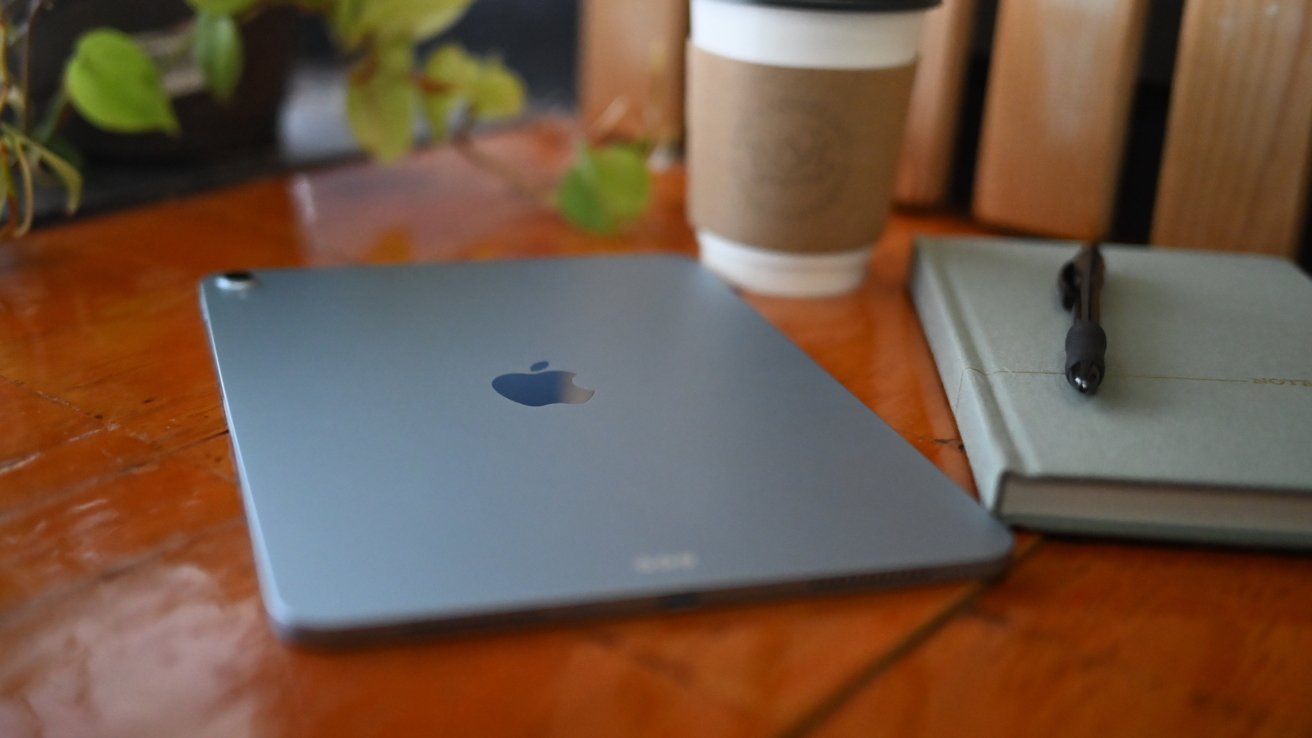
M4 iPad Air review: iPad Air is great for home and on the go
At 9.74 inches by 7.02 inches for the 11-inch model, 11.04 inches by 8.46 inches for the 13-inch counterpart, there's no change to the sizing either. Nor the thickness at 0.24 inches.
You'd have to get a scale out to notice the ever-so-marginal gain in weight for the 11-inch model, which is just a few grams heavier than before. But at 1.02 or 1.03 pounds for the 11-inch in Wi-Fi and Cellular forms, or 1.36 pounds for the 13-inch model, it's still just as portable as ever, with the larger unit coming in about a pound lighter than the MacBook Air or MacBook Neo.
Once again, there's no Face ID. Touch ID on a side button was a good compromise when it was introduced, and it still is here.
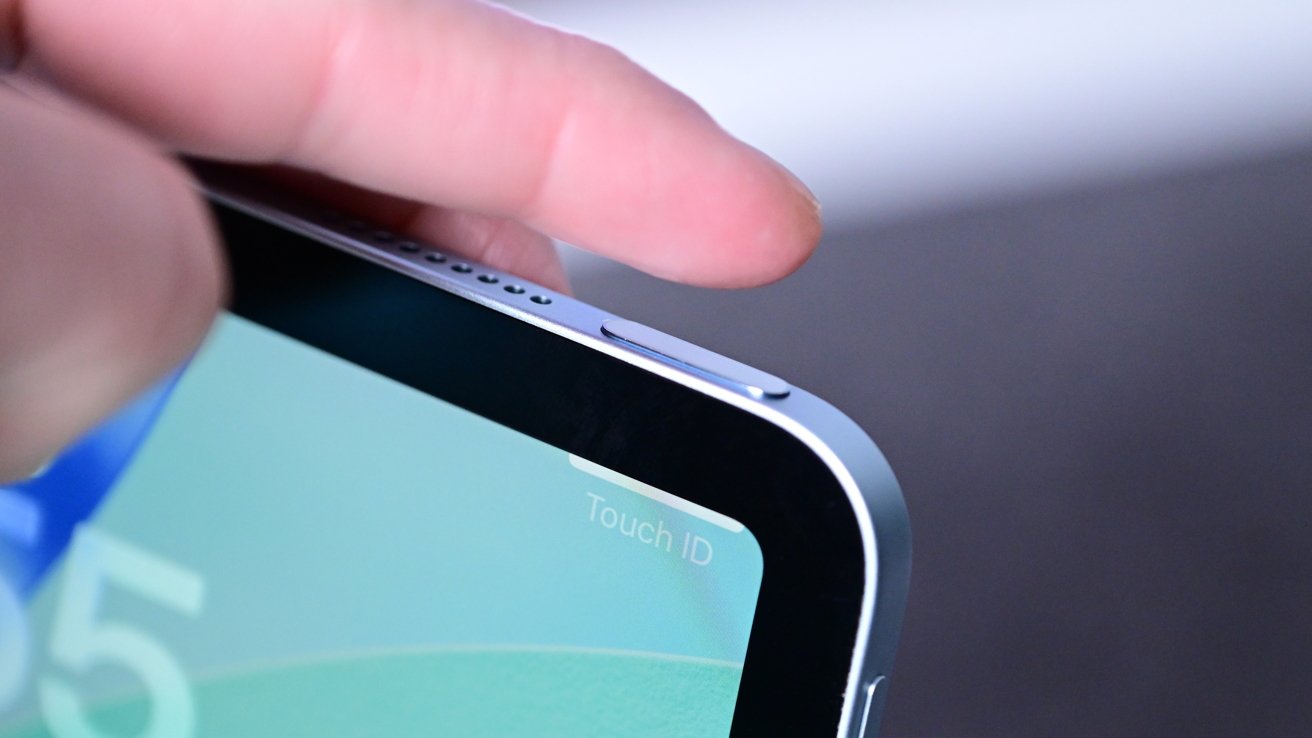
M4 iPad Air review: There's no Face ID, but rather Touch ID for biometrics
There was nothing broken to fix in the design here, and certainly nothing to really improve upon.
M4 iPad Air review: Seeking change from within
The core change here for the iPad Air is its system on a chip. It's moved from the M3 chip to the M4, and as you'd guess, that brings more speed.
The M4 is still an 8-core chip. Apple has moved from a split of four performance cores and four efficiency cores to three faster performance cores, and five efficiency cores.
The change won't really affect most everyday tasks that rely more on single-core performance. This is most tasks performed on the iPad by users.
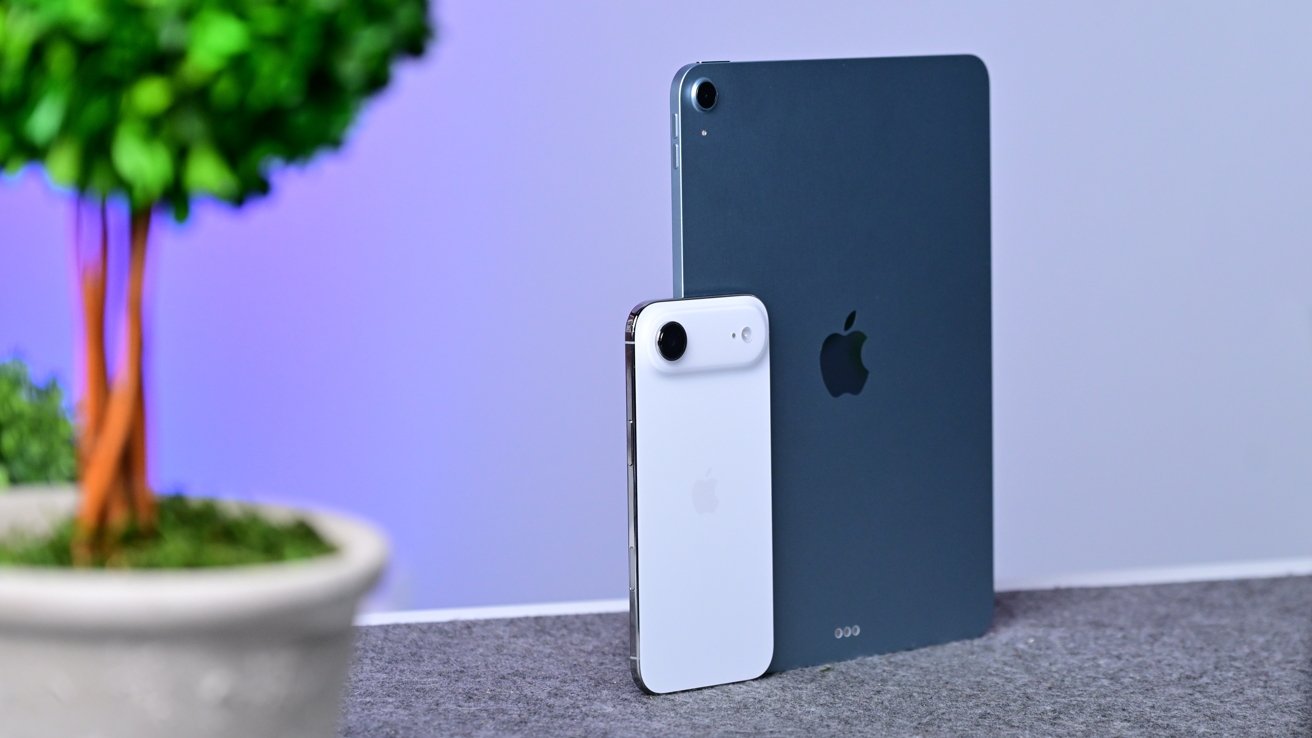
M4 iPad Air review: iPad Air and iPhone Air
It's not the exact same M4 as in the previous iPad Pro. That had a nine-core CPU with six efficiency cores instead of five in the lower-tier version.
The GPU in the Air's version is, once again, chip-binned versus the iPad Pro variant. There's still hardware-accelerated ray tracing, but it's a nine-core GPU again.
Thankfully, the 16-core Neural Engine is unchanged, but you're not going to get the M5 chip's bonus of Neural Accelerators in each GPU core here.
Apple's unified memory this time is improved in two ways. Users get to play with 12GB instead of 8GB, while the memory bandwidth is also up to 120GB/s instead of 100GB/s.
More memory that's also faster is only going to improve things for users.
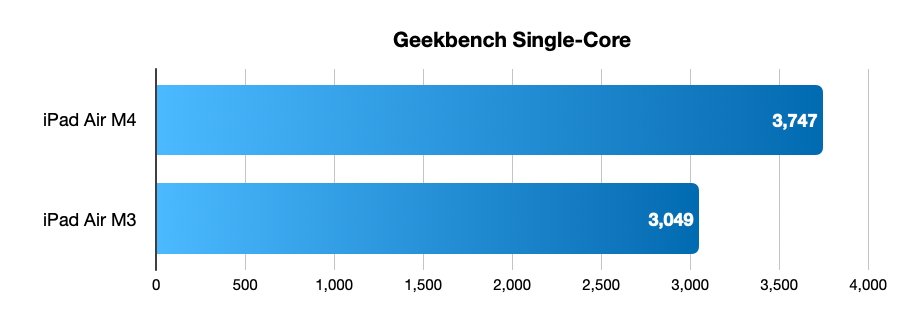
iPad Air M4 review: Single-core Geekbench results
When looking and benchmarks, there's a fair amount of improvement here over the M3 model.
For the all-important single-core Geekbench score, the M4 does considerably better at 3,747 to 3,049. Multi-core too is improved at 12,978 versus 11,687 for the M3 iPad Air.
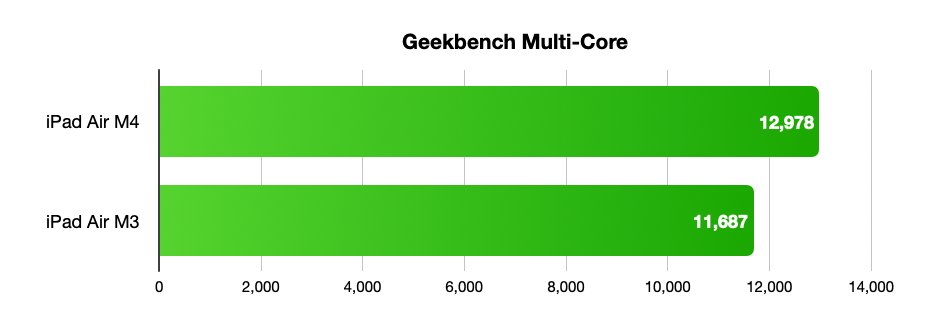
iPad Air M4 review: Multi-core Geekbench comparison
It's feasible that the multi-core score could've been better if Apple stuck to the even core split, but it would've been a negligible improvement anyway.
There's also a predictable improvement in graphical performance. The Geekbench Metal benchmark shows the M4 in the iPad Air hitting 52,876, approximately 19% better than the 44,420 reported for the M3 equivalent.
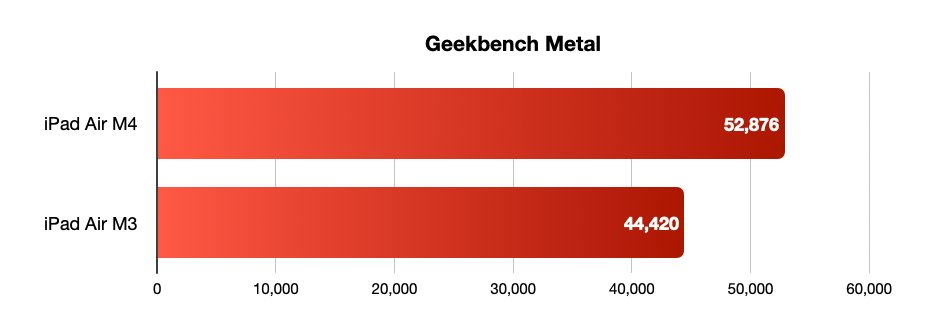
iPad Air M4 review: Geekbench Metal figures
As we said, the new iPad Air may not benefit from the Neural Accelerators in each GPU core for the M5 chip line. The M4 in the iPad Air is still a significant step up from the M3.
M4 iPad Air review: Marginally-changed connectivity
The M4 is certainly the high-point of the refresh, and it's not the only change Apple made to the tablet. However, you'd be hard-pressed to spot the others that exist.
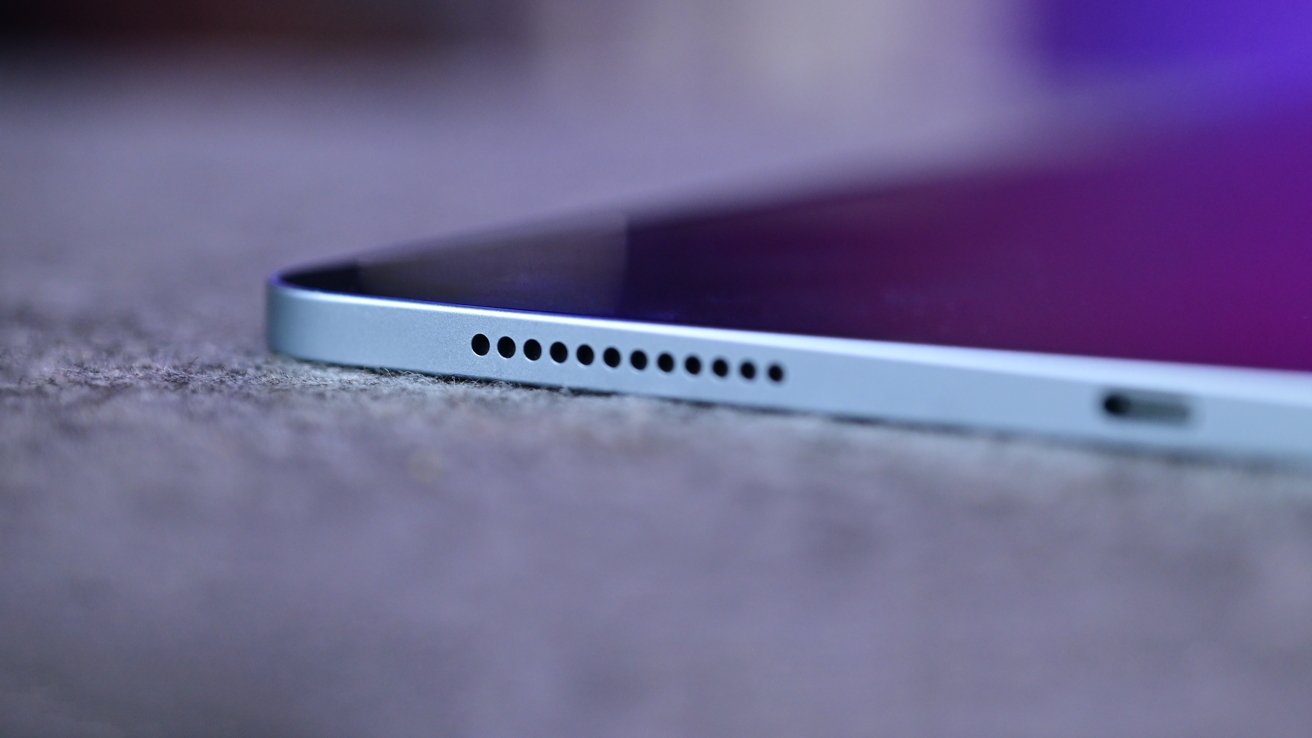
M4 iPad Air review: Speaker on iPad Air
For those, you have to look at wireless connectivity, as Apple's using its new N1 chip here. The in-house design brings the iPad Air to Wi-Fi 7, instead of its previous support of Wi-Fi 6E.
However, unless you happen to encounter Wi-Fi 7 gear, which is still rare, you're not going to see any speed benefit. Consider this future-proofing, for now.
Likewise, there's the upgrade from Bluetooth 5.3 to Bluetooth 6. Again, this is a handy change for support purposes, but it doesn't really push the needle today at all.
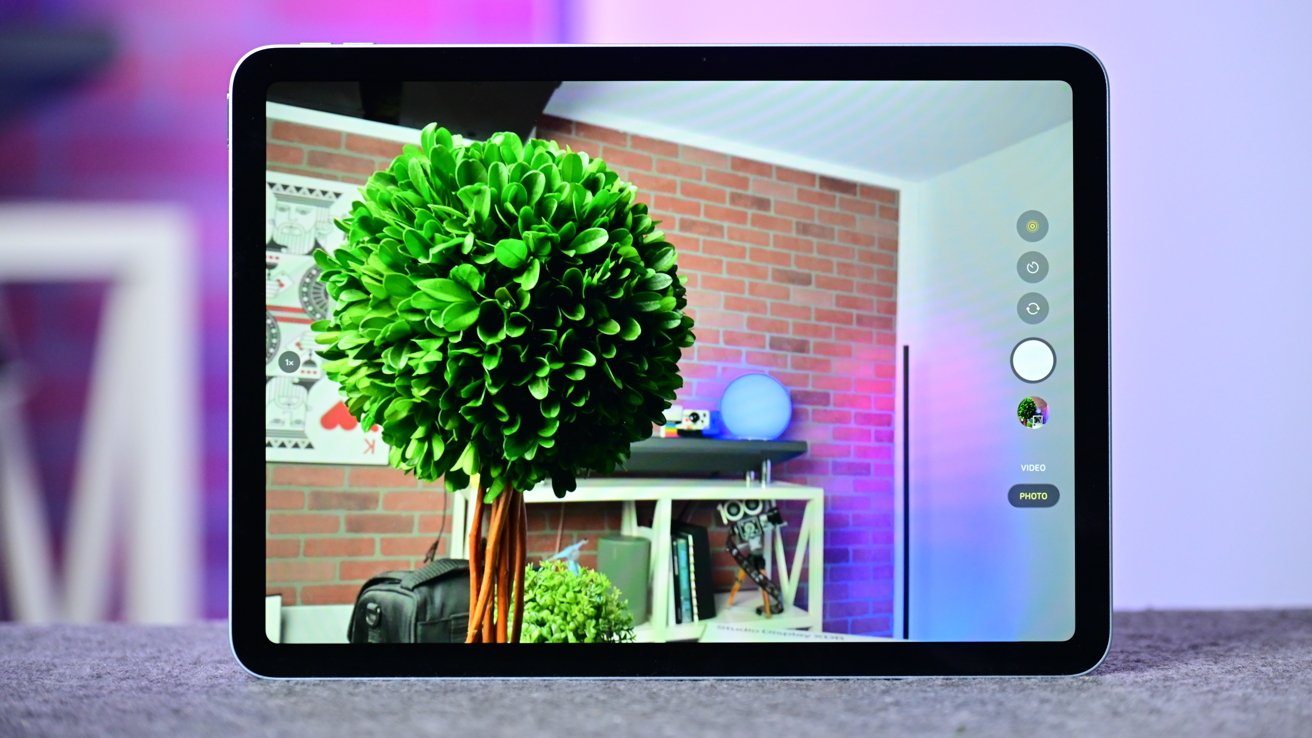
M4 iPad Air review: There is a 12MP rear camera on iPad Air
For the cellular models, the use of the C1X modem means there's 50% faster cellular performance, according to Apple, and a 30% power saving versus the M3. This is a bit academic really, since the 5G support is only for sub-6GHz bands and not the high-speed mmWave.
The USB-C connection is adequate, with it being USB 3 and having up to 10Gb/s of bandwidth. It's not the iPad Pro's Thunderbolt connection, but it's still good enough here.
For accessories like the Magic Keyboard, the Smart Connector is still present. The Smart Connector accessory market never really developed, which is a shame.
M4 iPad Air review: Same camera, same battery
The camera on the back is still a 12MP wide shooter. While it would be nice for Apple to have included the iPhone's 48MP wide sensor and optical-crop 2x zoom trickery, that's not here. Save it for the Pros.
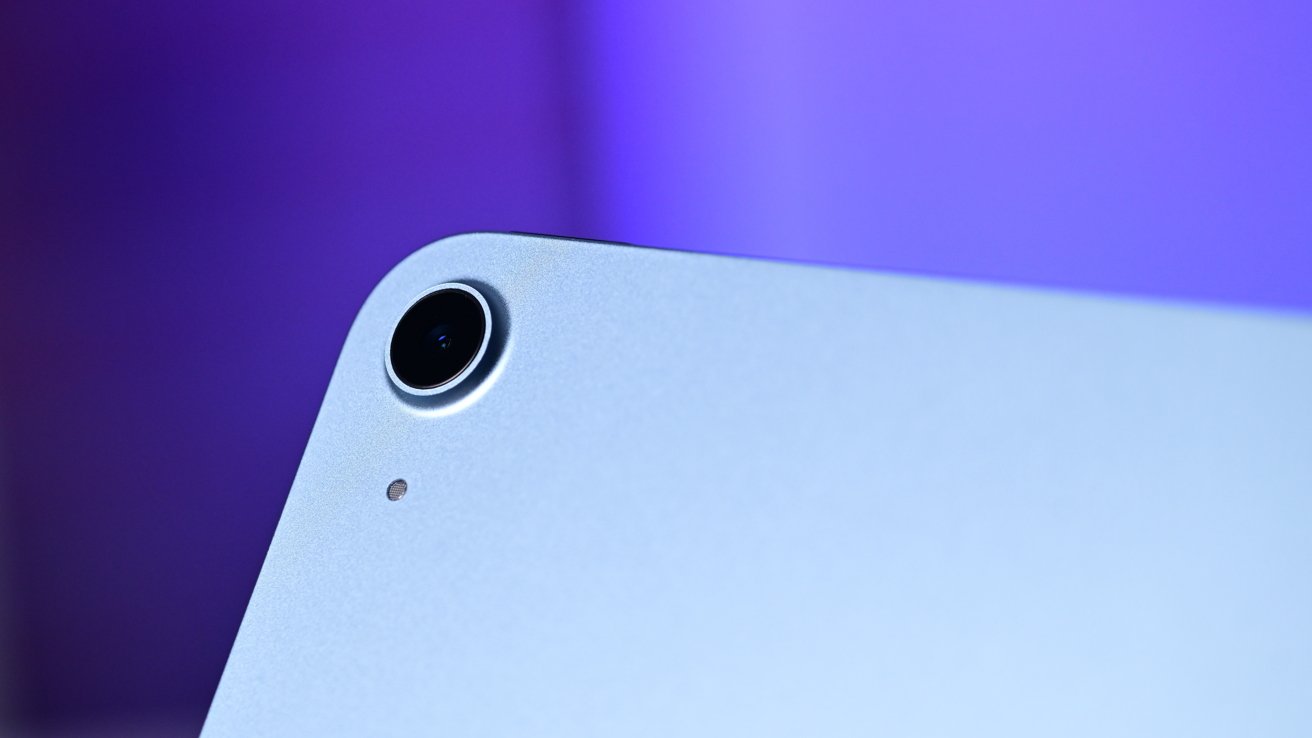
M4 iPad Air review: The camera supports many features like Smart HDR 4 and 4K video
You do get a 5x digital zoom though, and Smart HDR 4 for photos. Video is adequate at 4K 60fps with 1080p 240fps Slo-Mo, with audio picked up by dual microphones.
The front camera is also 12MP, but this time it's a landscape-orientation Center Stage version. Yes, it does 1080p video at 60fps, but it does the all-important Center Stage reframing trick for FaceTime calls.
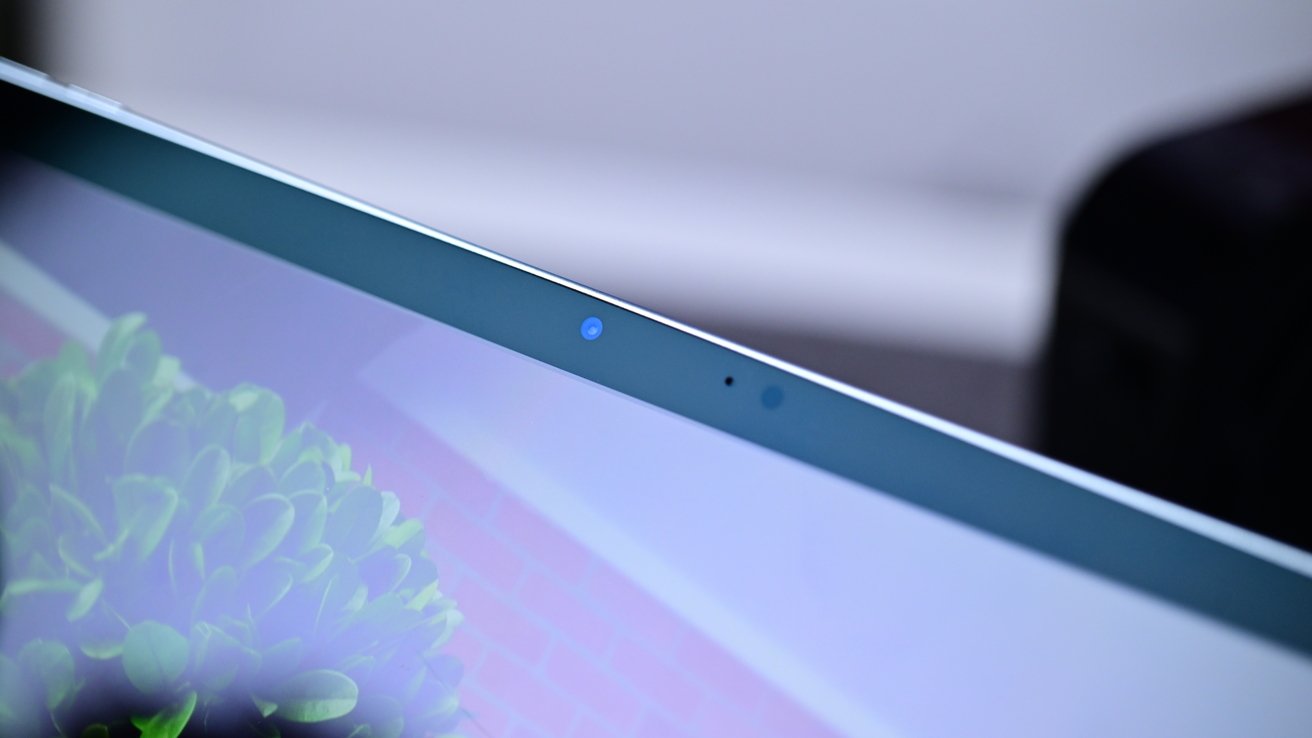
M4 iPad Air review: The front-facing landscape camera
Audio from that call is piped out through landscape stereo speakers. These are good, obviously not iPad Pro level, and better than iPad. They're good enough.
When it comes to battery life, Apple claims that the iPad Air can manage up to ten hours of Wi-Fi web surfing or up to nine hours on cellular. This is accurate based on our testing, and is more than enough for typical work tasks throughout the day.
M4 iPad Air review: Middle-child strength
After a brief stint as a premium model, the iPad Air continues to be in the middle of the iPad family. It continues to be that in 2026.
The M4 upgrade brings it closer to what last year's iPad Pro provided, but without eclipsing the current year's M5 upgrade either.
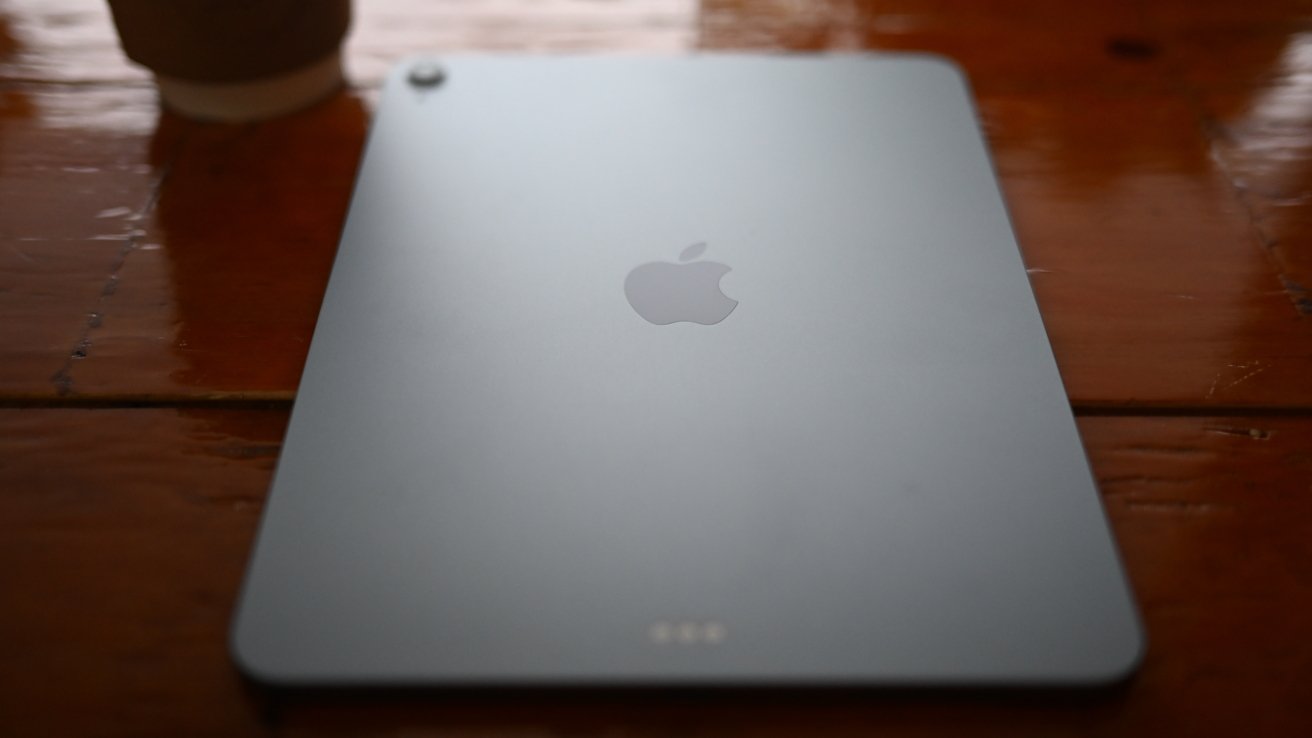
M4 iPad Air review: Using iPad Air in a coffee shop
It's not a massive leap forward from the M3, or even the M2 for that matter. For previous iPad Air owners, there's not much worth upgrading to here, unless your existing model feels a bit sluggish.
It certainly fits the role of being the one to choose if you want "a decent iPad," though. If price doesn't matter and you're not that concerned about getting the most powerful option available, it's a good option to take.
Indeed, the iPad Air and a Magic Keyboard makes for a good pairing if you want most of the utility of a notebook without paying for a MacBook Air or MacBook Pro.
That affordable productivity choice is in the same neighborhood as the new MacBook Neo, which does the same thing for about the same money. That and it's a proper notebook too.
If you want that productivity and want to live in both notebook and tablet worlds, the iPad Air and Magic Keyboard combination is still good. You may have to mull it over now thanks to the Neo's existence.
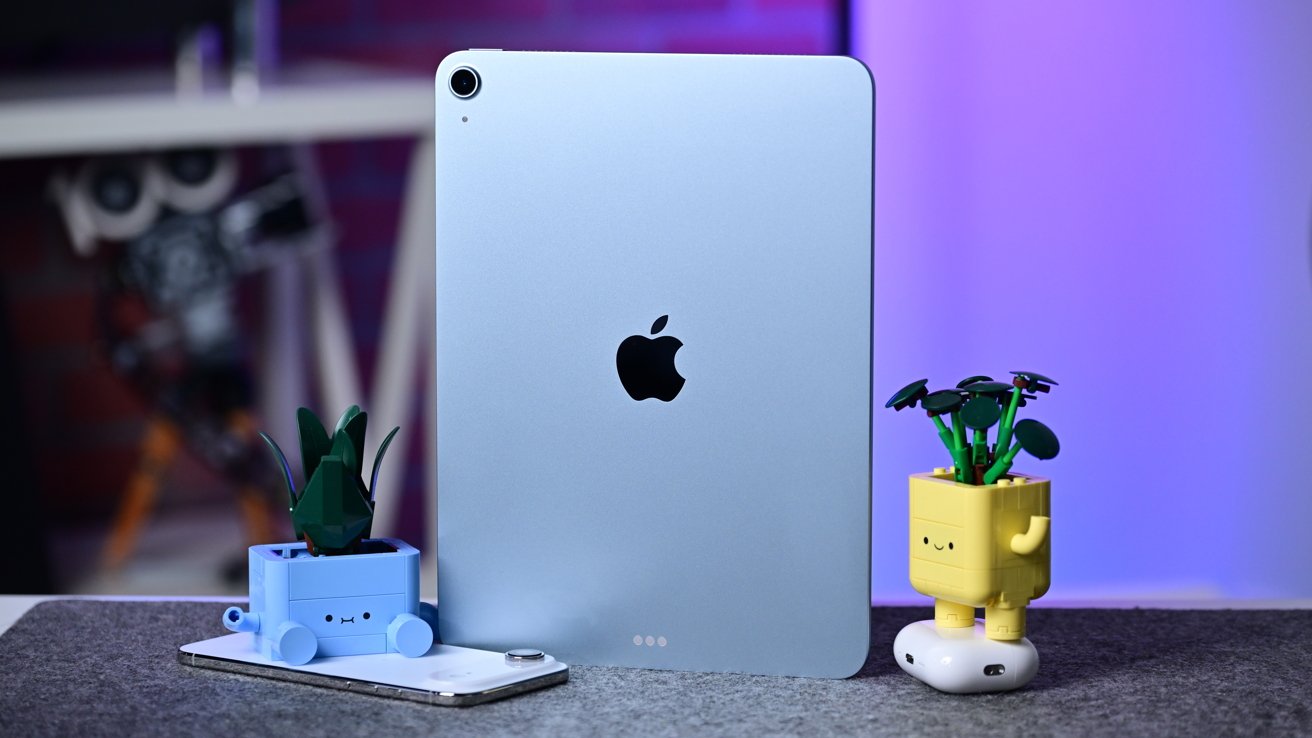
M4 iPad Air review: iPad Air is faster than ever
As it stands, anyone wanting an iPad should strongly consider this model.
If you want a fast regular-sized iPad, get the 11-inch model. Get the 13-inch if you think you can get away with about 95% of what the iPad Pro can do from a content creation perspective, but for several hundred dollars less.
M4 iPad Air Pros
- M4 processing upgrade
- More and faster memory
- Strong specifications for the price
M4 iPad Air Cons
- Spec-bump update
- Weak rear camera
- No OLED display
Rating: 4 out of 5 for the 11-inch model, and 4.5 out of 5 for the 13-inch.
Apple's pricing ladders are clear. For example, on the Mac, you can get the job done at the lower end, you can get it done faster at the mid-range, and the high-end exists for all the tech at the cost of all the money.
It's not convoluted or confusing. The folks saying that the iPad options are baffling are wrong.
It is dense, though, making an iPad for about any budget. Simplifying it, I'm happy that you don't have to spend $1000 anymore for a 13-inch model.
My main iPad is still a 13-inch M1 iPad Pro, slightly bent by the ravages of time. I am not iPad-first, or even second, but that 13-inch size is about the best digital reading experience I've ever had, having started with a Windows tablet bought from a local hospital chain's surplus a few years before the iPad launched.
My next iPad, when my M1 Pro dies, as the concavity precludes trade-in, is a 13-inch iPad Air to keep that reading experience, as most of the stuff I need to read is 8.5x11 sized. There's no reason to spend Pro money for me, on a device that's mostly not a productivity one, unless I'm showing off something I've generated on my Mac Studio.
The entire iPad Air line is a balancing act, a transition, between that iPad, and the iPad Pro. There aren't clear sales numbers available for the line, but I'd be pretty surprised if they weren't just a hair below or comparable to the lower-end iPad volumes.
Where to buy Apple's M4 iPad Air at a discount
Apple's 2026 M4 iPad Air is on sale now, with units in stock at press time at Amazon, B&H Photo, and Expercom.
Amazon, in particular, has issued discounts on the new models in both the 11-inch and 13-inch sizes.
- 11-inch iPad Air: Sale prices start at $559
- 13-inch iPad Air: Sale prices start at $749