Apple's iOS 26.4.1 includes bug fixes for Apple Passwords and enables Stolen Device Protection for enterprise users by default.
Following the public release of iOS 26.4 on March 24, Apple issued a new bug fix update on Wednesday. iOS 26.4, which bears the build number 23E254, delivers an important fix for apps that rely on the CloudKit framework.
To be more specific, devices running the preceding iOS 26.4 update were unable to receive iCloud notifications regarding changes, causing problems for iCloud data syncing. In certain apps, changes made on one iPad or iPhone would not be visible on another.
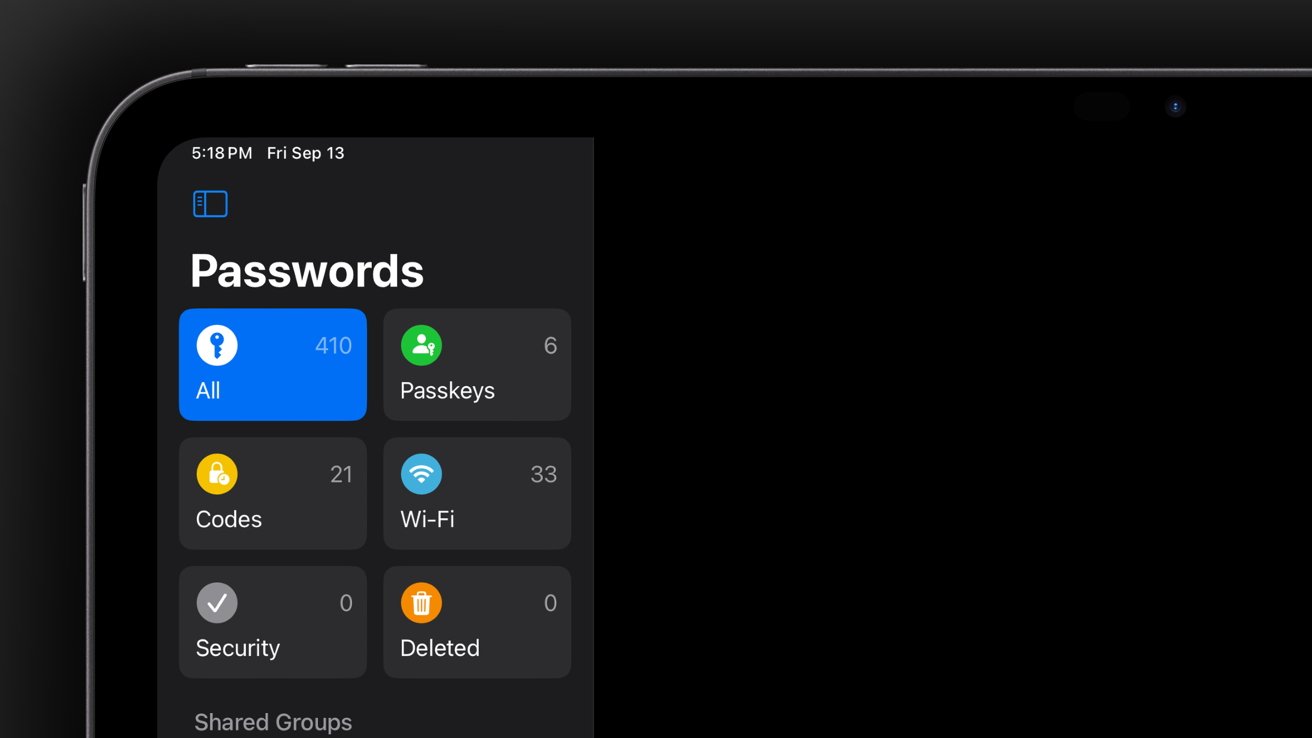
The shared passwords feature in the Apple Passwords app was affected, as were third-party applications, the likes of Drafts. As 9to5mac points out, a thread on the Apple Developer forums indicated that the iOS 26.4.1 update addressed the issue.
Beyond the iCloud data fix, the iOS 26.4.1 update delivers Stolen Device Protection to enterprise users by default. It was enabled for all regular users in iOS 26.4, but this brings it to managed devices as well.
How to update an iPhone or iPad to iOS 26.4.1 and iPadOS 26.4.1
Users who do not have automatic software updates enabled can perform a manual update by opening the Settings app, selecting General, followed by Software Update. If the iOS 26.4.1 update is available, it can be installed from here.
The same settings pane lets users enable automatic software updates, which makes it easier to keep Apple devices up-to-date.