
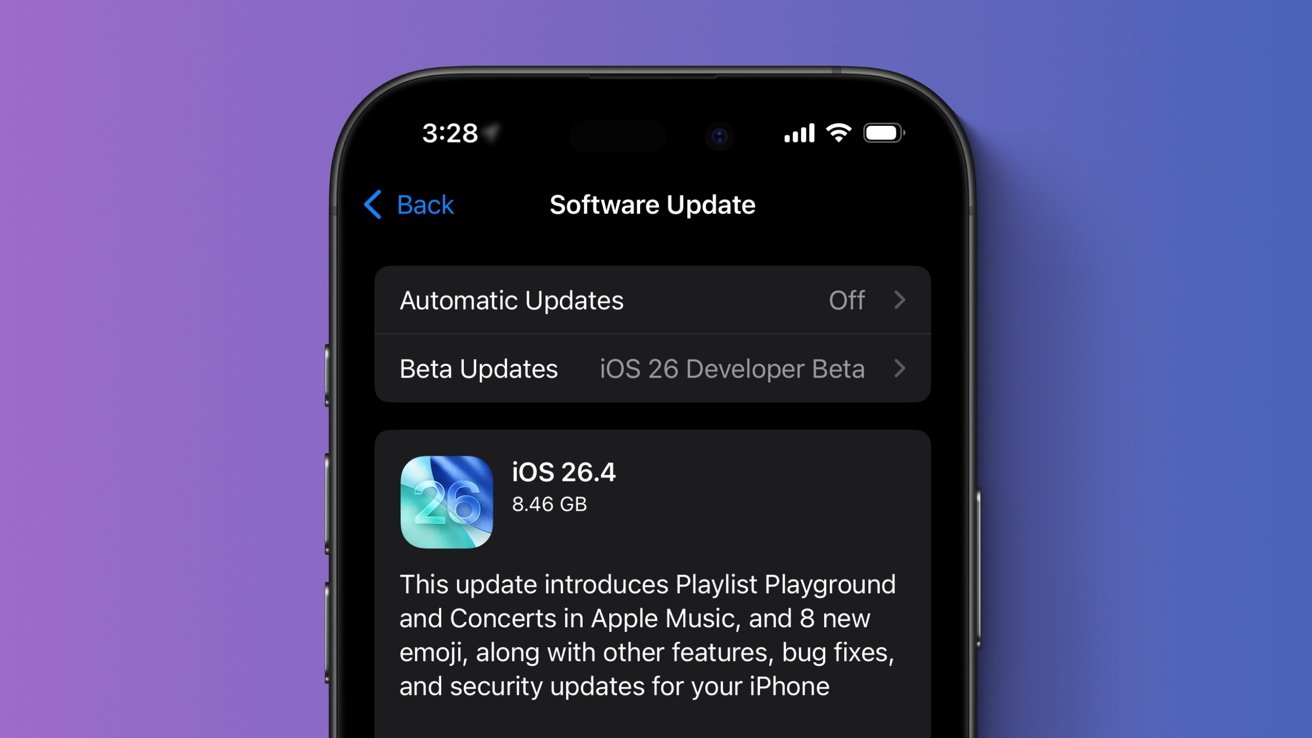
The iOS 26.4 update has finally made its way to the general public, with videos now in the Podcasts app, AI-curated playlists in Apple Music, and more. Here's what's new.
Following the debut of iOS 26.3 on February 11, Apple has deployed its next major operating system update. Though it doesn't contain the long-overdue Siri overhaul, iOS 26.4 delivers a variety of meaningful upgrades.
Core system applications, like Apple Music, Apple Health, Apple Podcasts, and Freeform all received new capabilities. Additionally, the iOS 26.4 update adds eight new emoji characters and introduces a variety of refinements, bug fixes, and security-related changes.

Apple Music in iOS 26.4 — Concerts Near You & Playlist Playground
The most impressive changes in iOS 26.4 have to do with the Apple Music app. They're also the easiest to spot, as Apple opted to include a new splash screen detailing the enhancements now available to end users. Among them is a new feature dubbed Playlist Playground.
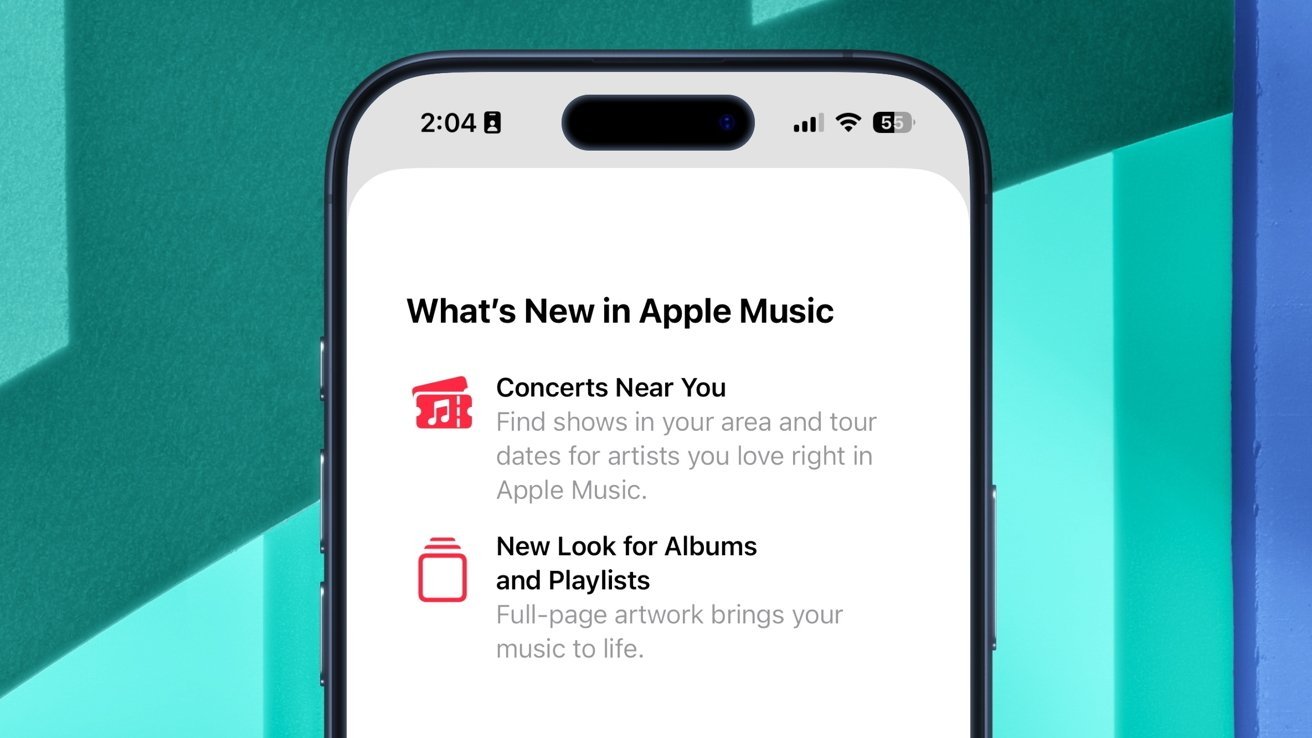
Apple Music has a new feature called Playlist Playground.
Playlist Playground, currently labeled as a beta, lets iPhone users generate playlists with the help of Apple Intelligence. It can be accessed from the Library page by tapping the playlist icon in the top right section of the screen.
From here, users can input a text-based prompt, which will make Apple Music create a playlist containing 25 songs. Alternatively, it's also possible to use the provided New Playlist Ideas prompts. Those unsatisfied with the playlists generated via Playlist Playground can edit them after the fact.
Though not quite as impressive as Apple's other AI-related tools, such as Image Playground or Writing Tools, the Playlist Playground feature is a neat enhancement. It's not the only Apple Music change, though.
On iOS 26.4, Apple Music supports a new Concerts Near You capability. As its name implies, the feature lets users find shows in their area, along with tour dates displayed right within the Apple Music app.
-xl-xl.jpg)
Apple has added a new Music Profile setting with iOS 26.4.
Apple Music and the App Store were also updated with a new Apple Account view, which offers access to user settings and subscriptions at a glance.
Specific to Apple Music, though, is the Music Profile option. This lets users select a name and photo that appears when listening to music with another person.
Additionally, there's a new Home Screen widget for ambient music playlists in Apple Music, along with a few visual tweaks to the app itself. Playlists and albums now have a new full-screen look, with the track list using a background color that matches the corresponding album's artwork.
With iOS 26.4, Apple also unveiled an important upgrade to another primarily audio-related app, Apple Podcasts.
iOS 26.4 offers a new video experience for Apple Podcasts
While it's always been possible to listen to podcasts, the iOS 26.4 update app now lets Apple Podcasts users select and view video episodes as well. Switching between listening and viewing is relatively easy, and users can even download episodes for offline playback.
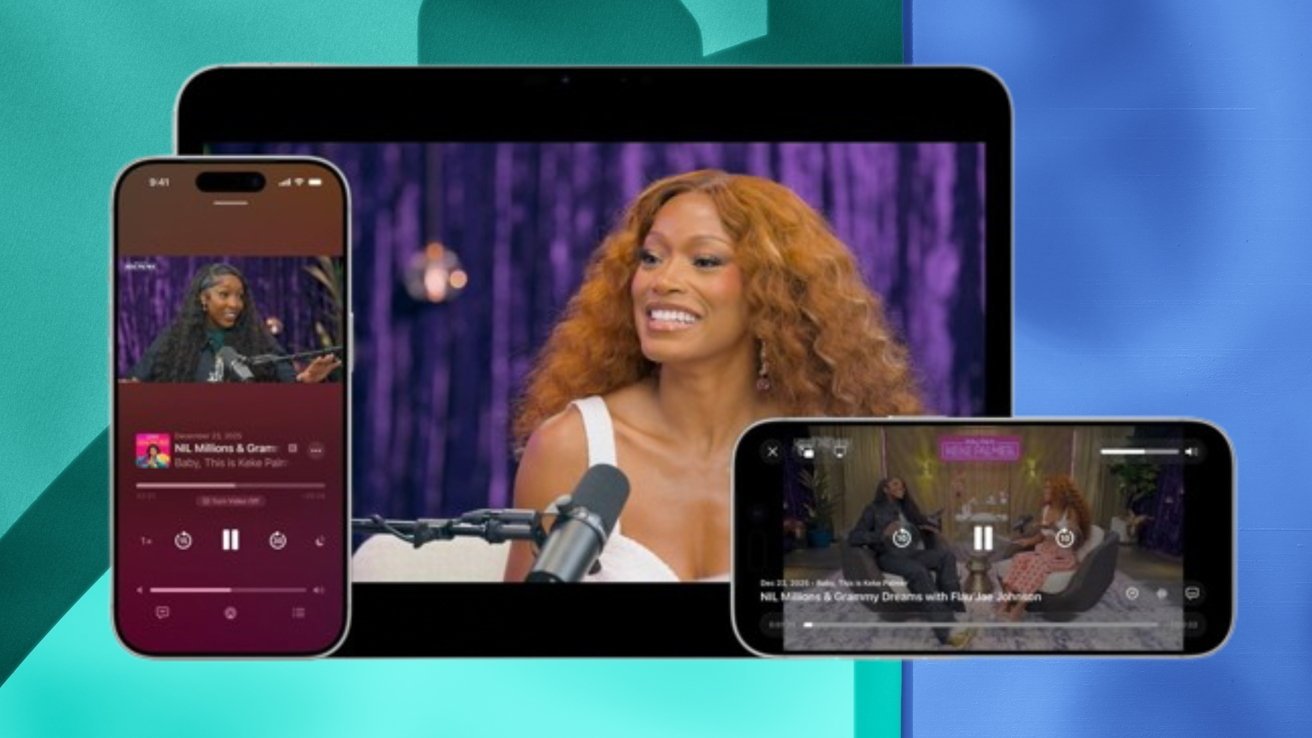
Video playback is available in the Apple Podcasts app on iOS 26.4.
Native video playback was implemented with the use of HTTP Live Streaming, also known as HLS. While the move brings video content to users of the Podcasts app, creators and advertisers will benefit as well.
The updated capabilities of the Apple Podcasts app in iOS 26.4 facilitate adaptive streaming and allow for dynamic video ad insertion directly into the Apple Music app. This offers greater revenue potential for podcast creators.
Apple's release notes for iOS 26.4 also say that subtitle and caption settings are "easier to find, customize, and preview," as they are now available from the captions icon during media playback. Live Captions are now also available in the Taiwanese variant of the Chinese language.
While Podcasts received an undoubtedly meaningful enhancement, it's not the only feature Apple upgraded with iOS 26.4.
Bigfoot, Orca, a Trombone, and five more new emoji
Among other changes, the iOS 26.4 update introduces a new set of fun emoji characters, first previewed in July 2025 with Unicode 17.
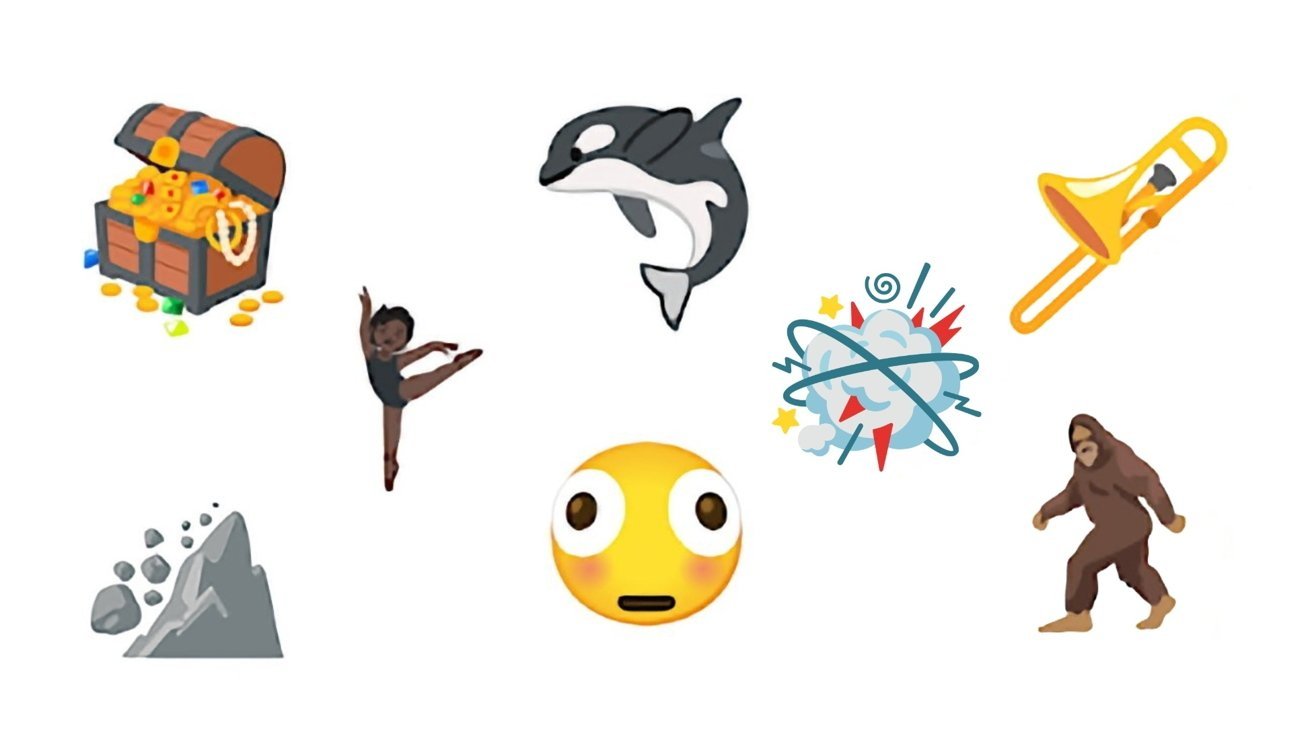
The iOS 26.4 update includes eight new emoji characters.
Apple typically adopts new emoji in the spring of each year, several months after the new characters are unveiled by the Unicode Consortium, so the change was expected.
To be more specific, though, Apple added the following emoji characters with iOS 26.4:
- Ballet Dancers
- Bigfoot
- Distorted Face
- Fight Cloud
- Landslide
- Orca
- Treasure Chest
- Trombone
Unicode 17 also includes a new "Apple Core" emoji, though it does not appear to be available with the public release of iOS 26.4.
While the new emoji characters are a nice touch, more useful components and applications within iOS received enhancements as well.
Apple Health gets Average Bedtime Metric with iOS 26.4
With the release of iOS 26.4, Apple updated its Health application with additional sleep-related functionality.
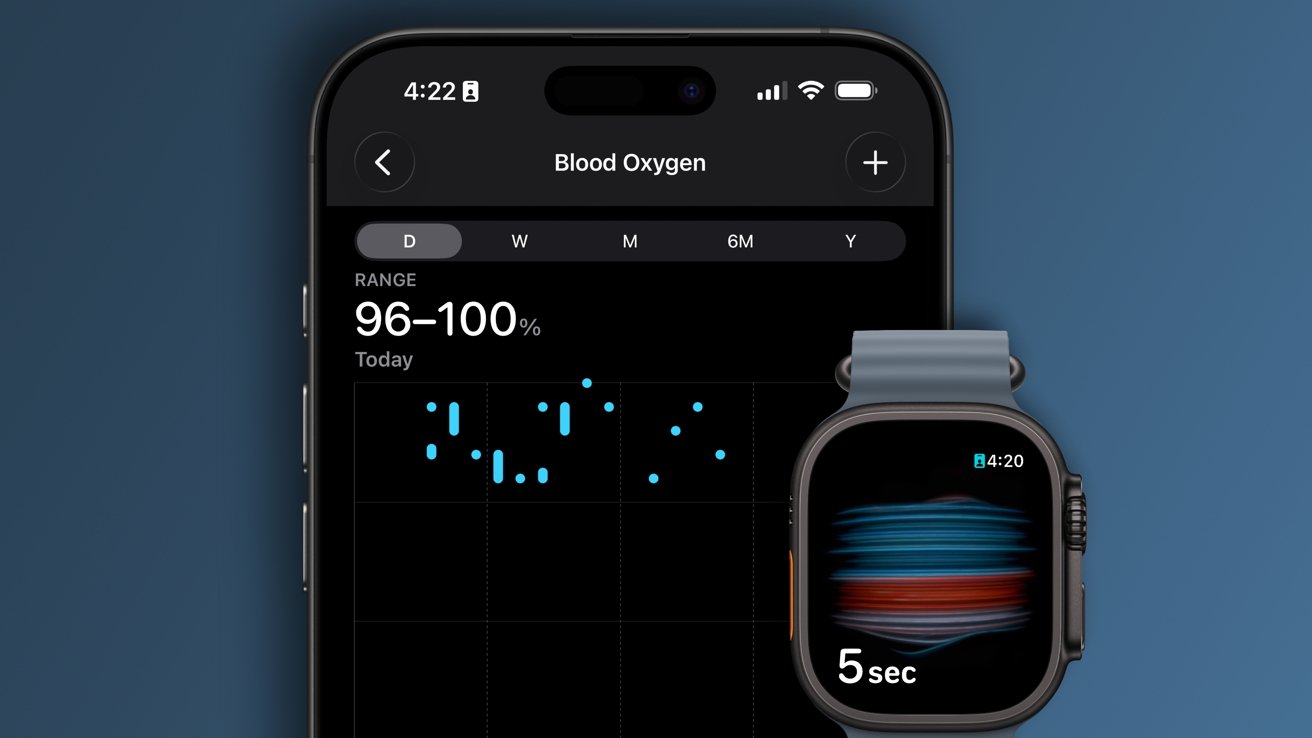
Select Apple Watch-related options in the Apple Health app were updated with IOS 26.4.
Available as part of a new Sleep Highlight in the Sleep section, the Average Bedtime metric lets iOS users see the time they typically go to bed. This is based on their sleeping habits over the past two weeks.
The new Average Bedtime metric is available alongside the existing Average Sleep metric, which helps users of the app keep track of their overall sleep.
Along with the new sleep details, the Vitals view within Apple Health has been updated for Apple Watch users in the United States. Blood oxygen data is now once again shown in the Vitals view, after previously being available only as a separate metric in the Apple Health app.
Blood oxygen measurements are still displayed on a paired iPhone, rather than on the Apple Watch itself, though. This is because of a dispute between Apple and the biotech firm Masimo over patents relating to blood oxygen measuring in wearable products like the Apple Watch.
The iOS 26.4 update also includes new capabilities for the Freeform and Reminders apps, as well as new settings.
Freeform and Reminders updates, new wallpaper gallery, more
The Freeform app has gained features that require an Apple Creator Studio subscription. This includes AI-powered image editing and generation, along with various graphics and illustrations.
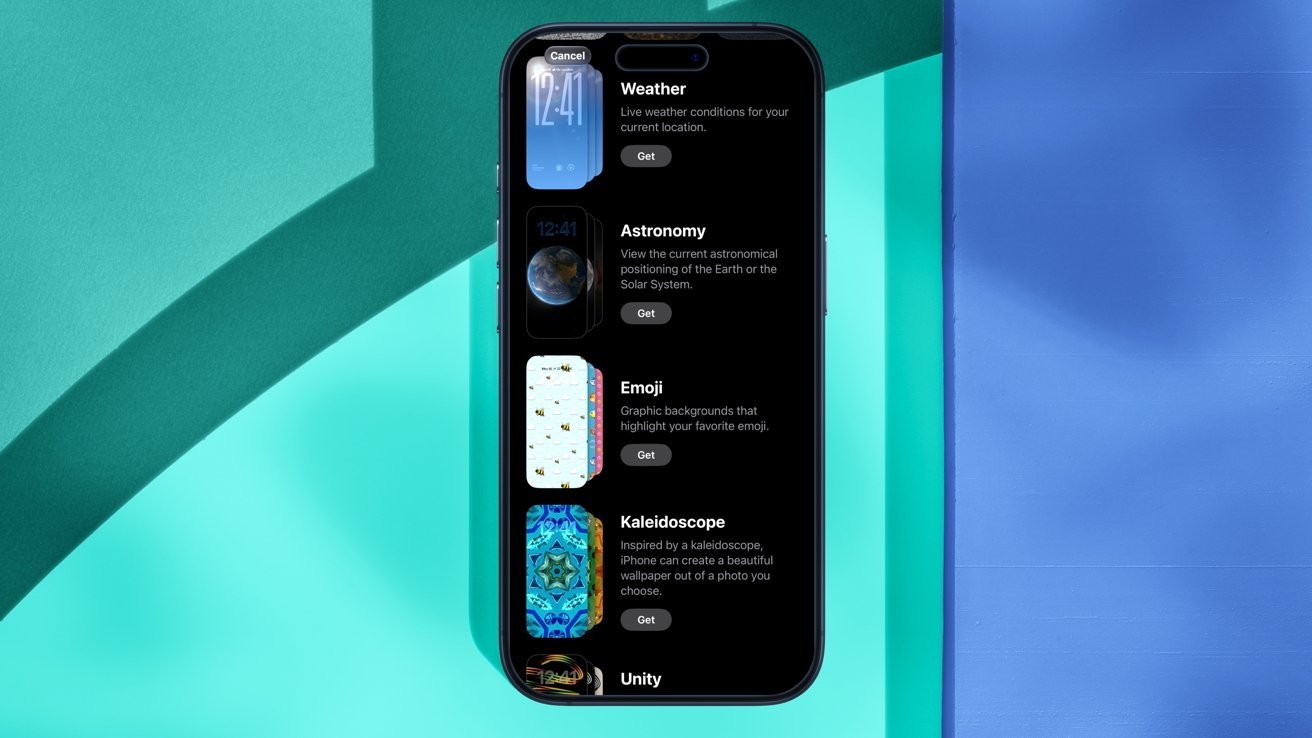
iOS 26.4 includes a new wallpaper gallery option.
Meanwhile, the Reminders application was updated with a new Smart List view for tasks labeled "Urgent." This is effectively an upgrade to the "Urgent Reminders" feature, introduced with the public release of iOS 26.2.
Apple has also updated the wallpaper settings in iOS 26.4. When selecting a new wallpaper through the iOS Settings app, users are now greeted with a new wallpaper gallery.
Select wallpapers are now seemingly downloaded from a server, rather than all being available on-device from the get-go.
In another Settings update, under the iCloud section, users will see a new iCloud.com setting. This is just a new name for the Access iCloud Data on the Web option. There's also an Allow Search option, which lets trusted Apple devices provide search results to iCloud.com.
Similarly, the Reduce Highlighting Effects option in Settings > Accessibility > Display & Text Size has been renamed to Reduce Bright Effects. Both are changes in branding, with no impact on the end user.
Also in the Settings app, the Personal Hotspot section was updated. For easier access and visibility, Data Usage is now displayed in the main settings pane, rather than within a dedicated submenu.
iOS 26.4 also includes updates to the existing Stolen Device Protection and Family Sharing options, along with a few bug fixes.
Stolen Device Protection now automatically enabled, iOS keyboard bug resolved
The Stolen Device Protection capability, introduced in 2023, is now automatically enabled whenever a device is updated to iOS 26.4. The feature aims to prevent the total loss of an Apple Account if an iPhone and its passcode are stolen.
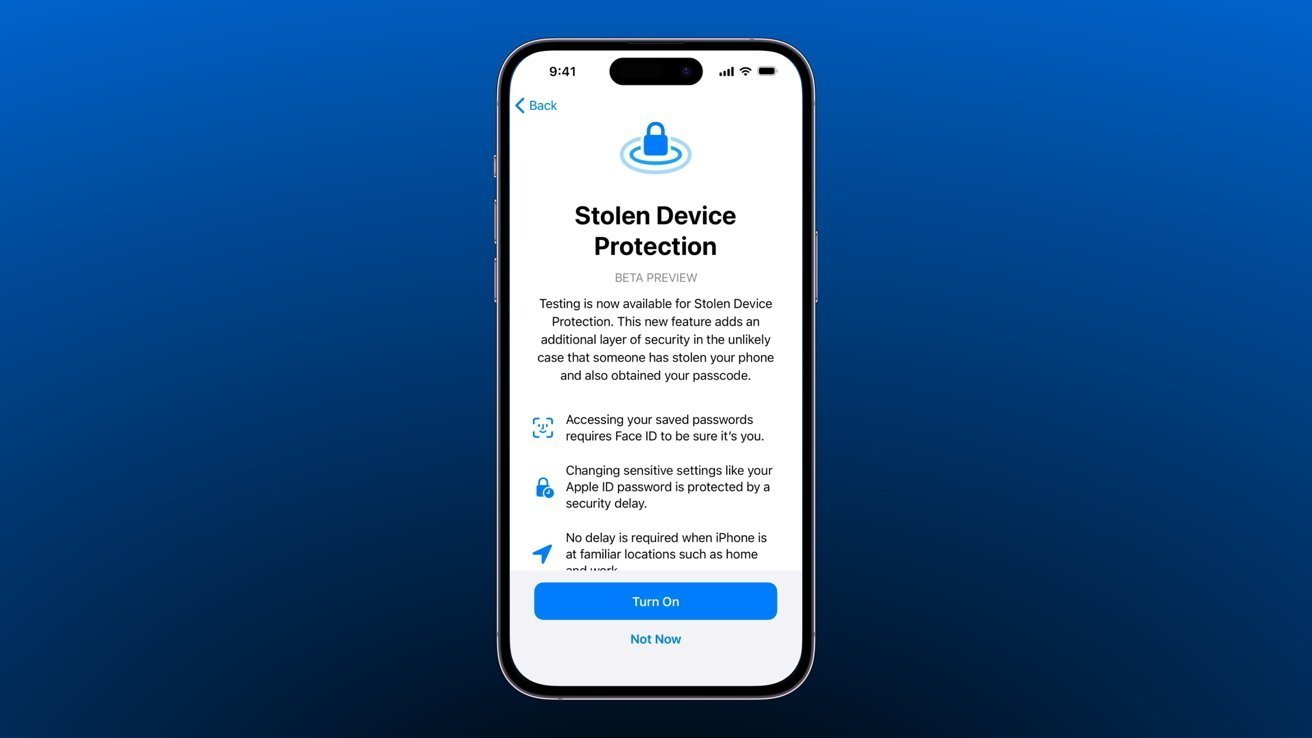
Stolen Device Protection is now automatically enabled, starting with iOS 26.4.
Apple envisioned Stolen Device Protection as an additional layer of protection, meant to kick in in an unlikely set of circumstances — when an iPhone is stolen, and the thief knows the owner's password.
The iPhone maker has also made a change affecting Family Sharing. Rather than forcing all participants to use a single user's payment method, adults are now given more freedom. They're now able to select their own method of payment, no longer requiring a shared wallet.
For children, meanwhile, purchases are still handled through the family organizer's payment method. This approach effectively breaks the link between shared access and payment, eliminating needless restrictions.
CarPlay users, meanwhile, will now be able to utilize generative AI applications, including Google Gemini, Anthropic's Claude, and OpenAI's ChatGPT. Apple imposes strict limits on what these voice-based AI apps will be able to do in CarPlay, though, as it wants to minimize distractions for the driver.
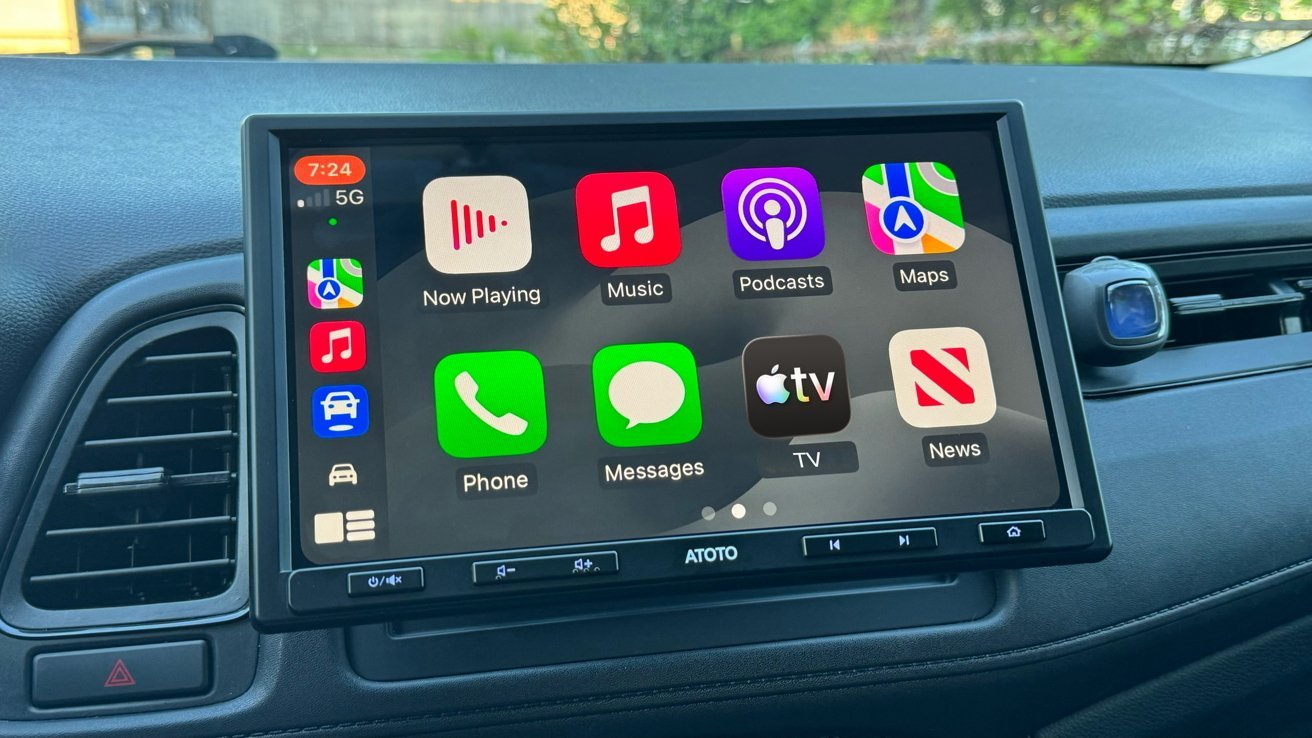
Voice-based AI apps can be used with CarPlay.
In the Shortcuts app on iOS 26.4, Apple has added a new action for the charge limit feature. The feature itself, previously available only on iPad and iPhone, also made its way to the Mac via the corresponding macOS 26.4 update.
Additionally, the iOS 26.4 update fixes an issue with the iOS keyboard. Apple says it has "improved keyboard accuracy when typing quickly," meaning that the keyboard no longer fails to produce characters when the user taps too quickly.
Similarlty, the Reduce Motion option in the Settings app has been updated so that it "more reliably reduces the animations of Liquid Glass for users sensitive to on screen motion." This is according to the iOS 26.4 release notes.
Overall, even with the missing Siri overhaul, the iOS 26.4 update offers plenty of useful enhancements. Playlist Playground and the new video capabilities are welcome changes, as are the new emoji characters.







