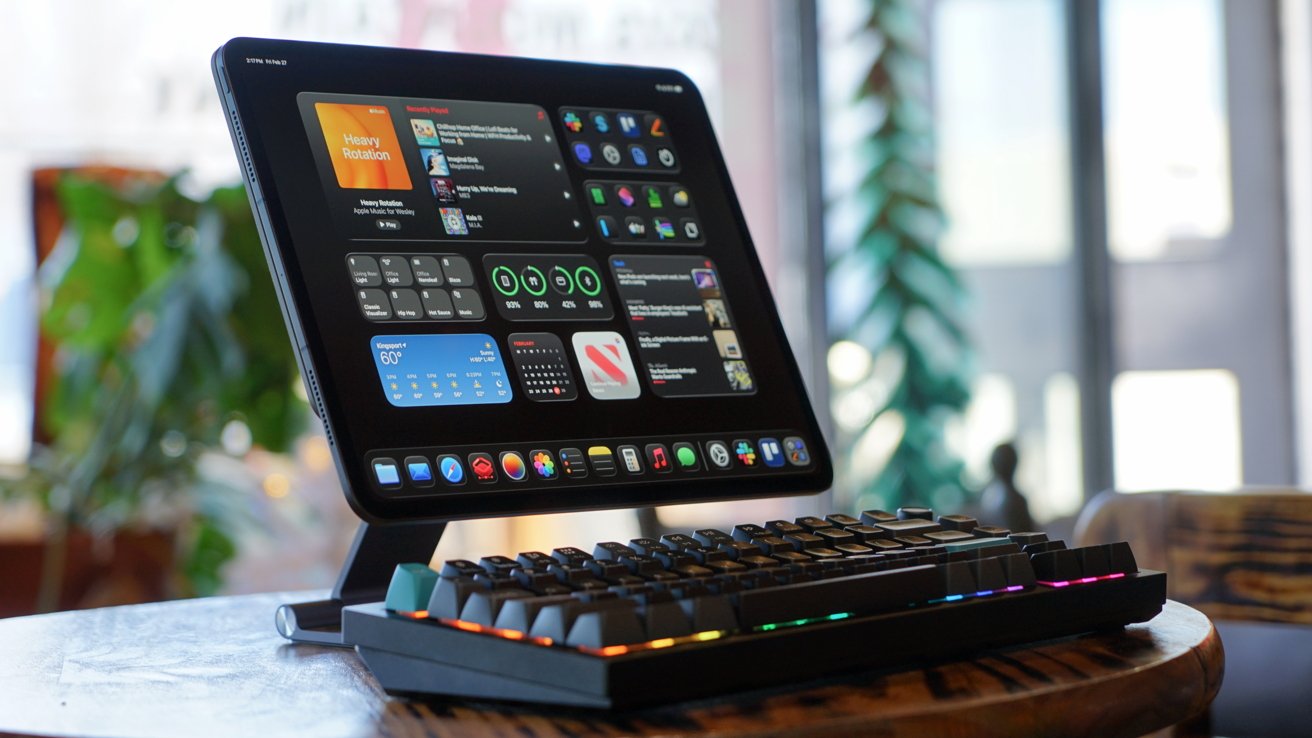
There seems to be no ceiling for mechanical keyboards and the Keychron Q1 Ultra 8K is proof. It features an all metal build, wireless options, ZMK, 8KHz polling, and layer after layer of foam.
Keychron continues to pump out new keyboards at a breakneck pace. The Q1 Ultra 8K is the latest model to sit at the top of Keychron's lineup, replacing the Max.
I've reviewed a lot of Keychron's keyboards, and with the exception of the unique Q3 Pro SE, I believe the Q1 series is my favorite layout. I love that it has all the keys I need while remaining compact yet dense.
Keychron has proven to be remarkably consistent in its products. Each release isn't overly iterative and justifies the price, which makes them incredibly difficult to give a review score.
You'll note this and others have received 4 or more stars. As with any review on AppleInsider, it is best to read through the text and understand the granular points rather than try to boil the entire thing to a numerical score.
Enthusiasts will happily pay the high price to get these features and premium build, so let's dive into why the Q1 Ultra 8K is yet another winner from Keychron.
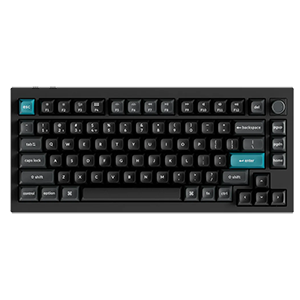
Keychron Q1 Ultra 8K
Keychron Q1 Ultra 8K review: design
Look at the Q1 Ultra 8K straight on and you'll struggle to find any differentiation from the other Q1 models. There are tiny signs those with a discerning eye will catch, like the different knob, but the biggest tell is in the back.
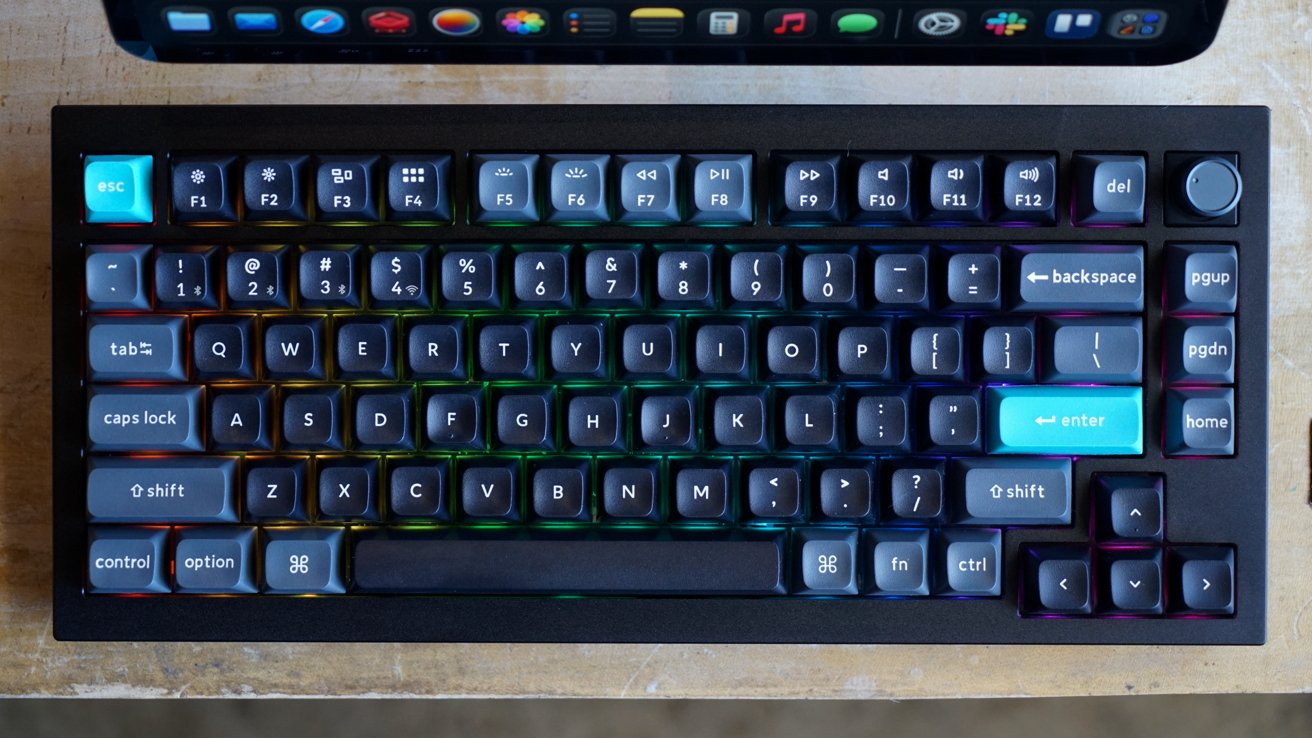
Keychron Q1 Ultra 8K review: a familiar layout
Keychron has included a fancy "aesthetic PC" back plate. It is a gold colored plate with celestial designs that really pop out.
Of course, you'll never see this plate during use, but I suppose it is cool that it's there. As I said, it certainly helps in distinguishing it from other models.
I stuck with my usual preference of dark keycaps with Keychron's splash of gray and blue. The RGB backlight continues to shine through bottom-facing LEDs with 22+ combinations.
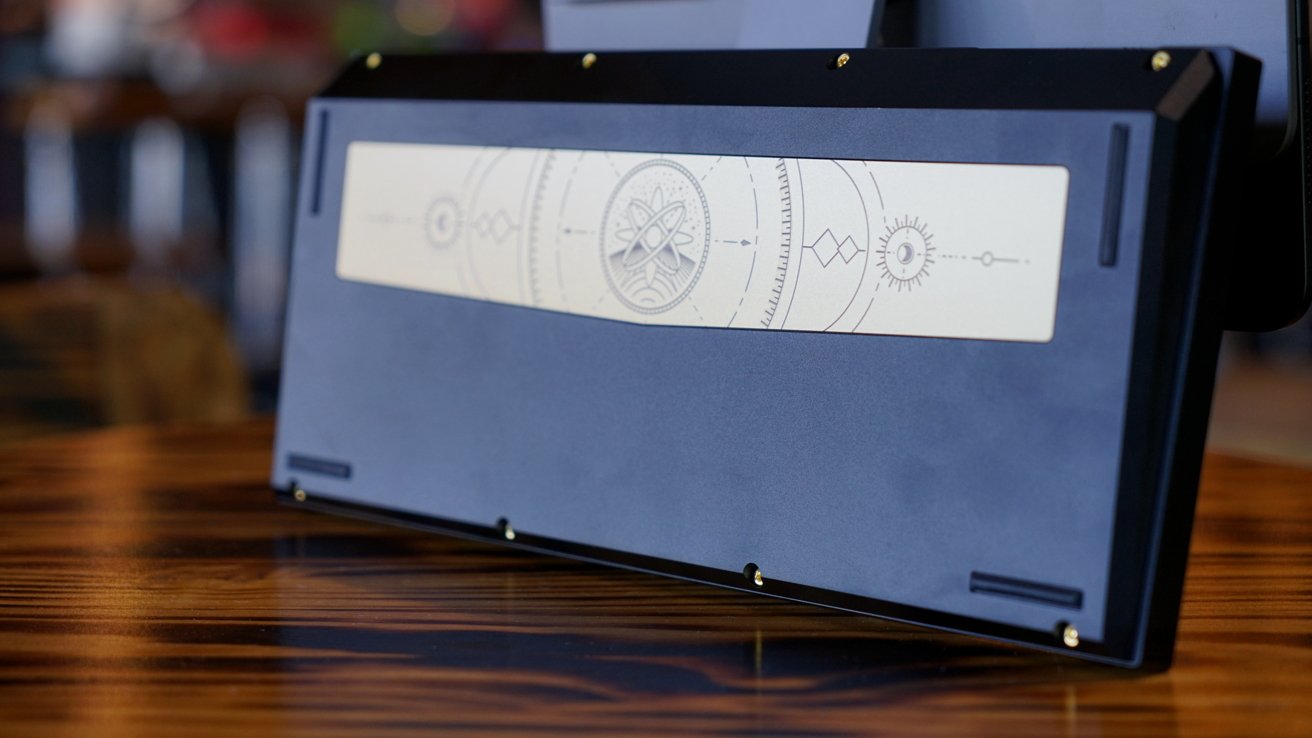
Keychron Q1 Ultra 8K review: a fancy backplate
The Keychron launcher software lets you take things even further. Create your own RGB patterns on a per-key basis.
That means you can color-code select keys or just go all out and make every key a solid color. I prefer a randomized rainbow pattern, but it is cool that you can go to that level of detail.
Like with all Keychron keyboards, you can fully customize the keyboard top to bottom. Take it apart down to the frame and you've got a pile of foam, stabilizers, switches, and keycaps.
I emphasized this with the Q1 Max review, and the point still stands, this thing is packed to the gills with foam. Remove what you like to get the right sound and feel out of every keypress.
The layers go like this, starting from the top:
- Keycaps
- Top Case
- Switches
- Plate
- Sound absorbing foam for a cleaner typing sound
- IXPE Foam to reduce keystroke vibration PET Film for protection from dust and insulates from shorts
- PCB Latex Bottom Pad that cushions typing while reducing vibration and noise
- Bottom Case Acoustic Foam also cushions typing and reduces vibration and noise
- Bottom Case PET Film adds another layer of protection from dust and insulates from shorts
- Bottom Case
It's quite the pile of materials and fittings. I personally like how the keyboard feels and sounds with the Red Silk POM Switches that were included.
The weight and material of Keychron keyboards are a big part of their premium look and feel. I've joked about it before, but these keyboards feel like they could double as a home defense tool.
Keychron Q1 Ultra 8K review: features
Keychron has packed the Q1 Ultra 8K with specs and features that will benefit every user. Whether you're a mechanical keyboard enthusiast, or just looking for a premium keyboard, this one covers all of the bases.
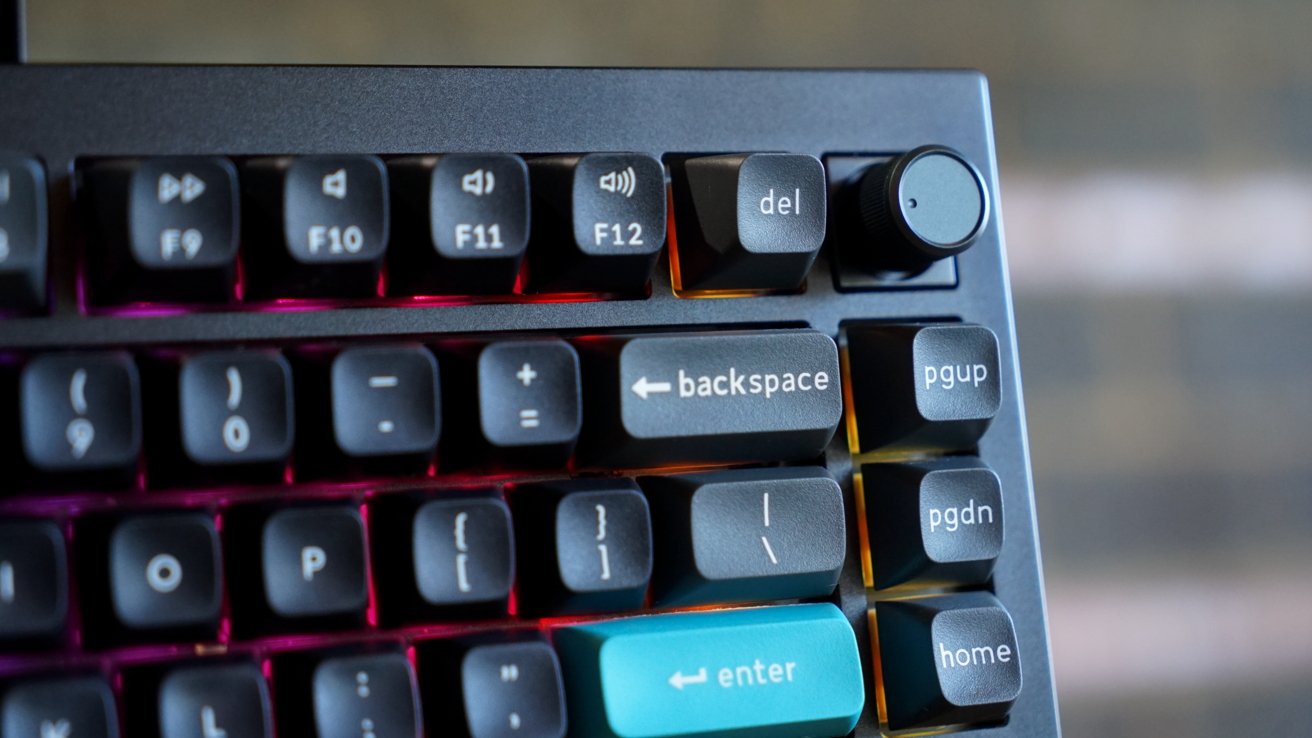
Keychron Q1 Ultra 8K review: a new knob
The feature that gives it its name is an 8K polling rate. It means that the keyboard is sampling every keypress at 8x the speed of other high-end keyboards.
That 8,000 Hz polling rate isn't on by default. All of Keychron's 8K keyboards ship with the default polling rate set to 1,000 Hz to ensure wider compatibility.
If you're working on newer Macs and PCs, go ahead and switch over to 8K. This is done via the Keychron launcher tool that's accessible via the web on a Chrome, Edge, or Opera browser.
Luckily, I keep Chrome installed on my Mac mini for podcasting purposes. A quick switch flip to the 2.4GHz channel and I was in business.
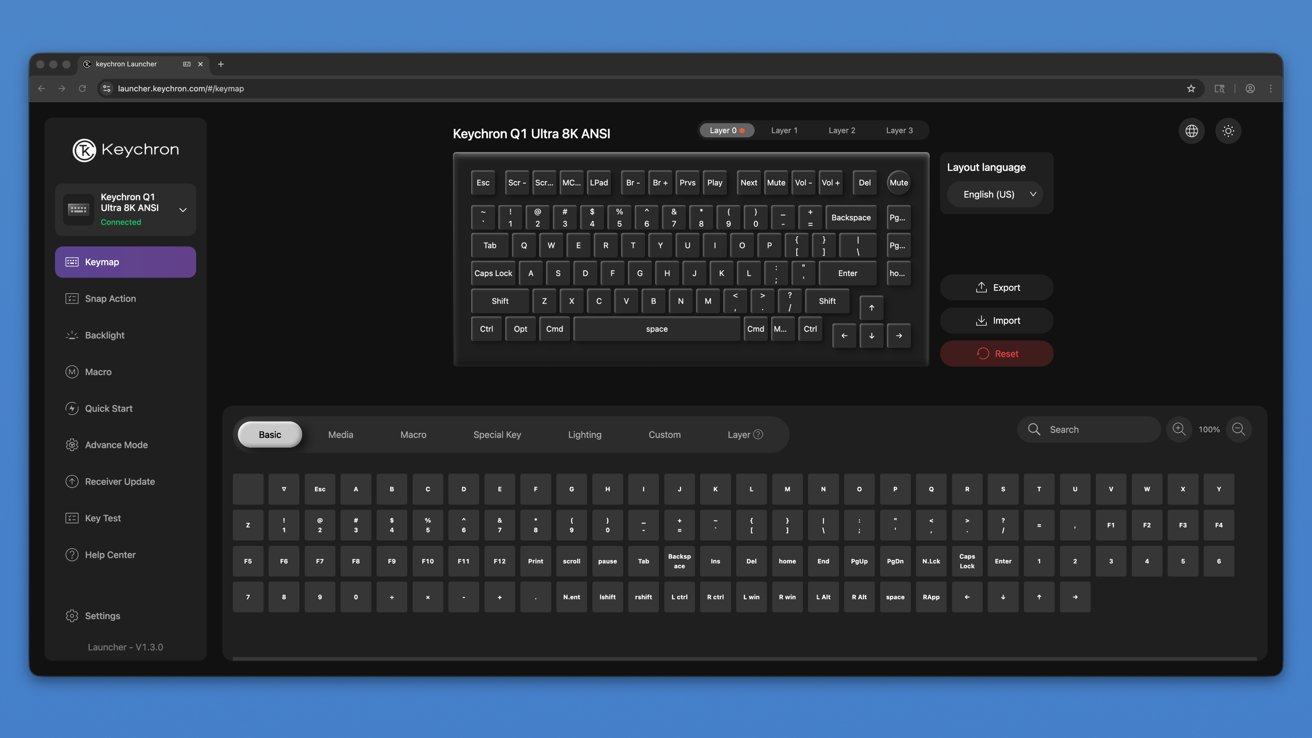
Keychron Q1 Ultra 8K review: Keychron Launcher lets you edit every aspect
I used to spend more time on the keyboard modification software in these reviews, but they've become so standard that I don't feel the need to. Like most mechanical keyboards, and all Keychron keyboards, you can customize it top to bottom using different switches, keycaps, and program each key individually.
If you want to get even more advanced, program multiple typing layers so a button press puts you into a completely different layout. Careful with this, as the physical keyboard doesn't look any different even if the "G" key is suddenly performing a different action.
Other specs include three pairing methods. Pick from three Bluetooth 5.3 channels, a 2.4 GHz USB dongle, or wired.
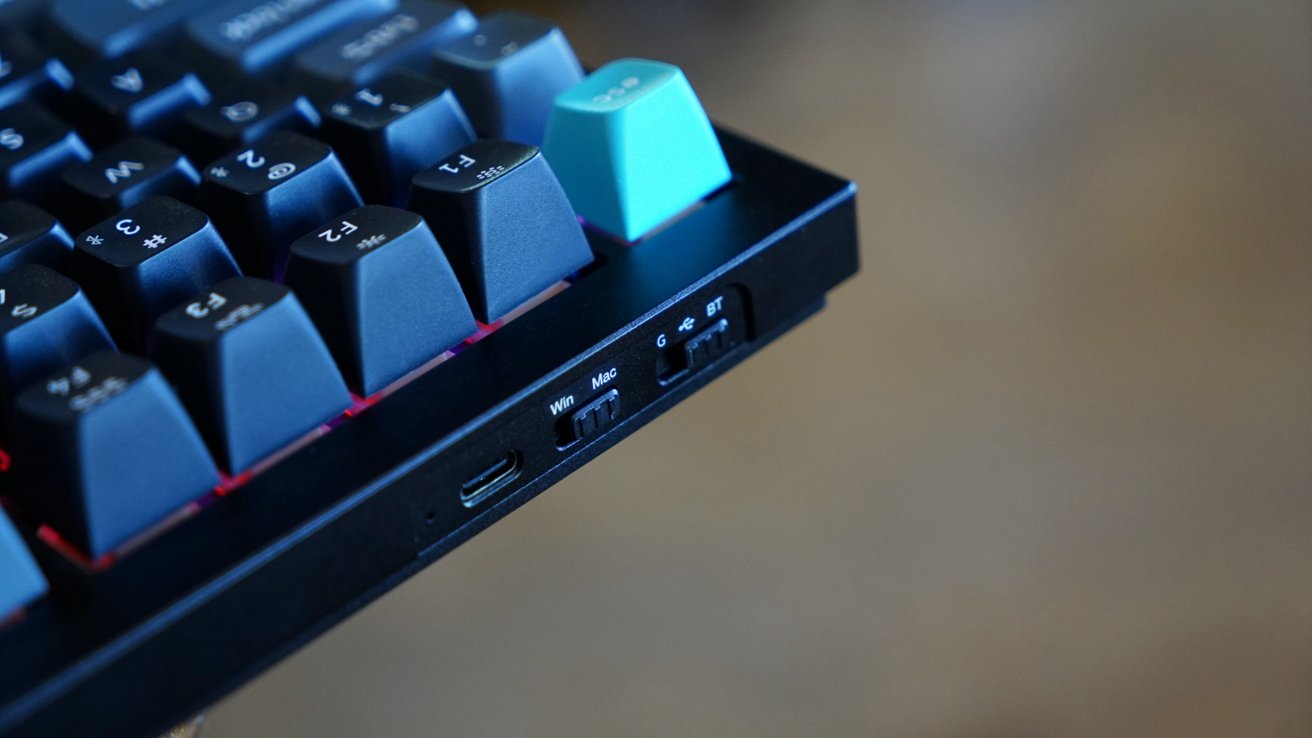
Keychron Q1 Ultra 8K review: swap between multiple connection options
Mix and match every connection option to easily switch between five devices at once. Those concerned with latency will use the wired option, but the 2.4 GHz connection is just as solid and both offer the 8K polling rate.
Really, it comes down to your individual setup and needs.
The Q1 Ultra 8K has some incredible battery life thanks to optimizations made via the ZMK firmware. Users that enable the 8K polling feature and connect wirelessly without a backlight can squeeze out 660 hours of battery life.
That backlight is the battery drain, so every level of brightness you enable cuts that battery life down quick. That said, I've had to charge the internal battery one time in a month even with the backlight enabled. YMMV.
Using the Keychron Q1 Ultra 8K
I spend a lot of time typing on a keyboard each day, so it is needless to say that I've spent a lot of hours with the Q1 Ultra 8K. It's an interesting evolution of a keyboard that I've used across multiple generations.
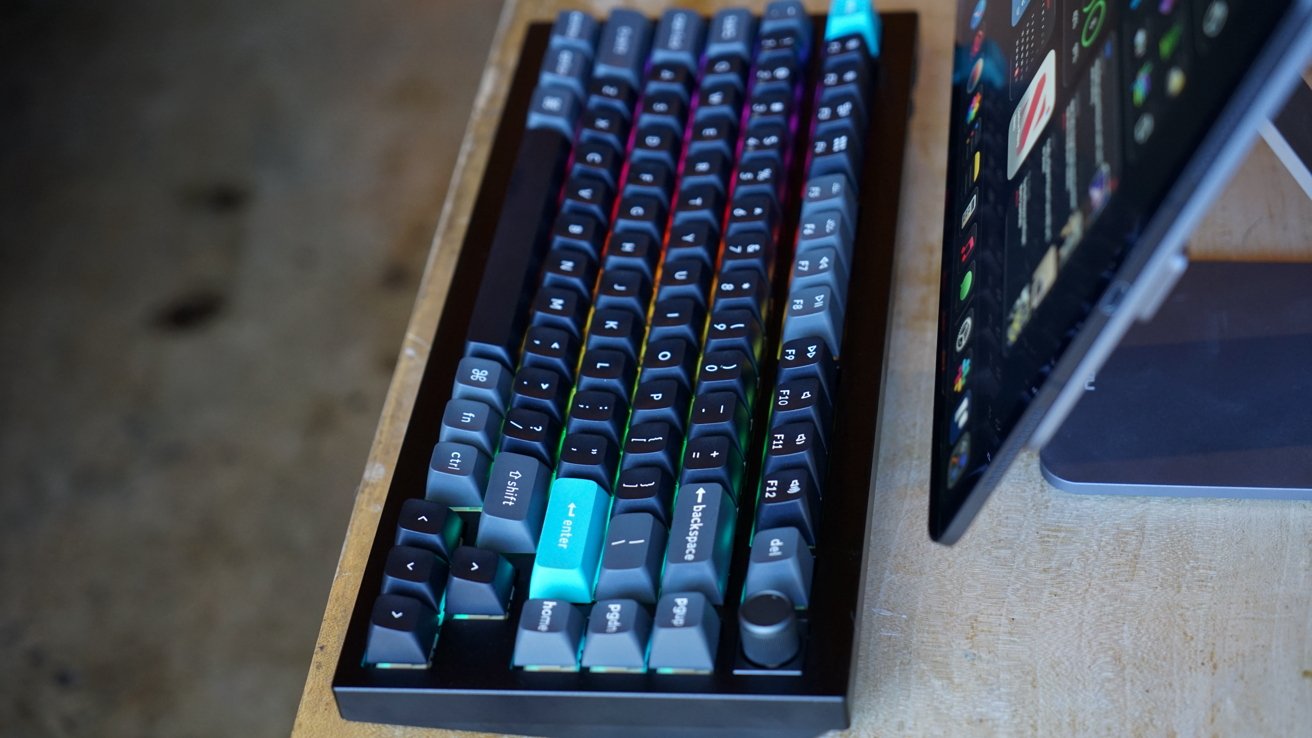
Keychron Q1 Ultra 8K review: still a typing dream
From a general use perspective, beyond the move to a new switch, the typing experience is nearly identical. The Q1 Max has the same internal layers of foam and the case appears to be identical.
I've found that I prefer whatever red-equivalent switch is my go-to. It isn't too loud and is just right in terms of travel.
There really isn't much else I can add here that I haven't said time and time again about Keychron keyboards. This is a highly customizable mechanical keyboard that isn't too flashy out of the box, but lets you get there if you like.
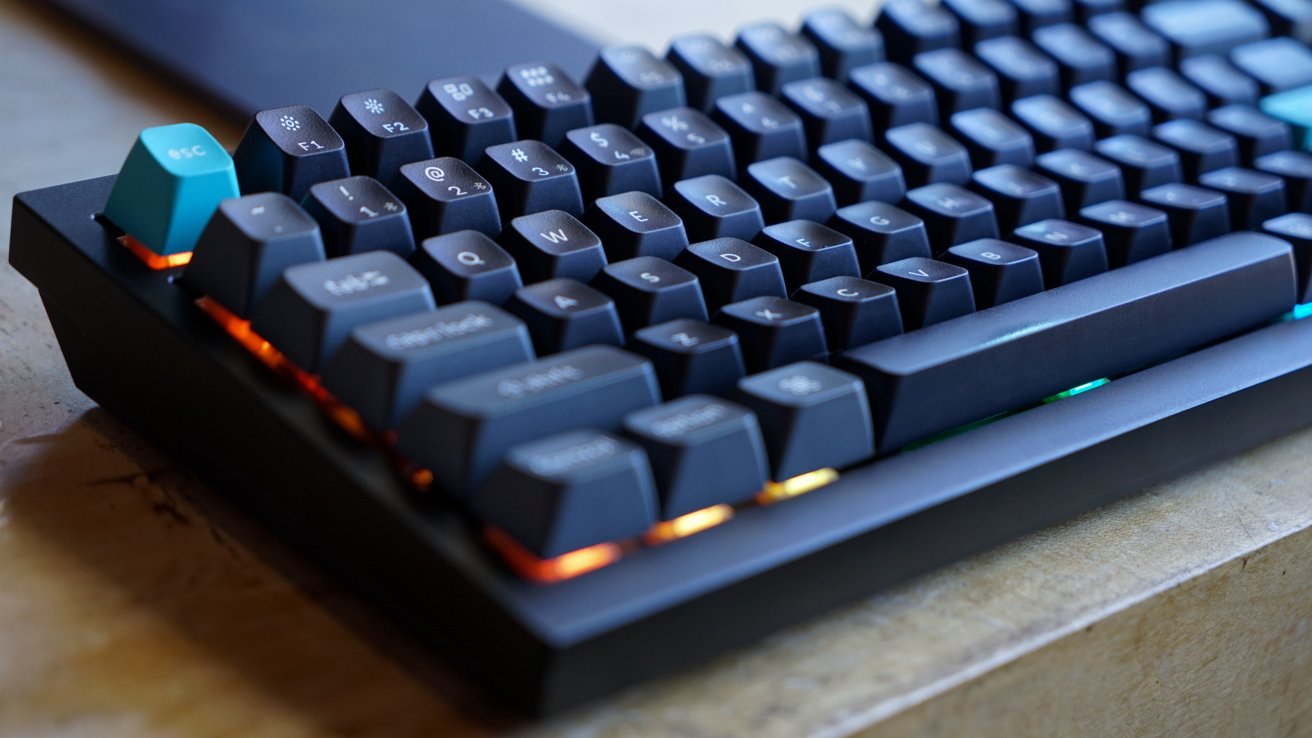
Keychron Q1 Ultra 8K review: peak customization
I'll keep noting as long as I can remember to that I wish someone could replicate the signal sent to Apple Vision Pro from a Magic Keyboard. I love using third-party keyboards, but it is never not annoying that I can't see the keyboard when fully immersed — only Apple gets that privilege.
The Q1 series might be my favorite layout. It has all of the keys that I'll need, including a well-labeled function row.
There's even three "bonus keys" on the right side. I'm sure someone on Earth uses them as designed, but the pgup, pgdn, and home keys are totally unnecessary for my workflows. So, they make great reprogrammable keys.
Advancing the spec
The Keychron Q1 Ultra 8K is an iterative upgrade over the Q1 Max. Though that isn't to say the upgrades aren't impactful.
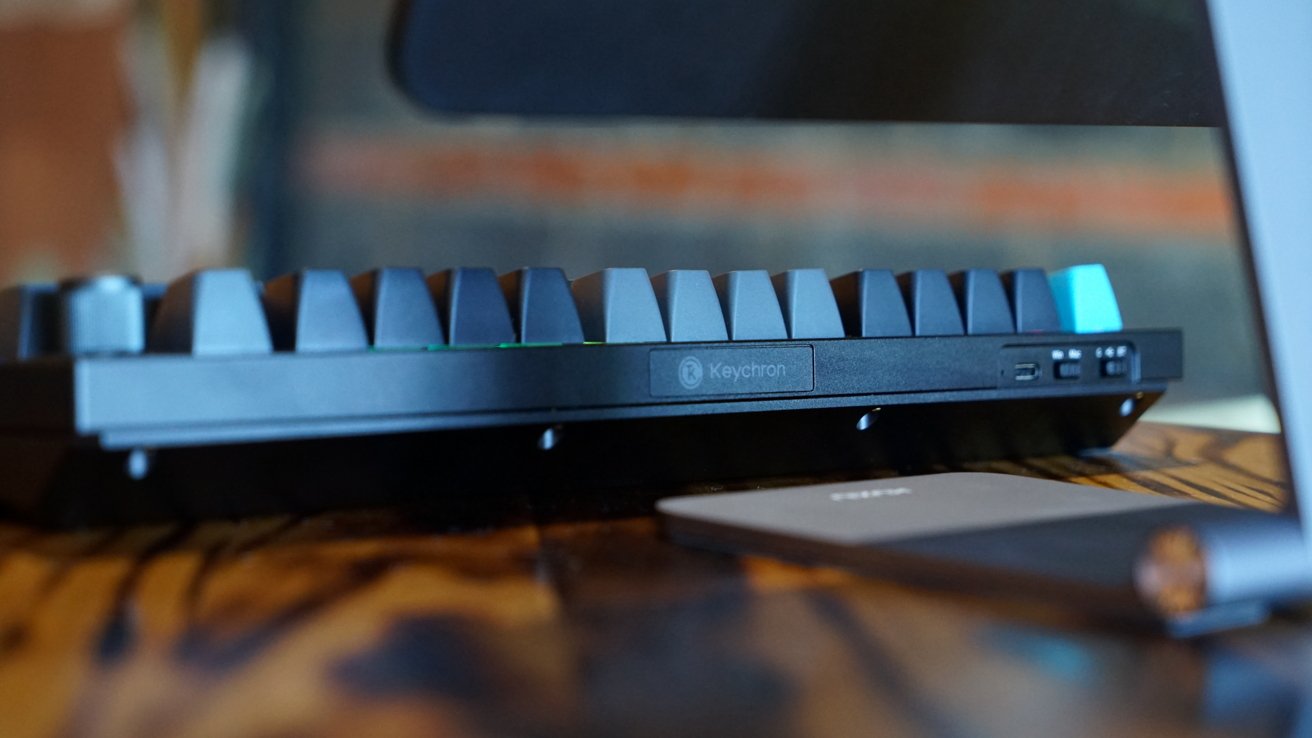
Keychron Q1 Ultra 8K review: an iterative but welcome upgrade
What's actually new here is the Keychron MCU chip with 1MP flash memory. It enables the 8K polling rate.
That Silk POM Switch is a nice addition too. Keychron specifically designed it with high performance in mind for gamers and those demanding precision.
Lay the Max and the Ultra side-by-side and the only notable difference besides potential keycap selection is the knob. If you're looking for a wholly new experience or design, this isn't it.
The battery life is about 6x longer in the Q1 Ultra 8K versus the Max. You're also interfacing through ZMK, which is a newer standard built with wireless keyboards in mind.
Those looking for a premium mechanical keyboard experience with a little extra cash should get the Q1 Ultra 8K. While the Q1 Max is still available, you're not saving much on that model, so go for the best.
Keychron Q1 Ultra 8K review - Pros
- Sturdy design, clacky keys, interesting backplate
- Incredible battery life
- 8K polling if you want it
- Incredible range of customization options
Keychron Q1 Ultra 8K review - Cons
- Iterative upgrade design wise
- 8K polling not necessary for everyone
Rating 4 out of 5
As usual, these numeric scores are not representative of the product, but Google demands them. I love the Q1 Ultra 8K and it is a good upgrade over the Q1 Max, but owners of the older model don't need to rush out for the new one either.
I expect the next iteration will tackle more in the design department, so it's getting the smallest knock for the lack of design change. Otherwise, this is an expensive, premium keyboard that has amazing specs and is worth buying if you're in the market for one.
Where to buy the Keychron Q1 Ultra 8K
The Keychron Q1 Ultra 8K wireless mechanical keyboard can be purchased from Keychron directly for $229.99. Amazon also carries the keyboard for the same price.