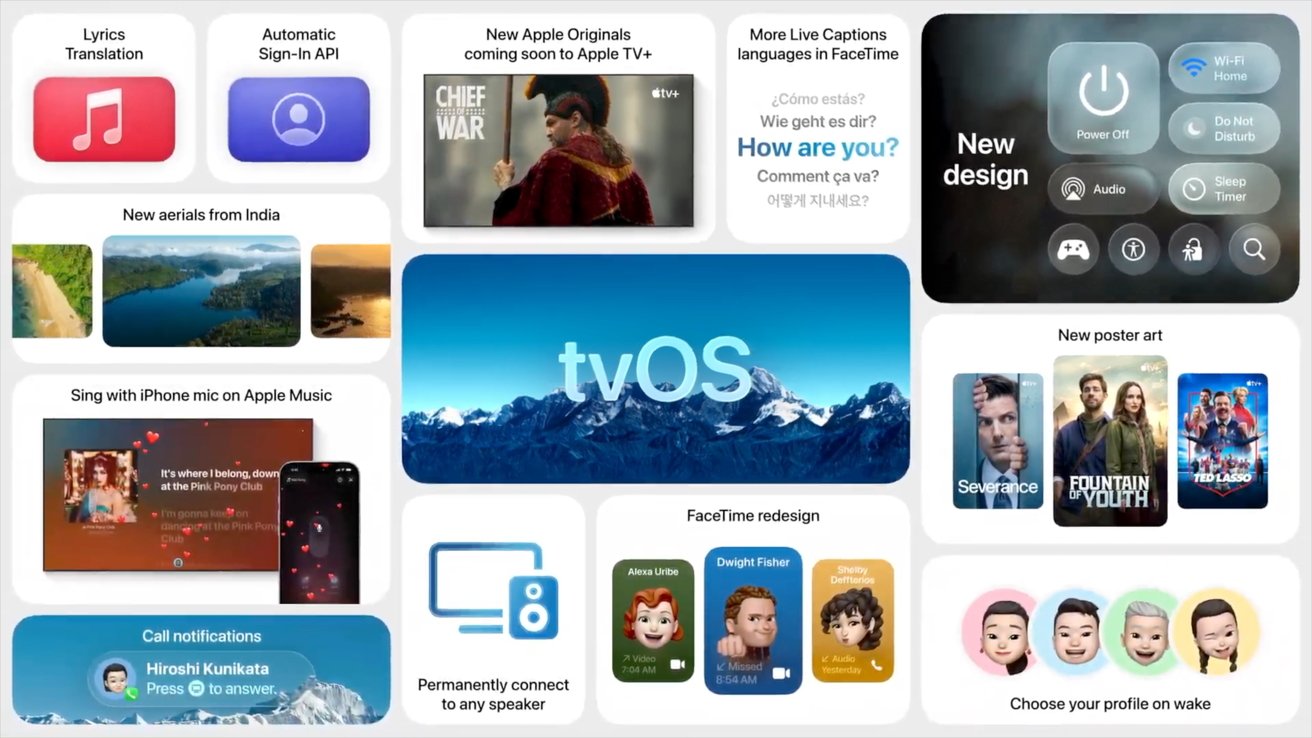
You can now update your Apple TV and HomePod to tvOS 26.5, though you won't see any exciting new features.
As is often the case with tvOS updates, the latest update, tvOS 26.5, is largely a stability and performance update. These updates are crucial to ensure your device is functioning properly.
While tvOS 26.5 didn't bring anything to write home about, tvOS 26.4 was quite a bit more notable. In that update, Apple officially removed the iTunes Movies and iTunes TV Shows apps from tvOS 26.4.
In doing so, consumers can no longer purchase shows or movies through the apps. To make purchases, they'll need to use the Apple TV app directly.
Fortunately, users can access their previous iTunes Movies and iTunes TV Shows purchases from the Apple TV app.
tvOS 26.5 is build number 23L471.
How to update to tvOS 26.5
- On an Apple TV, go to the Settings, app
- Select System
- Select Software Updates
- Select Update Software
How to update your HomePod or HomePod mini
- Ensure your device is updated to the latest version of iOS, iPadOS, or macOS.
- Open the Home app
- Tap or click ...
- Tap or click Home Settings
- Tap or click Software Update
- If available, tap or click Update