A week ahead of the Google I/O event, during the Android Show stream, there were some iPhone-friendly Android features teased. We already knew about them.
Google I/O 2026 is taking place on May 19 and 20, and the search giant is warming up for its biggest presentation of the year. To prepare its users for that event, it held a smaller presentation on Tuesday about Android.
The Android Show I/O Edition 2026 was a 40-minute prerecorded stream, introducing a number of changes to Google's ecosystem. There was obviously a lot of Google, Chromebook, and Android-specific content, but also some that was Apple-related in nature.
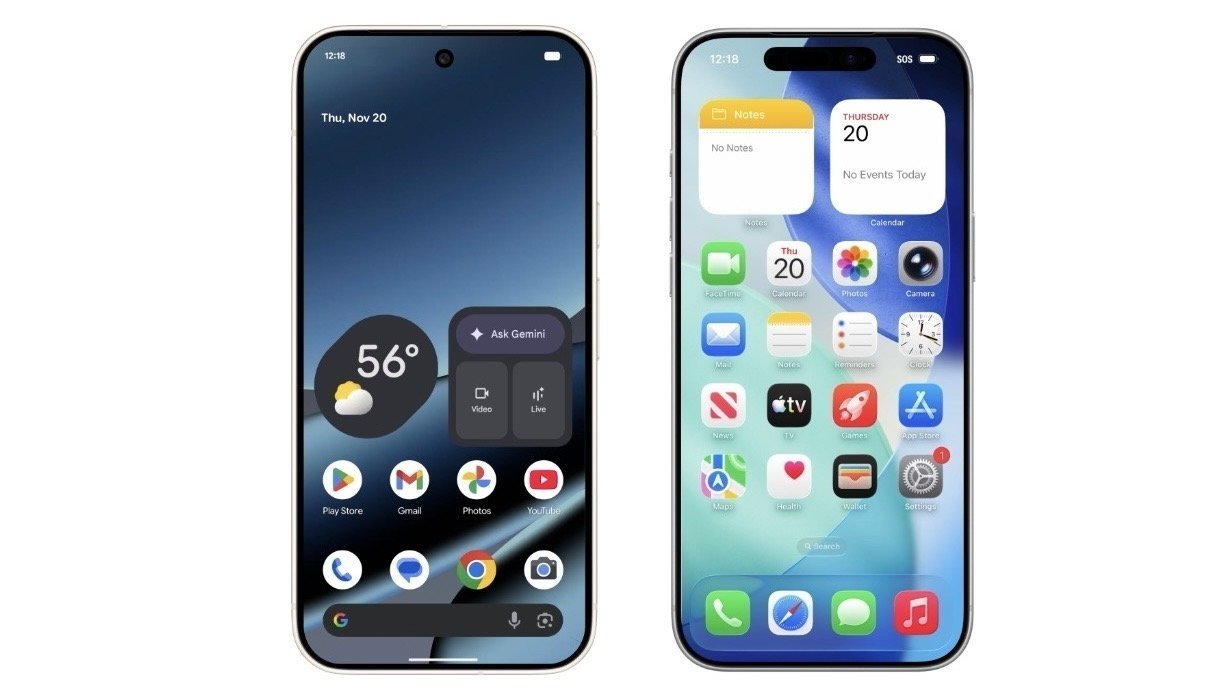
One of these was the discussion of a new process for users to switch their hardware allegiance from iOS to Android. As part of an agreement with Apple, the two companies are making it easy for switchers to change platforms and to transfer some of their data across.
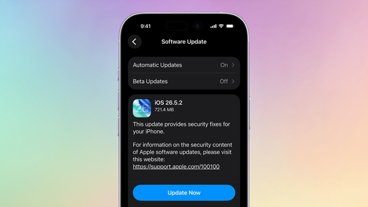
This is something that Apple actually introduced far earlier. As part of iOS 26.3 released on February 11, Apple included a new Transfer to Android option within Settings.
This transfer is handled wirelessly, with data including passwords, an eSIM, photos, messages, and contacts being sent across between the devices. While apps specifically can't be transferred, Android versions of what users had on iOS will be installed and set up on their behalf.
Google said its Pixel and Samsung Galaxy devices will be in the first wave of hardware supporting this functionality, starting later in 2026.
AirDrop to iPhone, without AirDrop
The second Apple-specific element from the show is all about AirDrop. Normally an Apple-specific feature, it's something that can also be used by the Google Pixel 10 line, under Android Quick Share since November 2025.
Tuesday's announcement was the confirmation of a previously-teased expansion of the feature so that it would be available on Android devices from other manufacturers. That includes Honor, OnePlus, Oppo, Samsung, Vivo, and Xiaomi, later in 2026.
An Android device can see Apple hardware through the Quick Share panel, which can be used to send images and files across. This functions much like a typical AirDrop on the iPhone side, however the receiving device's visibility needs to be set to "Everyone for 10 minutes" beforehand.
For those who cannot wait, Android users can also generate a QR code using Quick Share on any Android device. This can then be used to share data with iOS devices, but over the cloud instead of a direct connection.
Android users will also get to be able to use Quick Share in more apps in the future, such as WhatsApp.
Googlebooks, Gemini Intelligence, and Auto
While the rest of the show isn't really Apple-targeted, it does hint at the kinds of things Google will be focusing on during Google I/O.
The headline item are Googlebooks, effectively a new style of Chromebook with custom functionality. They are notebooks that have more Gemini Intelligence than ever before, such as Magic Pointer to instantly search for things the user clicks.
It's a platform that will seamlessly work with Android devices, including allowing users to access phone-stored files from the Googlebook. There's also a "Cast My Apps" feature that will open smartphone apps on the notebook.
Google will be releasing the Googlebook in the fall.
On the software side, there's plans for more background agentic activity with Gemini, as well as more widgets for the Googlebook and Wear OS in general. Gemini Intelligence will be able to fill out forms automatically for the user, with users promised granular control over what Gemini Intelligence can do.
A new interface aesthetic is also on the way, building upon the existing Material 3 Expressive design language.
Gemini will also be incorporated into Chrome for Android, complete with an auto-browsing tool that could perform tasks on behalf of the user. This will be available for AI Pro and Ultra subscribers in the United States at first.
Android 17 will gain 3D emoji, known as Noto 3D. Rambler, a Gemini Intelligence speech-to-text function, will remove filler words for more concise messaging and prompting.
Pause Point will try and make users be more thoughtful about device usage by adding a ten-second delay when you open a designated app. Screen Reactions will let content creators record their screen and themselves at the same time.
Other changes include security updates, Instagram Edits for Android, and an overhaul of Android Auto.