
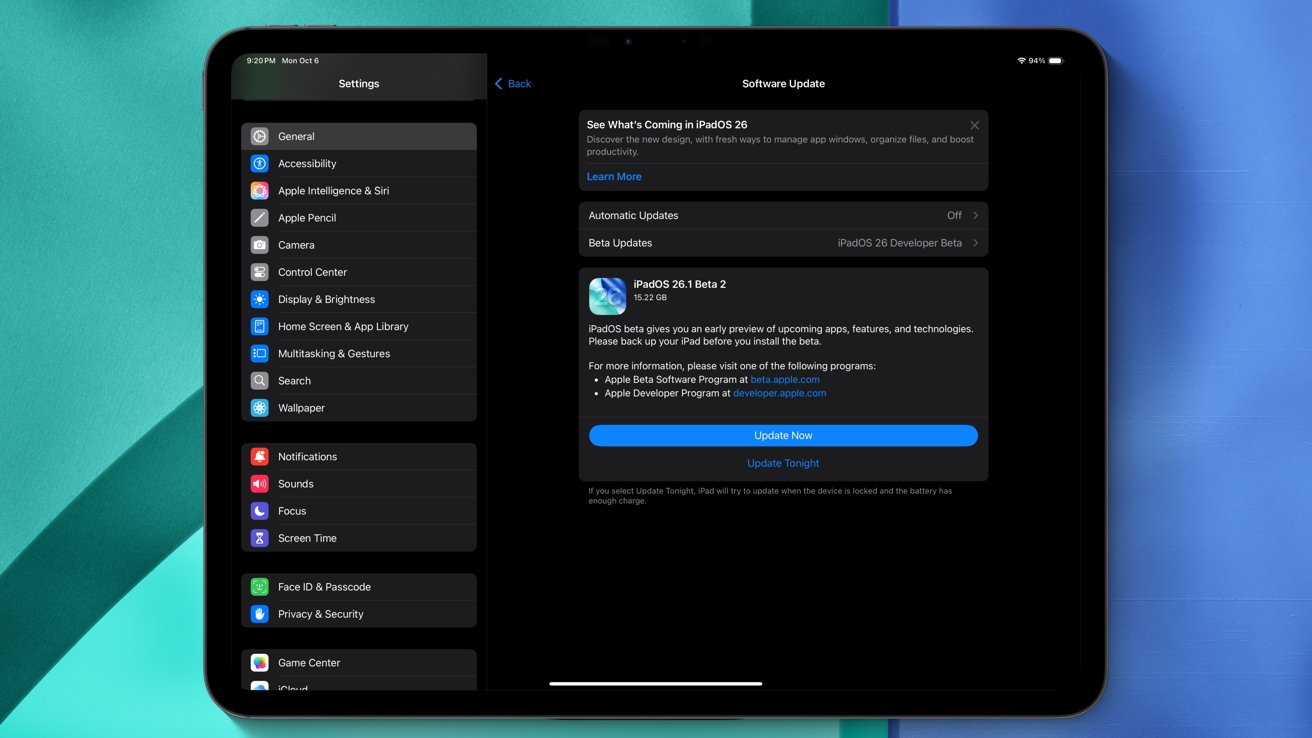
The second developer beta of iPadOS 26.1 is here, and brings back the well-known Slide Over multitasking feature. Here's what's new.
On Monday, two weeks after the release of the first developer beta, Apple unveiled iOS 26.1 developer beta 2. The operating system update bears the build number 23B5059e, as does its iPadOS 26 counterpart.
iOS 26 and iPadOS 26 delivered a multitude of enhancements, including new screening capabilities for the Phone and Messages apps. There's also a dedicated Games application, along with the Liquid Glass design language.
iPadOS 26 specifically, however, brought about a major multitasking and productivity overhaul, with a new window system that resembles the Mac experience. Stage Manager and the standard full-screen app multitasking system were left as alternative options, but Slide Over was removed.
With the second developer beta of iPadOS 26.1, however, things have changed for the better.
Slide Over is once again available
Slide Over is back, and it works with the new windowed multitasking system as well. It's now accessible from the top left corner of an app window.
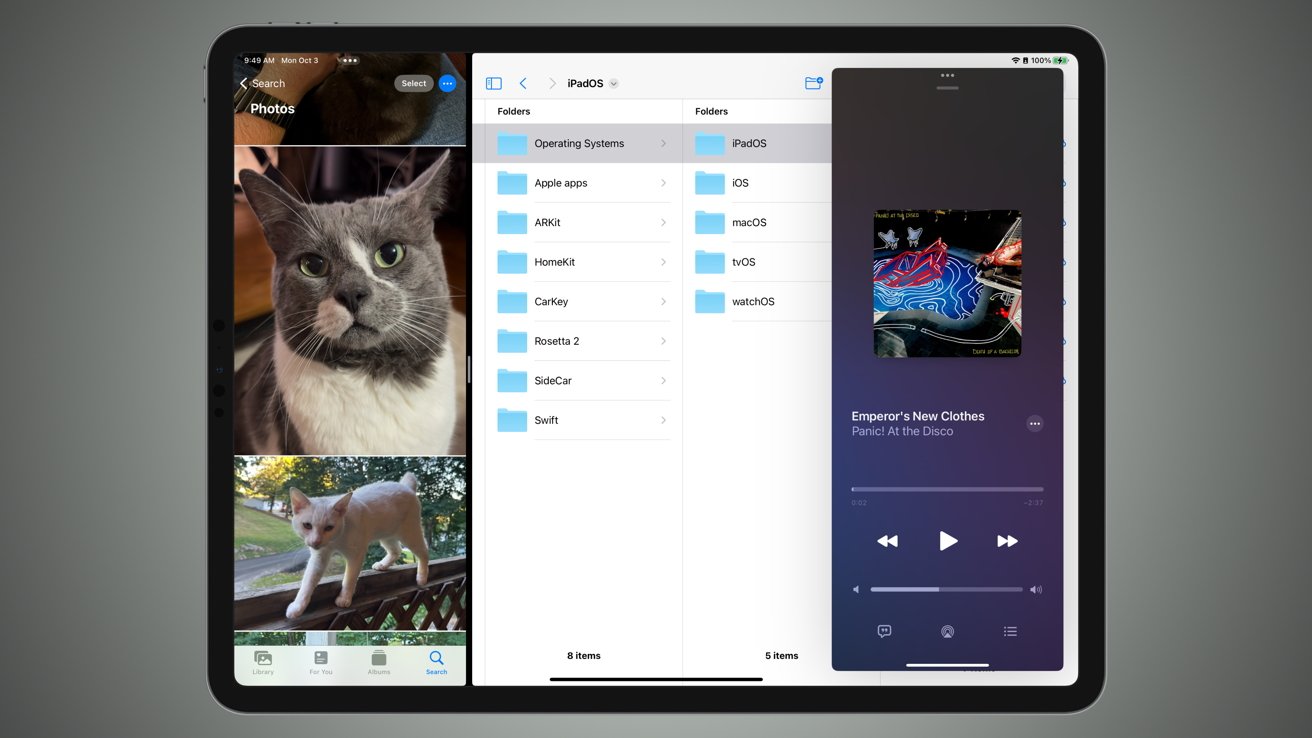
Slide Over was present on older releases of iPadOS (pictured above) and has now been reinstated with iPadOS 26.1 beta 2.
To activate Slide Over, users can tap the green icon of an application window. From there, a new button labeled Enter Slide Over puts the selected application into a Slide Over window. Unlike iPadOS 18, however, only one app at a time can be used for a Slide Over window.
Alongside the return of Slide Over, the second developer betas of iPadOS 26.1 and iOS 26.1 deliver a few user-interface tweaks. Specifically, the font used in the Settings app is now slightly larger.
Settings pane descriptions are now left-aligned, as opposed to center-aligned. The default iOS 26 wallpaper can now be seen in the Display and Brightness section of the application. In the Health app, hypertension alerts have returned.
Monday's developer betas also delivered a few quality-of-life improvements.
An issue that prevented alarms from going off has now been resolved. Some users complained that alarms set in the Clock app wouldn't go off, and that appears to be fixed.
Over on the iPad, Apple has added gain control to the local recording feature. Now, via Control Center, users can set the gain level of the connected microphone, which means the audio levels will be within desirable settings.
Overall, the second developer beta of iPadOS 26.1 reinstated a tried-and-true multitasking option, allowing for enhanced versatility. The user interface tweaks and bug fixes on iPhone and iPad are welcome changes as well.
Apple deploys new developer betas of iOS and iPadOS nearly every two weeks, meaning that we'll likely see additional features and changes with subsequent software releases.







