
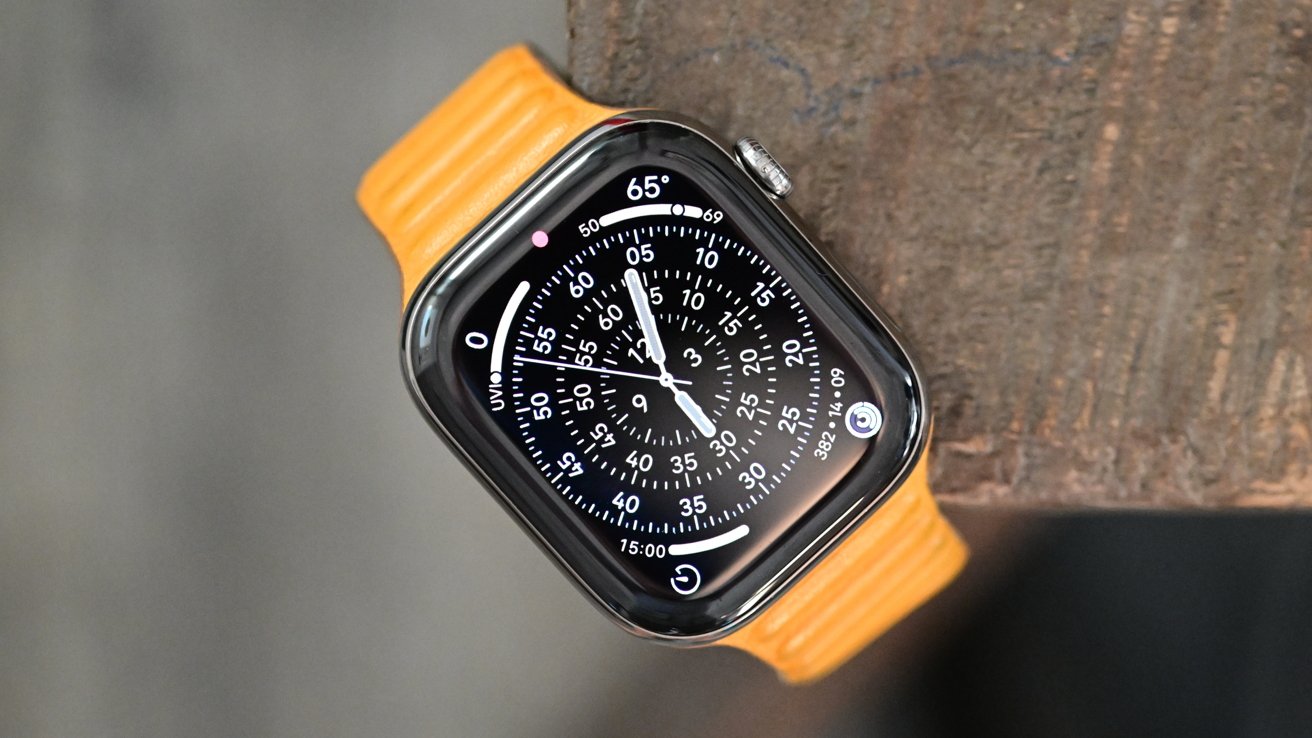
The Apple Watch Series 11 looks and feels familiar, because it is. Apple hasn't changed a winning formula, just tweaked it, and that makes this the best Apple Watch yet.
Apple seems to have hit something of a wall with the Apple Watch after years of performance and design improvements.
Whereas the Apple Watch Ultra and Apple Watch SE aren't updated every year, the standard Apple Watch gets an annual refresh. And that means that big, sweeping changes are hard to come by.
We got that with the Apple Watch Series 10's slight change in shape and thinner chassis. New display technology also made it a better watch, too.
But that left Apple with few options for 2025. As a result, the Apple Watch Series 11 is much the same — with some slight upgrades.
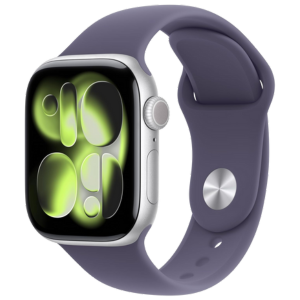
Apple Watch Series 11
I've been using an Apple Watch Series 11 in the new Space Gray color for a few weeks now. It replaced the Jet Black Apple Watch Series 10 that found a home on my wrist during the previous 12 months.
During those weeks, I've come to a simple conclusion. Upgrading to the Apple Watch Series 11 is a no-brainer. But there's a huge asterisk that I'll explain a little later in this review.
Apple Watch Series 11 review: Design
You'd be hard-pressed to tell the difference between an Apple Watch Series 11 and last year's Series 10 just by glancing at them. In fact, the only difference you're likely to notice is the colors.
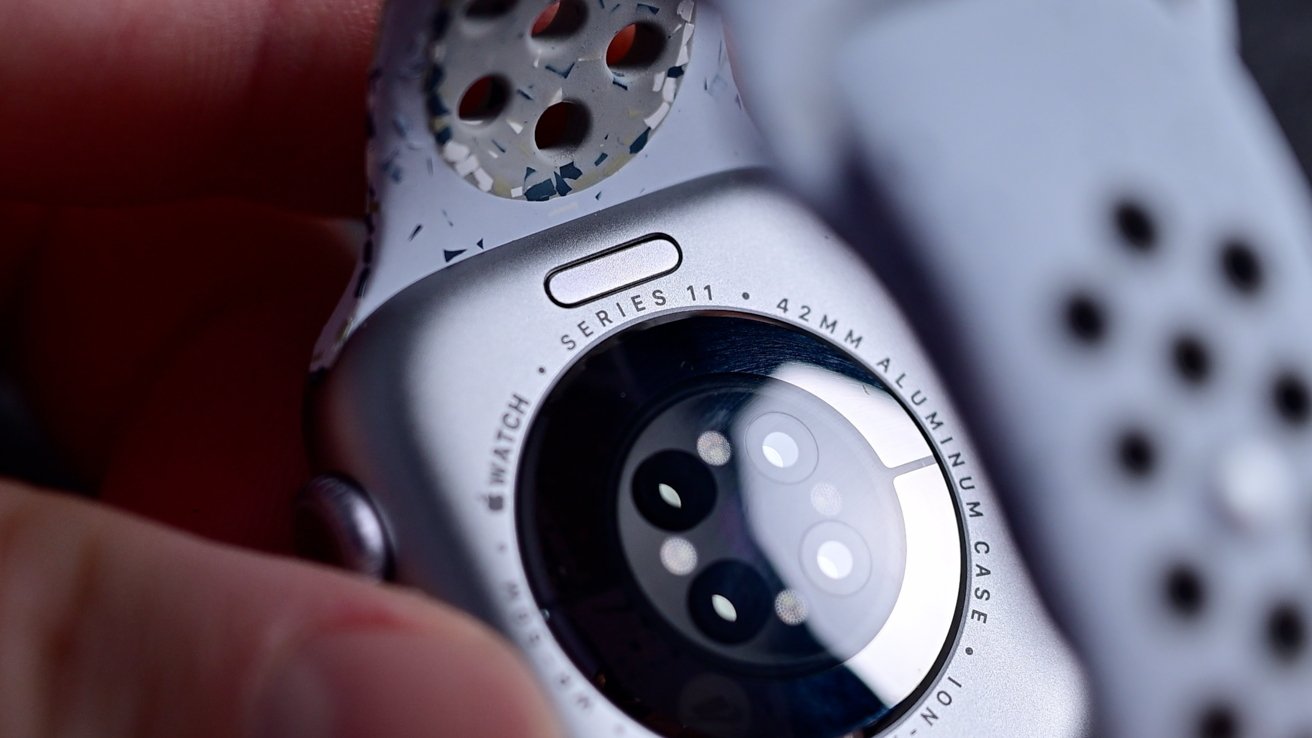
Apple Watch Series 11 review: You can always check the model by looking at the back
This year's model comes in four colors if you choose the aluminum case: Rose Gold, Silver, Space Gray, and Jet Black. Space Gray is a new addition this year, and it's the one Apple sent me for review.
The best way to describe Space Gray is if you took a Silver Apple Watch and darkened it ever-so-slightly. It's much closer to silver than Jet Black, that's for sure.
Honestly? I'm not sure that I'm sold, although it was always going to be hard to follow the Series 10's Jet Black debut. I really am a sucker for black anything, and Space Gray doesn't quite cut it.
Not that it's a bad color by any stretch. But it's so close to Silver that I do wonder why Apple bothered.
If you like one, I suspect you'll like the other. The same goes if you don't like them, too.
Upgrading to the titanium model means choosing between Slate, Gold, and Natural. It'll be no surprise that I'm a big fan of the Slate, but there's something to be said for the ageless Natural finish, too.
In terms of sizes, Apple has stuck with the familiar 42mm and 46mm options. That's the case measurement, not the size of the display.
Oh, and Apple continues to sell the Apple Watch Hermes. It's available in 42mm and 46mm sizes in silver titanium with prices starting at $1,249.
Apple Watch Series 11 review: Display
Speaking of the display, the Apple Watch Series 11 uses the same wide-angle OLED LTPO technology as the previous generation, which is good news. It means for a 1Hz refresh rate and easier reading from obtuse angles — both great for making the watch easier to read.
The 1Hz refresh rate, in particular, makes Apple's wearable better at telling the time than the Apple Watch Series 9 and older. It allows the display to refresh once per second, allowing for a proper second counter even in wrist-down mode.
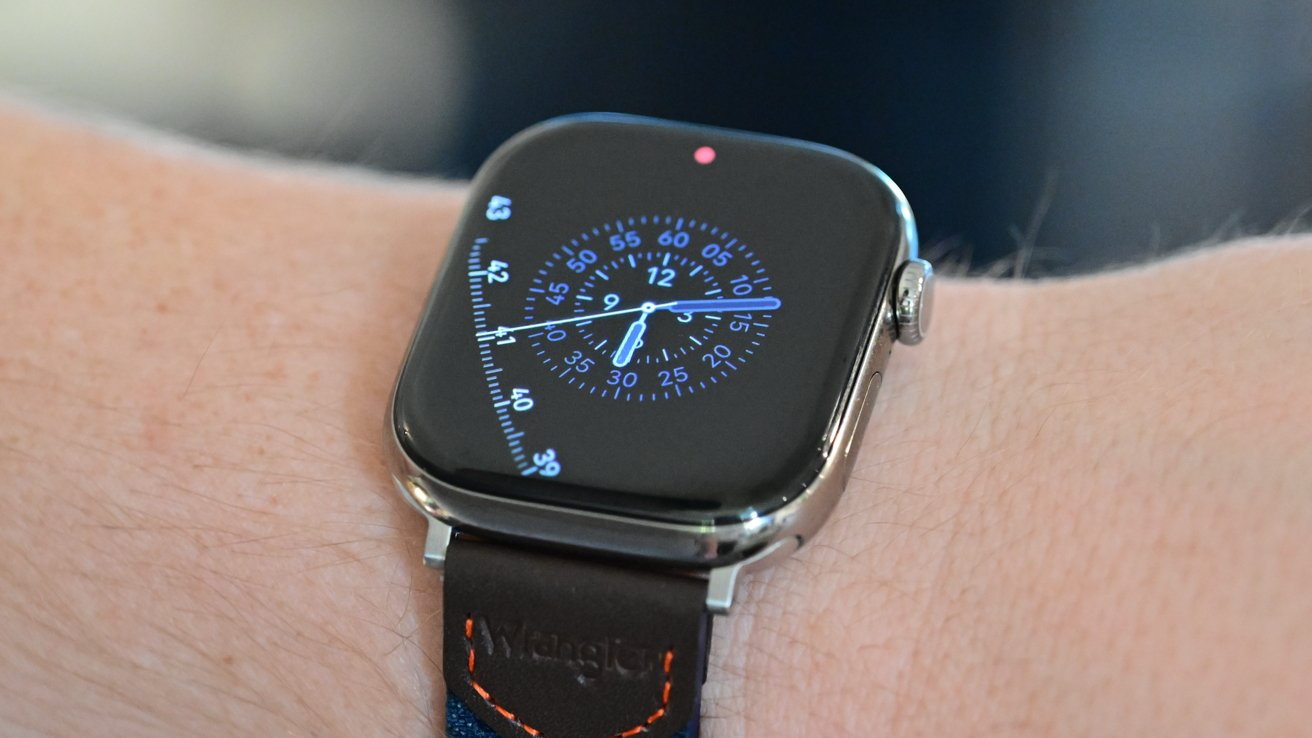
Apple Watch Series 11 review: The display has a more scratch-resistant coating.
The display tops out at a respectable 2,000 nits brof ightness, so you won't struggle to read the time outdoors. It can also go as low as a single nit, should the need arise.
One area where Apple has upgraded the display is the scratch-resistant coating. The Series 11 gains an Ion-X glass that Apple claims is 2x more scratch-resistant than the previous models, with an aluminum case.
Buying the flashy titanium model? You'll get a tough sapphire crystal display for even more scratch resistance.
Apple Watch Series 11 review: Features
As you'd expect, the Apple Watch Series 11 comes with watchOS 26 preinstalled. That means your wrist will get the same Liquid Glass treatment that your iPhone gained with iOS 26. Love it or loathe it, there's no avoiding it.
The new look is more subtle on the Apple Watch, likely due to its smaller display, but it's definitely there. Buttons look more modern, and there are new watch faces to enjoy.
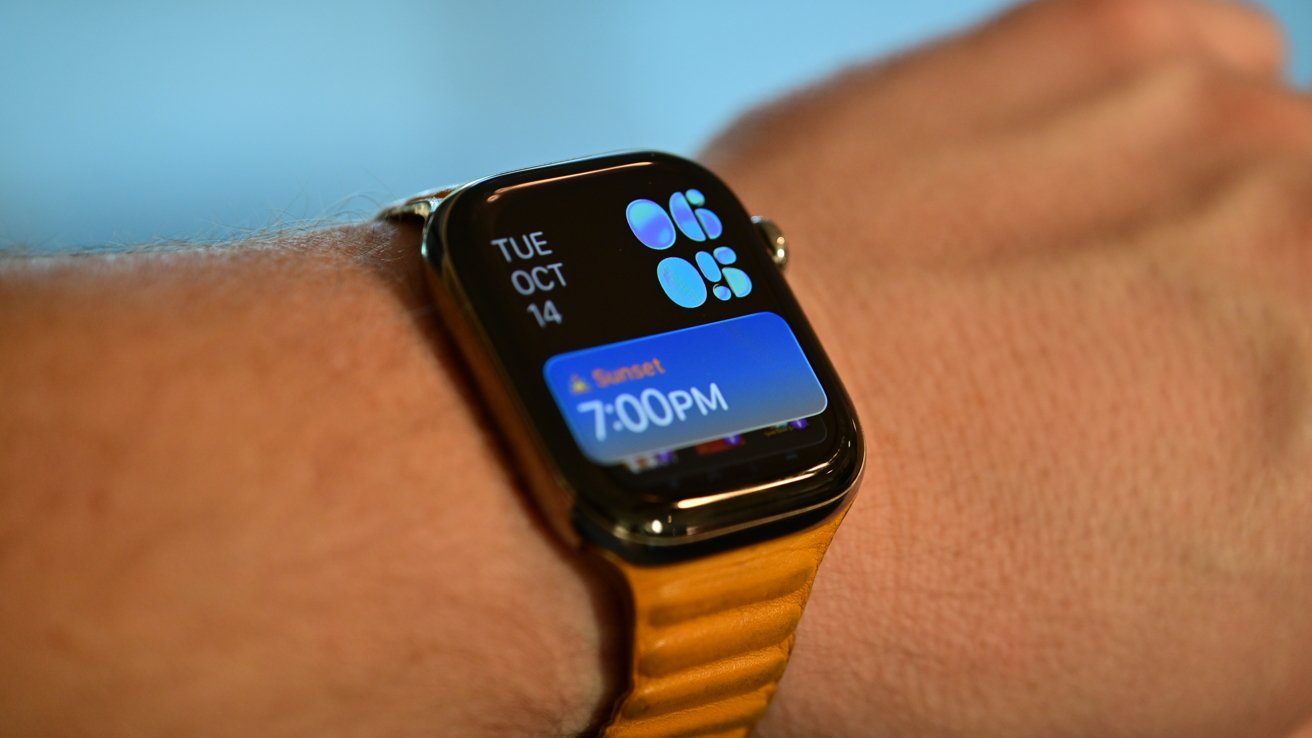
Apple Watch Series 11 review: The face dims and becomes more static when you lower your wrist
I'm a fan of the Photos face, so the ability to move the time and complications around is welcome. The new Flow face looks great and really highlights the Liquid Glass aesthetic. I'm just not sure it's great for actually telling the time.
As has become the norm, the Flow face can be customized with your choice of color. And the whole face dims and becomes more static when you lower your wrist to save power.
The Apple Watch Series 11 also benefits from all of the other watchOS 26 upgrades, including the arrival of the Notes app. You won't be taking long notes with it, but its presence is welcome if only for checking shopping lists and the like.
Much more useful are the double-tap and wrist flick gestures.
Wrist flick is the new addition and allows you to flick the watch back and forth to dismiss notifications and more. Combined with the existing double-tap gesture, wearers now have more ways to interact with their watch one-handed.
That might not sound like much, but you'd be surprised. Being able to stop a timer when you have your hands full never fails to delight.
Other iOS 26 features include Smart Stack hints, which surface relevant actions based on your location or routine. Live Translation in Messages, powered by Apple Intelligence, automatically translates incoming messages in real time
Similar to the iPhone, iPad, and Mac, the Apple Watch also gains Hold Assist and Hold Screening with iOS 26. Hold Assist takes the pain out of phone queuing by calling you back when an agent answers.
But Call Screening is a personal favorite. Siri asks the caller who they are and why they're calling, so you can send the call to voicemail if you wish. I find cold callers simply don't bother and hang up anyway — a win in my book.
All of these features are powered by the S10 chip, the same silicon found in the Apple Watch Ultra 3 and, notably, the Series 10. That means apps are snappy, and watchOS 26 flies. Just don't expect it to be any more responsive than last year's model.
Health features
On the health side, all of the familiar activity tracking and heart rate monitoring apps are present. But Apple has added a new feature: hypertension notifications.
It's vital that hypertension, or high blood pressure, is diagnosed as early as possible so that treatment can begin. If left untreated, sufferers are at risk of stroke, heart attack, and other related illnesses — so it's no surprise that Apple has taken an interest.
At this point, it's important to note that the Apple Watch doesn't measure your blood pressure. Instead, it will alert the wearer "if signs of chronic high blood pressure — or hypertension — are detected."
Apple says that the watch will use data collected by its optical heart rate sensor to analyze how the wearer's blood vessels respond when their heart beats. Data is collected and then interrogated over 30 days before a notification is sent.
If a wearer receives such a notification, they're encouraged to visit a doctor for a real diagnosis.
It's also worth noting that this feature is not designed for people who have already been diagnosed with hypertension — again, Apple Watch won't give you a systolic or diastolic reading. It's suspected that such a feature could arrive in a future Apple Watch model, but not the Series 11.
However, this is a watchOS 26 feature, not an Apple Watch Series 11 one. Hypertension notifications are available on Apple Watch Series 9 or later and Apple Watch Ultra 2 or later.
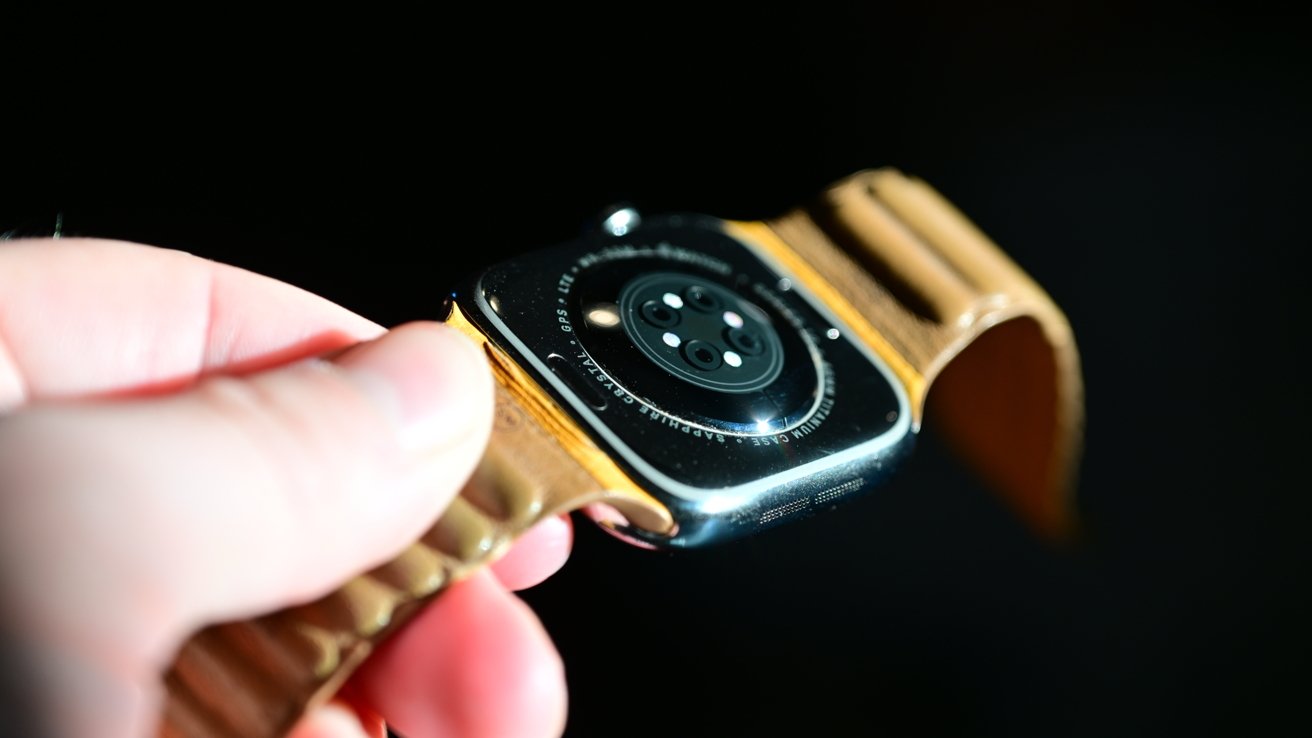
Apple Watch Series 11 review: Health sensors are the same as last time, with feature changes being software-based.
Finally, we have bands. The Apple Watch Series 11 supports all of the bands you already have, which has long been a real plus point.
Apple announced some new colors alongside the Series 11, including forest, neon yellow, anchor blue, purple fog, and more.
For those wondering, the Apple Watch Series 11 I've been testing came with a black sport band. But I've been wearing it with my old black Leather Loop. I sure wish Apple still made those.
Apple Watch Series 11 review: Battery & Connectivity
Apple Watch battery life has been a solved problem for a couple of years now, and the Series 11 is no different.
In fact, Apple says that the Apple Watch Series 11 offers up to 24 hours of battery life per charge, up from the 18 hours of the Series 10. You can expect up to 38 hours in Low Power Mode, up from 36 hours.
In reality, it'll make little difference to most people.
After a decade of Apple Watches, wearers have learned that the secret to battery life is what I call the tactical charge. And the Series 11's new, faster charging certainly helps here.
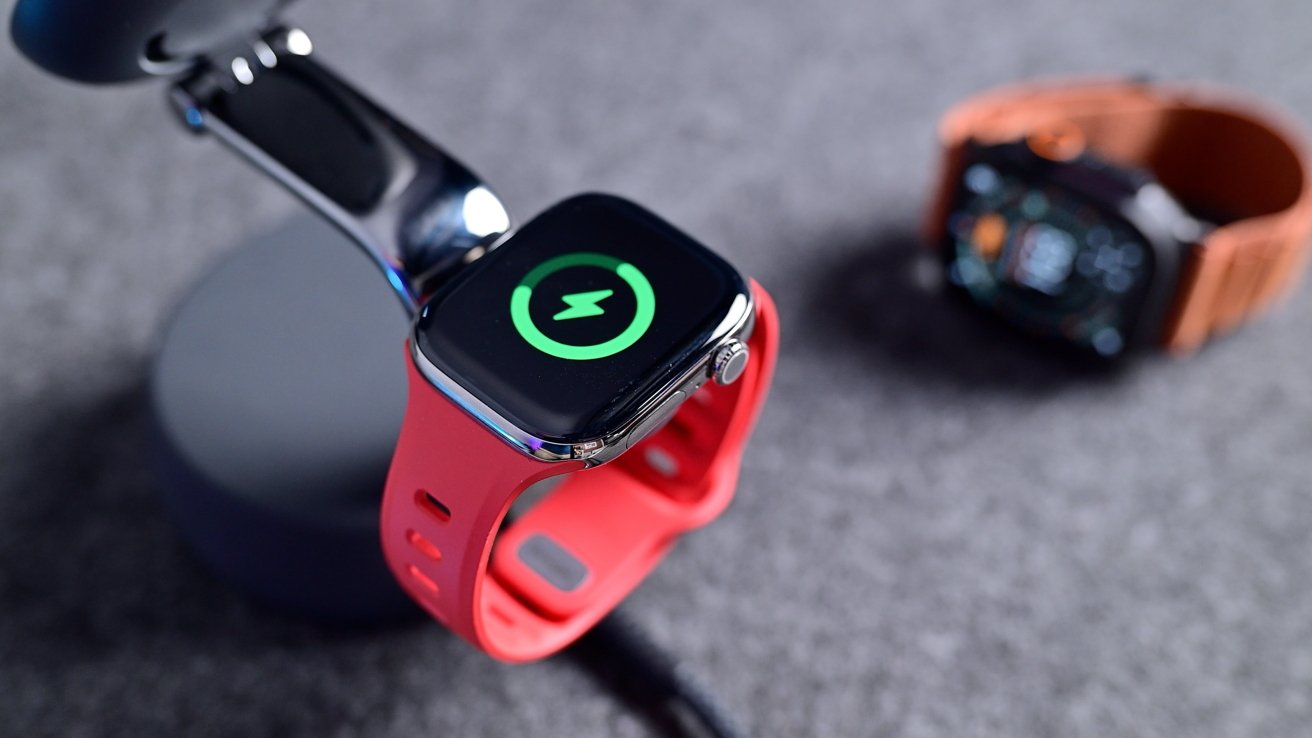
Apple Watch Series 11 review: Battery life now lasts 24 hours, though you should still recharge it frequently.
If you only wear your watch during the day, charging overnight is a no-brainer. And you'll have plenty of power left come bedtime the next night.
But what if you're using your Apple Watch to track your sleep? That's where the tactical charge comes in.
The Apple Watch Series 11 can charge from dead to 80% in around 30 minutes. Or, if time's really short, it'll give you around eight hours of wear from a 15-minute top-up.
That means that plopping your Apple Watch Series 11 on the charger while you have a shower and get ready for the day is all it takes. Do that once a day, and you shouldn't have any problems.
Even if you do, that 15-minute charge will fill in the gaps just fine.
I've yet to have the Apple Watch Series 11 die on me, and I've used it all day, every day, bar my time in the bathroom. Sure, the Apple Watch Ultra 3 can best it, but the Series 11 has more than enough to get the job done.
In terms of connectivity, the Apple Watch Series 11 upgrades the cellular option to 5G for the first time. Wi-Fi 802.11n is also supported, but now supports both 2.4GHz and 5GHz bands.
Bluetooth 5.3 support is present for all of your earbud needs, while L1 GPS, GLONASS, Galileo, QZSS, and BeiDou round out the location-finding hardware.
Apple Watch Series 11 review: Pricing
The Apple Watch Series 11 isn't cheap, although it's dwarfed by the Apple Watch Ultra 3's $799 asking price.
Pricing starts from $399 for the 42mm GPS model, while upgrading to cellular means paying at least $499. Those prices get you the aluminum model.
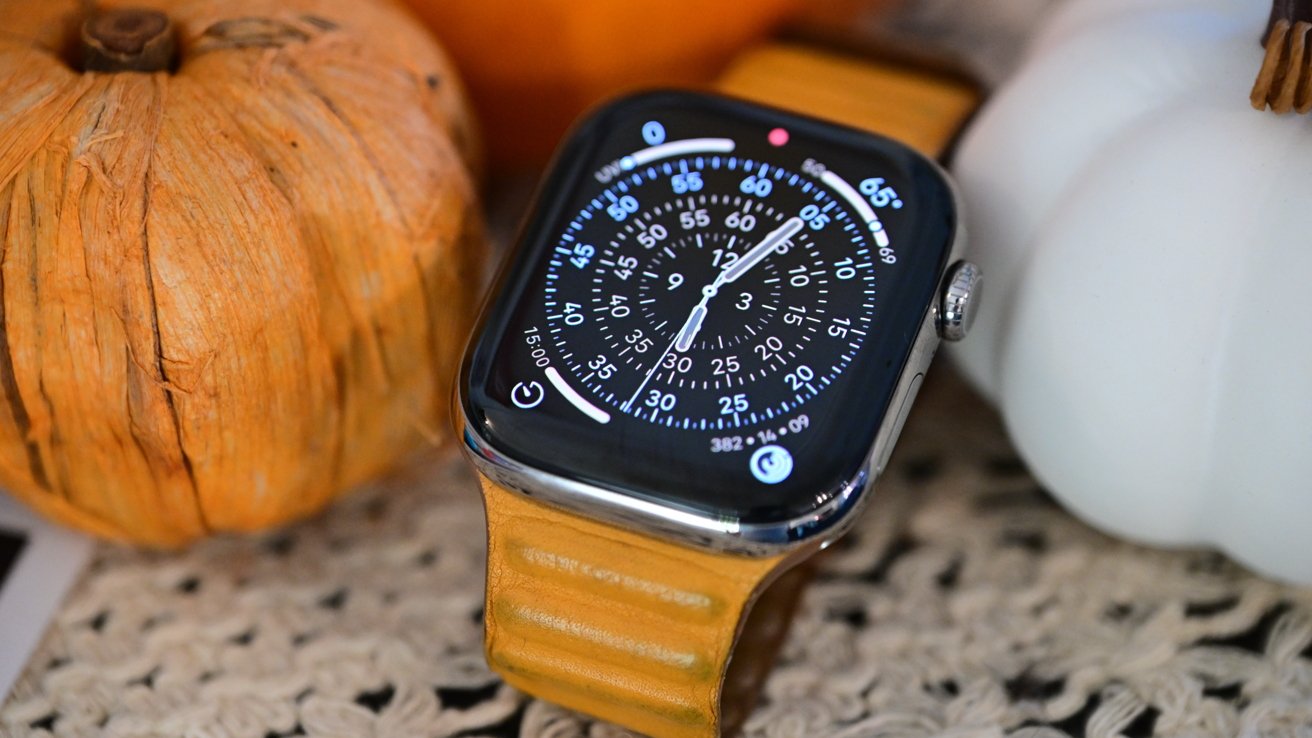
Apple Watch Series 11 review: Like most of the design, the pricing hasn't changed.
Choosing to go the titanium route means paying at least $699, but you do get 5G cellular as standard.
The price will also vary depending on the band that you choose, and the figures can get big, fast. A 46mm Apple Watch Series 11 in titanium with a metal Link Bracelet will set you back a cool $1,049.
Apple Watch Series 11 review: The best yet
As I said at the top, I've spent a few weeks with the Apple Watch Series 11, replacing the Apple Watch Series 10. I've been very happy with the new model, too.
But as good as the Apple Watch Series 11 is, it still feels like an Apple Watch Series 10. It's the same, but better.
That's a good thing — improvements are always welcome. As the owner of an Apple Watch with a conspicuous scratch across its face, I'm here for the improved toughness of the Series 11.
5G support is a nice-to-have as well, although I never used it. I'm not sure how many people are downloading enough to their watch that 5G will make a big difference to their Apple Watch-wearing lives, either.
The watchOS 26 update is nice, but that's available for the Series 10 as well. And both models have the same S10 chip, so apps are fast and responsive across the board.
Sure, the claimed battery life improvements aren't to be sniffed at. But again, how often are Apple Watch Series 10 owners running out of power before charge time?
So I'm left noticing a pattern. The Apple Watch Series 11 is the best Apple Watch Series 11. Since the Apple Watch Series 10.
If you already own a 2025 Apple Watch, I see little reason to upgrade this time around. Unless you must have 5G or fancy a new color, I suppose.
But if you're the owner of an Apple Watch Series 9 or older, or are buying your first Apple Watch, the Series 11 is a no-brainer.
The best yet just got even better. Just don't expect to notice any huge upgrades if you're wearing a Series 10 while reading this review.
Apple Watch Series 11: Pros
- A longer-lasting battery
- A more scratch-resistant display
- watchOS 26 freshens things up
- Hypertension notifications
- 5G support
Apple Watch Series 11: Cons
- No need to upgrade from a Series 10
- New Space Gray color is no Jet Black
Rating: 4 out of 5
The Apple Watch Series 11 is undoubtedly the best wearable Apple has ever made, especially if you don't need the ruggedness of the Ultra 3. But the Series 10 was so good that Apple was left with little room to improve upon it within a year's turnaround. The Series 11 gains 5G support, a more scratch-resistant display, and better battery life. All good things for any new Apple Watch buyer.
But if you're happy with your Apple Watch Series 10, you can give this one a miss. Let's see what 2026 brings instead.
Where to buy the Apple Watch Series 11
The Apple Watch Series 11 is already on sale at Amazon, with the retailer knocking double digits off select styles.
If you're looking for a cellular Series 11, wireless carriers T-Mobile, AT&T, and Verizon are offering incentives on the wearable.
You can also track the best Apple Watch deals in our dedicated roundup and compare Apple Watch Series 11 prices in our Price Guide.
Those looking for a closeout bargain on remaining Series 10 inventory can also find competitive discounts in our Apple Watch Series 10 Price Guide.







