The TP-Link Deco line offers Wi-Fi 7 at a reasonable price, and the BE68 is a tri-band unit with 10Gbps Ethernet, wired backhaul, and a 6 GHz band for more advanced users.
My home networking setup has evolved twice in 2025, first to move away from an aging Linksys setup, then a second time to test a more powerful tri-band system. While the first upgrade was a night and day improvement, the second was more incremental, if welcome.
I had a lot of success using TP-Link's $250 BE5000 dual-band mesh routers, but I knew I'd benefit from something higher up in the lineup. Many, if not most, users won't need to make the jump, but I've been testing the BE14000 system and it has smoothed out the wrinkles.
This review would be a bit too simple if I only compared the new system to the previous one, as they're basically identical besides a handful of better specs, so I'll note why Wi-Fi 7 helps over older systems. Most people buying either this or the BE5000 will be coming from Wi-Fi 6 or older, so that's the more useful comparison.
Evaluating my home network
I'm a heavy Apple Home user with about 61 HomeKit devices connecting via hubs, Thread, and direct Wi-Fi. It can be a bit messy if your home network can't manage these connections efficiently, but TP-Link's modern routers are built with the smart home in mind.
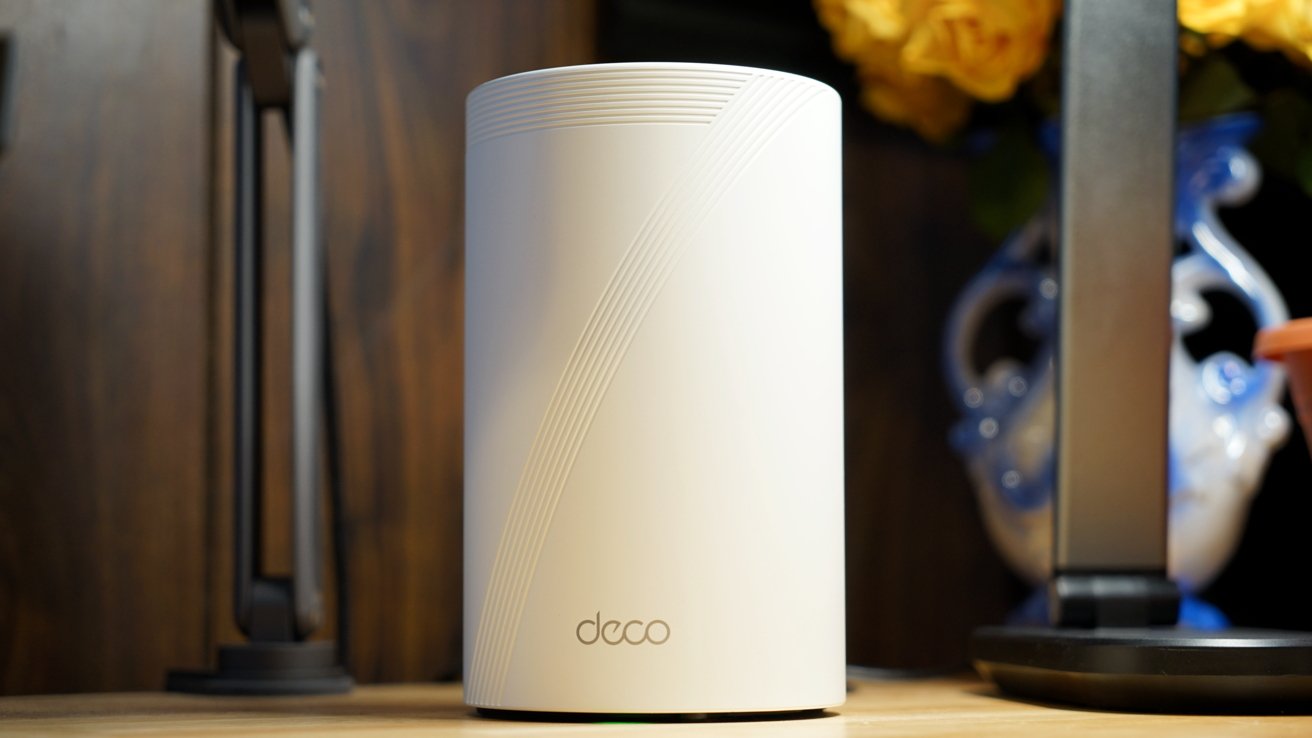
TP-Link Deco BE14000 review: a three-piece mesh network
When I moved from the older Wi-Fi 6 system to a set of TP-Link Wi-Fi 7 routers, the errors in my Apple Home virtually disappeared. Nine months in, and an upgraded tri-band mesh network months ago, and I can say this has been quite the sturdy network beyond the isolated error.
Obviously, the biggest difference in the TP-Link Deco BE14000 is the addition of a 6GHz band and a few more configuration options. For some users, these additions are worth the cost, though if you don't know if you need it, you probably don't.
My home network is connected to a 1Gbps plan via a local fiber provider called Brightspeed. I went with their provided modem and still use a switch for the multiple hubs and devices in the living room.
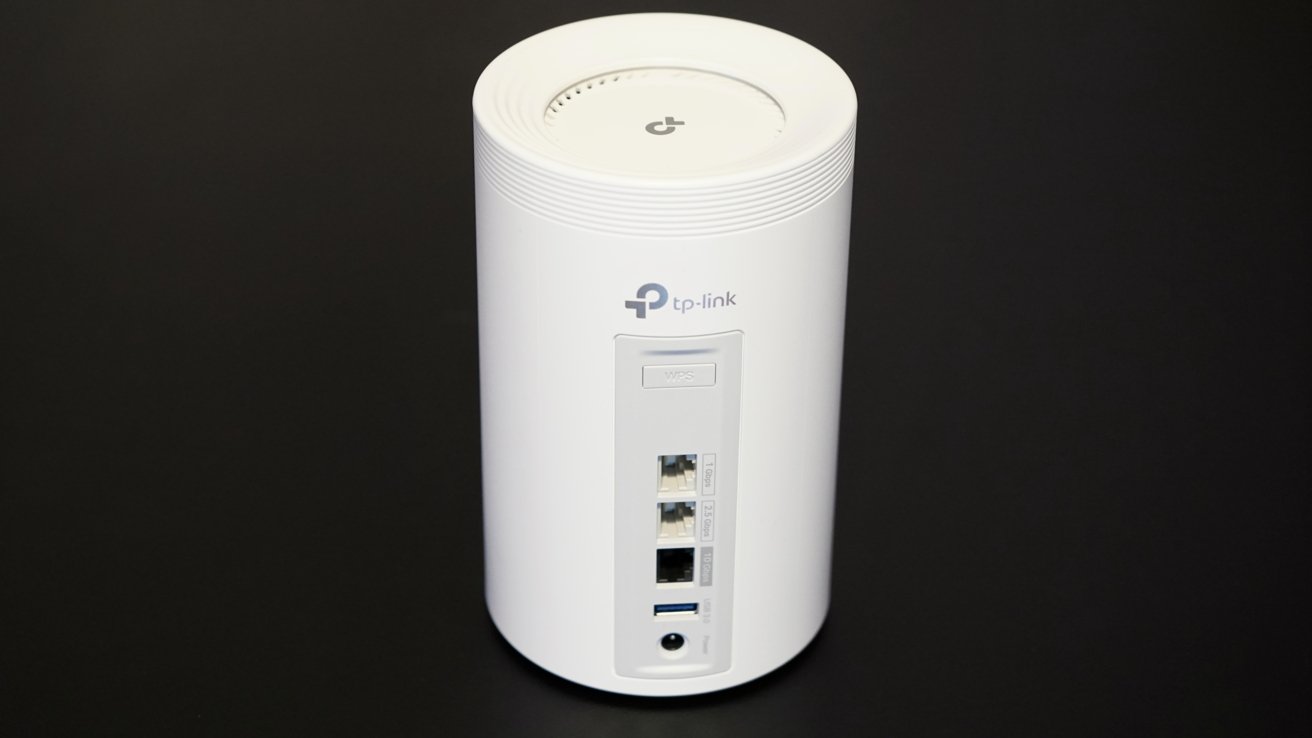
TP-Link Deco BE14000 review: plenty of Ethernet ports
The new BE68 routers are a nice upgrade because they have multiple Ethernet ports in the back. There's a 10Gbps port, which of course is overkill for my network, but that's where my modem connects.
The two additional Ethernet ports offer 2.5Gbps and 1Gbps, so I connected the faster one to the cable that runs across the house to the office. The other port is for the Ethernet switch that connects my Apple TV, PlayStation, Nintendo Switch, and Hue hub to the network.
The second node connects over the wired backhaul to the office, which then provides a wired connection to the iPad Pro's connected Thunderbolt dock. The third node is connected wirelessly in the downstairs rooms.
My network environment has been largely unchanged since my original review in March, other than moving to the new routers for this review. I live with my wife, who shares the internet for streaming, gaming, and other uses without issue.
TP-Link Deco BE14000 review: features & specs
The TP-Link Deco BE14000 Wi-Fi 7 mesh network is a tri-band system that supports speeds up to 14Gbps of simultaneous connections. That's 8.6Gbps over 6GHz, 4.3Gbps over 5GHz, and 688Mbps over 2.4GHz.
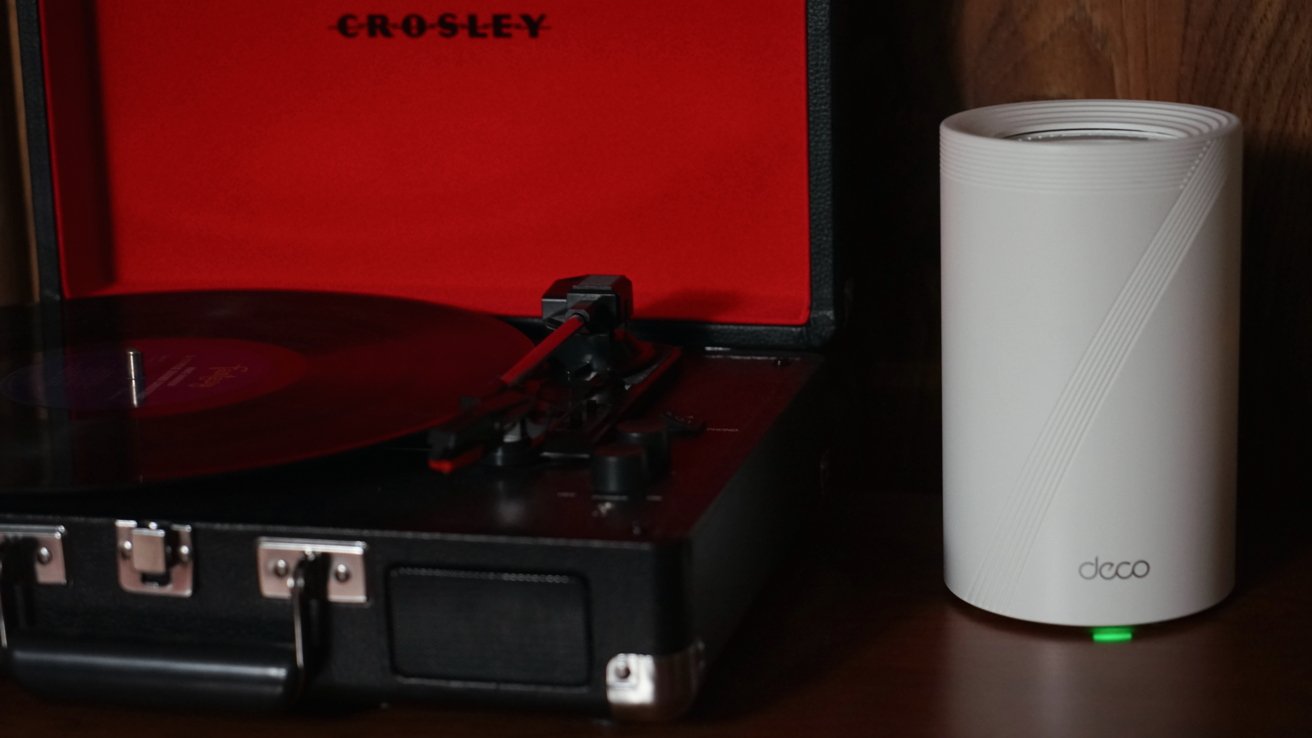
TP-Link Deco BE14000 review: higher specs for a higher price
As I said previously, there's a 10Gbps Ethernet port, a 2.5Gbps Ethernet port, and a 1Gbps Ethernet port. There's also a USB-A port with USB 3.0 speeds for connecting a network-connected drive.
The system supports Multi-Link Operation (MLO), which increases throughput and decreases latency for products that support it. It's a Wi-Fi 7 feature, so products like the PlayStation 5 Pro and iPhone 17 will benefit from it.
There's also a 320MHz Channel option, which can double the bandwidth for busy networks. It helps increase the number of simultaneous connections for faster speeds.
In addition to the faster speeds, additional ports, and 6GHz channel, there are additional settings for more control over your home network. The one that stands out for me is the ability to select which channel each of the three bands uses, which is essential for some apps that do game streaming, like Portal for Apple Vision Pro.
For whatever reason, the dual-band option doesn't provide users with that control. This more advanced system earns its price with its specs and advanced controls.
TP-Link Deco BE14000 review: Deco app
There's nothing new to say about the Deco app from my last review, but I'll highlight its features and what Deco owners get access to anyway. It's a straightforward app that doesn't annoy the users with too much beyond the occasional ad for hardware sales.
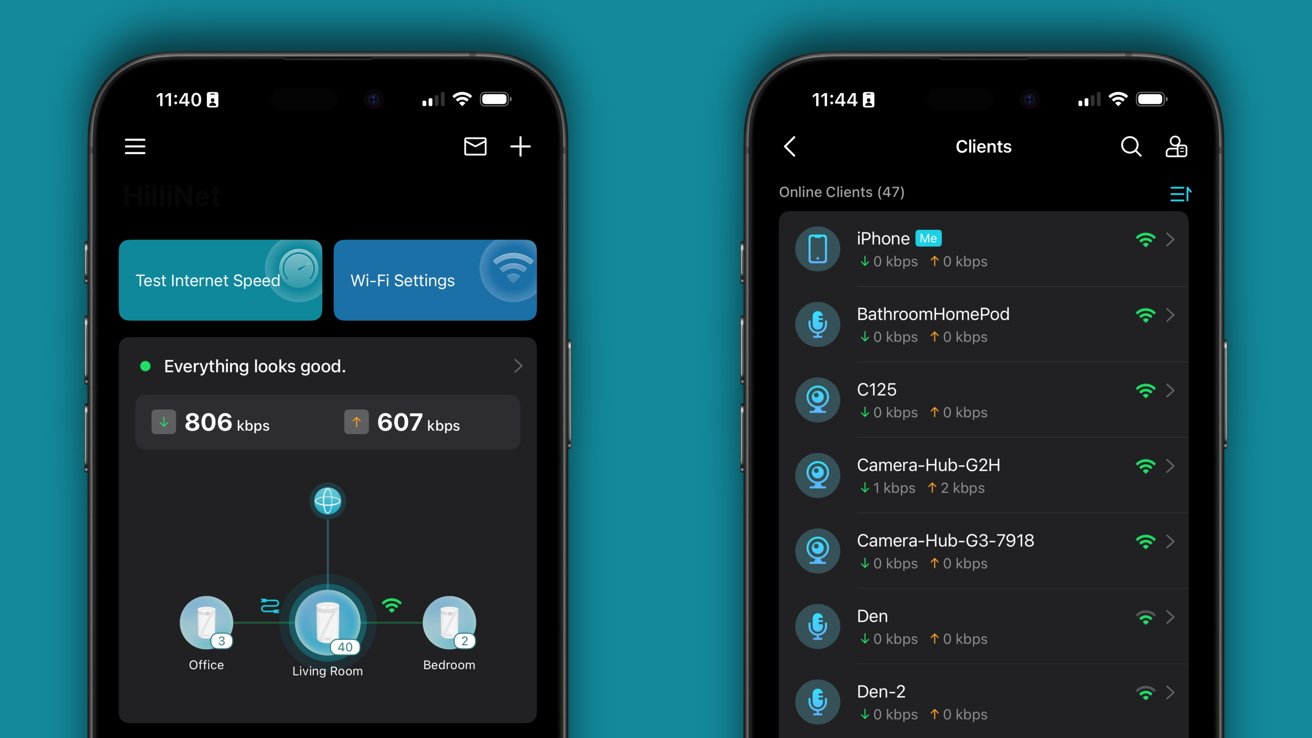
TP-Link Deco BE14000 review: the app provides simple tools for network management
There's still an option for a dedicated smart home network, which isn't something I'm interested in as an Apple Home user. If you're worried about a connected device's access to the internet, the separate network helps maintain a level of privacy for your connected devices.
TP-Link also has several options for add-ons within its app. A HomeShield subscription includes additional security controls, parental control options, and the ability to add a VPN to the router network instead of a per-device basis.
There are options for NordVPN, Surfshark, IPVanish, PureVPN, or a custom VPN. Users can choose just one VPN, and the subscription is managed separately from TP-Link.
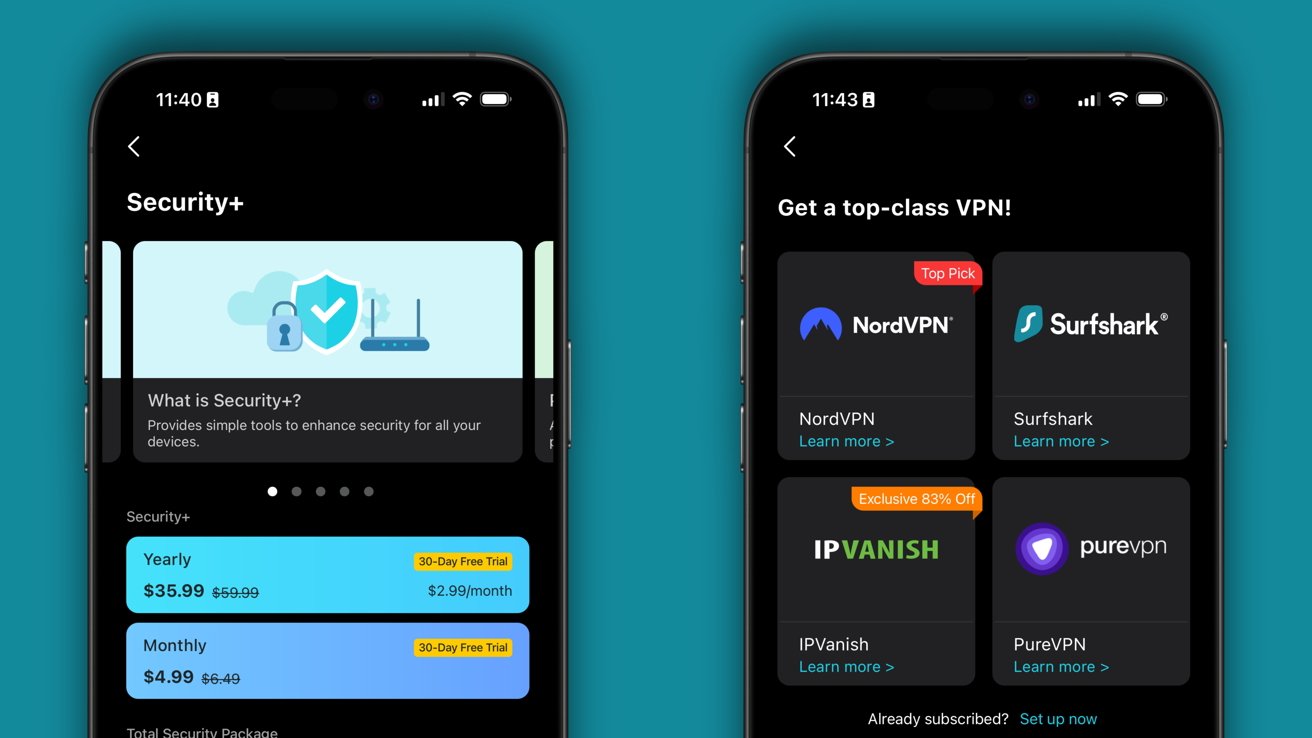
TP-Link Deco BE14000 review: optional add-ons are available as needed
The included parental controls are a bit limited, so those needing more options can choose to subscribe, but users can pause internet connection, block specific websites, and filter websites without paying.
There are multiple subscription options, like $2.99 per month or $17.99 per year for access to SafeSearch, YouTube Restricted Mode, Time Limits, Time Rewards, and Detailed Reports. The Security+ subscription is $4.99 per month or $35.99 per year, for web protection and more.
I'm maintaining my position on these subscriptions as being a bit unnecessary add-ons seeking additional revenue after a product is sold. Savvy users will already have taken care of most security concerns, and parental controls shouldn't be behind a paywall.
Of course, there's a chance I'm outside of the target market for these services. Customers should be sure whether they need the feature before subscribing.
Using the TP-Link Deco BE14000 mesh network
The BE68 mesh nodes from TP-Link are better in multiple specs versus their lower-end counterparts. More ports, more bands, more controls — it's enough for many power users, though there are more high-end options if needed.
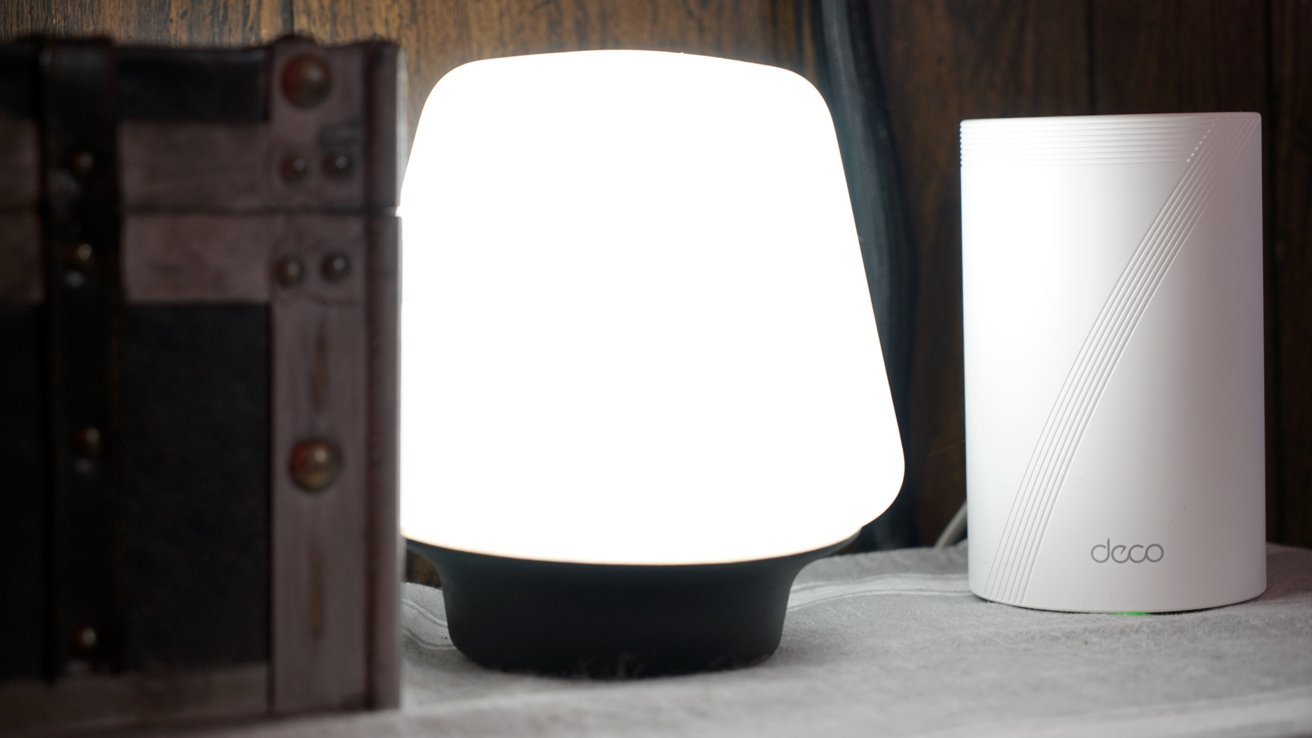
TP-Link Deco BE14000 review: a router works best when it is invisible
My Apple Home network has been sturdy. My devices are all operating without issues, and there haven't been any complaints from others using the network. The best thing a router can be is invisible, and that's been the case for the TP-Link Deco BE14000 mesh network.
The routers plug in, power on, pair, and just work. Once you've got the parent node connected, the child nodes connect with little effort.
The price is still favorable compared to some home networking options, though it's much more expensive than the base set I reviewed previously. The price isn't prohibitive, just something to consider when making a buying decision.
The 6GHz connection may be enough to convince those living in congested areas, like apartments, to make the leap. More advanced users will likely want the more expensive options too.
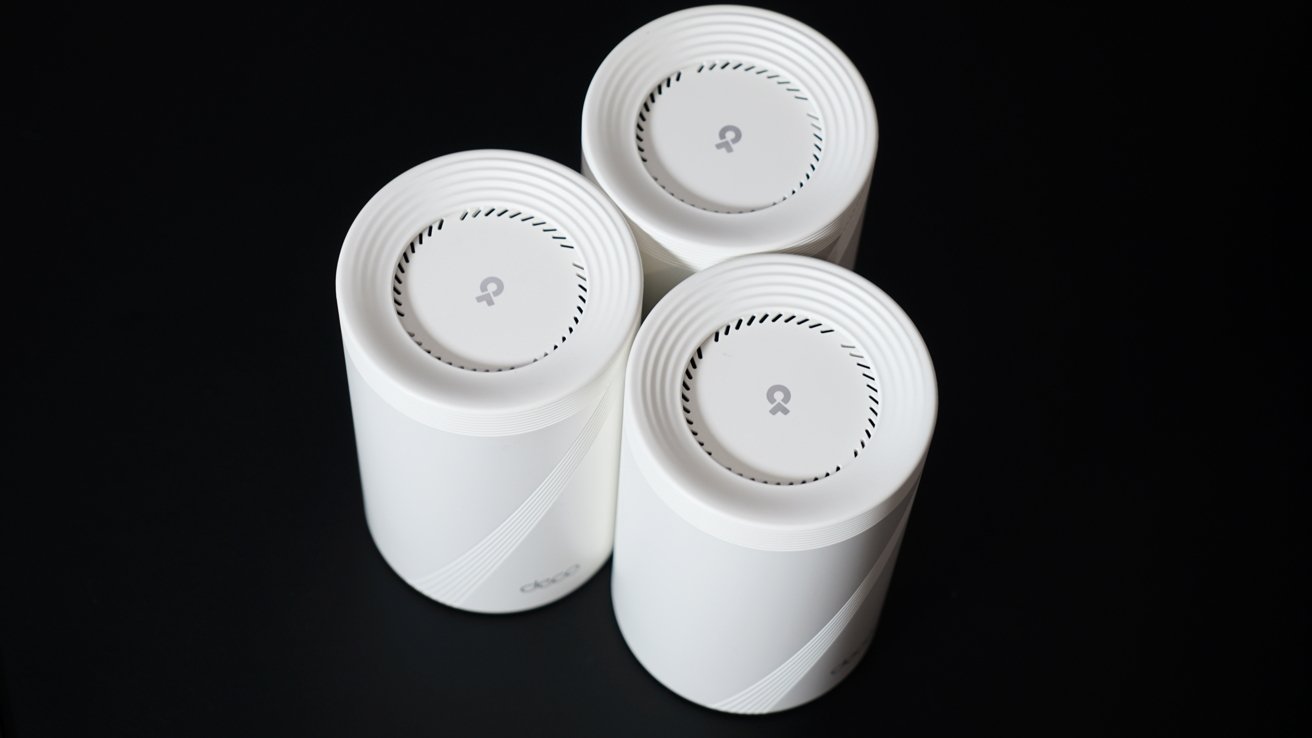
TP-Link Deco BE14000 review: three nodes are enough for any home
Between the BE5000 and BE14000, I'd recommend the BE14000 simply for the tri-band connection. Of course, if budget is a concern, the BE5000 is a good option.
There are those that might point out security concerns with TP-Link due to them being a Chinese brand with concerns from the US government. As far as I can tell, the security is solid, experts don't see any real concerns, and even experts like those at Malwarebytes haven't noted anything dangerous for consumers.
Unless something changes and we hear from experts outside of the government, there's really no reason for concern. These are solid routers that I can easily recommend to anyone looking to upgrade from a pre-Wi-Fi 7 setup.
TP-Link Deco BE14000 review: Pros
- Simple tower design
- Wired and wireless backhaul
- Easy-to-use app
- Excellent performance and advanced options
- Affordable given the specs
- Multiple ports, bands, and connection options
TP-Link Deco BE 14000 review: Cons
- Advanced parental controls and other options hidden behind a subscription
- Total security plan unnecessary for savvy users
Rating: 4.5 out of 5
It is tough to award anything a perfect score without some kind of standout feature. The TP-Link tri-band mesh routers are an excellent option, but where they add features, they add price, and end up closer in line with their competitors.
I'm maintaining a 4.5 score for this review. The higher price could drive customers to lower-end models, but it isn't prohibitively expensive either.
Where to buy the TP-Link Deco BE14000
TP-Link sells the Deco BE 14000 at Best Buy for $699.99. It is a three-pack of BE68 routers, and it is currently discounted by $150 to $549.99 at this time.