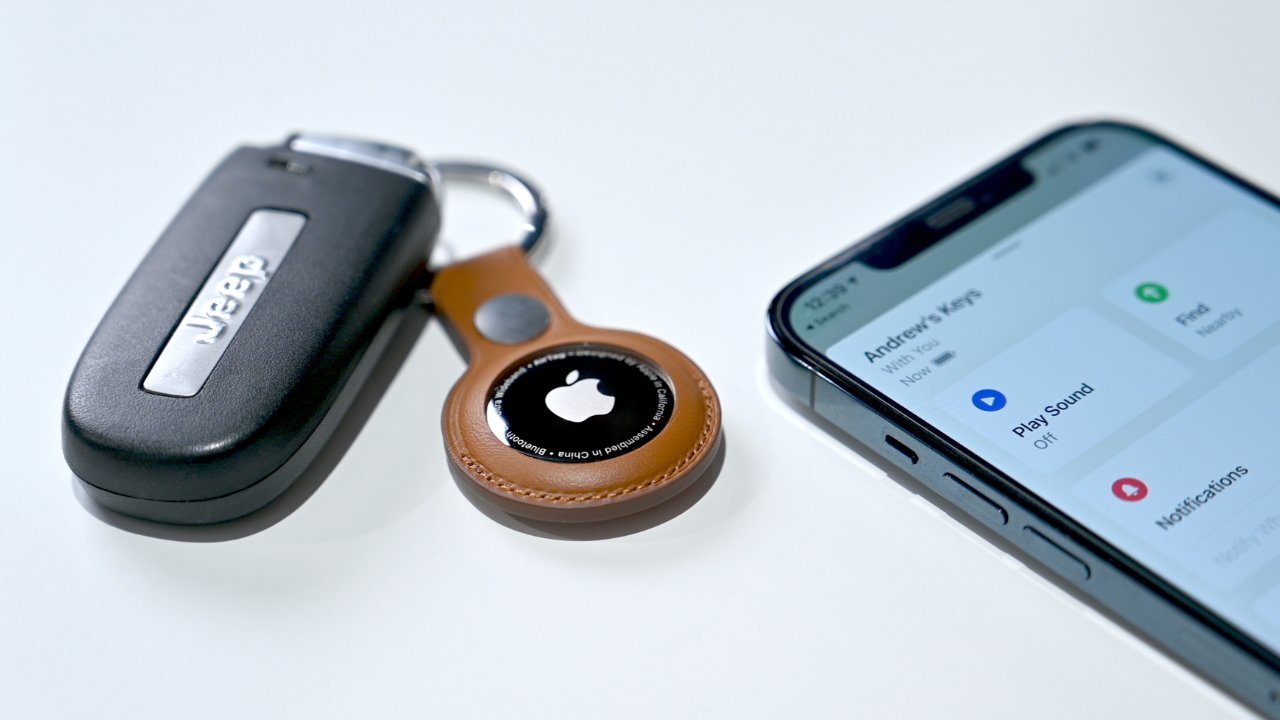
The introduction of a new AirTag has led Apple to issue updates for multiple older versions of iOS and iPadOS, all to maximize support for the tracking device.
On Monday, Apple released incremental updates bringing its latest operating systems up to iOS 26.2.1, iPadOS 26.2.1, and watchOS 26.2.1. They were not the only ones to arrive, as Apple also released patches for older operating system generations, too.
Apple occasionally releases incremental patches to its operating systems, either to patch bugs or to introduce compatibility for just-launched hardware. The latter is more the case here, as Apple launched its second-generation AirTag with improved Precision Finding range and a louder speaker.
To make the new tracker model work as smoothly as possible, Apple has to ensure earlier operating system versions support it. Since it is based on Bluetooth and Ultra Wideband for location reporting purposes, Apple needs as many iPhones to be updated to detect the new accessory.
In this round of updates, Apple has issued patches for four older iOS and iPadOS generations before the current generation 26. This includes patches to hardware running iOS 18, iOS 16, iOS 15, and iOS 12, as well as iPadOS counterparts.
The updates and build numbers are:
- iOS 18.7.4 (22H218)
- iOS 16.7.13 (20H365)
- iOS 15.8.6 (19H402)
- iOS 12.5.8 (16H88)
- iPadOS 18.7.4 (22H218)
- iPadOS 16.7.13 (20H365)
- iPadOS 15.8.6 (19H402)
- iPadOS 12.5.8 (16H88)
How to update iOS and iPadOS
In both iOS and iPadOS, a manual update is possible by accessing the Settings app, selecting General, followed by Software Update. If the update is available to you, it can be installed from here.
This is not needed if you have enabled Automatic Updates on your devices, available from the same Software Update options.