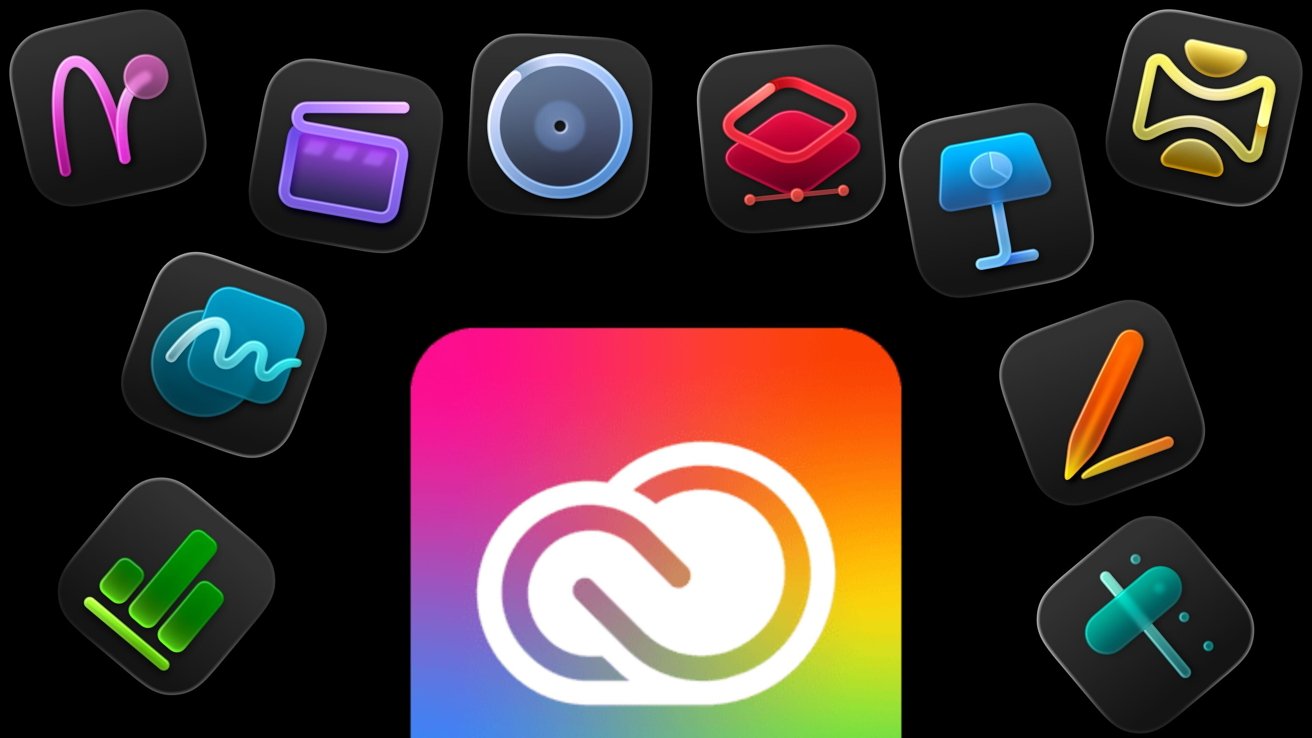
Apple Creator Studio is taking on Adobe's dominant Creative Cloud by offering a selection of apps to create content, paid monthly. There are massive differences between the two subscription services, and some nuance to picking a package. Here's how they compare, and what you can do to fill the gaps.
Apple decided that it wanted to take on the ten-ton gorilla of creative apps, Adobe, on its own turf. The Apple Creator Studio is a collection of apps for editing video, creating music, producing art, and other creativity tasks, all within Apple's hardware ecosystem.
At a high-level view, that's precisely what Adobe Creative Cloud Pro has provided to professionals for many years, mostly under its previous non-Pro form — a bunch of tools for subscribers to make practically any digital media they want, to a high level.
When explained in those simple terms, it seems like Apple and Adobe are doing extremely similar things. But take a slightly closer look at the situation, and you'll see that it is far from being a toe-to-toe battle for consumer dollars.
Apple Creator Studio has some gaps versus Creative Cloud, but they are easily filled.
Apple Creator Studio vs Adobe Creative Cloud Pro: App Coverage
The first thing that should be apparent is that Adobe Creative Cloud Pro is a massive package of apps, all to help creative professionals make whatever they digitally want.
For the purposes of the main comparison, we will be using the default paid plan, which includes a total of 22 apps, as well as some additional services. This covers everything from photo manipulation and graphic design to video production, web design, animation, and posts to social media.
As a work-focused bundle, there are also tools intended for a more professional environment, such as Adobe Scan, Acrobat Pro, and Fill & Sign.
Those extra services include using generative AI to create items, with a monthly allocation of credits provided to handle various video, image, and audio features. There's also Adobe Stock with many stock images and clips available to use in projects, Adobe Fonts with over 30,000 fonts in its catalog, and even Adobe Portfolio.
There's a lot of ground to cover where Adobe is concerned, but we will be focusing on the main crossover areas with Apple Creator Studio.
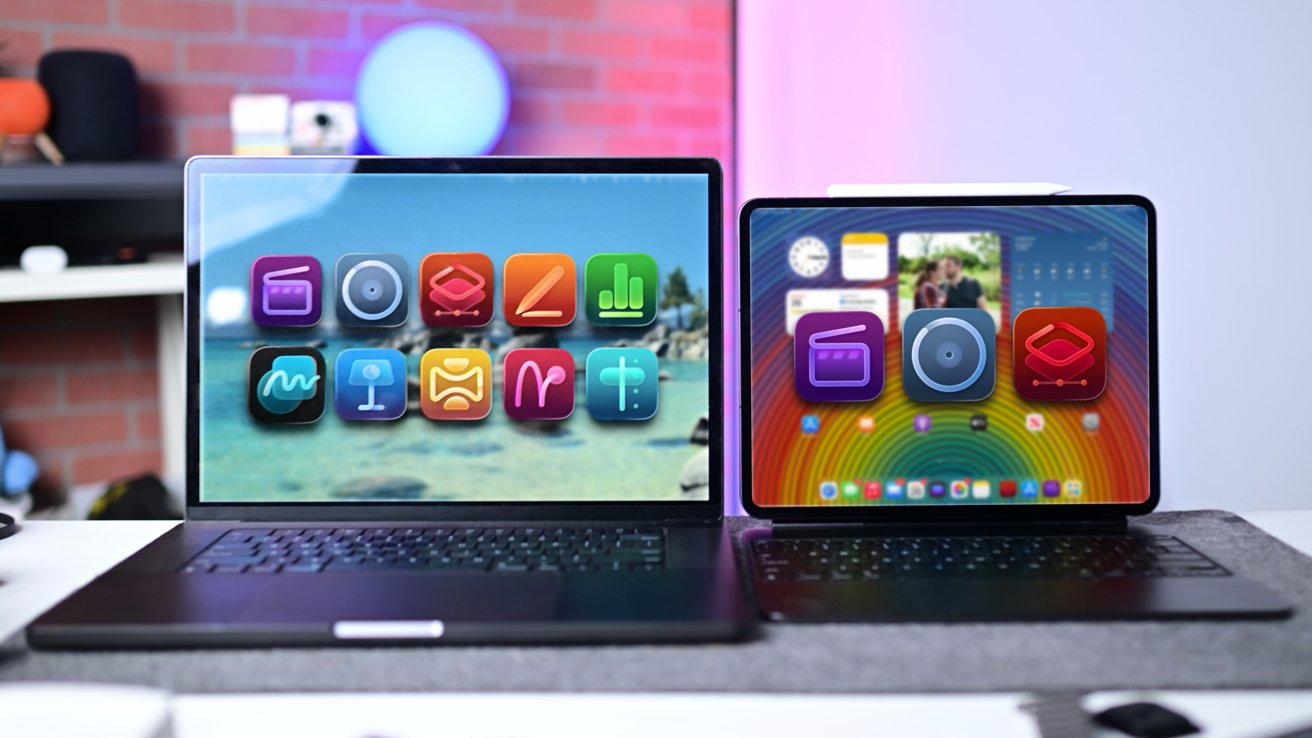
Apple Creator Studio includes apps for Mac as well as iPad
Apple's subscription package is, by comparison, a lot smaller than Adobe's by a long way. That said, it's still quite an impactful package.
The main benefit of Apple Creator Studio is that it gives users access to tools that were previously available either as an individual subscription or as a premium product, on both Mac and iPad.
The chief items are Final Cut Pro for video, Motion, Compressor, Logic Pro, and Pixelmator Pro. These are major applications that have made their way into the professional creative world and are going to be the main reason anyone goes for this bundle.
Apple also, surprisingly, mentions Keynote, Pages, Numbers, and Freeform as part of the package. However, these are apps that are already available to users for free.
They are brought up because the package adds more premium content for these tools that won't be available to users of the free version. But really, it helps make Apple's collection look less anemic when directly put against Adobe's options.
Apple Creator Studio vs Adobe Creative Cloud Pro: Video
When it comes to producing things with motion, Adobe Creative Cloud Pro has some heavy hitters. Video professionals will be intimately familiar with Premiere Pro, Adobe's video editing tool that has become practically the standard in the industry.
To be fair, that could be said about quite a few of Adobe's tools at this point in time.
Premiere Pro is the main video tool, available both on desktop Mac and iPad, but there are other key components too. If the full force of Premiere Pro isn't needed, there's also Premiere Rush, which is geared towards lighter social media purposes than major projects.
On Apple's side, there's Final Cut Pro, which has similar professional chops as Premiere Pro. If you need to edit, color grade, or make any other changes to a project to a professional level, Final Cut Pro can do that on both Mac and iPad.
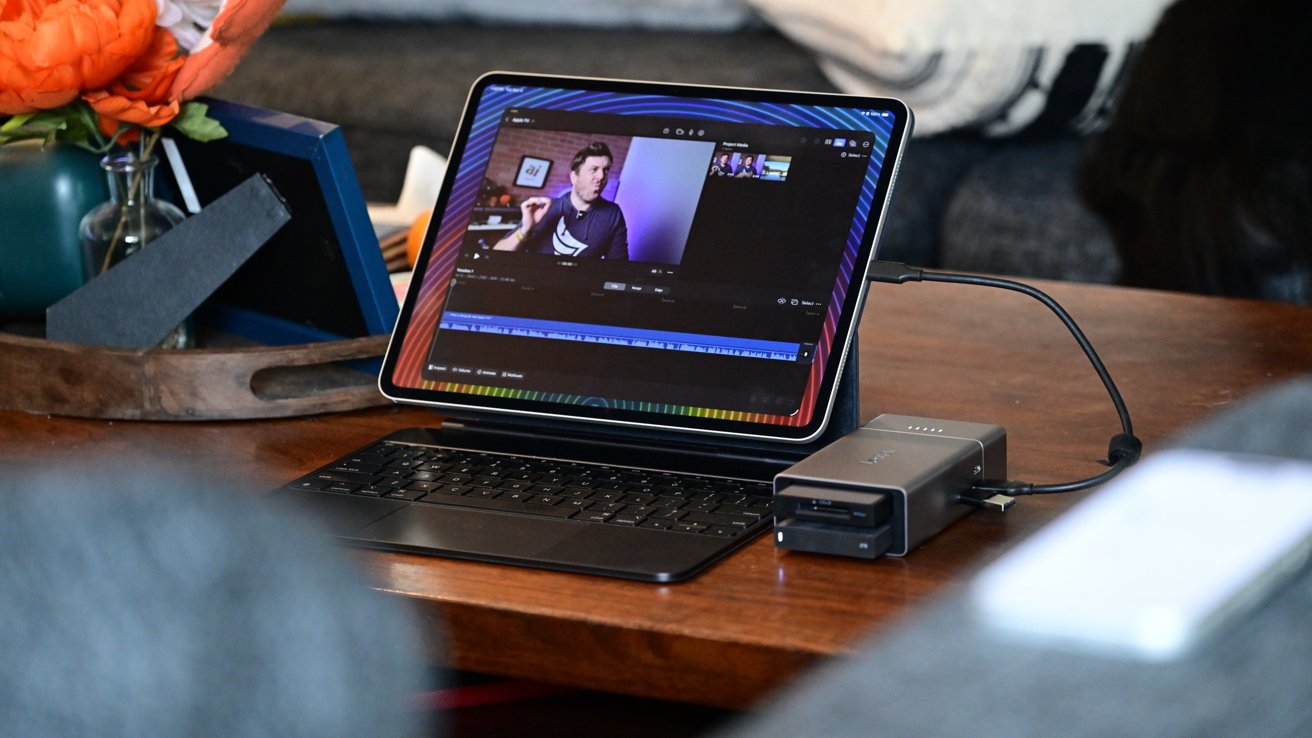
Editing a video in Final Cut Pro on an iPad
Of course, you always had the option of iMovie to handle more domestic edits, but Final Cut Pro is more than capable of handling tougher, big-budget productions, too.
If you're looking to add motion graphics, both sides have their options. Adobe After Effects is, like Premiere Pro, an industry-standard application, but Apple Motion can hold its own.
For getting the content out of the editor and into the eyeballs of users, there are solutions in play, too. Adobe has its Media Encoder for getting your video into the right format, while Apple's Compressor does the same thing on its side.
Adobe also brings in some extra tools for seasoned video editors to use. There's Prelude, which is used to tag and transcode video footage, while Bridge is a way to manage all of your assets in one place.
For working with others, Adobe users also have Frame.io to collaborate online.
If you want to go down the animated content route, Adobe has Animate for producing cartoons and hand-made graphics. If you have made a character already, then Character Animator will let you bring it to life quickly.
Apple doesn't have an equivalent animation package available, but it's only really a problem if you really need to work on animated content. It's a show-stopper if you do.
Apple Creator Studio vs Adobe Creative Cloud Pro: Images and Graphic Design
When it comes to still images, both packages cater to artists and designers quite well.
Adobe Creative Cloud Pro has multiple areas of focus here, with a few core apps dealing with certain fields of imagery.
The core app is Photoshop, an image editing and composition tool that practically any artist or designer will know how to use. It's the general workhorse of Adobe's system, and it has certainly earned its reputation for being the default imaging tool for most professionals.
The other imaging apps in the Adobe package are really intended for more specific use cases. For example, Lightroom and Lightroom Classic are tools for photographers and photo editors, rather than for artists creating completely new works.
For designers needing crisp lines for logos, there's Illustrator for vector work and InDesign for layouts, while artists may lean to Adobe Fresco to digitally paint their ideas. Adobe Express is also on hand for quick document and image-making tasks.
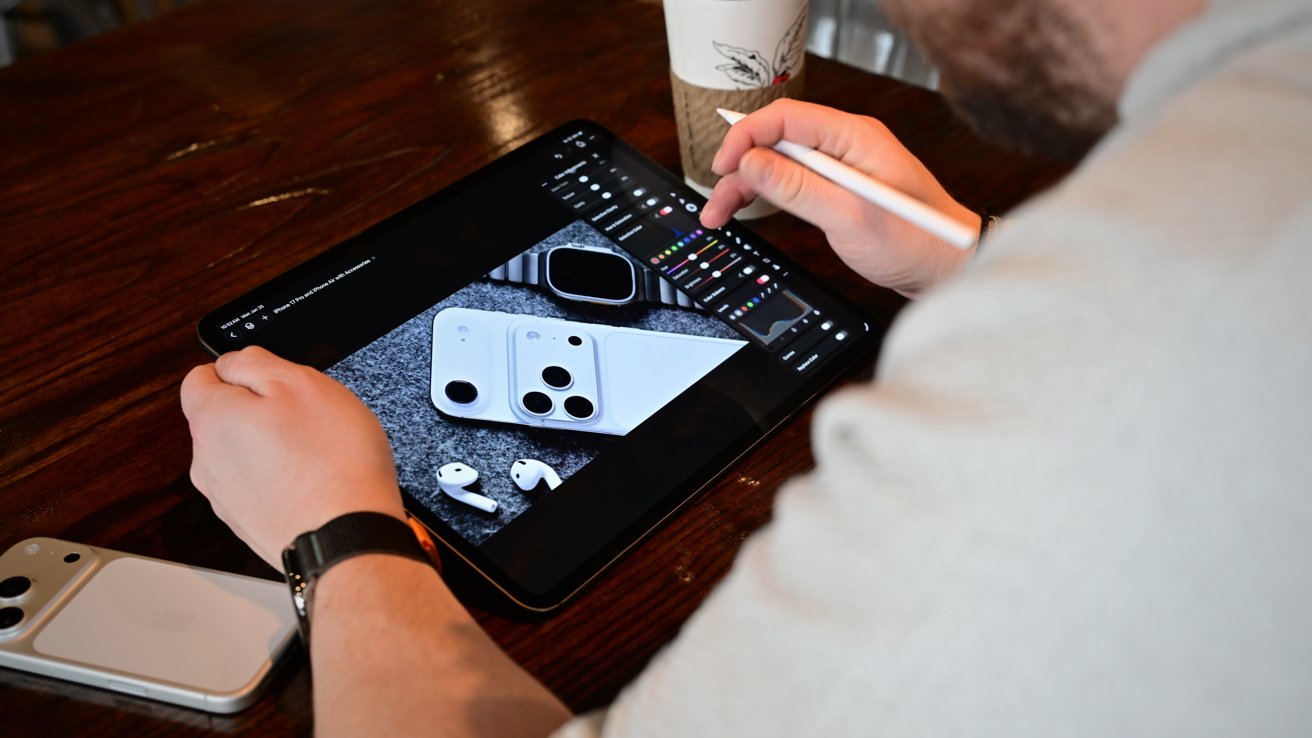
Pixelmator Pro's now on iPad under the subscription.
For Apple, it only has one choice: Pixelmator Pro. Acquired by the company in late 2024, it is akin to Photoshop as a general-purpose editing tool.
However, like the imaging Swiss army knife on Adobe's side, Pixelmator Pro can handle a lot of different content types and art styles. A designer may not get the specialist tools like Illustrator in Apple's subscription, but Pixelmator Pro can do a pretty good job as well.
Really speaking, photography isn't part of the Apple Creator Studio besides editing images in Pixelmator Pro. The reality is that, if you're turning to Apple for storing your photo collection and making edits to your shots, you're looking at the Photos app.
It may be seen as a deficiency on Apple's side to not have something designer or photography-specific in its subscription. If you consider Apple's other services, and what Pixelmator Pro can actually do, it's not really far off the pace set by Adobe.
Apple Creator Studio vs Adobe Creative Cloud Pro: Music and Audio
While Apple and Adobe's packages cover many similar areas in visual arts, the same cannot be said about audio. The dedicated apps provided in the respective packages have little crossover when it comes to sound.
Adobe Audition is purely an editing tool, made to chop and change an audio recording. It is really designed for adjusting an existing sound to meet your particular needs, making it great for tweaking a sound effect for a video, for example.
If you have a podcast that you want to edit, or audio to restore, Audition is a great choice.
Over on Apple's side, it includes Logic Pro and GarageBand. Sure, both could be used for audio editing, but really it's for music creation.
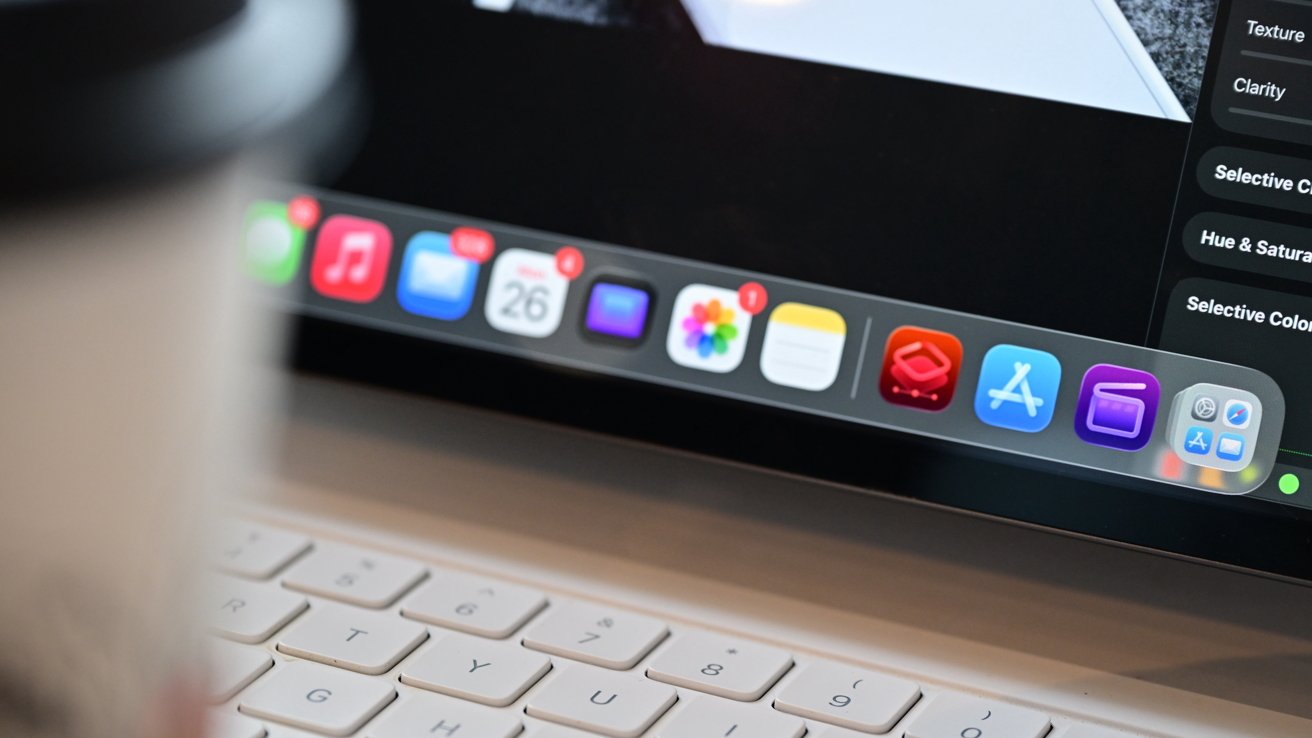
Icons on an iPad Pro
While you're not going to slap together a complete song in Audition, Logic Pro is a Digital Audio Workstation (DAW) tool that handles all of the tasks associated with producing a music track. Everything from recording the audio to creating a sequence of clips, using virtual instruments, and mastering the final track.
While Adobe Audition is just for the Mac desktop, Logic Pro is also usable on the iPad. If you would prefer to use the Mac for creation, there's still Logic Remote that adds extra controls to the iPhone and iPad.
Lastly, there's MainStage, which can be used by performers to play instruments and effect plug-ins from Logic Pro through a Mac, as part of a live performance.
This represents a completely different way of thinking and working with audio between the two companies. While Adobe helps you perfect a sound, Apple wants you to make and perform a complete track.
Apple Creator Studio vs Adobe Creative Cloud Pro: Extras
The core apps will be the main focus of potential users, but each package also includes a bunch of other stuff that could sway buyers its way.
The main Creative Cloud Pro plan includes 100GB of cloud storage as part of the deal. There is no added cloud storage component in Apple's package, but that doesn't stop you from acquiring more via an iCloud upgrade or an Apple One subscription.
Adobe also includes various other apps and online services as part of its bundle, including generative AI credits, access to Adobe Stock and Photoshop Ai features, Adobe Portfolio, over 30,000 Adobe Fonts, and discounts with partner brands like Dropbox and Logitech.
In the case of Apple Creator Studio, it does include a selection of premium templates, royalty-free photos and graphics, and additional "powerful intelligence features" for subscribers. These can be used with the already-free Keynote, Pages, Numbers, and Freeform.
Apple Creator Studio vs Adobe Creative Cloud Pro: Price
The breadth of what is offered in each plan is matched by price. Adobe Creative Cloud is considerably more expensive per month than Apple Creator Studio.
The standard Creative Cloud Pro plan is $69.99 per month for an annual plan, though you can prepay for a year at $779.88. If you want it on a per-month basis, it's $104.99 per month.
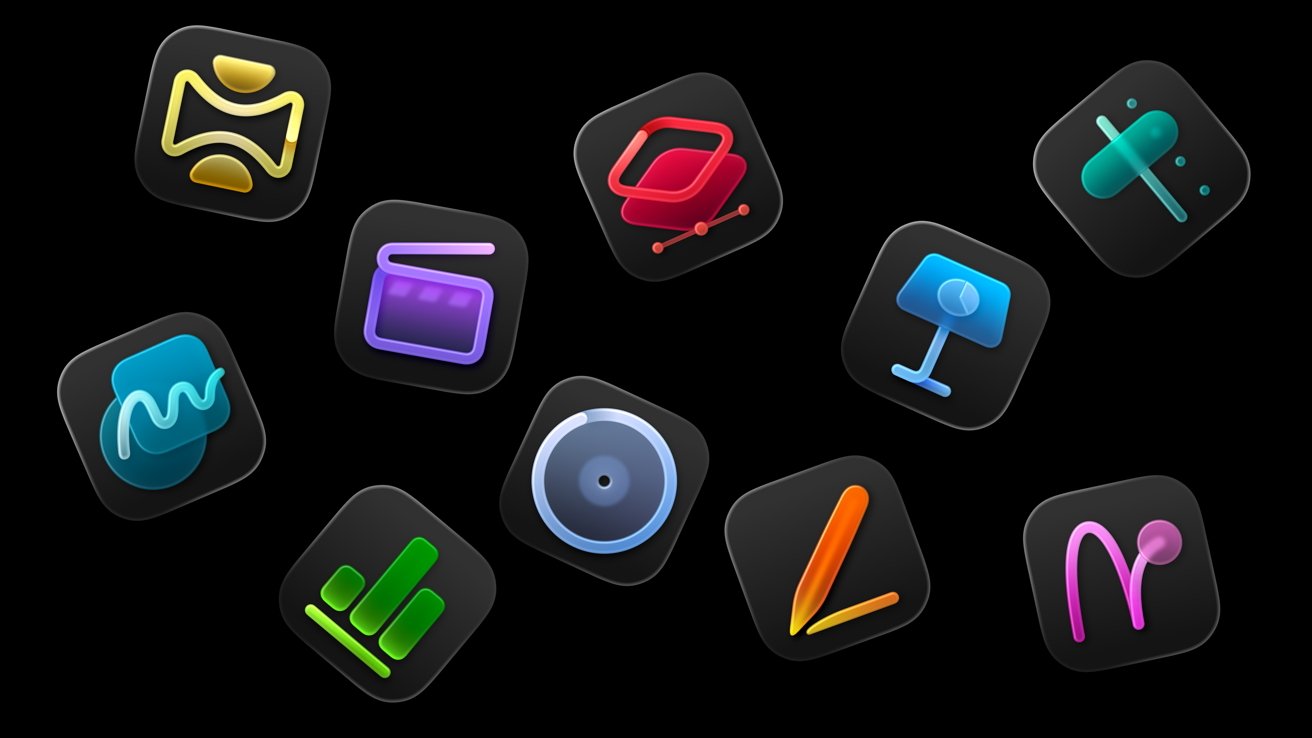
The mix of Apple Creator Studio apps
By comparison, Apple Creator Studio is an absolute steal at $12.99 per month, or $129 per year. If you have Family Sharing set up, then it can be used by five other users.
For Adobe Creative Cloud Pro, there's no group sharing at all. The pricing is on a per-person basis.
For educational customers, Apple Creator Studio costs $2.99 per month or $29.99 per year. It cannot be shared through Family Sharing.
The same Adobe Creative Cloud package is available for Students and Teachers, at $24.99 per month for the Annual plan's first year, $39.99 per month after that.
Apple Creator Studio vs Adobe Creative Cloud Pro: Nuance and Compromise
Deciding on what package of creative tools you should pay for is not as easy as you would first assume. That is, the choice between Adobe's expensive, well-established, and wide-ranging tool set or Apple's much cheaper and more constrained collection.
If it were just on price alone, then Apple would be the favorite of the two. It's so cheap that you could pay for a year's subscription and buy a base-model Mac mini, and still have change versus the full-year cost of Creative Cloud Pro.
However, Adobe's long existence at the top of the food chain means it can't easily be discounted by price. If you're a creative professional and find that specific tools are so well established that everyone else uses them, you will almost certainly have to pony up the cash and get them too.
A video editor working with projects within the Adobe ecosystem has to sign up for Creative Cloud Pro or face added difficulty down the road.
If you look at it from a home user who wants more than what iMovie and GarageBand provide, Apple's package looks a lot more attractive.
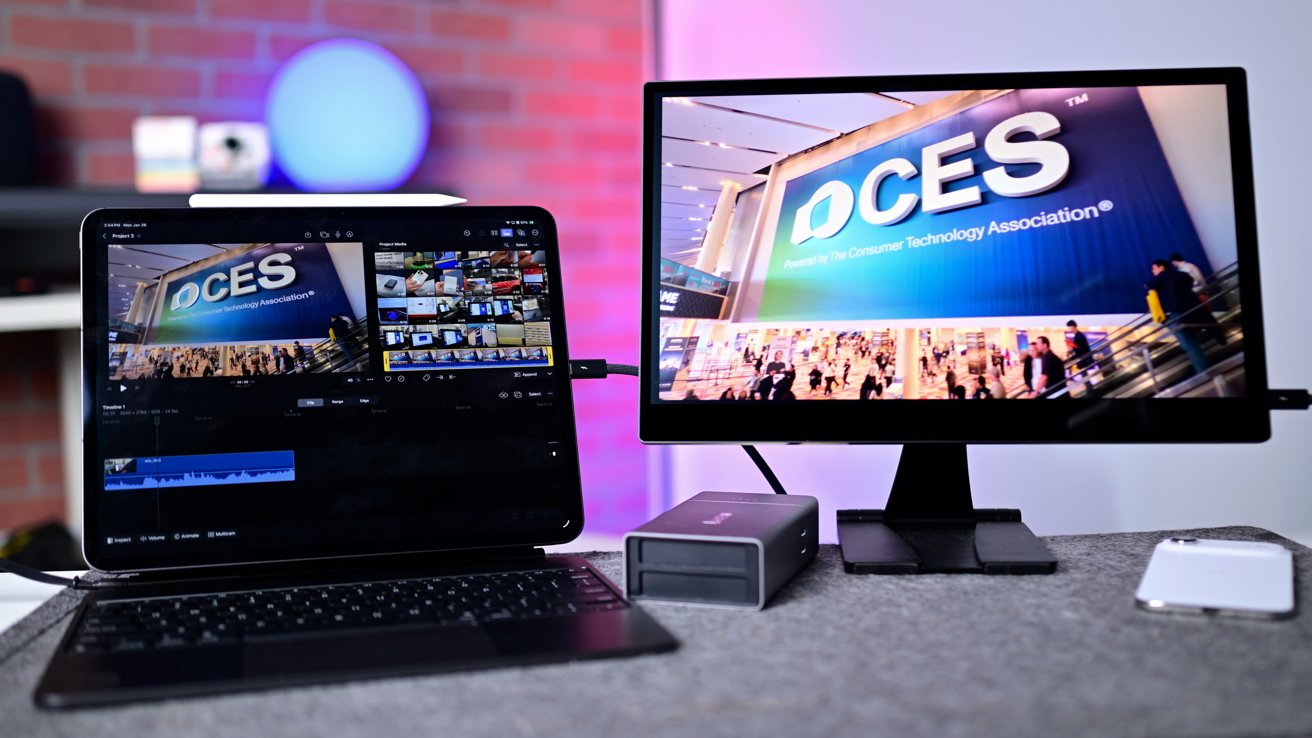
Apple Creator Studio is a subscription for people who don't need the full Adobe package
There is another way of looking at it. Consider how you can use that $57 per month price difference.
If there's an Adobe app you absolutely must use, then it's easy to pay Apple's subscription fee, and using some of that cost saving to pay for a single app or a smaller package. If you absolutely need Photoshop and Lightroom, there's a $19.99 subscription for that.
The cost saving could also be used to plug gaps in Apple Creative Studio to bring it closer to the overall Creative Cloud package. For example, if you're an animator with an iPad, you can pick up Procreate Dreams for just $12.99 without a subscription.
Another decent choice is the Affinity suite, which is now free for the core app functionality following its acquisition by Canva, without generative AI features. The Mac apps are free, and so are the iPad versions of Affinity Designer 2, Affinity Publisher 2, and Affinity Photo 2.
The bottom line is, some people will need to get Adobe's Creative Cloud Pro suite, and some will find Apple Creator Studio to be just enough of a step up for their particular use cases.
For anybody not bound to Adobe legally, or by business requirements, there's plenty of wiggle room to get to parity.
Where to buy Adobe Creative Cloud Pro and Apple Creator Studio
Adobe Creative Cloud Pro is available from Adobe's website. Alternative subscriptions are available for single apps, such as Photoshop, Premiere, and Illustrator.
Apple Creator Studio is now available, from Apple directly in the App Store as a bundle. One-time purchase versions are available for Final Cut Pro, Logic Pro, Pixelmator Pro, Motion, Compressor, and MainStage on Mac, with other apps available for free or under a subscription.