When pre-orders start for the iPhone 17 range, there's sometimes only moments before the one you want sells out — but Apple has you covered. Here's how to stack up what you want on Friday, now.
Pre-orders for new iPhones always start a few minutes late, depending where you are in the world and whether you're ordering online, or through the app. Then when you get on, certain models sell out in moments.
All you can do to beat the pre-orders starting late is to keep refreshing both the app and the online store. But there is much more you can do to at least hopefully ensure you get the model, the configuration, and the color, that you want.
Apple has already opened a kind of pre-pre-order page. Go to any iPhone 17 page on the Apple Store site, and you can do everything except the very last step in ordering.
Once you're on a product page, click on the sell out">View Pricing button. This is the same button that will eventually become just "Buy," and it takes you to a page with only minor differences to the regular order one.
That minor change is that the page is headlined "Get ready for iPhone 17 Pro pre-order," or whichever device you're going for. There's then an explanatory note that says "choose your new iPhone today, then speed through checkout when pre-order starts."
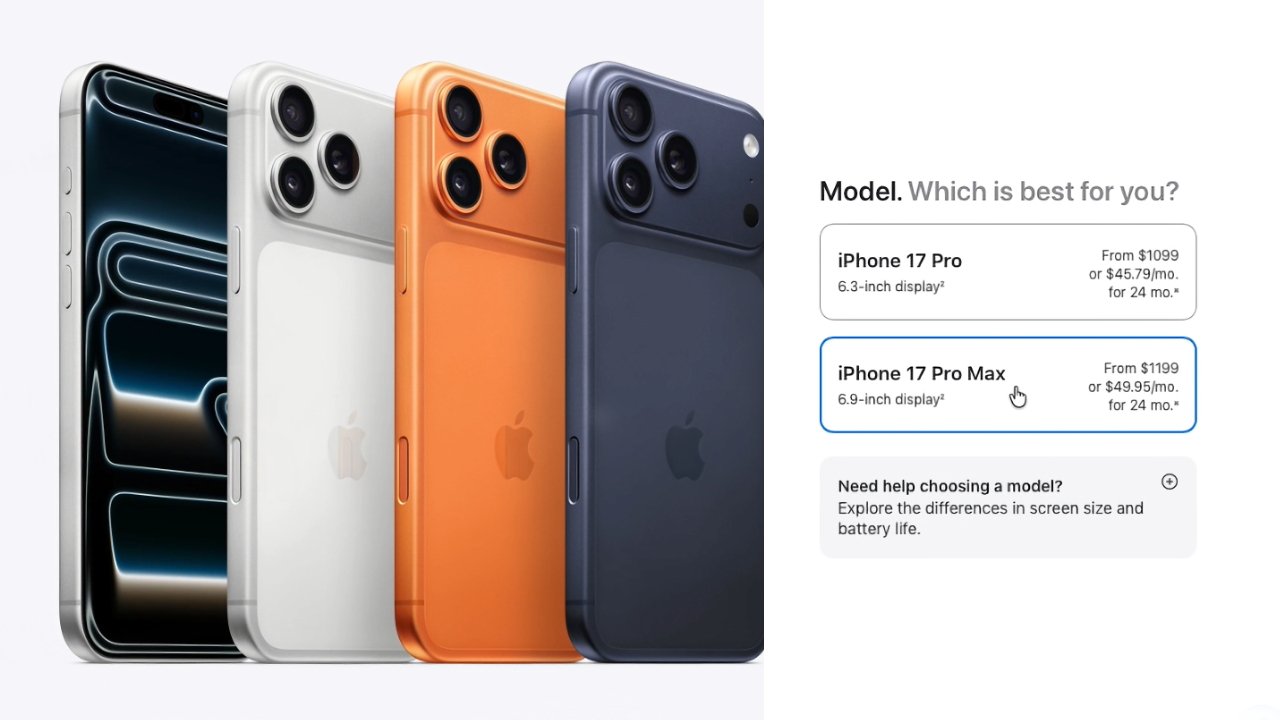
So you step through the usual sections of which model, color, and capacity, that you want. You go through the options for trade-in, for buying outright or through financing, then whether you want to choose a carrier, and whether you want AppleCare.
Then the process changes a little from the usual. Click on Get ready for pre-order, and Apple presents you with a checklist of what you've done, what you still have to do — and what it hopes you'll do.
- Choose your new iPhone
- Browse iPhone accessories
- Choose a payment method and review details
- Starting at 5:00 a.m. PDT on 9.12, visit apple.com and go to your bag or account to place your order
Apple forces you to at least look at the iPhone accessories, you cannot proceed further unless you do. But then you're into the finance section, the last thing you can do before pre-orders start.
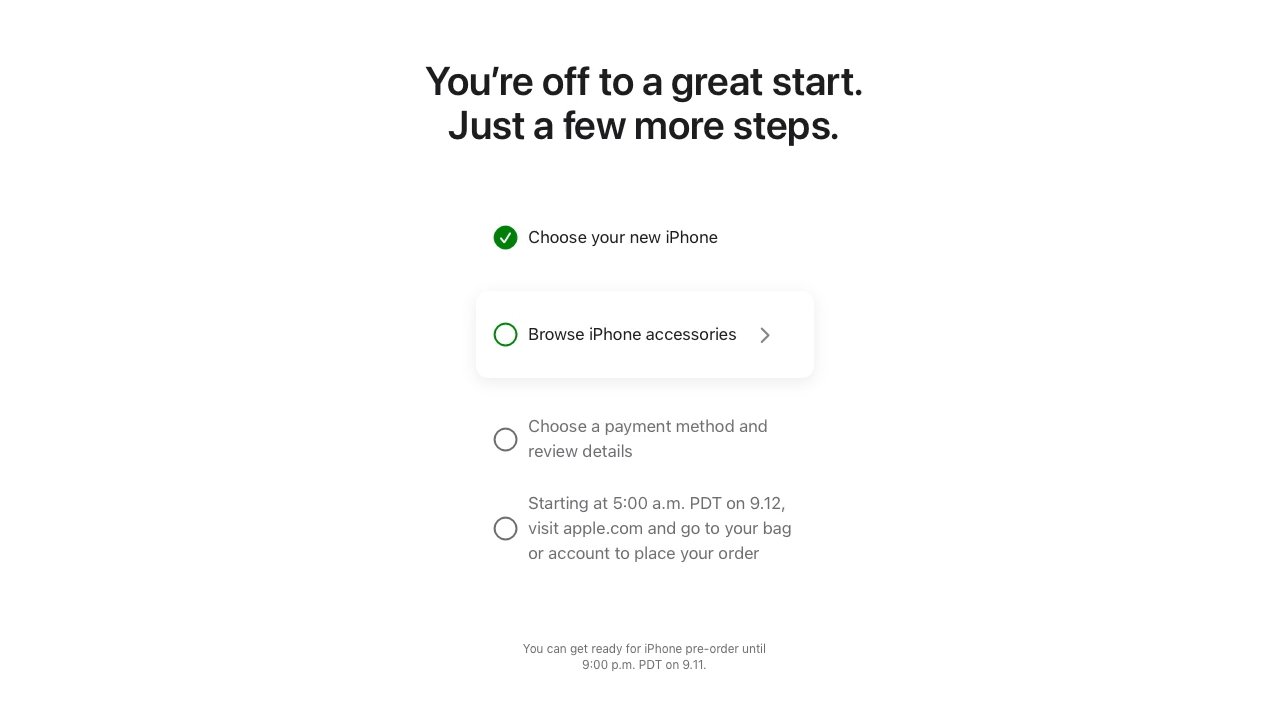
Apple can take your through all but the final stage of pre-ordering right now
While you specified earlier in the process whether you were buying outright or using financing, you now need to log in — or create — an account on the Apple Store. Then select from options such as Apple Pay or any credit or debit card you've previously entered.
You also have to confirm your contact details and agree to the terms and conditions. Then you click on Save your pre-order info, and you're done — until pre-orders start.
This pre-pre-order system can be used up to 9:00 p.m. PDT on the night before regular pre-orders start.
If you're going to be buying a new iPhone, this is the best way to do it. Your alternative, if you are sure what you want, is to risk going through all of these steps after pre-orders start, and potentially missing out.
You won't really miss out as the worst that happens is that you will be unable to get your iPhone on the first day that it is due to be shipped. But when iPhones sell out, the wait for your order will immediately stretch into days, then weeks, and at times it has even been months.
Note, though, that regardless of how an iPhone sells out online on pre-order day, Apple keeps a stock for its stores. This year, those will be in store on September 19, the day the first batch of online orders will ship.