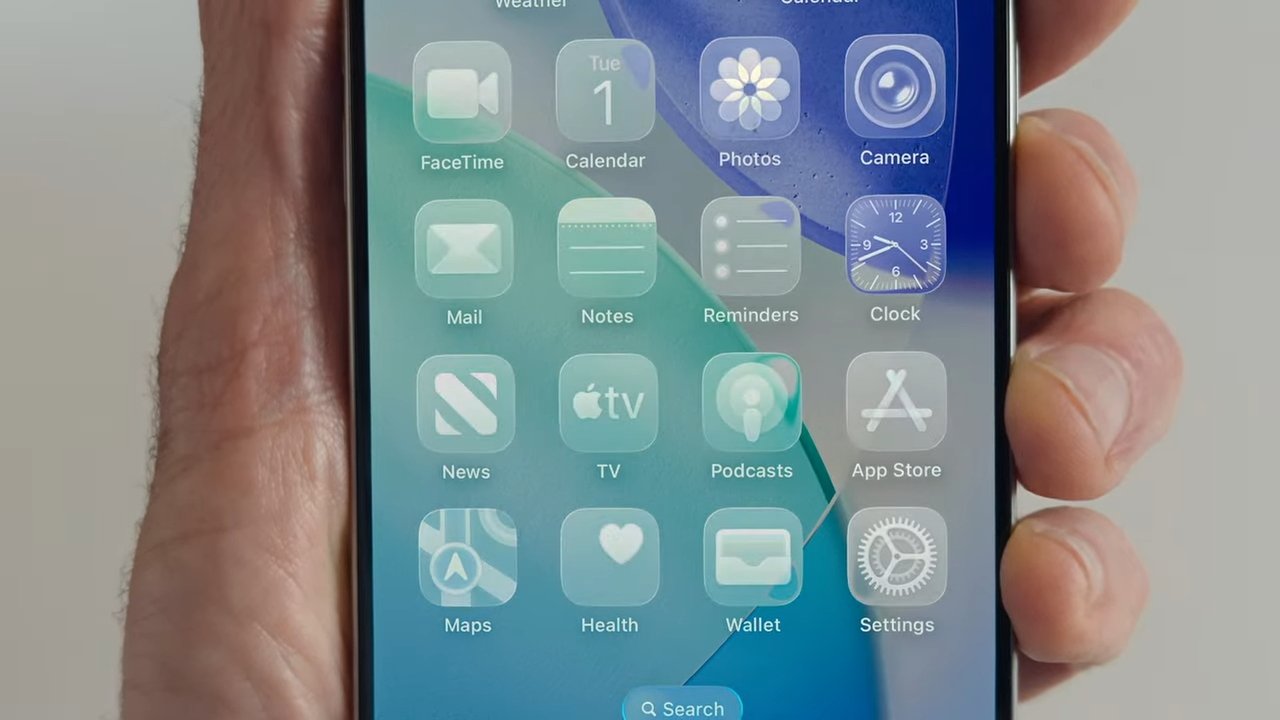
It's common sense, so maybe it's why Apple has taken decades to say this — updating your operating system will cause short-term battery drain and heat excursions, and sometimes, battery life will fall because of additions to the operating system demanding more from your device.
On Monday, Apple rolled out the next wave of operating systems for all your Apple devices. And, like with every big release, we're here to remind you that it's not the end of the world.
First and foremost, if your iPhone feels a little sluggish right after installing iOS 26, don't panic. There's a huge amount of indexing, updating, and tweaking going on in the background.
Anticipate a bit of sluggishness for the first few days. There may also be a few new bugs that pop up here and there.
Again, it's not a huge deal. Apple is usually pretty quick about quashing bugs when they surface — just keep an eye out for any performance updates Apple may issue in the coming weeks.
Thermal performance will likely take a hit, too. Your iPhone is going to get hotter than usual for a little while.
You may not notice this when doing light tasks like texting and checking emails. More resource-intensive activities, like gaming, watching videos, or using the camera, will likely cause an increase in temperature.
It's also as good a time as any to remind you of good phone charging hygiene. If you insist on leaving your phone on the charger overnight, don't leave it under your pillow or stuffed between couch cushions.
Yes, your iPhone has overheat protection. But it's always smart to try to avoid triggering it in the first place.
And finally, yes, your phone will have notably reduced battery life for a little while. It's happened with every major iOS update, and it'll continue to happen with each major iOS update.
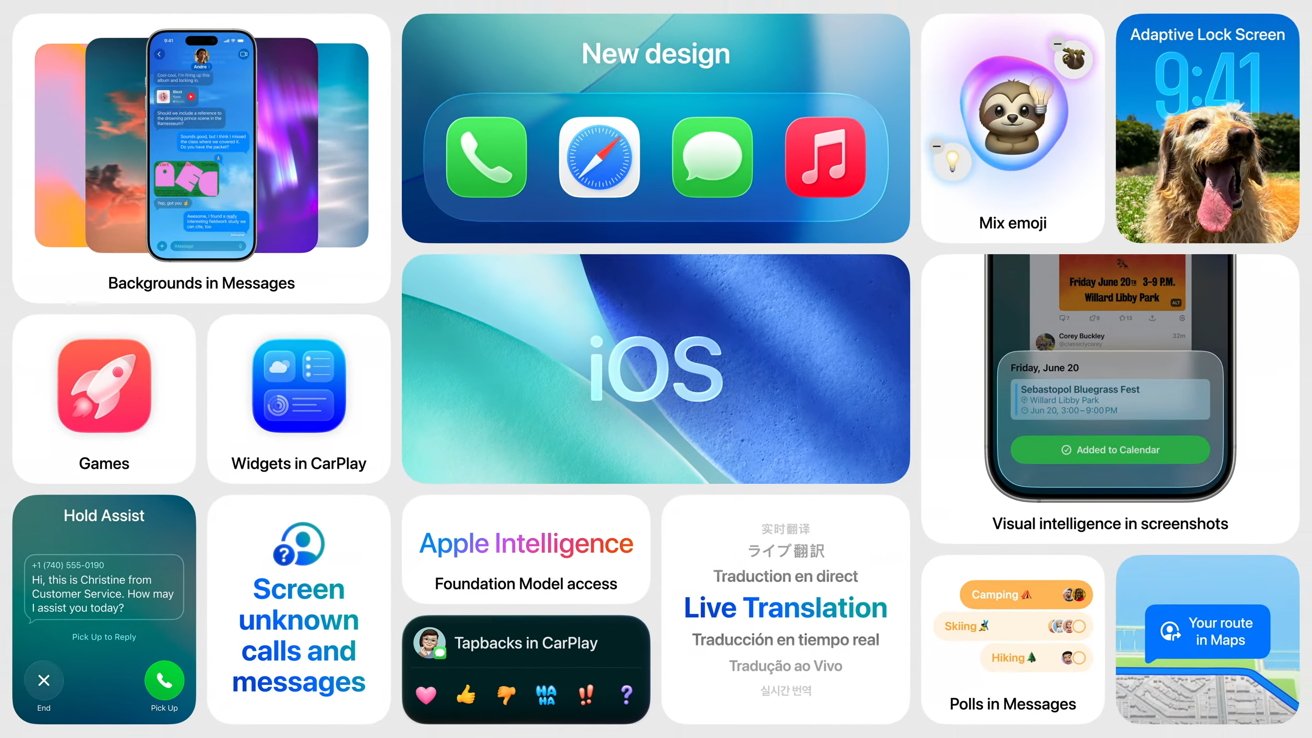
iOS 26 is a significant upgrade over iOS 18
Try to remember to charge your iPhone a little more often for the next few days. This is especially important if you're going to be using rideshare services, expecting important phone calls, or need your phone for your job.
It's not a bad idea to stash a backup battery in your bag or back pocket if you're going to be away from an outlet for a while.
But, take heart — the upside is that most of this is temporary. Once those background tasks are done, things should settle back into their usual rhythm.
For the most part.
Not all battery life decreases are temporary
This is the biggest overhaul of iOS since iOS 7, all the way back in 2013. As a result, some of iOS 26's additions will demand more from your hardware.
Apple is clear about this point, and we wish that they had done it sooner. As operating systems add features and graphical enhancements, it takes more processing power to run them.
Depending on how you use your device, you might notice small changes in speed or battery life. And as processing power required for a device increases, so does battery drain.
Apple usually smooths out rough edges in later updates. In the meantime, expect a few quirks as everything settles in.
As a reminder, iPhones aren't the only devices that will see temporary reductions in performance. Pretty much every Apple device you own is going to take a bit of time to level back out — especially anything with a battery.