The third developer beta of iOS 26.1 is here, and it suggests that more third-party AI models could soon be available from iOS. Here's everything Apple changed.
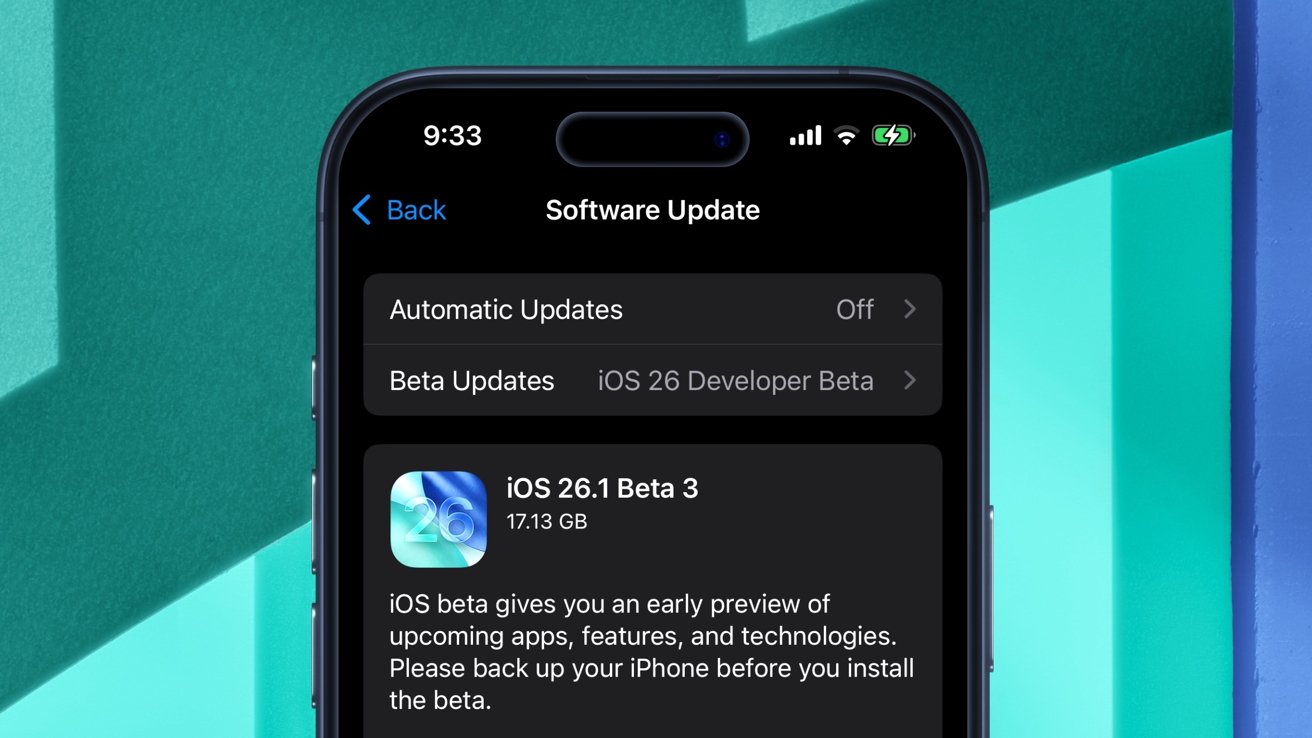
On Monday, a week after the release of the second developer beta, Apple has deployed iOS 26.1 developer beta 2. The software update increases the build number to 23B5064e, up from the previous 23B5059e.
iOS 26 and iPadOS 26 delivered a multitude of enhancements, including new screening capabilities for the Phone and Messages apps. There's also a dedicated Games application, along with the controversial Liquid Glass design language.
The second developer beta of iPadOS 26.1 brought back Slide Over multitasking, a feature notably absent from the initial release of iPadOS 26. The third iOS 26.1 developer beta, meanwhile, suggests Apple is preparing to add third-party AI integration beyond ChatGPT.

Apple preparing to implement third-party AI integration
Text strings in Monday's developer beta indicate iOS 26.1 will offer access to multiple third-party AI models.
Specifically, the sentence "Report a concern related to ChatGPT" was altered to read "Report a concern related to a Third Party." This tidbit aligns with earlier code references to the Model Context Protocol, which could also facilitate integration with third-party AI.
It's also consistent with Apple's more recent moves in the realm of AI. Xcode, for instance, now has native support for Anthropic accounts.
Apple's strategy is one of cooperation, as is evidenced by the presence of the Foundation Models framework in iOS 26. This lets developers use Apple Intelligence features in third-party apps.
The text strings in Monday's iOS 26.1 developer beta indicate that third-party AI features will similarly be available across native iOS apps, like Notes, Image Playground, and Siri.
Still, it remains to be seen exactly which AI models will be accessible from built-in iOS apps. We may see Google Gemini or another AI service offered down the line.
Local Capture now available via Settings
The Local Capture feature, previously available only through the Control Center, lets users record their own audio while on a call. Whether through built-in microphones, AirPods, or an external mic connected to the USB port, you can capture an isolated audio track on iPhone and iPad.
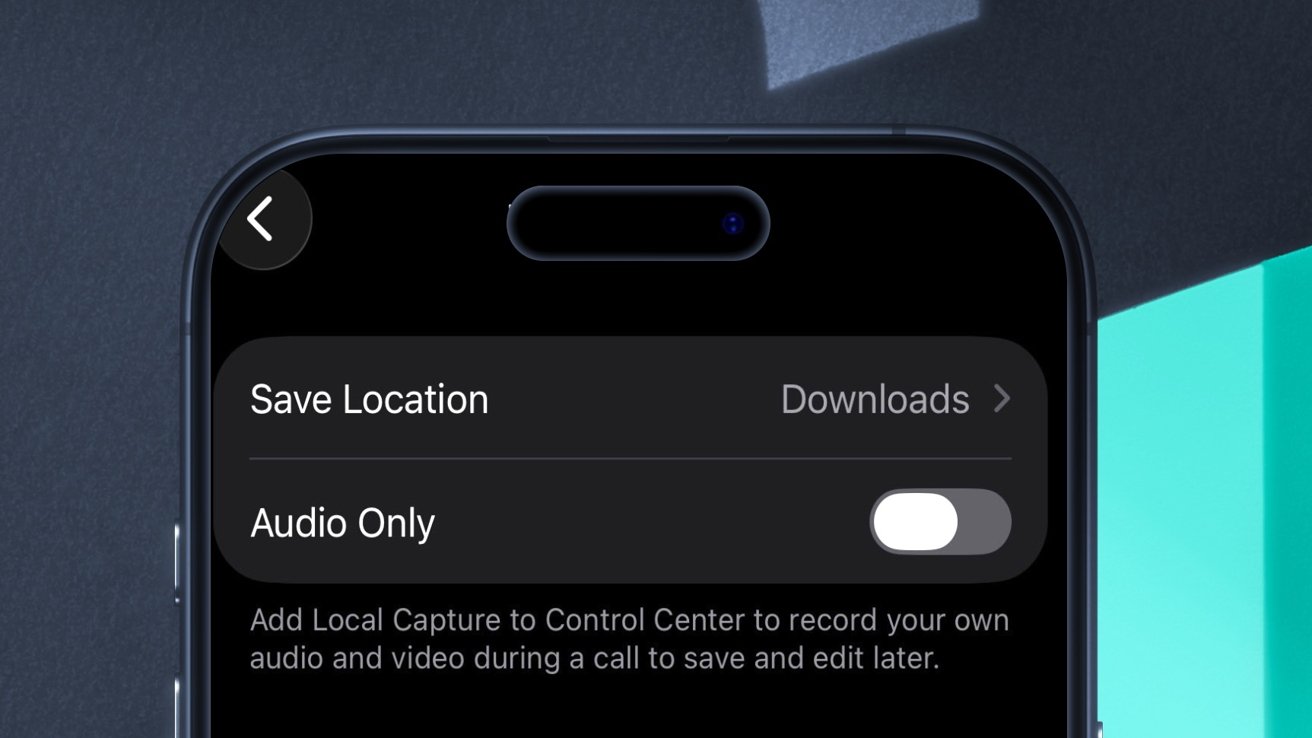
iOS 26.1 beta 3 has a new setting for the Local Capture feature.
Now, you can activate the feature via the Settings app, thanks to Monday's iOS 26.1 developer beta:
- Open the Settings app
- Navigate to General > Local Capture
- Toggle the feature via the Audio Only switch
It's also possible to adjust the save location directly from the Settings app. By default, saved audio recordings are placed into the Downloads folder, accessible from the Files app.
Apple has also added a new Accessibility setting. When navigating to Accessibility > Touch, users will see a new option labeled "Prefer Single-Touch Actions." As its name implies, this makes some user interface items usable with a single touch rather than a sliding gesture.
Beyond the addition of Local Capture Single-Touch settings, iOS 26.1 developer beta 3 offers hints about an unreleased notification forwarding feature. It also provides insights about Apple's plans to add third-party AI compatibility in the future.
Notification changes, third-party AI references
First spotted in iOS 26.1 beta 1, the notification forwarding feature is expected to make the iPhone work better with third-party smartwatches.

The latest Pebble smartwatches could have an easier time working with iOS 26.1
The new capability will theoretically control whether notifications from an iPhone can be displayed on another non-Apple device. Logically, this would refer to smartwatches made by other manufacturers, but it could also involve other hardware that provides feedback to the end user.
Previous iOS 26.1 beta code also alluded to it working with "one accessory at a time," and that if enabled, it would disable Apple Watch notifications. The third developer beta of iOS 26.1 contains other details about the feature, including its settings.
The notification forwarding settings listed in iOS 26.1 beta 3 include:
- Enable Notification Forwarding
- Allow all apps
- Deny all apps
- Choose which apps can send notifications to your accessory.
iOS 26.1 beta 3 also contains references to built-in spyware attack notifications. While Apple already notifies users who are threatened by cyber attacks, it has so far done so via email, iMessage, or when the user signs in to their Apple Account through the web.
This could change, however, as code from the third developer beta of iOS 26.1 suggests Apple will add native notifications for mercenary spyware warnings. These would, presumably, show up as notifications from the Settings app or as a different type of alert. iOS 26.1 beta 3 has a few visual changes as well.
Apple TV changes, visual tweaks, more
On Monday, Apple announced that it would be phasing out its AppleTV+ branding, previously used for its streaming service. Instead, the Apple TV app, the physical product, and the streaming service will all be known simply as "Apple TV."
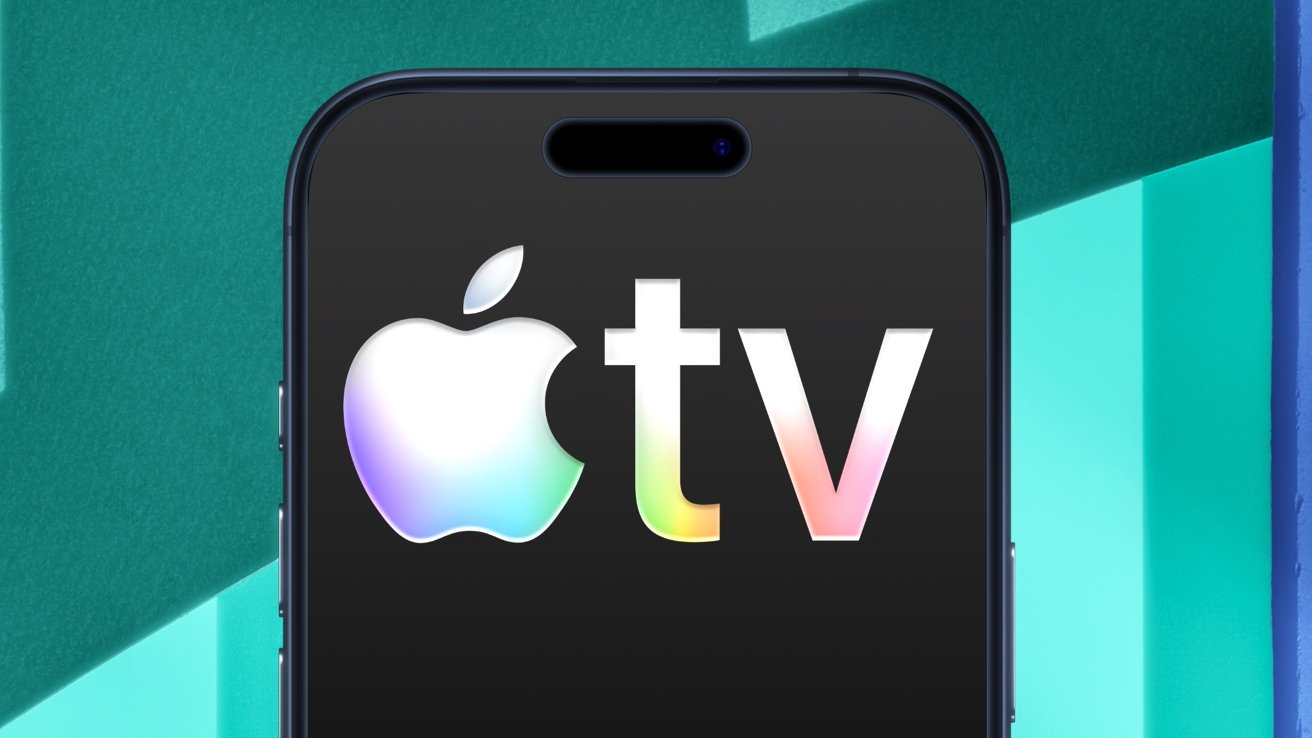
The Apple TV logo is more colorful in iOS 26.1 beta 3.
In iOS 26.1 beta 3, the terms and conditions of the Apple TV app were updated to reflect this name change. The user interface of the app itself, however, did not see the same treatment, with the phrase "AppleTV+" remaining visible.
The Apple TV app itself also received a new, more colorful icon, with rainbow accents towards the bottom of the "tv" text. For reference, the previous Apple TV icon was simply black with white text.
Other apps received design-related alterations as well, namely the "slide to stop" text in the Clock app. Animations in the Control Center were updated as well, though there are no changes to the Liquid Glass material used for this UI element.
Apple also has plans to introduce a new wallpaper, likely via a subsequent iOS update. iOS 26.3 contains references to an unreleased wallpaper.
The wallpaper is described as having "ethereal currents of vibrant light," which "flow into serene darkness, shaped by soft, undulating paths that create a striking visual harmony."
Overall, the third developer beta of iOS 26.1 contains only a few useful additions beyond the new Local Capture Toggle. Most of the changes in the software update are related to in-development features or are cosmetic in nature.
Apple deploys new developer betas of iOS and iPadOS nearly every two weeks, meaning that we'll likely see additional features and changes with subsequent software releases.