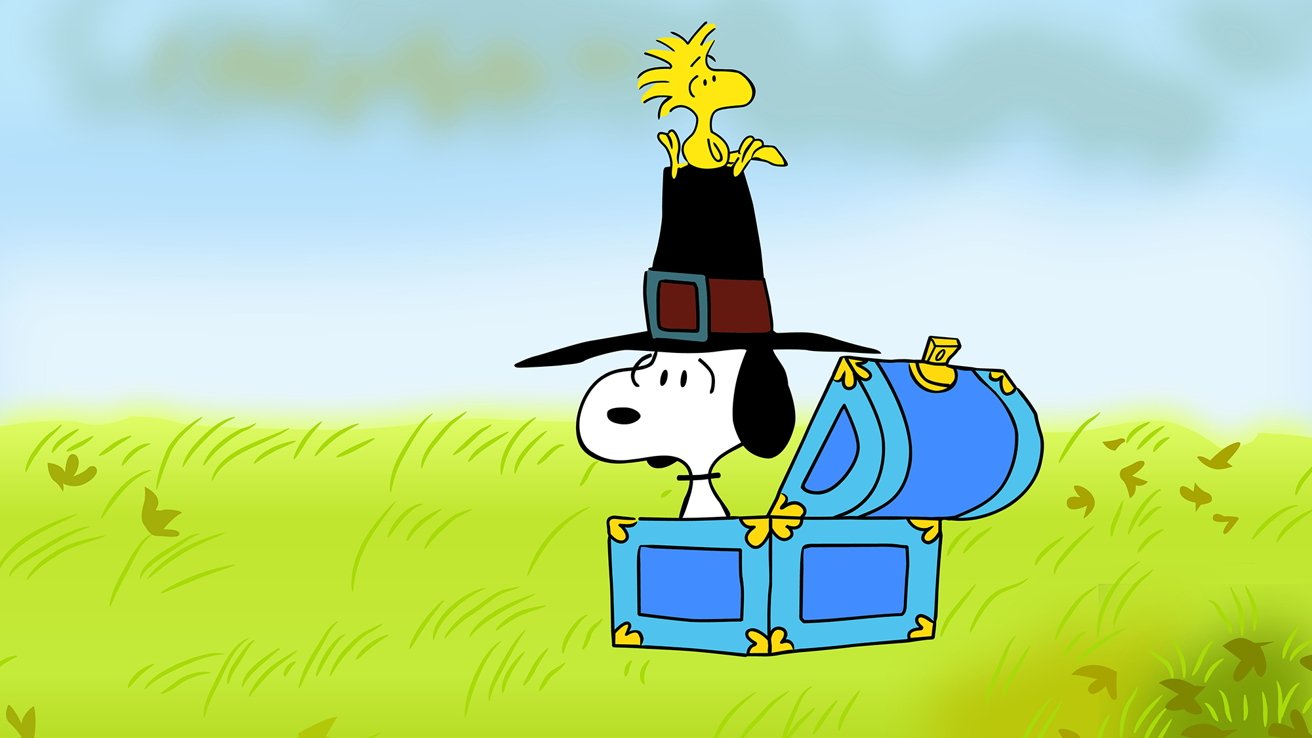
Celebrate friends and family alike with the holiday classic "A Charlie Brown Thanksgiving" — here's how you can watch it for free on Apple TV.
Charlie Brown, Snoopy, and friends are back on Apple TV for the holiday season, with a free streaming window for non-subscribers. "A Charlie Brown Thanksgiving" will be available to watch at no cost from Saturday, November 15, through Sunday, November 16.
Apple TV subscribers can watch at any time.
And the gang will make their return in December. The classic "A Charlie Brown Christmas" will be available for everyone on Saturday, December 13, and Sunday, December 14.
There are several ways to stream Peanuts specials along with the rest of Apple TV's catalog. One option is through Apple's official apps, including the one on the iPhone.
You can also watch through the Apple TV set-top box or on most smart TVs. Modern browsers let users stream Apple TV from any platform, making it the easiest option for those without Apple devices.
How to watch "A Charlie Brown Thanksgiving" on Apple TV without a subscription
- In any modern web browser, go to tv.apple.com
- Log into your iCloud account or make a new one
- Find the show and press Play
- Watch it on your computer or stream it to a television of your choice
Only on Apple TV
In 2020, Apple signed a deal with rights holders Wildbrain and Peanuts Worldwide to bring Snoopy, Charlie Brown, and the whole gang to Apple TV. In October 2025, the company announced an extension of that deal.
Apple will hold exclusive streaming rights to all Peanuts content through 2030. To watch new or classic specials outside limited streaming windows, you'll need an Apple TV subscription.
Apple TV offers a free, three-month trial when a first-time watcher buys a qualifying device, such as an iPhone. There is also a free seven-day trial, after which the monthly cost is $12.99.
The service is also available through the Apple One bundle.