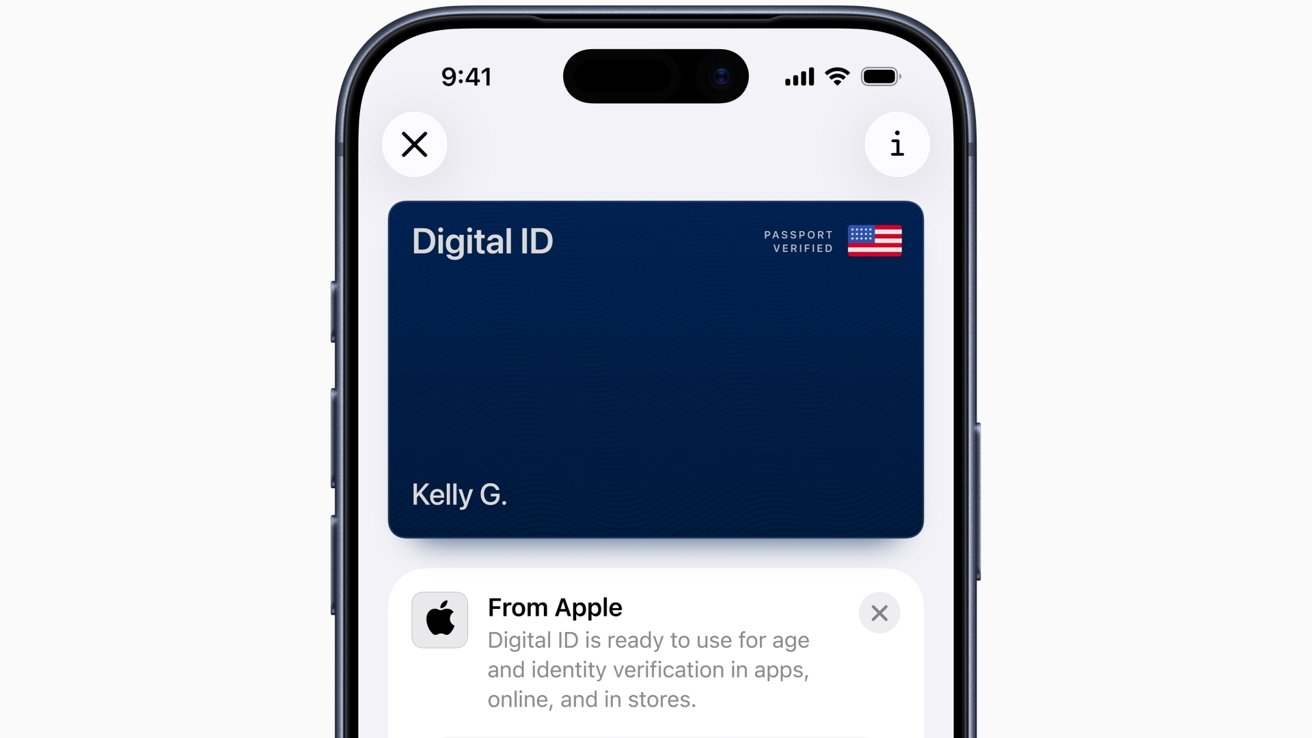
Apple's new Digital ID uses information from a U.S. passport and hosts it on the iPhone securely, providing a new way for users to prove their identity to the TSA.
The Apple Wallet has included the capability to add a driving license for identity purposes for some time. However, on Wednesday, Apple extended the functionality so you can do it with passports too.
Marketed by Apple as Digital ID, the newly-launched feature lets users create an ID in Apple Wallet, using data from their U.S. passport. This Digital ID can then be presented using an iPhone or an Apple Watch as a form of verification.
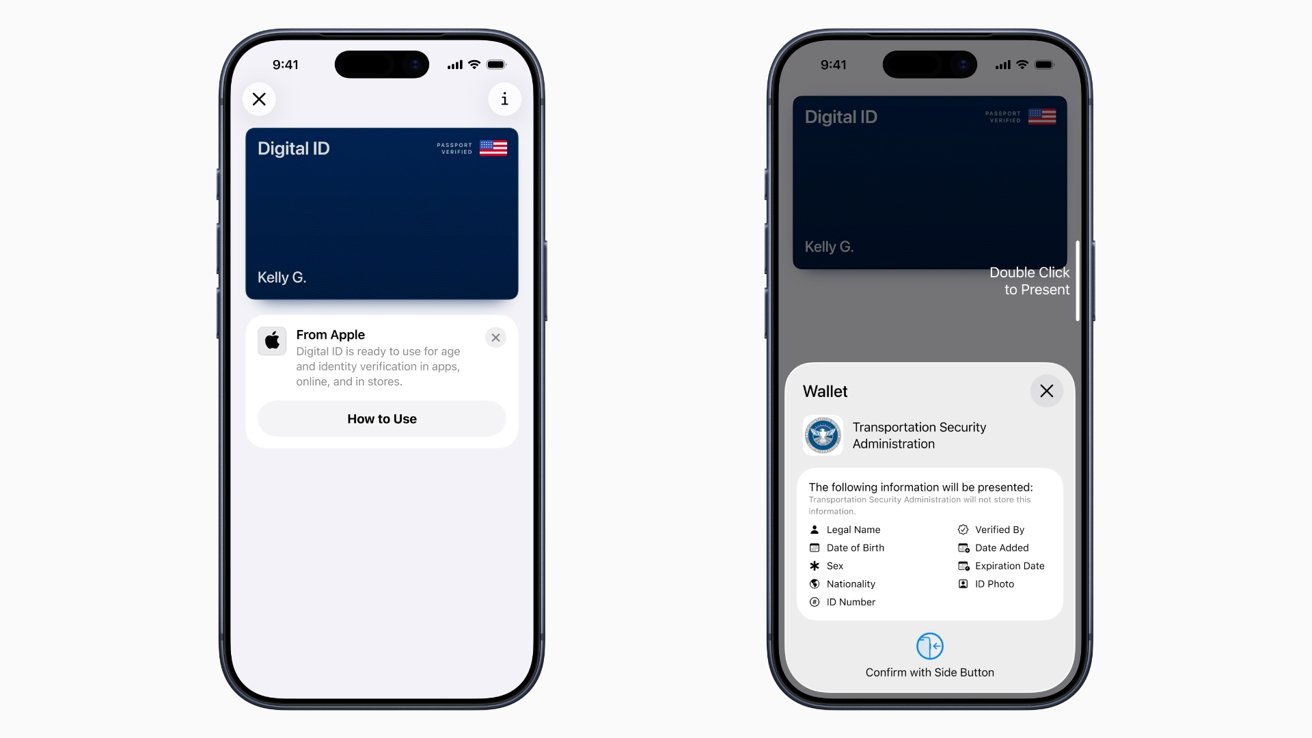
Digital ID - Image Credit: Apple
Initially, it will be accepted at TSA checkpoints at over 250 airports across the United States, as a form of in-person identity verification for domestic travel. Apple says it will be used for verification in other ways in the future.
For the moment, it isn't a replacement for a physical passport, despite using its data. It also cannot be used for any international border crossings, so you can't use it to hop between the U.S. and Canada.
"Since introducing the ability to add a driver's license or state ID to Apple Wallet in 2022, we've seen how much users love having their ID right on their devices," said Apple VP of Apple Pay and Apple Wallet Jennifer Bailey. "Digital IDs brings this secure and convenient option to even more users across the country, as they can now add an ID to Wallet using information from their U.S. passport"
An expansion of identity
Originally announced during WWDC 2025 as part of the iOS 26 Wallet changes, the Digital ID opens up beyond the existing digital driver's license initiative already in use.
Crucially, this is a way for U.S. citizens to create a digital form of identification on their iPhone, without needing a REAL ID-compliant driver's license or state ID. This opens up the system to anyone with a U.S. passport, not just those in a few select states.
As usual for Apple, it is insisting that the Digital ID is safe and secure, using the existing privacy features of its product. The data is encrypted, Apple cannot see when and where users present their ID or what data was presented either.
The information can only be presented once the user is authenticated biometrically, namely Face ID or Touch ID. Also, only the data needed for a transaction is presented to the requesting party.
Users can add a Digital ID to Apple Wallet by opening the Wallet app, then tapping the Add button, followed by Driver's License or ID Cards. They then select Digital ID before following the on-screen instructions.
The process includes taking a photograph of the physical passport, to scan the passport using the iPhone's NFC reader, and then to take a selfie for verification.
The completed Digital ID is then added to Wallet, and can be brought up using the usual double-tap of the side button, like an Apple Pay transaction.