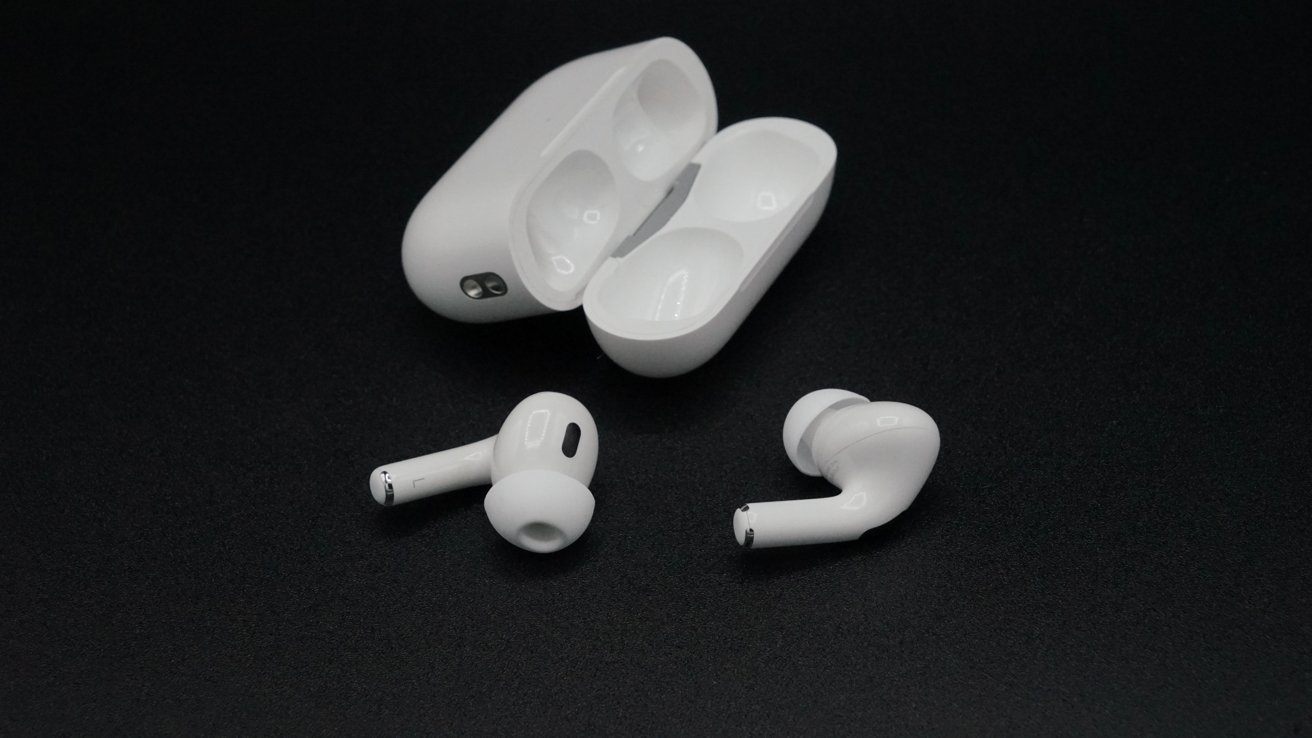
Firmware updates for the AirPods Pro 3, AirPods Pro 2, and AirPods 4 have been deployed, though there are currently no details about the update's contents.
On Thursday, following the release of iOS 26.2 beta 2, Apple issued a firmware update for its more recent AirPods and AirPods Pro models.
For the AirPods Pro 3, the firmware update changes the build number to 8B25, whereas the AirPods Pro 2 and AirPods 4 can now be updated to build 8B21. Both build numbers are higher than that of the preceding 8A358 update, released in October 2025.
The firmware updates released on Thursday are available only for AirPods Pro 3, AirPods Pro 2, and all models of the AirPods 4, including the variant with Active Noise Cancellation. The updates will not be released for AirPods Max or other non-H2 devices.
The Thursday AirPods firmware updates could be related to Live Translation, as the feature is only compatible with AirPods Pro 2 or newer, and AirPods 4 or newer.
On November 4, Apple announced its plans to bring Live Translation to AirPods users in the European Union by the end of 2025, following delays related to the Digital Markets Act.
Apple's Live Translation on AirPods was introduced at the September 2025 Apple Event. When activated, the feature automatically translates from a set language to the users' preferred language.
While the exact contents of the 8B25 and 8B21 updates are unclear, the software likely includes various bug fixes and quality-of-life improvements as well. Apple has not provided any release notes for the software.
Thursday's new firmware updates are installed automatically for users when the AirPods are plugged into their charging case and connected to an iOS device.
There is no manual installation method for these firmware updates.
How to check your AirPods firmware version
AirPods users can check the current firmware for their audio accessories by accessing the Settings app on their iPhone or iPad.
- Open the Settings App
- Select General
- Select About
- Select the AirPods you wish to view
You will then be greeted with a menu showing relevant device information.