
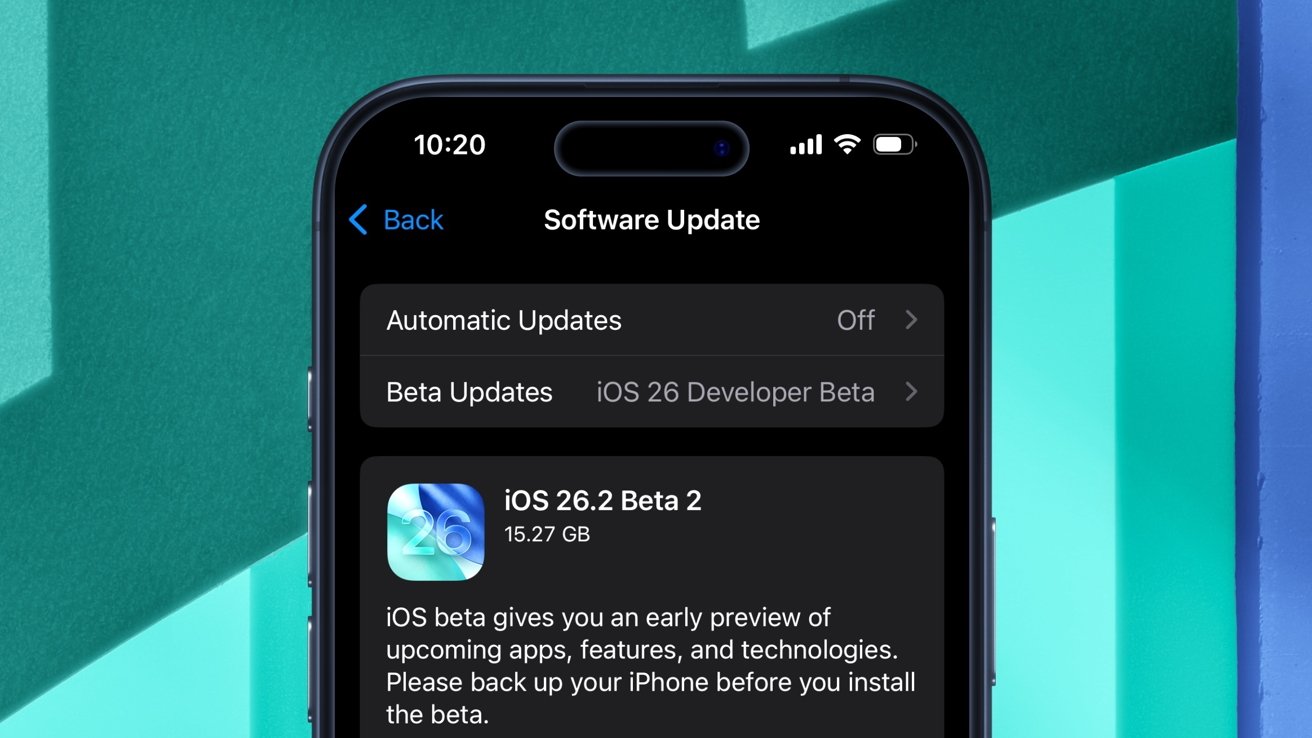
The second developer beta of iOS 26.2 has arrived with changes to system animations and updates for the Games app. Here's what's new.
On Wednesday, more than a week after the debut of the first developer beta, Apple deployed iOS 26.2 developer beta 2. The iOS software update has the build number 23C5033g, up from 23C5027f.
As a whole, iOS 26 and iPadOS 26 brought a multitude of changes, including Apple's controversial "Liquid Glass" design language. The following update, iOS 26.1, introduced customization options for Liquid Glass, along with new toggles.
The first developer beta of iOS 26.2, meanwhile, added even more ways of personalizing the Liquid Glass material. iOS 26.2 developer beta 1 also enabled third-party app marketplaces for users in Japan and included a cryptic reference to the so-called "Apple Creator Studio."

As for Wednesday's developer beta, Apple has implemented a few changes related to the look and feel of the operating system.
CarPlay and the Games app received updates as well, while Mac users now have access to an entirely new camera feature.
Liquid Glass tweaks
The user interface of the built-in Level and Measure tools has been updated to utilize Apple's Liquid Glass material. This essentially means that the applications now feature transparent, glass-like elements rather than flat ones.
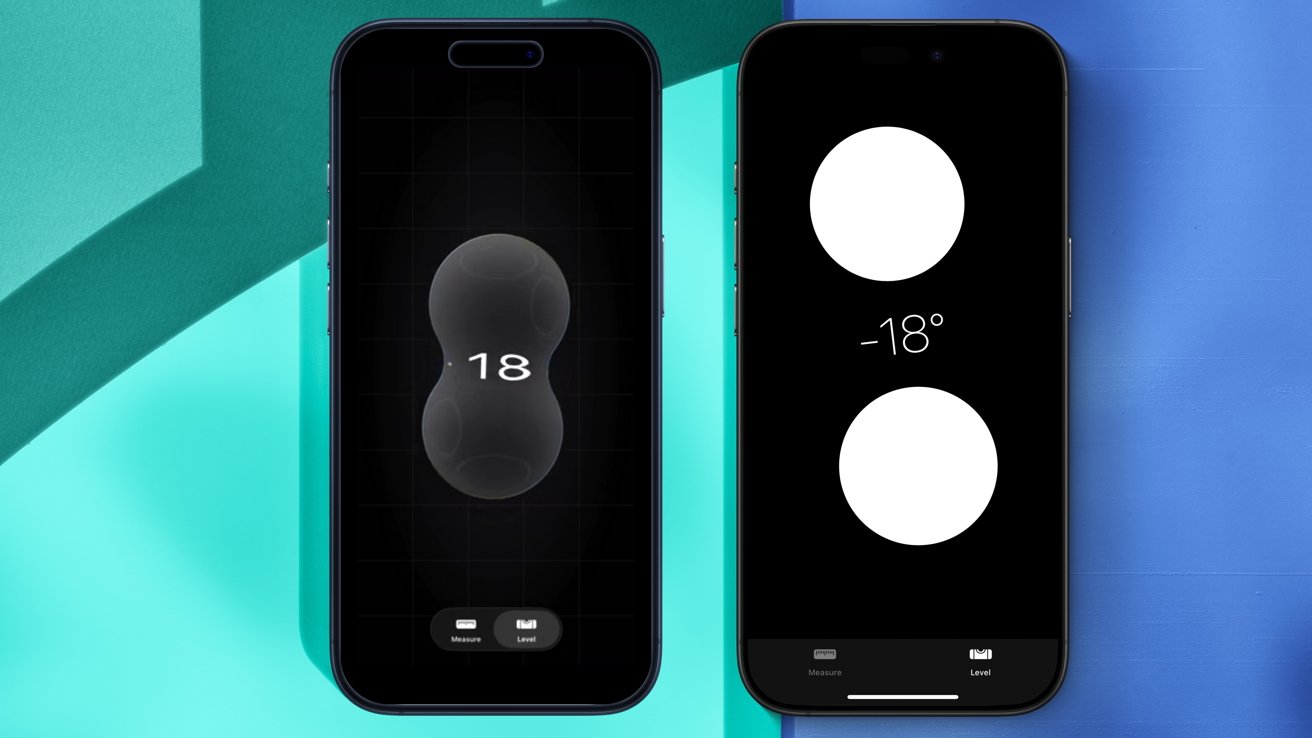
On iOS 26.2 beta 2 (left), the Measure app now utilizes Liquid Glass. This is not the case on iOS 18 (right)
The Level tool, for instance, now displays two Liquid Glass circles that interact with each other and with the number on-screen.
It's a neat visual tweak, but nothing that alters the user experience in any meaningful way.
Apple has also made some adjustments to menu animations used across iOS. When tapping the ellipsis icon in the Photos app, for instance, the menu animation is now "bouncy."
The revised animation more closely resembles the look Apple previewed during WWDC 2025. This effect can also be seen when editing Home Screen widgets.
Games and CarPlay updates
The Games app has been updated with an additional splash screen, notifying users of navigation changes and features available in iOS 26.2.
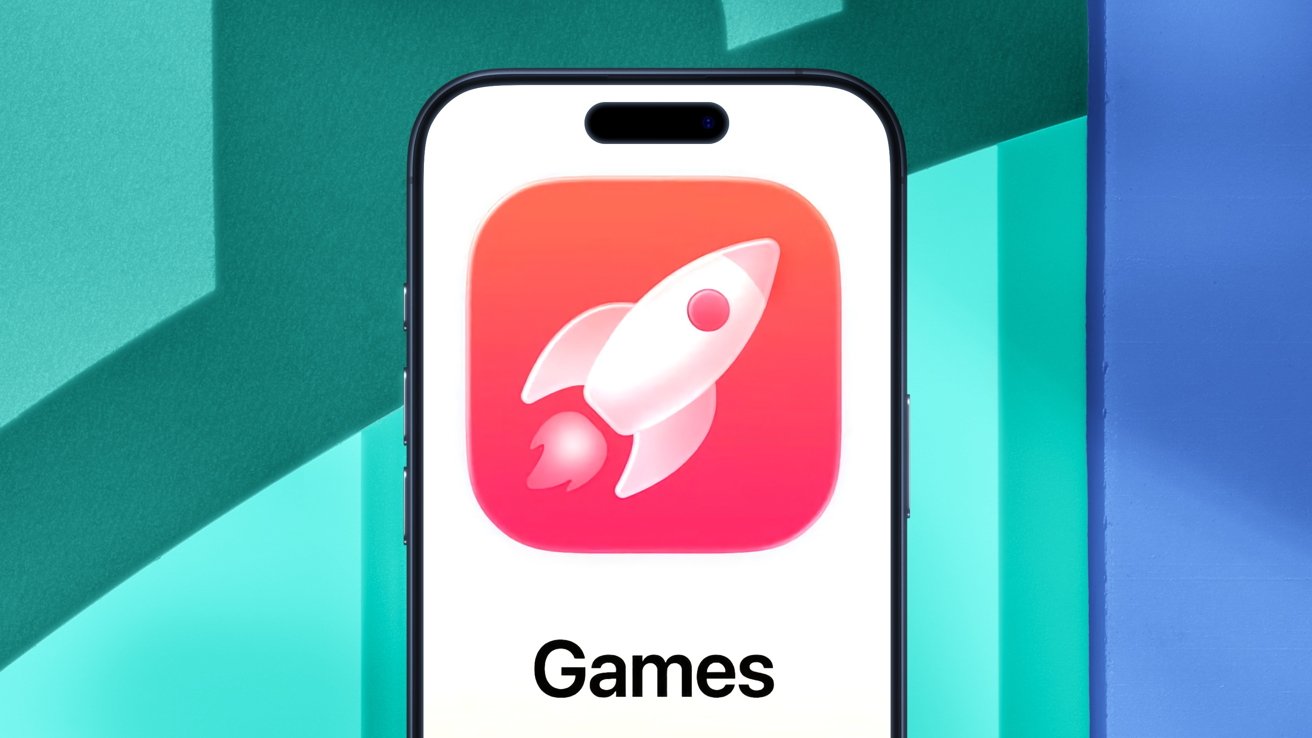
iOS 26.2 beta 2 features a new splash screen for the Games app.
Though these features are also usable and available in iOS 26.2 beta 1, Apple has highlighted the following:
- The Games app now displays live events and updates in games the user is currently playing.
- Users can now see games their friends are playing, as well as upcoming game releases.
- Past game downloads from the App Store can be viewed, sorted, and filtered within the Games app.
- Users can invite their friends to challenges and real-time multiplayer experiences straight from the Games app.
- When a friend beats your high score, a notification is displayed, letting you challenge them back.
Apple seems to be pushing its built-in Games app, but it remains to be seen if the application will truly become popular with iPhone and iPad gamers.
CarPlay, meanwhile, received a new toggle with iOS 26.2 beta 2. Apple has included a toggle that lets users enable and disable pinned messages in CarPlay.
Previously, CarPlay mirrored the user's iMessage settings on iPhone, but now users have the freedom to adjust pinned messages in CarPlay as a separate option.
It's not exactly a ground-breaking change, to say the least, but the CarPlay toggle could prove useful for some users. Apple also introduced a new macOS capability on Wednesday.
macOS Tahoe 26.2 lets you use your Mac as a camera ring-light
macOS Tahoe received a new feature known as "Edge Light." This adds a virtual light ring along the edge of your Mac display, helping light your face during calls. Edge Light is a welcome change, though it may not be of significance to everyone.
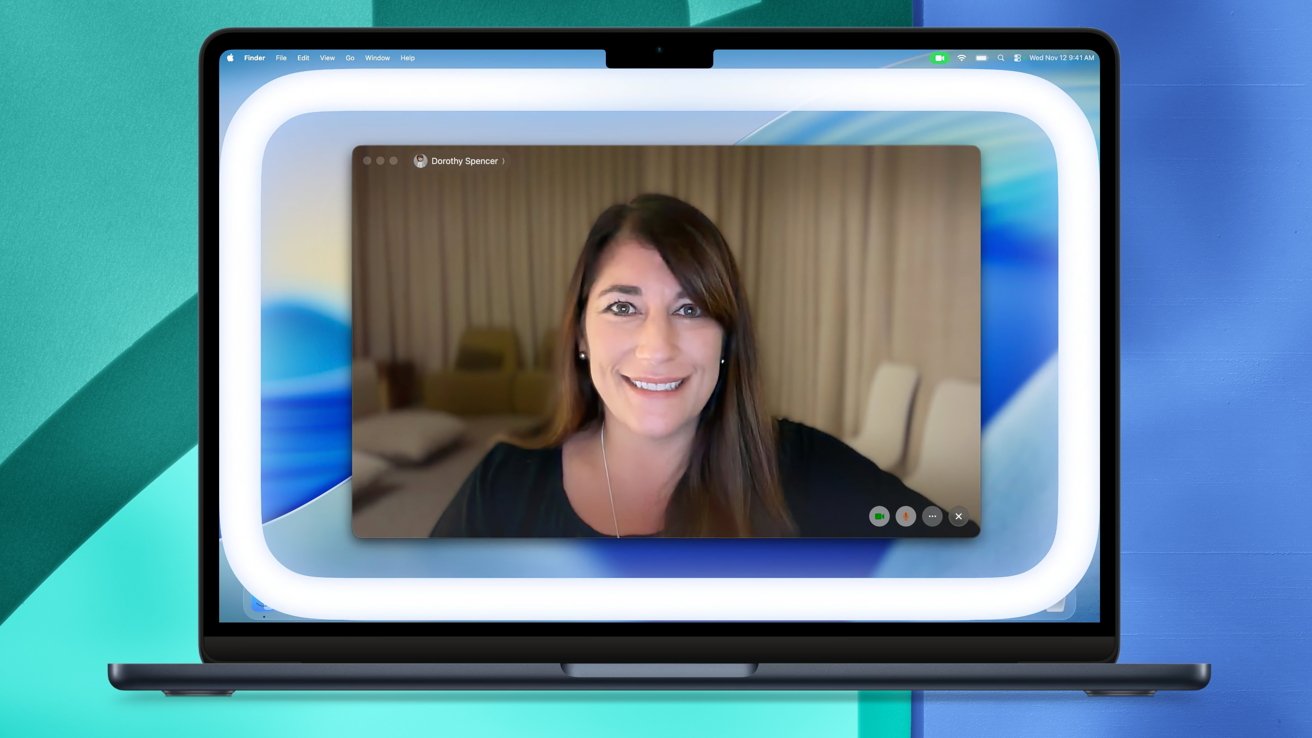
The second developer beta of macOS Tahoe 26.2 includes a new feature called 'Edge Light.'
Whether or not you'll find Edge Light useful depends largely on your workflow. If you record videos or often need to make calls as part of your work or everyday life, then Edge Light will undoubtedly make things easier.
Overall, the second developer beta of iOS 26.2 is a relatively minor update. Aside from Edge Light and the new CarPlay toggle, most of the changes in Wednesday's developer betas are cosmetic in nature.
Apple deploys new developer betas of iOS and iPadOS nearly every two weeks, meaning that we'll likely see additional features and changes with subsequent software releases.







