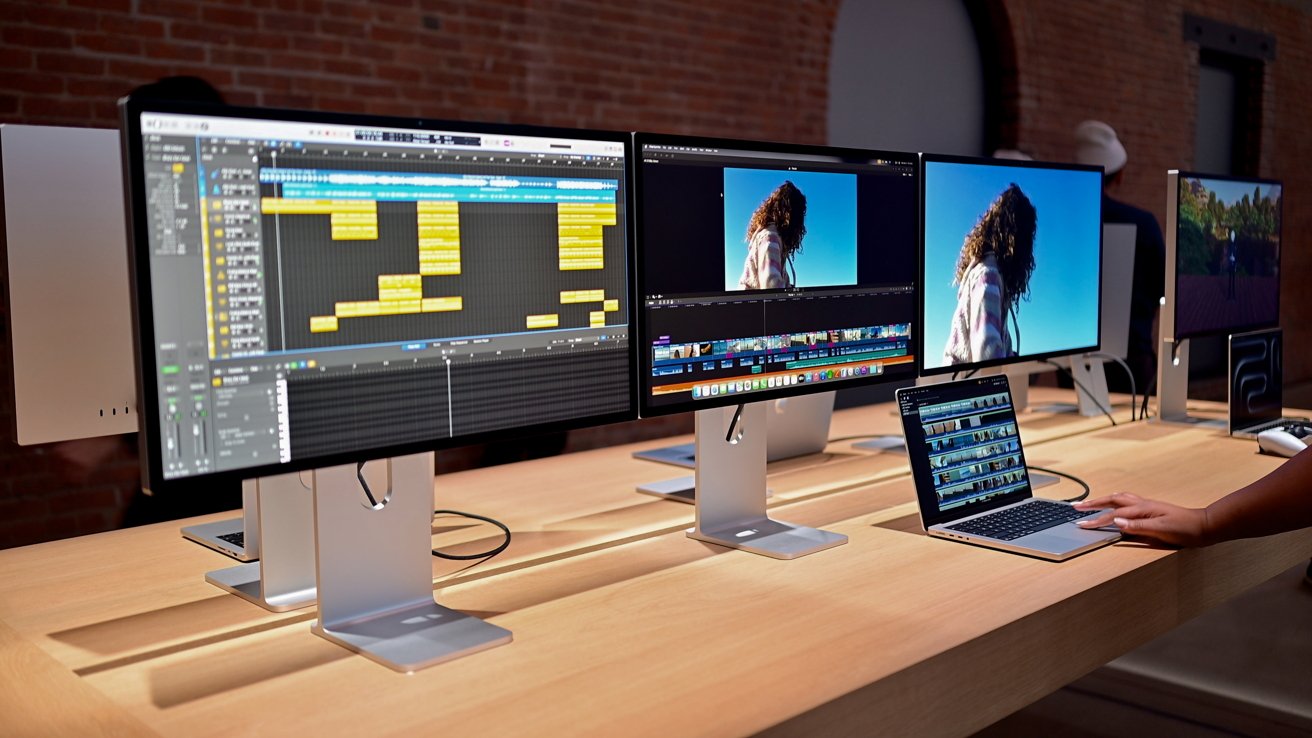
While the Apple Studio Display XDR is officially usable only with Apple Silicon Macs, the hardware seems to work with select Intel Macs as well.
Apple replaced its 32-inch Pro Display XDR with the slightly smaller 27-inch Studio Display XDR on March 3. Early reviews praised the color accuracy of the hardware, along with the 120Hz refresh rate — a feature only available when the display is used with select Macs and iPads.
According to the products' technical specification pages, the updated Apple Studio Display and Apple Studio Display XDR are compatible only with Apple Silicon Macs running macOS Tahoe 26.3.1 or later.
Intel Macs were notably absent from the list of computers compatible with the Apple Studio Display XDR, but it looks like some of them can actually be used with the new external display.
Mr. Macintosh, known for his tutorials on using the OpenCore Legacy Patcher, posted on X that the Apple Studio Display XDR was able to connect to a 2020 Intel-based 13-inch MacBook Pro. The same is true for the new-and-improved Apple Studio Display.
I knew it!!!
— Mr. Macintosh (@ClassicII_MrMac) March 11, 2026
My 2020 Intel 13" MacBook Pro works fine with the 2026 Studio Display & XDR. https://t.co/s0isbBhkbY pic.twitter.com/NQzrJgkLgr
While this might seem unexpected at first glance, Apple's white paper on the Studio Display XDR reveals a key detail about the top-of-the-line monitor. Per the document, the Studio Display XDR is "fully compatible with all Mac models featuring Thunderbolt 3 or later ports."
The Studio Display XDR also leverages advanced color management in macOS, "when paired with Apple Silicon-based systems." Apple's white paper then describes how the Studio Display XDR uses VESA Display ID and Extended Display Identification data in Windows and Linux environments.
In essence, all of this suggests the Studio Display XDR will actually work with select Intel-based Macs, as long as they have Thunderbolt 3 or later.
While the Apple Studio Display XDR looks as though it can be used with select Intel-based Mac configurations, there are additional factors at play.
Which Intel Macs might work best with the Apple Studio Display XDR
Firstly, the 120Hz refresh rate likely will not work with all Intel Macs, as support is officially limited to newer and more powerful Apple Silicon chips.
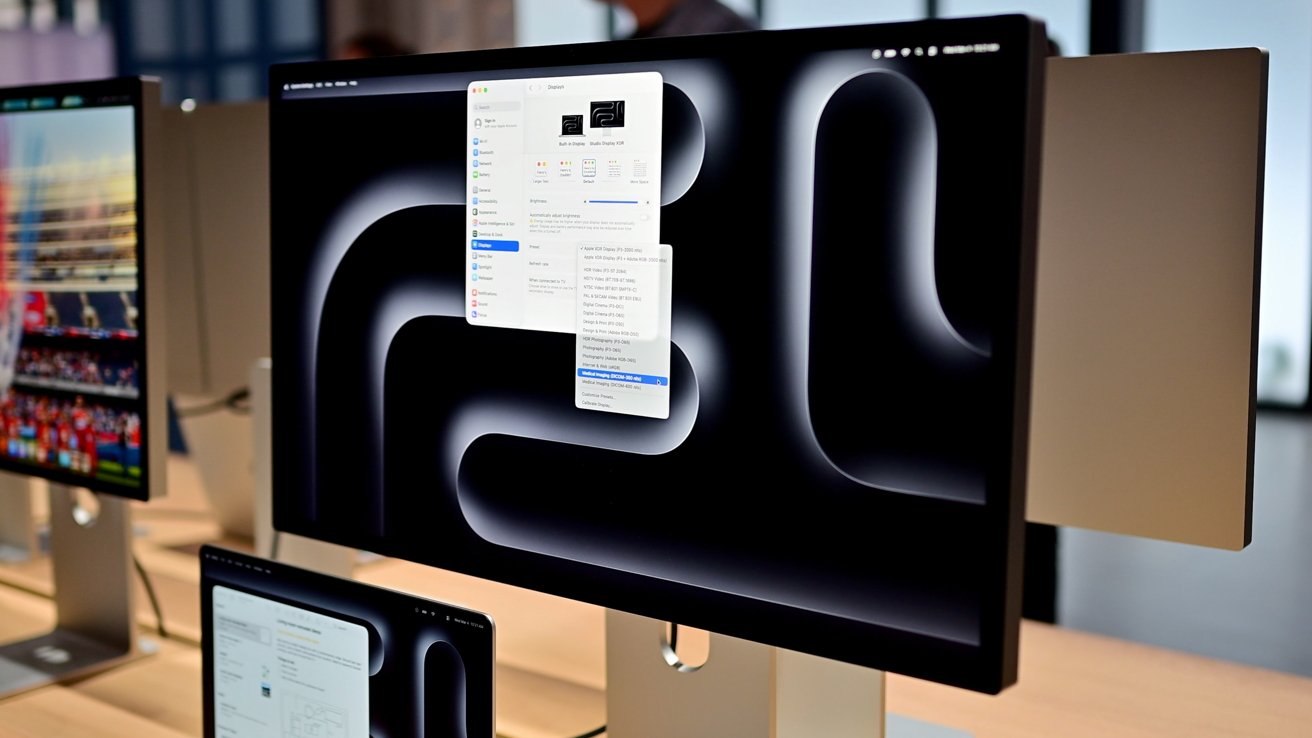
Owners of 2019 and 2020 Macs will likely have the best experience using an Apple Studio Display XDR.
When used with external displays via HDMI or Thunderbolt, most Intel Macs only support a maximum resolution of 4K, running at 60Hz. However, select 2019 16-inch MacBook Pro models, along with 2018 and 2019 models of the 15-inch MacBook Pro, support 4K at 120Hz.
The following Intel-based Macs can be used with 4K displays, running at 120Hz:
- 2018 and 2019 15-inch MacBook Pro with Radeon Pro 560X
- 2019 16-inch MacBook Pro with Radeon Pro 5300M
- 2019 16-inch MacBook Pro with Radeon Pro 5500M
- 2019 Mac Pro with Radeon Pro 580X
- 2020 iMac with the Radeon Pro 5700 XT
- 2020 13-inch MacBook Pro
macOS Ventura or later is generally required for the 120Hz refresh rate. Specific adapters or cables, such as USB-C to DisplayPort 1.4 or active HDMI 2.1, are typically necessary, rather than a standard USB-C to HDMI cable.
Officially, no Intel-based Macs support 5K at 120Hz, but Macs equipped with Thunderbolt 3 ports generally support 5K output at 60Hz. The 2019 Mac Pro, for instance, supports up to three 5K displays, while the 2018 Mac mini supports just one.
Overall, owners of 2019 and 2020 Intel Macs will likely have the best experience with the Apple Studio Display.
However, as the technical specifications of the Apple Studio Display XDR only list Apple Silicon Macs as officially supported, it remains to be seen just how well specific Intel Mac configurations work with the high-end external display.