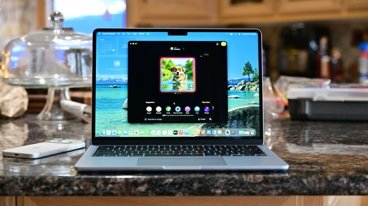
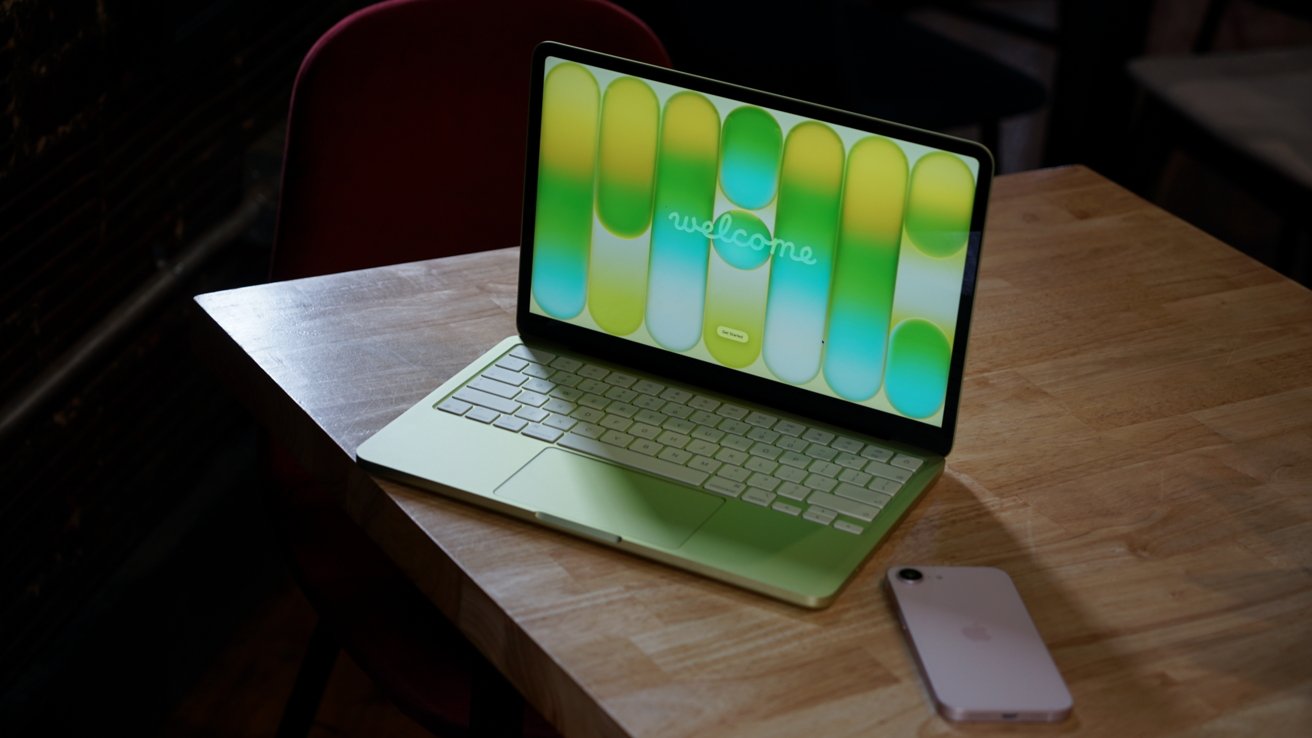
The Parallels Desktop virtualization tool is confirmed to work on Apple's new MacBook Neo, but there are enough caveats to suggest that you'd be better off buying a MacBook Air or MacBook Pro instead.
Parallels Desktop has long been the go-to app for people who need to run virtualized machines on a Mac. It's a great way for people to use Windows apps without having to use a separate machine or switch entirely.
With the release of the MacBook Neo, some had wondered whether its A18 Pro chip would be capable of running Parallels Desktop. The A18 Pro first debuted in the iPhone 16 Pro, and this is the first time a Mac has used an iPhone A-series chip. M-series chips are normally found in Apple's computers.
The good news is that Parallels has confirmed that its Desktop app does indeed work on the MacBook Neo. However, the company has warned that it has only completed basic usability testing — more tests are needed to confirm which operating systems can be virtualized.
Good, unsurprising news
This news shouldn't be all that surprising, however. While the A18 Pro did make its debut in an iPhone, it's still based on the same architecture as M-series Mac chips. That's why macOS can be run on an iPhone chip.
We also know that Rosetta 2, Apple's x86 emulation layer for legacy Mac apps, also works on the MacBook Neo. Rosetta 2 and hypervisors (virtual machine host devices and software) like Desktop Parallels use similar underlying technologies.
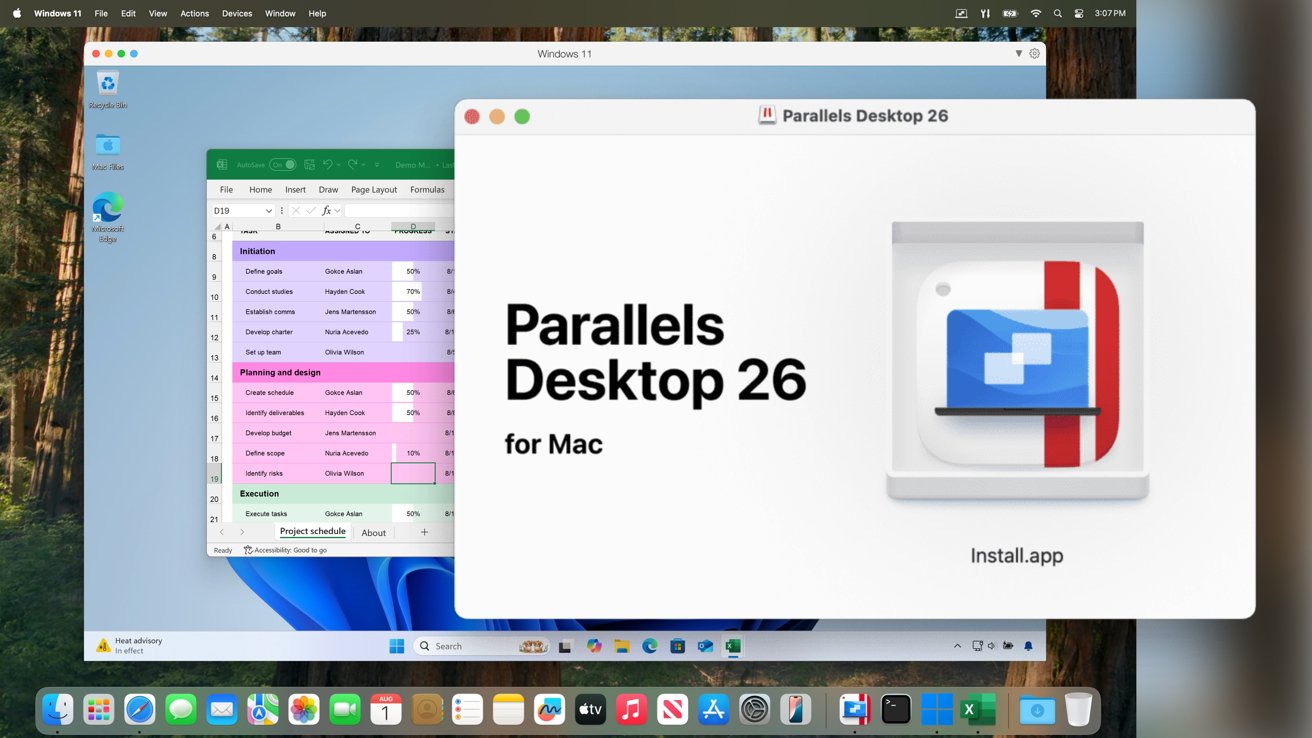
Parallels Desktop 26 running Windows 11 on macOS Tahoe - Image Credit: Parallels
With that in mind, despite Parallels having yet to complete its testing, we see little reason for any issues. ARM versions of Windows and Linux should work just fine on a MacBook Neo running Parallels Desktop.
A less than ideal host
Despite the news that MacBook Neo buyers can use Parallels Desktop, they can expect a subpar experience. Just because the A18 Pro can handle virtualization doesn't mean that the MacBook Neo is suited to it.
Running a whole different operating system in a virtualized machine requires plenty of resources. RAM, storage, and multi-core processing power matters a great deal.
While it's true the A18 Pro should be able to get the job done for basic tasks, more strenuous workloads may be an issue. It will very much depend on what you use your virtualized machine for.
Another issue is the fact that the MacBook Neo only comes in one RAM configuration. The machine comes with 8GB of unified memory, shared between the GPU and main system tasks. And that would be fine for most people who spend their days using macOS.
But running something like Windows 11 atop macOS requires even more resources. Windows 11 alone requires at least 4GB of RAM, leaving just 4GB for the Mac's other software to use. And, Windows 11 does not run well on 4GB of RAM.
With that said, we suggest choosing either a MacBook Air or MacBook Pro with at least 16GB of unified memory if you're a heavy Parallels Desktop user.