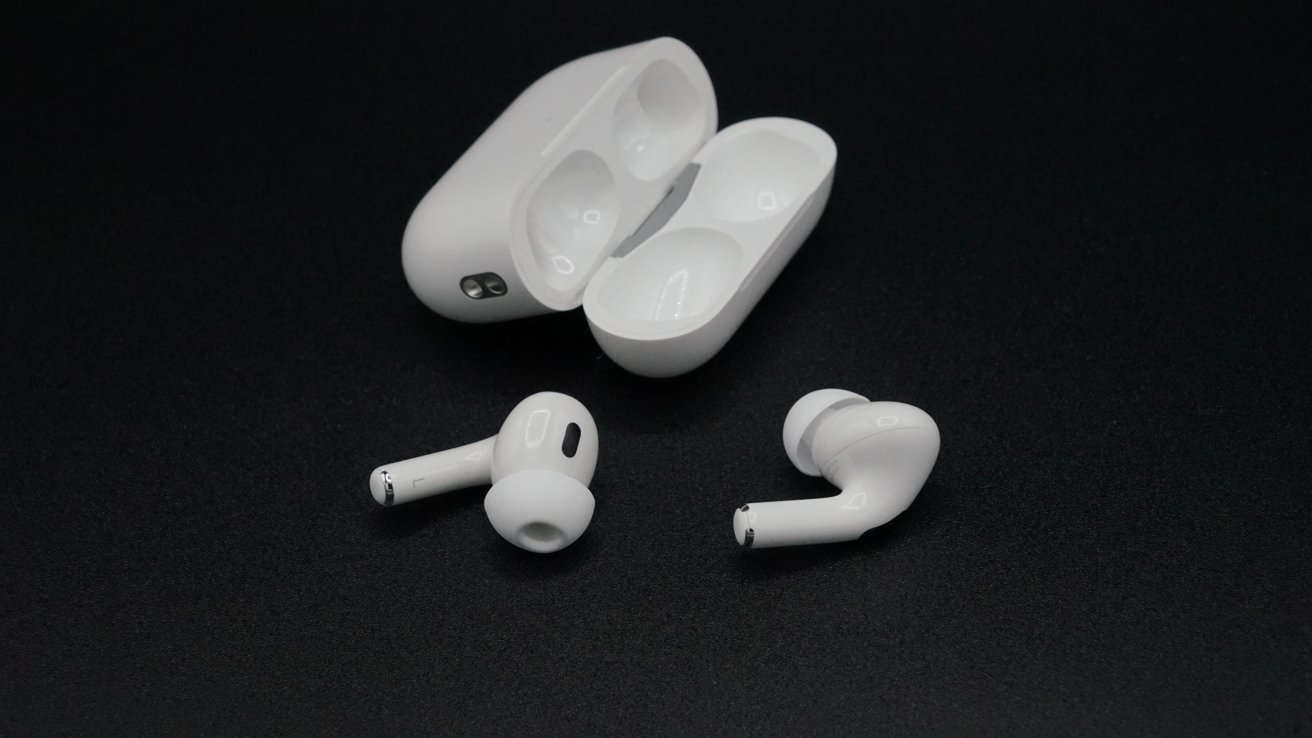
Apple has shared another developer beta firmware for AirPods Pro 2 and AirPods 4 that continues to trial new features for the personal audio devices.
Released on Tuesday, the new developer beta firmware is now build 8A5343a, up from the previous build, number 8A5324b. It is installable on the AirPods Pro 2 and AirPods 4 in both USB-C and Lightning formats, but not other models like the AirPods Max.
The new build is a continuation of testing new features that are being brought in as part of the fall upgrade to iOS 26, iPadOS 26, macOS Tahoe, and other operating systems.
Indeed, to be able to install the new betas, the hardware needs to be running on a 26-generation operating system.
The inbound features for AirPods include new camera controls, a H2 chip-based voice isolation mode, and an improved CarPlay hand-off.
As usual for developer betas, AppleInsider and Apple itself do not recommend using it with hardware that is mission critical or deemed essential to the user, due to the small chance of data loss or other issues. This applies to AirPods, considering the restriction of needing to run the fall software update betas.
How to install the AirPods beta firmware
While updating beta operating systems is typically easy, it's less so for AirPods. In this instance, you do need to have your host device running on iOS 26, iPadOS 26, or macOS Tahoe to begin.
Once signed up for a developer account and enrolled in the beta, you have to follow a few more steps:
- Check that Developer Mode is enabled by opening the Settings app, accessing Privacy & Security, then Developer Mode.
- Once enabled, access Settings then Developer.
- Close to the bottom of the menu, select Pre-Release Beta Firmware under AirPods Testing, and select which AirPods to use.