Forget the "starts from" prices, here's what you could spend on Macs from the Mac mini to the new MacBook Pro — and what you get for your money.
With the launch of the new MacBook Pro and MacBook Air, Apple isn't just presenter user with a choice of models. It's also, as ever, providing a range of options for each device.
If you're not to overspend, you need to know what you can be getting — and enough information to decide what exactly that is worth to you.
We've configured the New MacBook Air and MacBook Pro to their limits. And also compared them against the Mac mini, which is always claimed to be Apple's most affordable Mac even though you can easily configure it to cost nearly eight times its base price.
MacBook Air
At least until the expected launch of the new lower-cost MacBook — potentially called the MacBook Neo — the MacBook Air is Apple's entry-level laptop. Its newest version has seen a price rise of $100, perhaps to keep some daylight between it and the lower-price model.
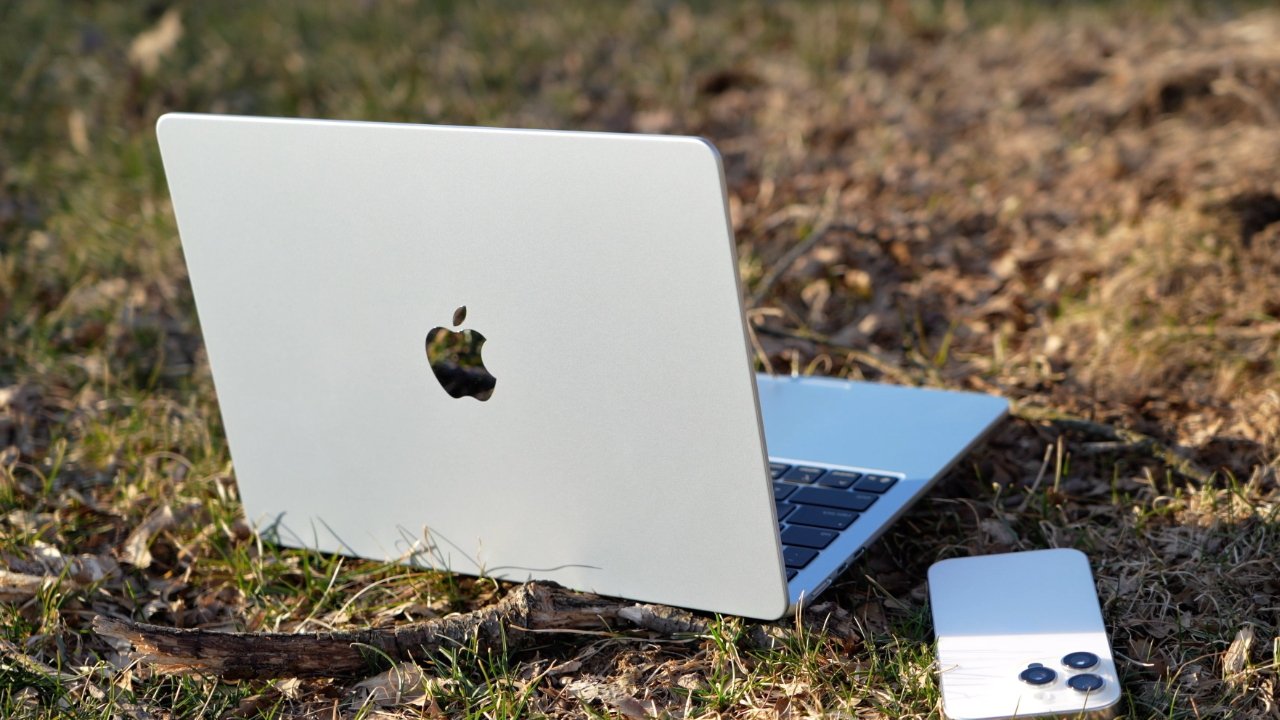
Apple's MacBook Air
For that increased price, the key benefit of the new 13-inch and 15-inch models is that that come with an M5 processor. They also gain Apple's N1 networking processor, meaning they get Bluetooth 6 and Wi-Fi 7.
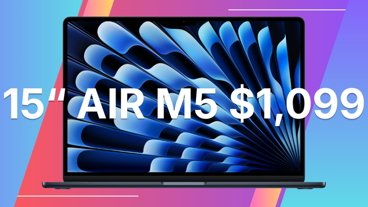
The 13-inch model starts at $1,099, but you can spend up to $2,919 on the 15-inch edition. For that 2.6 times greater price you get:
- 32GB RAM (up from 16GB)
- 4TB storage (up from 512GB)
- 70W charger (instead of 40W with 60W max)
This is one case where practicality and convenience may make you want to choose a lesser configuration. Because there are three different power adapters offered, and while the middle one is down to 35W, its a dual-port charger.
There are three RAM options, too, with 16GB, 24GB, and 32GB. If you're doing video editing, Apple recommends 24GB.
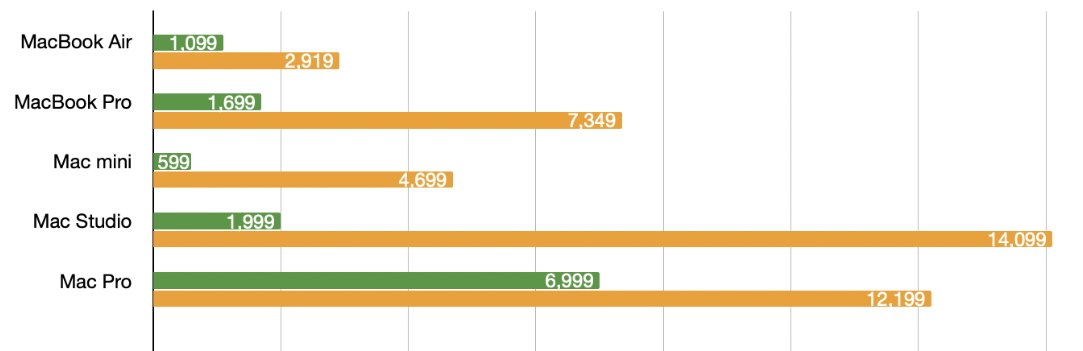
Just how much you can up the price of a Mac. Green is the base, orange the maximum, and all prices are in US dollars
Similarly, you can go from 512GB storage to 1TB, 2TB or 4TB. Apple's only recommendation here is that you check what your current computer's storage is like and get a bigger one.
You can't upgrade RAM or internal storage later. Plus external storage, while invariably cheaper that Apple's offerings, is not as convenient on a MacBook Air or MacBook Pro as it would be on a desktop Mac.
If you know you need the maximum storage, and you know your work is complex enough that it will benefit from 32GB RAM, though, look at the more powerful MacBook Pro.
MacBook Pro
The MacBook Pro is now available with an M5 Pro or M5 Max processor, and despite fears of much higher prices because of rising RAM costs, has only gone up $100.
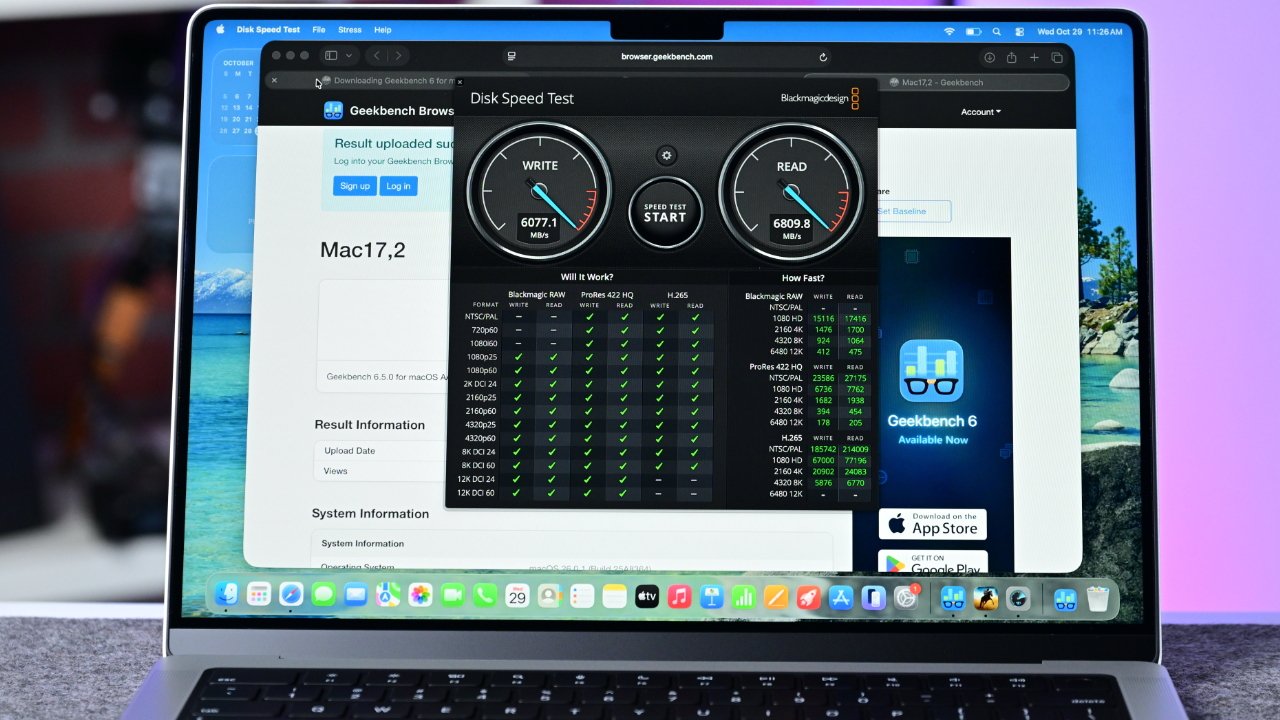
The MacBook Pro's price can go up more than four times if you max-out its specifications
That means it starts at $1,699 for the 14-inch model. You up that price 4.3 times to a maximum of $7,349, and for that you'd get:
- 16-inch model
- Nano-texture display
- M5 Max (instead of M5 Pro)
- 18-core CPU and 40-core GPU
- 128GB RAM (up from 48GB)
- 8TB storage (up from 2TB)
The CPU and GPU cores compare to the base 16-inch model having 18-core CPU and 32-core GPU.
Otherwise, that 8TB upgrade alone adds $1,800, while sticking with 48GB RAM would save another $1,000.
Mac mini
The MacBook Air and MacBook Pro are your only choice for laptops — at least at present — so if you need to be portable, they are all you can consider. But it's typically the case that desktop Macs offer more for your money because they don't have to use miniaturized or specialized components.
That's even true, at least to an extent, with the Mac mini despite the radically smaller redesign it had alongside the M4 processor in 2024.
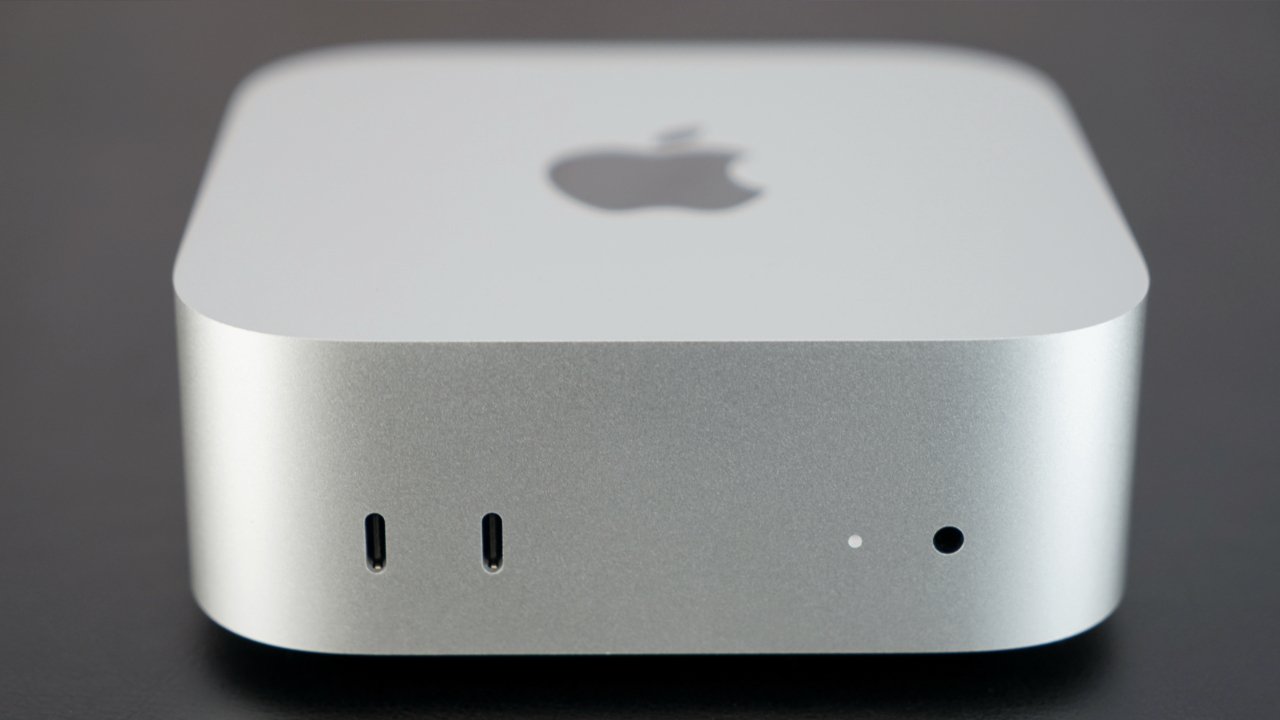
The Mac mini is Apple's most affordable Mac, but you can make its price balloon
Just for comparison, then, if you took a base Mac mini and maxed out everything you could today, you would be increasing its price by nearly 8 times. Instead of $599, you could pay $4,699, and for that you would get:
- M4 Pro processor (instead of M4)
- 14-core CPU and 20-core GPU
- 64GB RAM (up from 24GB)
- 8TB storage (up from 512GB)
- 10 Gigabit Ethernet
That core count compares to 12-core CPU and 16-core GPU in the base mode.
With a desktop, you can much more readily attach external storage and simply leave it connected all of the time. So it should be possible to save on the storage cost.
But if you know you need the faster processor and the increased RAM, you should look at the Mac Studio.
Mac Studio
In early March, 2026, we don't recommend the Mac Studio. It's been rumored to be next in line for a M5 upgrade — but let's talk about it anyway.
Take the $1,999 base model Mac Studio, and add an M3 Ultra processor, 32-core CPU, 80-core GPU, 512GB RAM, and 16TB storage, and you have a Mac to dream of. But it'll cost you $14,099.
That's actually more than a maxed out Mac Pro would cost, as that goes from a base of $6,999 to a ceiling of $12,199.
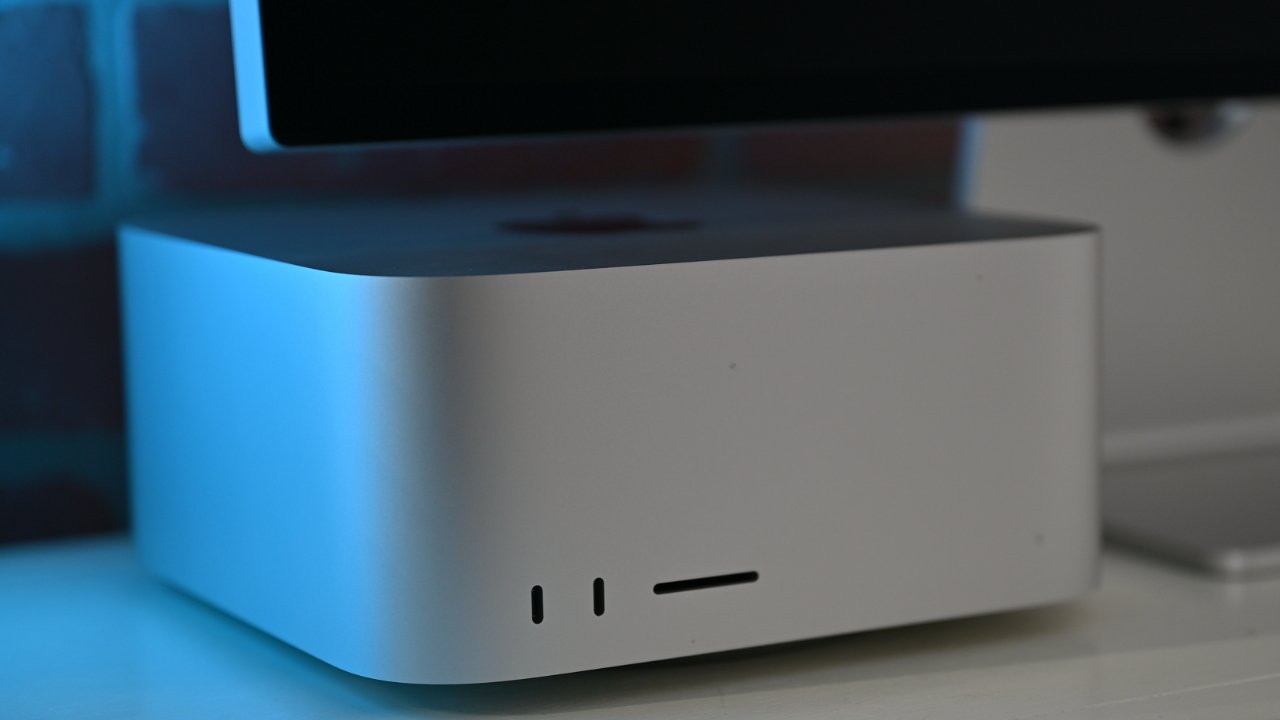
Apple's Mac Studio
But then as if Apple really has its heart set on the Mac Studio instead of the Mac Pro for its professional buyers, the Mac Pro is the more limited machine. It can only go to 192GB RAM compared to the Mac Studio's 512GB, for instance.
The Mac Pro can also only go to 8TB storage, where the Mac Studio can support 16TB. At present, the Mac Pro is on the M2 Ultra processor, too, while the Mac Studio is on the M3 Ultra.
A Mac for all seasons
With the only other Mac, the iMac, going from $1,299 to $2,699, you can currently spend anything from $599 to $14,099 on a Mac. This is Apple hitting every price point, except budget ones.
The business of what is in the base and what is an upgrade is also finely chosen. Apple wants there to be a Mac for everyone, even as it also tries to get buyers to upgrade just one more element.
At least it's possible to update the storage in a Mac mini after purchase, and the Mac Studio, although not via Apple. There have been Apple-made options for increasing the storage on a Mac Pro, though.