Apple's new Studio Display XDR is nearly everything I'm looking for in a display, but there are still compromises, particularly in a cross-platform environment.
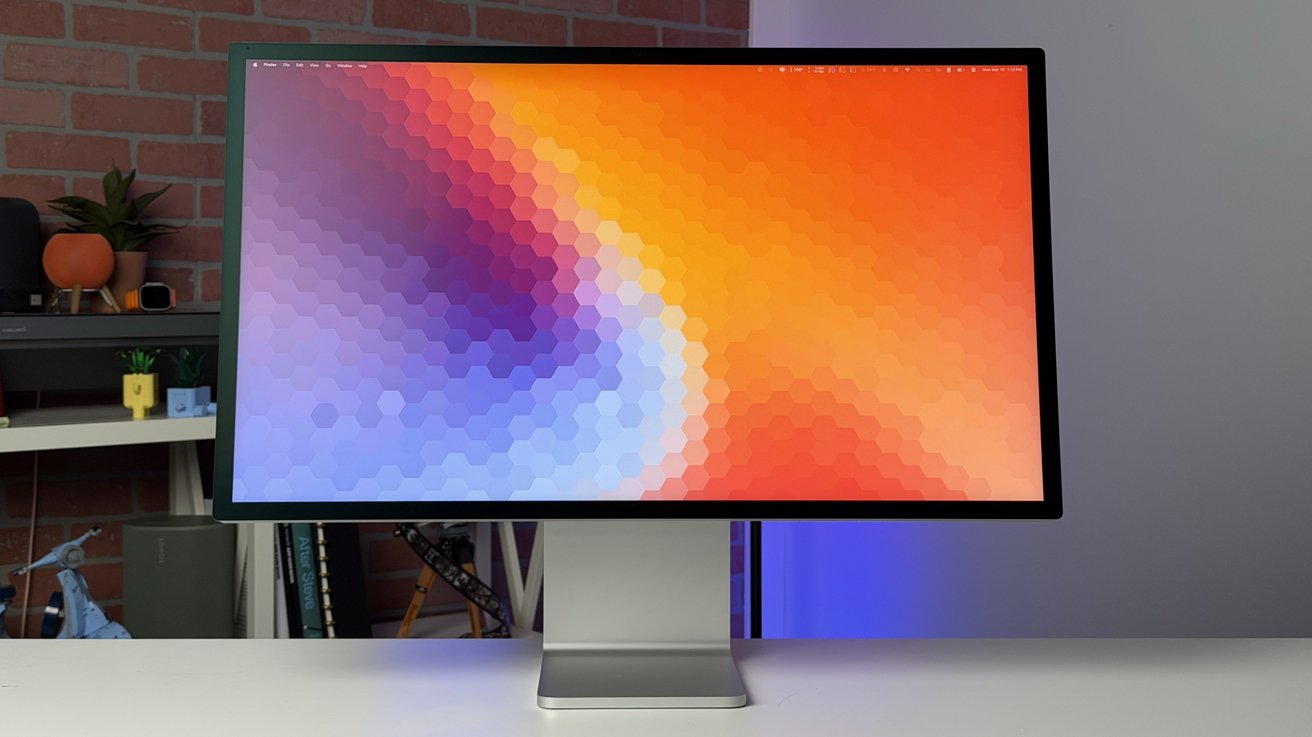
The Studio Display XDR is now Apple's high-end monitor, sitting above the standard Studio Display in Apple's refreshed 2026 lineup. It's a 27-inch, 5K, aluminum and glass beauty that's well-suited for almost any Mac.
For the last four years, I've been using Apple's original Studio Display. This upgrade was just what I'd been looking for.
After using it all day for the last couple of weeks, creating content, writing, editing video, consuming media, and so forth, I can say that it's one of the best monitors I've tested.
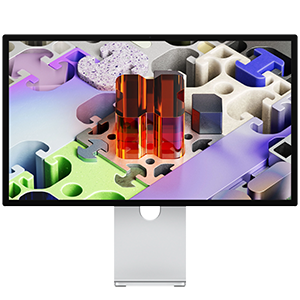
Apple Studio Display XDR
Studio Display XDR review: Apple's new pro display
There's not much changed in the design from the original Studio Display. The whole body is aluminum with squared-off edges and slightly beefy bezels.
The front houses the 27-inch, 5K panel with an industry standard 5120-by-2880 resolution, yielding a density of 218 PPI. It's mini LED for good brightness and utilizes 2304 local dimming zones.
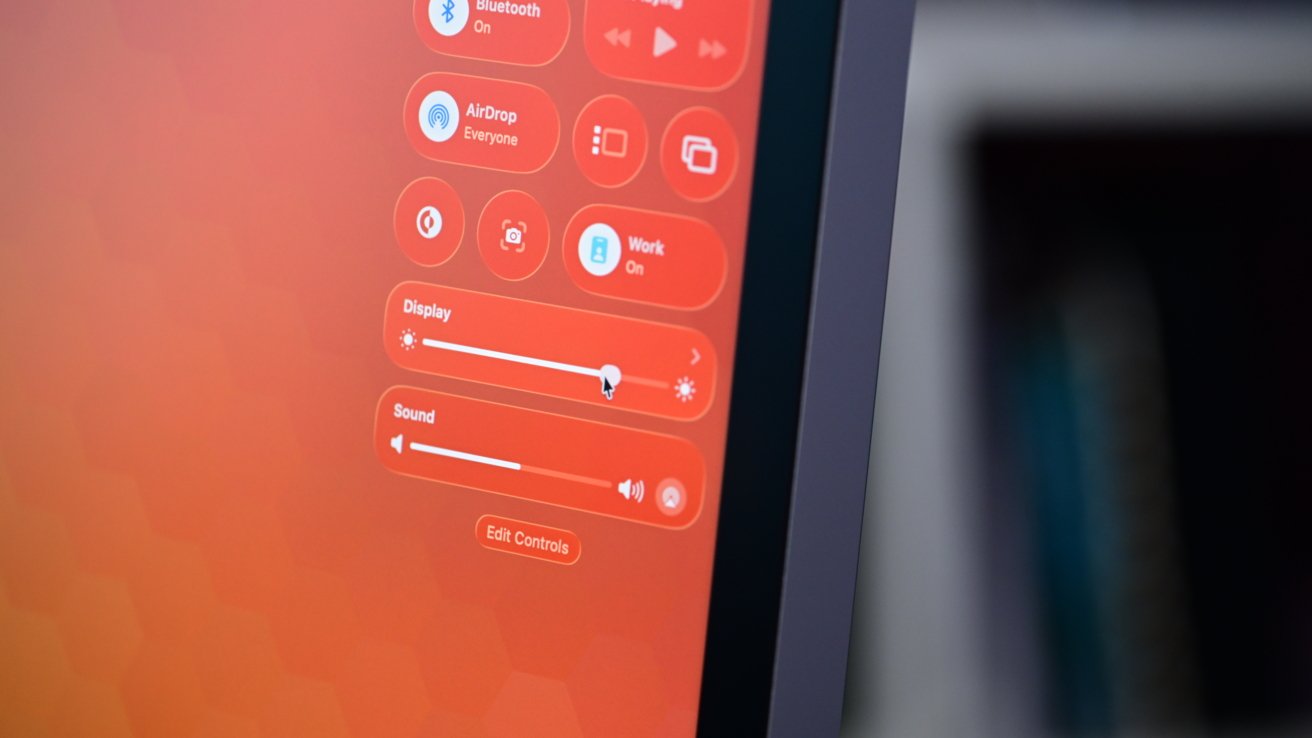
Studio Display XDR review: The design is classic and is iconically Apple
In standard use, its brightness can reach 1000 nits, though it peaks at 2000 nits when displaying HDR content. For comparison, the standard Studio Display has no dedicated HDR and reaches only 600 nits.
One of the other big upgrades Apple is making with this model is 120Hz adaptive refresh rates. Adaptive Sync is an industry term that allows the screen to adjust the refresh rate as needed for your content.
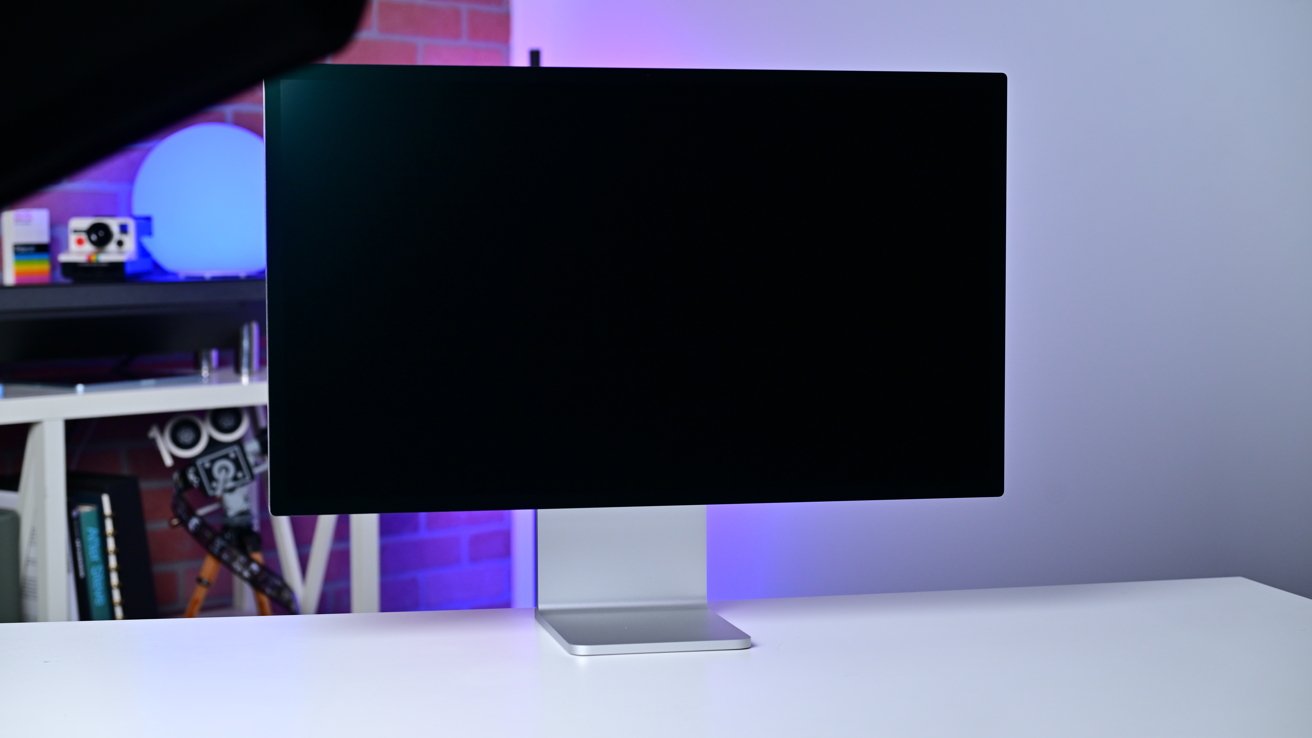
Studio Display XDR review: The nano-texture looks great
You can opt for the nano-texture finish on the outside, which will set you back another $300. I'm a big fan of the nano-texture, though it does take away from the brightness and sharpness by the littlest bit.
The display comes bundled with a tilt and height adjustable stand, no longer a required extra purchase. If you don't want or need the stand, for the same price, you can have it shipped with the VESA adapter instead.
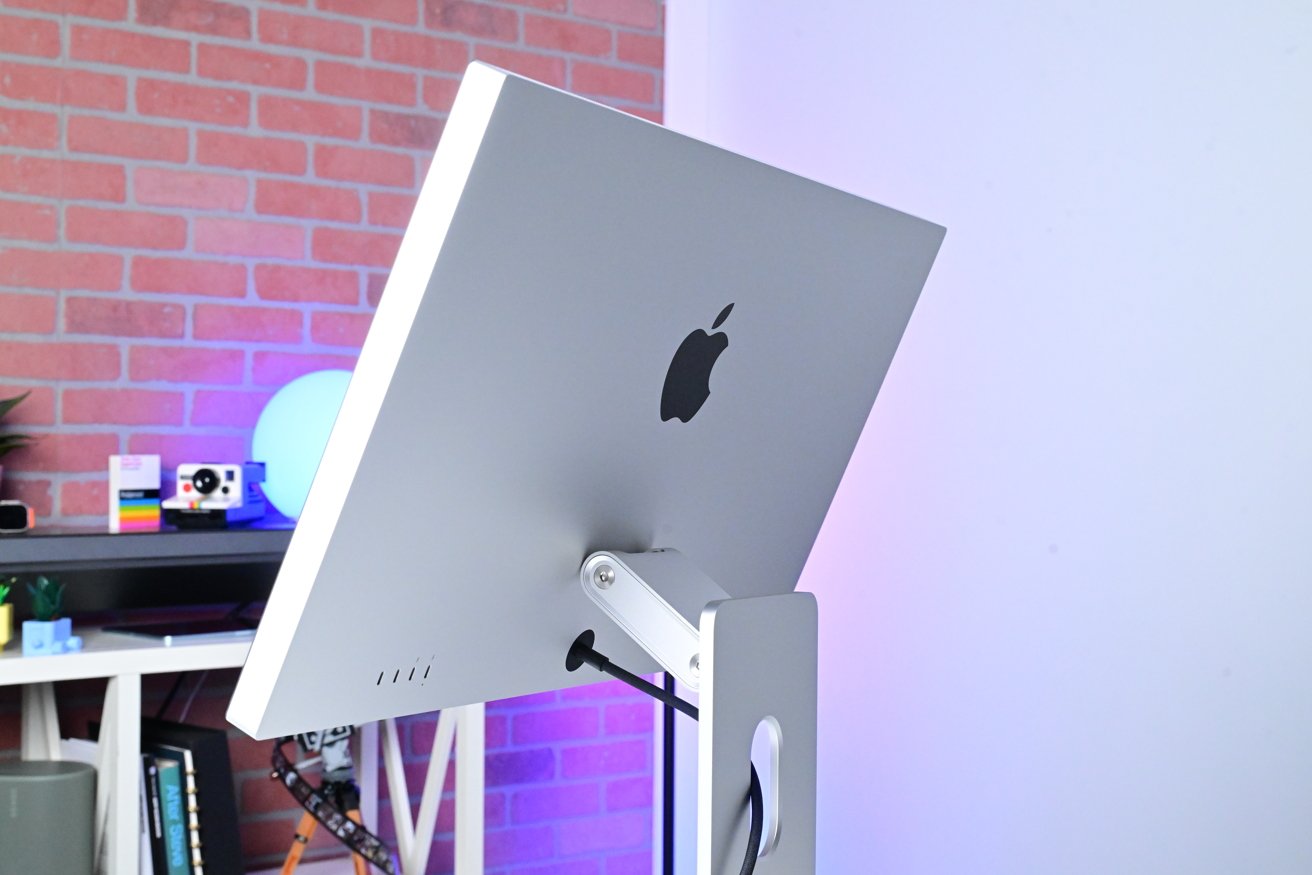
Apple's stand is one of my favorite parts about the monitor. It's a classic feat of Apple engineering.
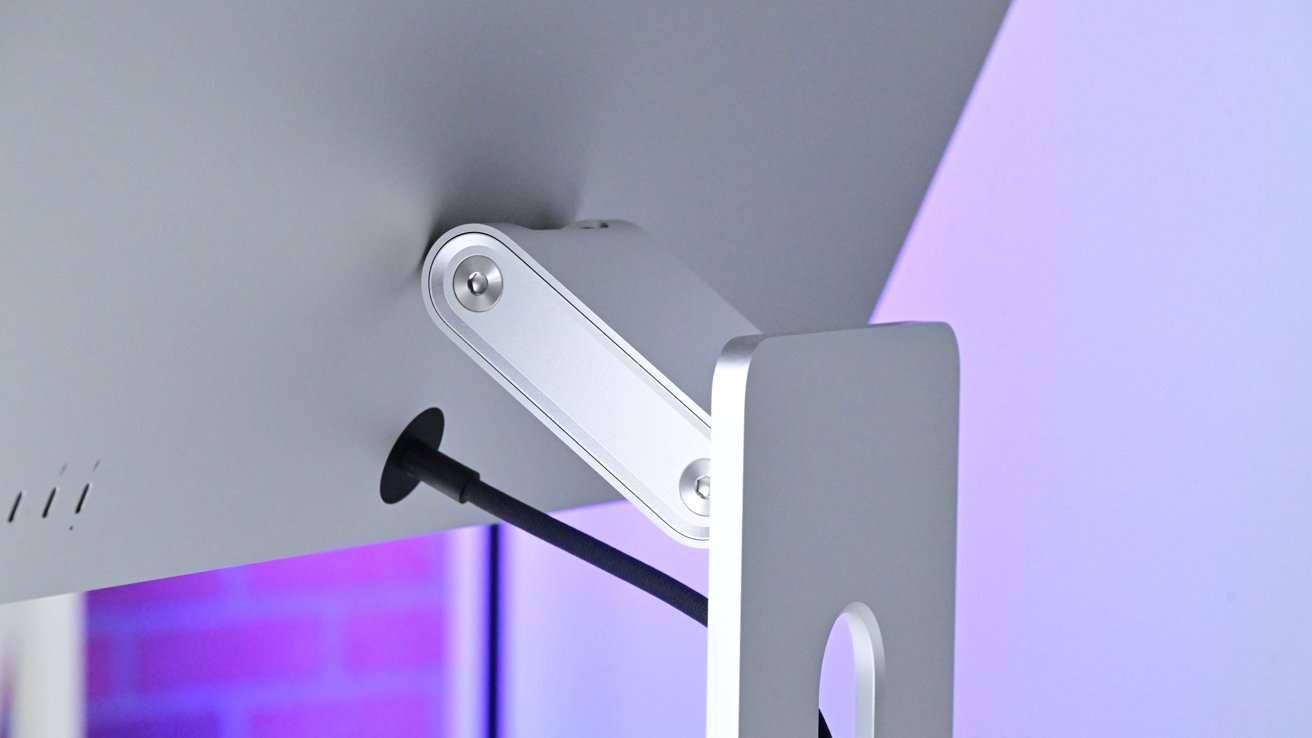
Studio Display XDR review: The stand looks so cool and works well
It's beautiful with its machined metal footprint and the articulating arm at the top. Tilting and adjusting the stand is effortless and requires just the perfect amount of pressure without the whole thing moving.
I do wish that it could raise and lower more — it's only 10.5cm — but that's it. I know some may want a monitor that swivels, so that could be a negative here, too.
Studio Display XDR review: Display performance
I've been very impressed with the performance of the new display. The Studio Display is a great monitor and I'd recommend it for most users, but the Studio Display XDR takes it further.
The contrast ratio is fantastic, especially when looking at HDR content. I've watched movies on this display, like F1 and it's stunning.
During HDR content, the monitor shines. In F1, any of the explosions or fireworks popped against their backgrounds.
If you're editing HDR video, that benefit is going to carry over. I typically don't edit that kind of video but I do edit HDR photos.
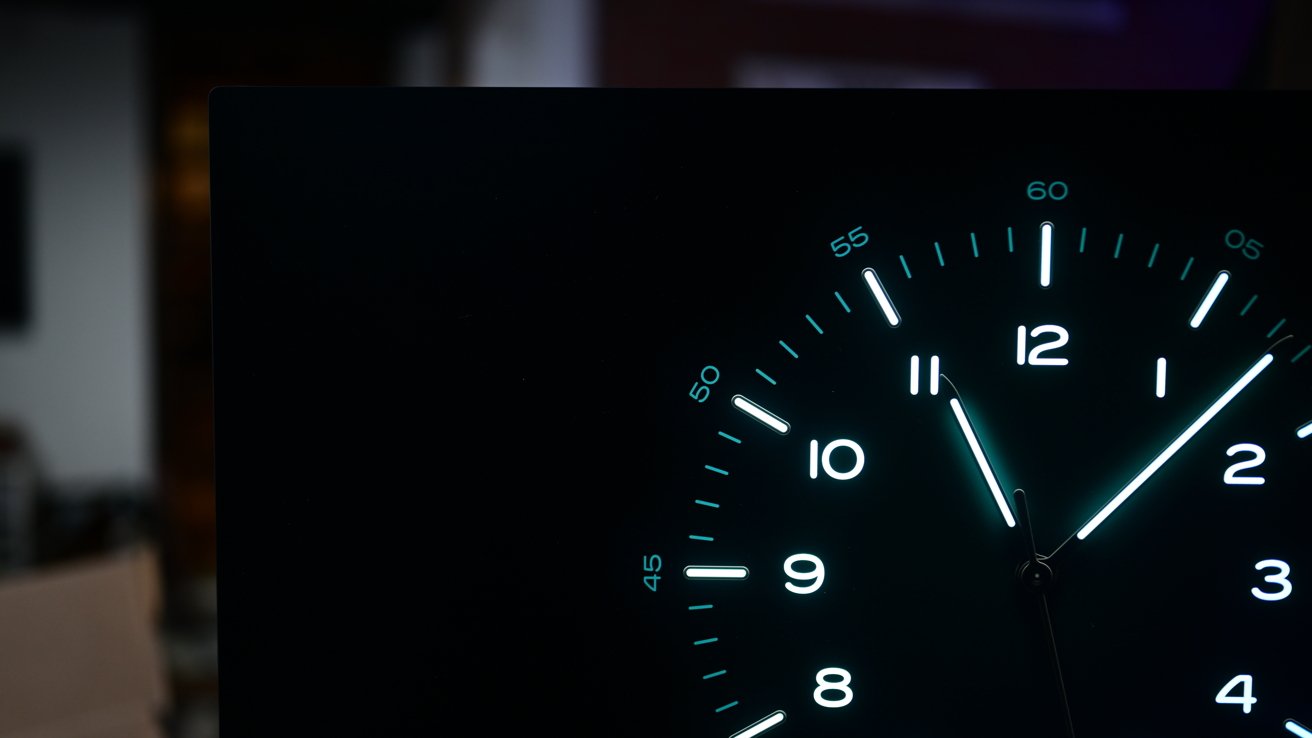
Studio Display XDR review: The Studio Display XDR has great contrast, great local dimming, and high brightness
Having a monitor that has the brightness and contrast to support that is great. You can see so much more in the highlights that gets crushed or blown out on lesser monitors, especially in skies.
The viewing angles are impressive with this display. I was able to move to the side almost 80 degrees before I noticed any distortion at all in my text, and that's with the nano-texture finish.
Speaking of which, I'm so happy I opted for the matte finish this time around. It looks beautiful while also diffusing any of the bright lights that can be in the studio.
Apple has done such an impressive job with the two finishes. The gloss is of course exceptional, highlighting the brightness, contrast, and colors while the matte is best in the industry.
There are other pro applications that don't apply to me, but will to other industry professionals. For example, Apple isn't supporting just the P3 wide color gamut, but the Adobe RGB color space as well.
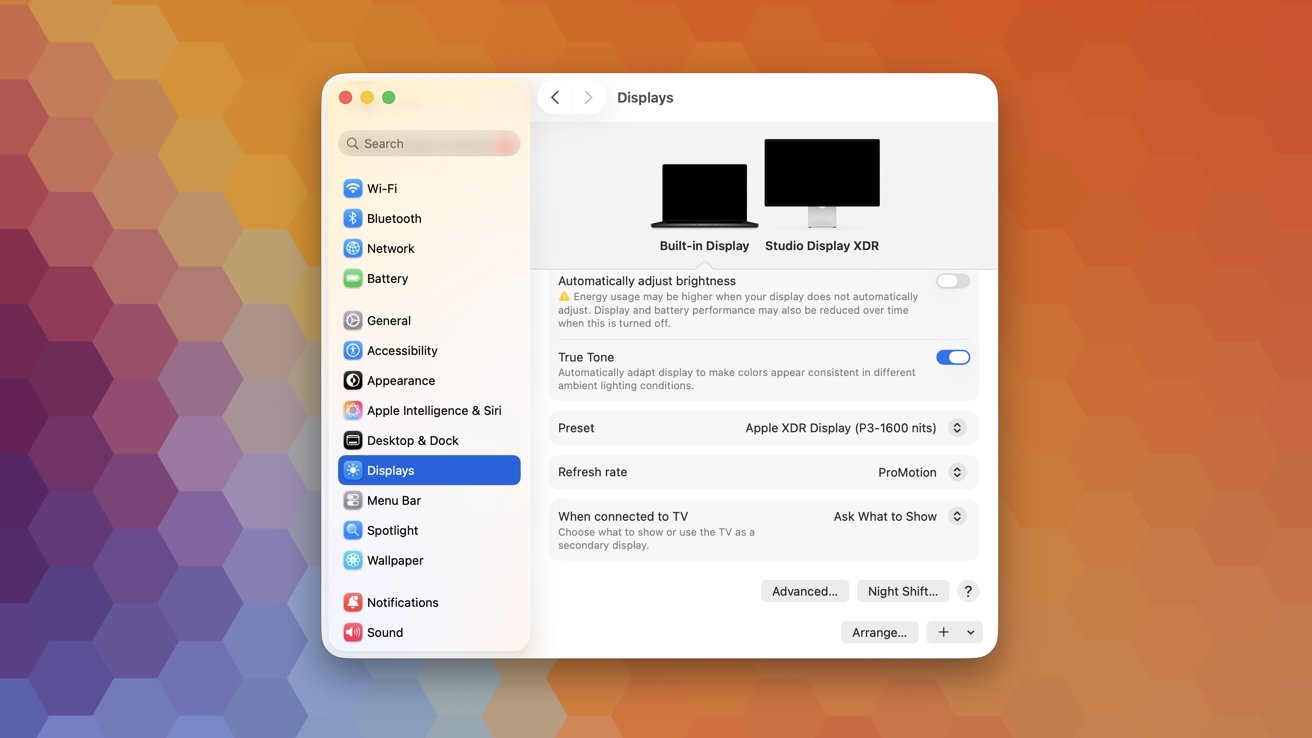
Studio Display XDR review: The monitor supports multiple color spaces
Adobe RGB is used for print production, so when something is designed on the Studio Display XDR, there won't be any surprises. The print product will look the same as the one on-screen.
Apple is also seeking DICOM support and is awaiting medical approval. The Studio Display XDR will be certified for both DICOM-350 and DICOM-600.
Medical imaging monitors, such as the LG 32HL512D, generally start at roughly $3,000 and go up from there quickly. This makes it a shockingly competitive price in that space and also looks a whole lot better.
Some things I don't particularly notice out of the gate, like the 120Hz refresh rate. This didn't bother me too much with my old display.
In my testing, I pulled out the last-gen Studio Display again for some comparisons and immediately noticed the difference. I had started to get used to it on the new model, and going back was uncomfortable.
I think there is going to be a subset of users who are disappointed in the size of the Studio Display XDR when compared to the old Pro Display XDR.
Studio Display XDR review: The 27-inch size is perfect for most users. Not too big, not too small
A 27-inch display is more universal, but it leaves anyone who wants something bigger left looking at third-party options. The Pro Display XDR was a 32-inch unit, which I generally find too large for my setup.
I think I'd rather have two separate displays versus one larger display. That makes the Studio Display XDR perfect for me, but not for everyone.
Studio Display XDR review: Audio and video
Compared to the original Studio Display, both the new Studio Display and Studio Display XDR have improved speakers and cameras. The 2019 Pro Display XDR lacked both altogether.
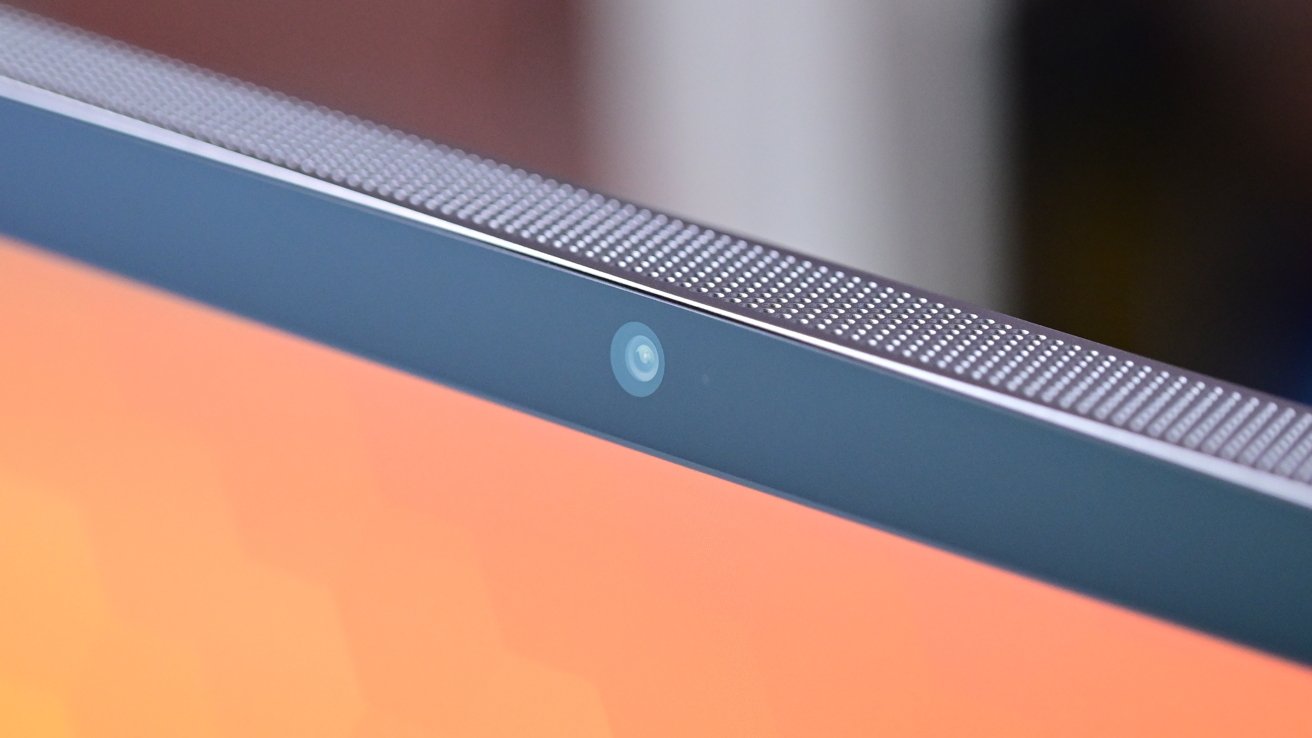
Studio Display XDR review: The camera now looks a lot better in low light
According to Apple, the new cameras, while the same resolution, have improved low-light performance. They also now support Desk View.
Without any camera changes, the image quality boost is likely due to the internal processor upgrade and its updated image signal processor (ISP). It's abundantly clear in low-light shots with significantly less smoothing and noise.
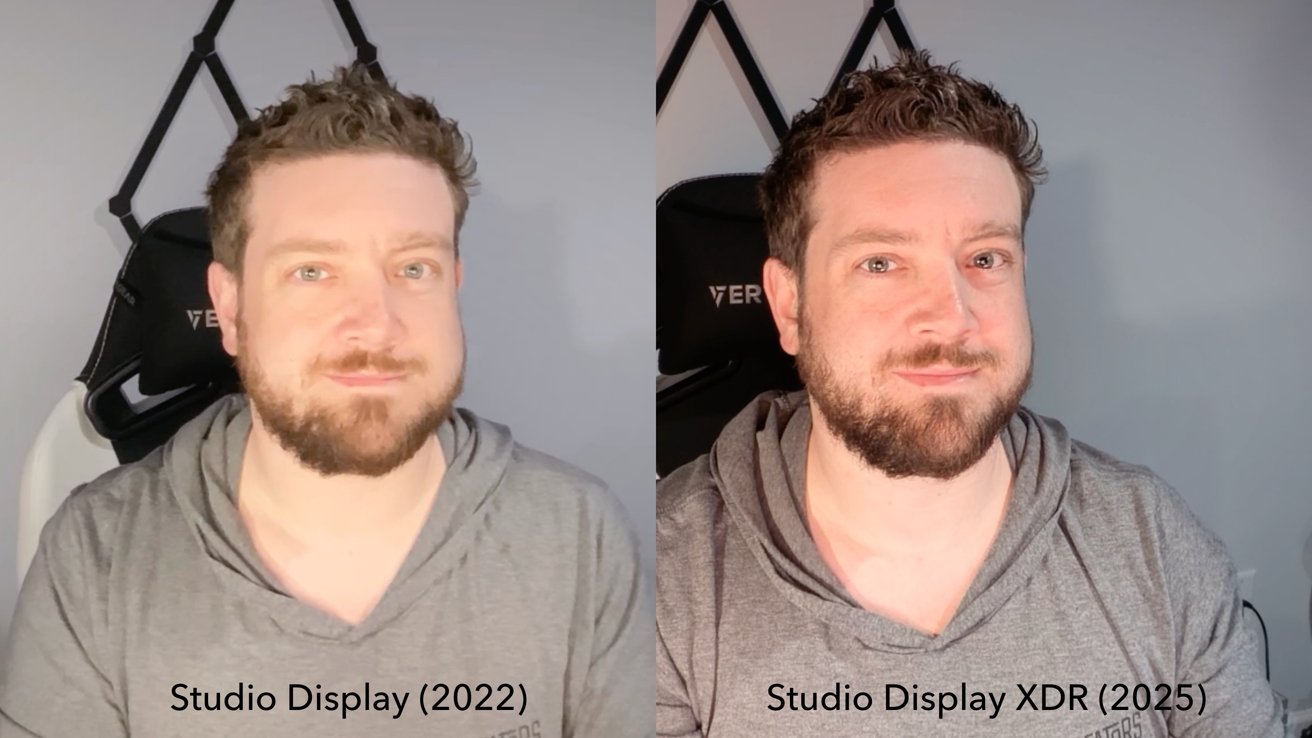
Studio Display XDR review: The old Studio Display camera (left) and the new Studio Display and Studio Display XDR camera (right)
In the included image, you can see how much better the skin tones look and the heathered texture on my shirt. I was quite impressed with how much better this looked.
I was equally impressed with the speakers. It has a new six-speaker system comprised of four force-cancelling woofers and two tweeters.
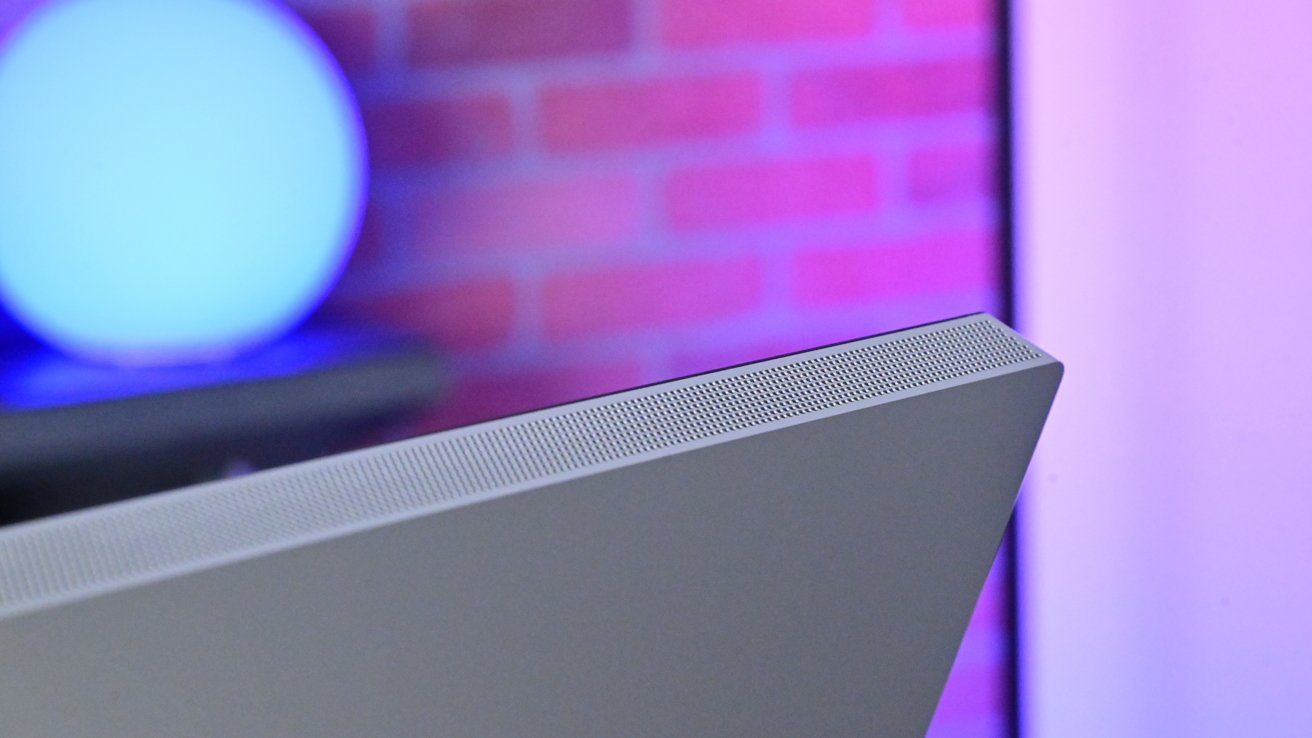
Studio Display XDR review: The speaker grille for the six-speaker sound system with support for Spatial Audio
These speakers can easily fill a room and are surprisingly loud when cranked up to the max. There is substantial bass coming out of this display and it also doesn't vibrate the desk at all either, thanks to the force-cancelling woofers.
There's Spatial Audio support which is noticeable on supported content. I tried both movies and music and even if it's still better on a set of AirPods Pro, it's still effective.
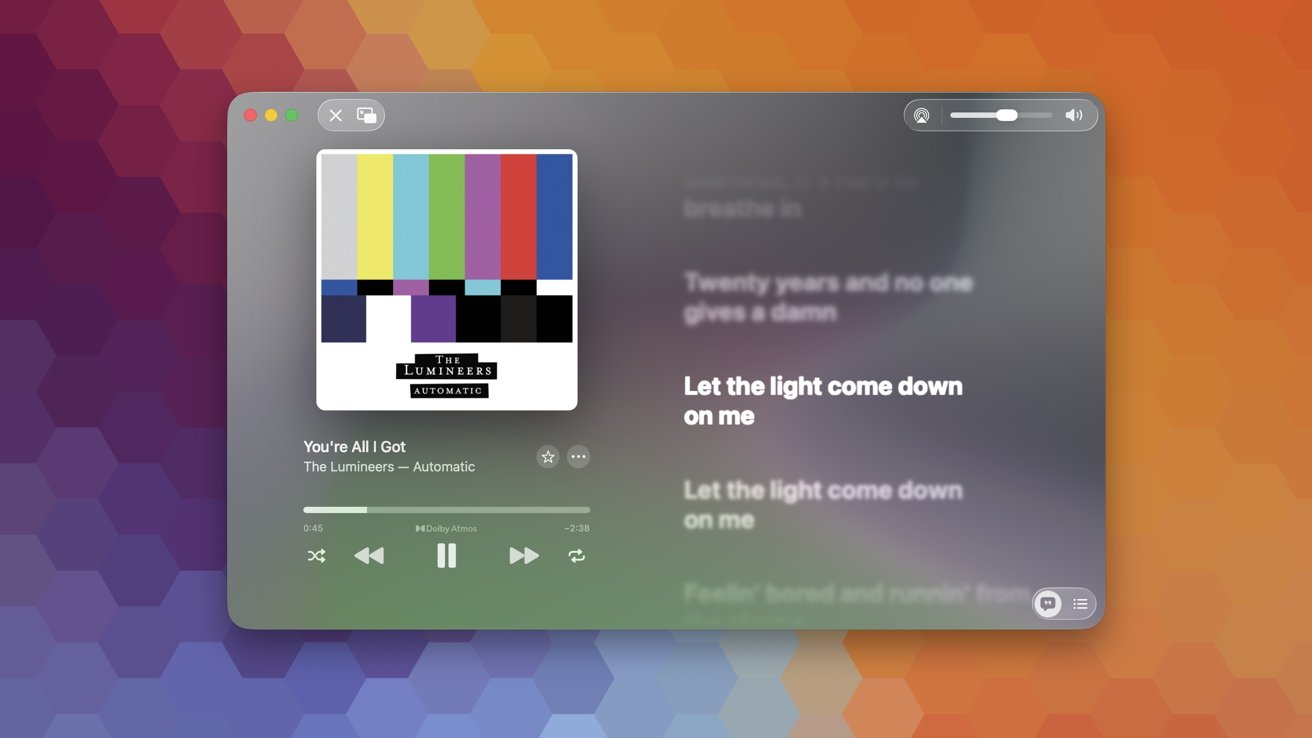
Studio Display XDR review: Spatial Audio sounds great with substantial bass and volume
Listening to the Lumineers, I could hear the instruments placed around me with the vocals coming from straight in front of me. When I played back a Dolby Atmos demo, you could easily track the audio as it moved above you or behind you.
To be clear, there is no difference in the audio or camera between either this or the base model Studio Display. Both of these upgraded ones have these same upgrades and I think huge reasons to consider them against the competition.
Studio Display XDR review: Thunderbolt 5
On the back of the Studio Display XDR are four Type-C ports. Two of them are USB-C data ports with up to 10Gb/s and the other two are full Thunderbolt 5 ports.
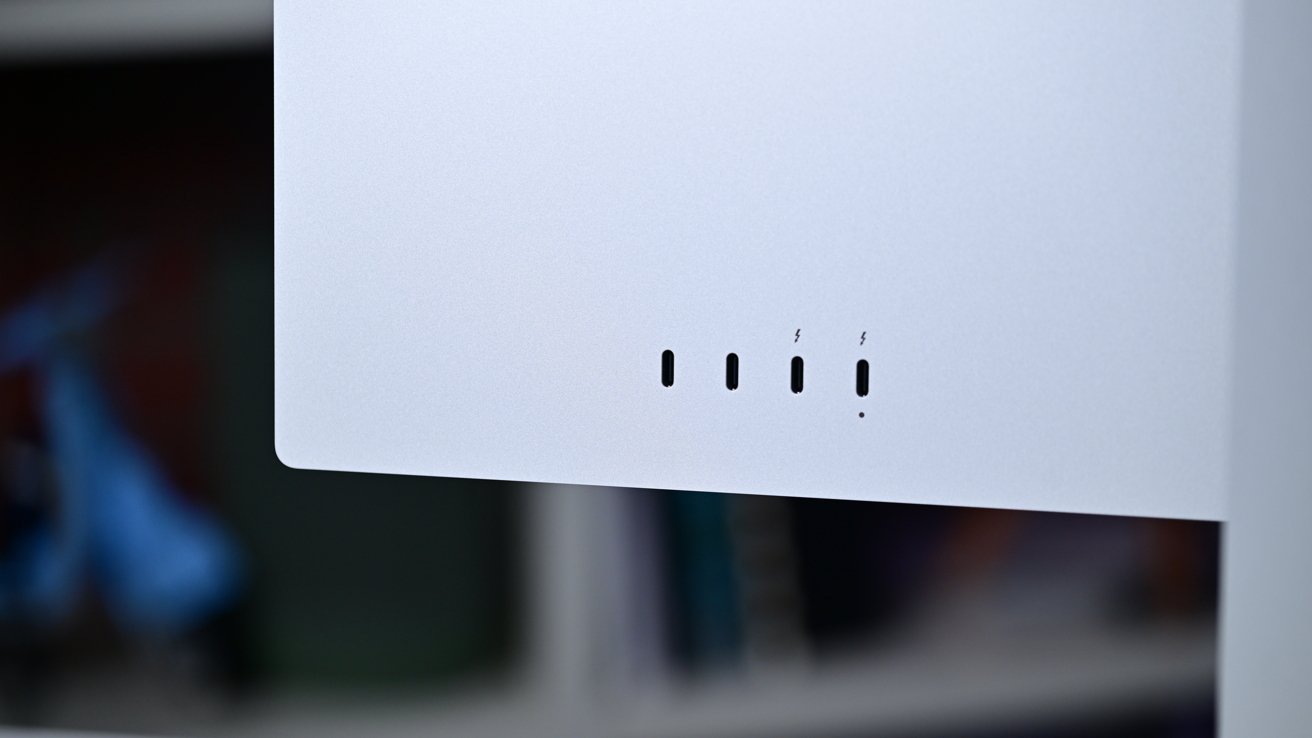
Studio Display XDR review: There are two Thunderbolt 5 ports an two USB-C data ports
One of those Thunderbolt 5 ports is the upstream port to connect to your Mac — or PC — and the second can be used to connect Thunderbolt peripherals or a second display.
The base Studio Display can handle up to four daisy-chained monitors but the Studio Display XDR and its higher refresh rate only supports two. Still, daisy-chaining is one of my biggest requests in a monitor.
I mentioned earlier I'd rather have a second monitor than one big one, and this is one of the ways to make that happen. I can connect a single Thunderbolt 5 cable to my Mac and power two external displays plus peripherals.
It harkens back to Apple's old Thunderbolt Display days. That was a fantastic monitor.
Thunderbolt 5 doesn't just support the higher data limits, but it also has higher power delivery. The Studio Display XDR can deliver up to 140W of power to supported machines.
14" MacBook Pro M5 Pro & M5 Max
Which devices are supported with the Studio Display XDR does get fuzzy, especially with the 120Hz refresh rate. Obviously, one caveat is going to be the connector since there is no HDMI or DisplayPort.
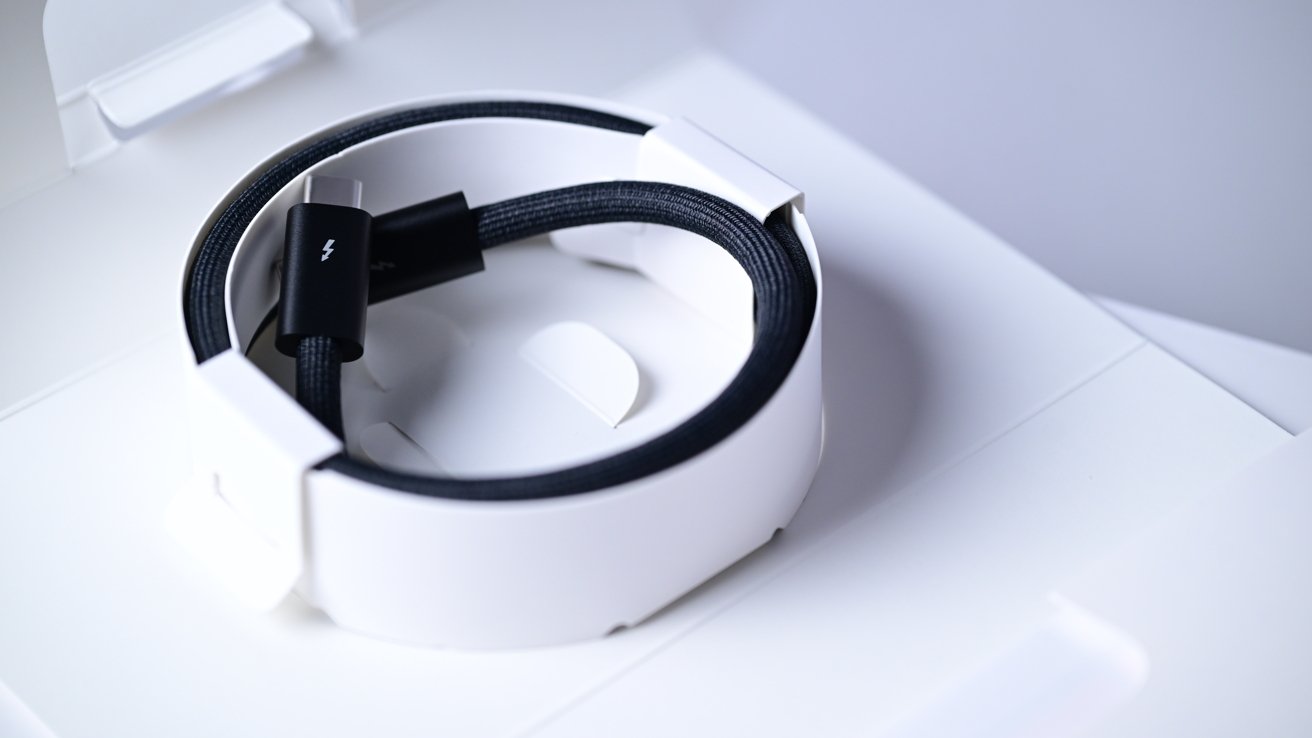
Studio Display XDR review: A braided Thunderbolt 5 cable is included in the box
If you want to connect something like a PlayStation 5 or some PCs, you will need a series of adapters and switches which will not support all features in the best case scenario. Users with one Mac won't have issues, other than the refresh rate.
M1, M1 Pro, M1 Max, M1 Ultra, M2, and M3-powered machines will support the Studio Display XDR but only at 60Hz. MacBook Neo will support it, but again at only 60Hz.
For iPad users, many models of iPad Air and iPad Pro will support the display, but only the M5 version will support 120Hz.
There's a similar limitation with Power Delivery. Thunderbolt 4 Macs will only accept up to 96W via the Thunderbolt ports, but the 16-inch MacBook Pro with Thunderbolt 5 supports 140W.
Classically Apple, it frequently looks at simplifying its devices — sometimes to a fault. We saw that happen excessively with the MacBook Pro that shirked all ports except for USB-C.
Later, Apple righted this by bringing back all the ports like HDMI, an SDXC card reader, and MagSafe 3. We're in a bit of a similar spot with the Studio Display XDR.
Since it is purely a Thunderbolt Display, connecting anything else is going to be a hassle, like those HDMI adapters that may or may not work. Apple could have solved this by adding a few more ports to the back.
A common DisplayPort or HDMI would open this up to many more users. Especially design studios who's users frequently move between machines.
Instead Apple opted for simple and clean. If it added a DisplayPort to the back, any connected device wouldn't be able to use the downstream USB-C ports, camera, or mic right away.
Users would have to connect two cables to their machine — one for the audio/video and a second for the data — if they wanted those interfaces to function. Apple would also need to add a button of some kind to control the display to cycle through the inputs.
Apple could have easily done this, but I think that ultimately would be too "messy" for Apple. It would rather purposefully limit its target audience for a clean, more Apple-like experience.
For some users, like me, that's preferable. I move between machines, but I'm happy to just move the cord.
These days, I'm also largely entrenched in the Apple ecosystem and don't have the need to connect a Windows or Linux PC. So an elegant single-cord solution is perfect and what I seek out on a monitor.
The large array of others who do want multiple input options are going to have to look for something else. That's been Apple's M.O. for years, going back to some of its earliest displays, and unlike with the MacBook Pro, I don't expect it to change any time in the future.
The good news is there are still a lot of excellent monitors out there, even if they lack that Apple touch.
Studio Display XDR review: Justifying that price tag
Arguably the biggest detractor of the Studio Display XDR is its price. At $3,300 to start, it's not exactly cheap.
That price tag is notably cheaper than the now-discontinued Pro Display XDR, which carried an asking price of $5,000 — and that didn't include the optional $1,000 stand.
What separates Apple from others is both the combination of features and the build quality. When you look into the other available options, there are few options that match the Studio Display XDR.
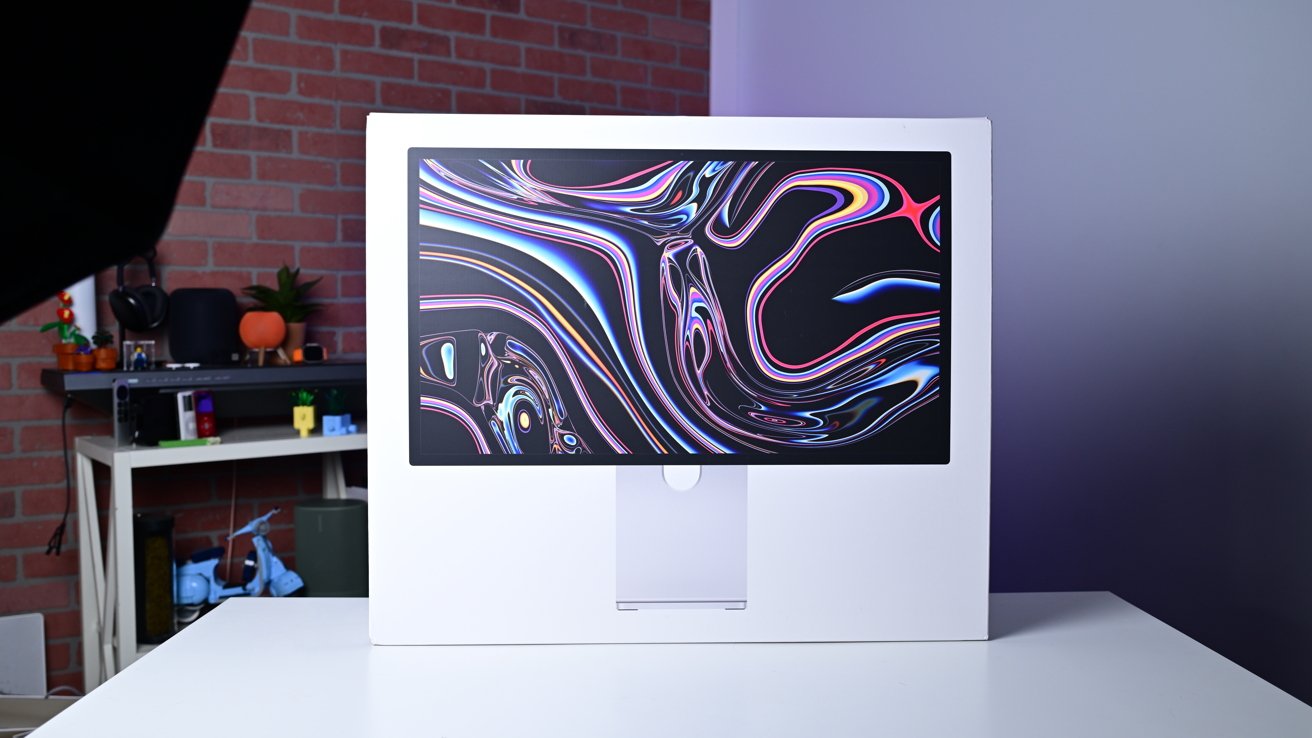
Studio Display XDR review: The box for the Studio Display XDR isn't small
There are several other 27-inch 5K displays that you can buy for a lot less than what Apple is asking. But none of those quite have the combination of mini LED, 120Hz refresh rate, or HDR.
You'll largely have to pick two out of the three of those flagship features. A few options look poised to hit the market, but they will be later in 2026 and aren't as polished as Apple's design.
There are quite a few exceptional displays out there, but I've yet to encounter one that is as sleek and premium as what Apple has released. They often use cheap plastic, bake in poor speakers, or otherwise cut corners to reduce price.
No one will fault you for opting for a more affordable alternative and avoiding the dreaded Apple tax, but you'll lose something in the process.
Studio Display XDR review: A19 Pro could make it an iMac
Inside of the Studio Display XDR is Apple's A19 Pro processor, 12GB of memory, and 128GB of storage. That makes this display, on paper, more powerful than the new MacBook Neo.
Since its unveiling, I've heard countless times that Apple should have turned this into a full computer — an iMac. I get the desire here, but it certainly wouldn't be that easy to pull off.
The A19 Pro isn't something that Apple is touting, but it's necessary to power many of the high-end features that the monitor offers. Specifically, the 120Hz adaptive refresh rate, local dimming control, and HDR tone mapping.
It also comes into play with the camera system. By handling the video and audio processing on the monitor, it can take that weight off your Mac.
Trying to throw macOS onto the Studio Display XDR would leave it under-equipped while also trying to proficiently run the monitor itself. Not an experience Apple would want. Not to mention the poor pairing of a budget-performance Mac on a pro display.
Studio Display XDR review: Depending on the comparison, the Studio Display XDR is decently priced
Continuing to pull the thread on this hypothetical, if Apple did want to turn this into a full Mac, the next option would be to boost the internals. At that point, we're back at looking at almost a $5,000 iMac Pro.
Apple could certainly create an all-in-one pro desktop if it wanted to, but trying to put macOS onto a Studio Display XDR isn't going to be how it happens.
There's a more palatable upgrade I think Apple could make for the Studio Display. If Apple added its N1 networking chip, Apple could turn the Studio Display into an AirPlay display.
You could cast audio or video from an iPhone, iPad, or Mac wirelessly. I think the increased manufacturing cost could be minimal and the benefit would be worth it.
Studio Display XDR review: Excellent monitor for Apple users
The Studio Display XDR is absolutely amazing. I love nearly everything about it.
Apple has kept the lovely Studio Display design while at the same time baking in many of the Pro Display XDR features.
It's better than the Pro Display XDR in almost every way. It has 120Hz Adaptive Sync, a great camera and sound system, Thunderbolt 5 and daisy chain support, and higher peak HDR brightness.
All of that at a much lower price point. It's smaller, but I think the price tag and size make it much more appealing to creatives.
Before, creative pros were primarily left to the base Studio Display as the Pro Display XDR was so expensive. The new $3,300 price point and improvements make this a much more palatable upgrade.
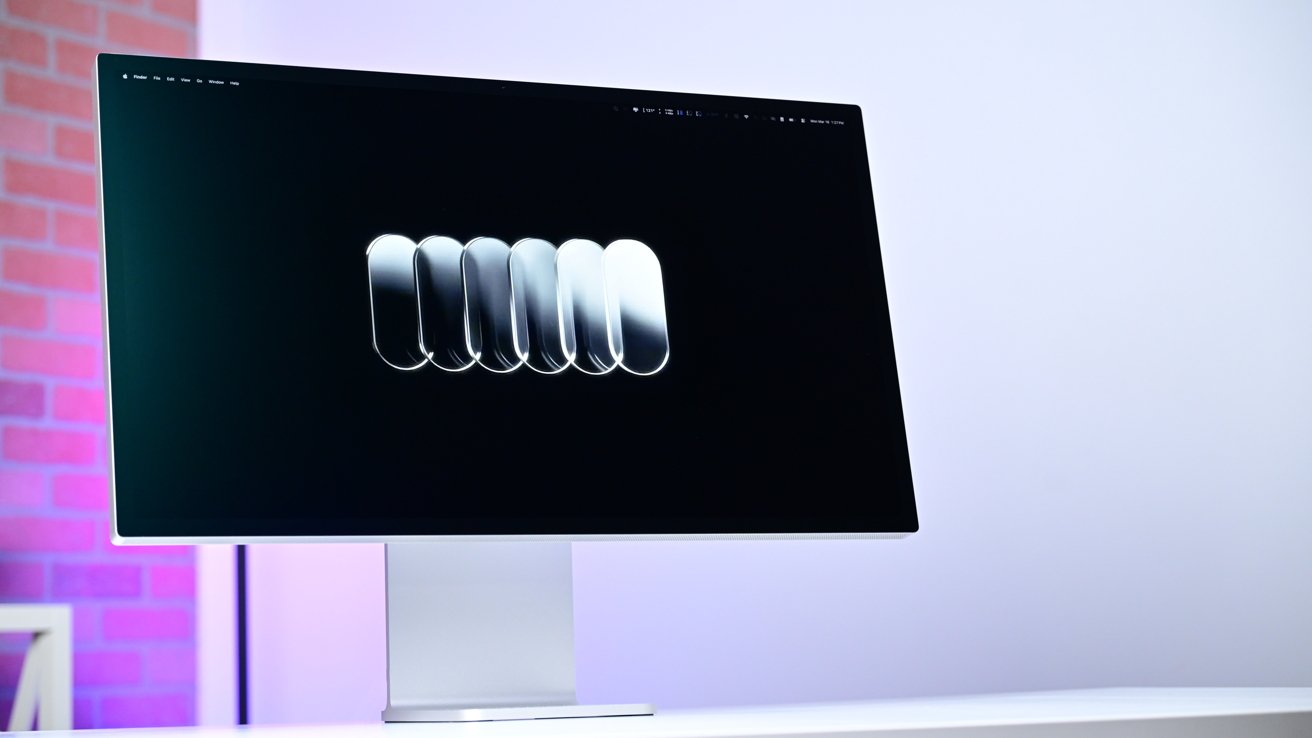
Studio Display XDR review: I love the new Studio Display XDR
As of late, Apple has been pushing the creator space hard. We've seen Apple launch Creator Studio with its pro apps, we've seen Apple hire a pro camera app developer, and acquire a VFX plugin company.
This higher-end prosumer creative market is largely what appeals to me and why I'm so excited about the new Studio Display XDR and what else Apple has coming.
The Apple Studio Display XDR carries a bit of that Apple tax and is by no means cheap, but I think it's the best monitor that Apple creatives can buy right at the moment. We'll have to wait for the rest of the market to respond to see if it stays that way.
Studio Display XDR review: Pros
- Great display specs with 5K resolution, 120Hz, & HDR
- Thunderbolt 5 unlocks daisy chaining & faster charging
- Nano-texture finish looks fantastic
- New camera looks far better in poor lighting
- Upgraded sound system is impressively good
Studio Display XDR review: Cons
- Still an expensive monitor
- No 32-inch size offering
- No HDMI at all
- Stand doesn't swivel left-to-right & has limited lift
Studio Display XDR rating: 4 out of 5
Where to buy Apple's Studio Display XDR
The Apple Studio Display XDR is on sale now at Amazon, with prices dipping to as low as $3,199 at press time. B&H Photo also carries the monitor, with free expedited shipping within the contiguous U.S. and an instant sales tax refund in qualifying states for Payboo cardholders.
You can compare prices across popular Apple resellers in our Monitors Price Guide.