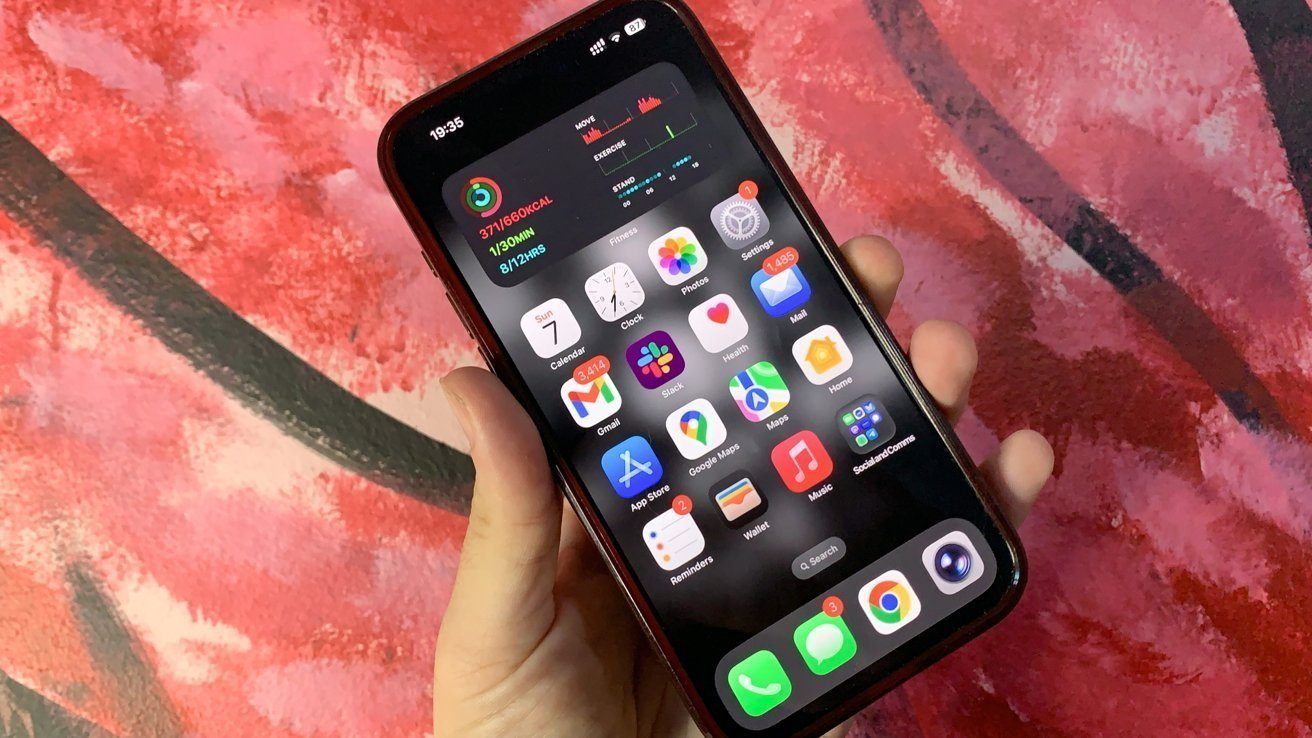
Apple will be making it easier for users to lay out apps and widgets on the iPhone home screen, thanks to a new addition to the UI in iOS 27.
In more recent updates to iOS and its other operating systems, Apple has made it gradually easier to personalize the home screen. If a report about iOS 27 is accurate, that release could make things even easier.
According to Mark Gurman in his "Power On" newsletter for Bloomberg, Apple is testing a new home screen customization option. The tweak consists of new options in an existing menu, to allow users to revert mistakes.
Currently, users long-pressing the home screen see an Edit button in the top-left corner. When expanded, it comes up with options to add a widget, to customize the layout, to edit the wallpaper, and to edit pages.
The changes being tested will add two more buttons to the same menu. An "Undo" button to roll back a change, and a "Redo" to re-implement a rollback.
This is a relatively small change in the grand scheme of things. But, for those who regularly fiddle with their iPhone's home screen to try and get the perfect layout, this is a big one.
For users who are indecisive about whether to make the change, the Undo option can help revert things back to the way they were, without needing to make many other alterations. It's possible that moving a widget in the home screen can have a knock-on effect of moving other elements, which wouldn't necessarily be reverted by the user moving it again.
Likewise, a user could feasibly use the two buttons to quickly switch between two states of home screen. They could flick back and forth to show the original and the change, to help decide which is the better layout.
The home screen undo and redo buttons are only some of the changes expected for iOS 27. Others include a Liquid Glass adjustment slider, Apple Intelligence upgrades such as the long-awaited overhaul of Siri, and other performance and battery life improvements.