

The seventh developer beta of iOS 26 is here, and with it returns the previously disabled Apple Watch blood oxygen feature. Here's what's new.
On Monday, a week after the debut of the sixth developer beta, Apple released iOS 26 developer beta 7. The update increases the build number to 23A5326a, up from the previous 23A5318f.
As a whole, the iOS 26 update introduced a variety of useful enhancements, including improvements to Image Playground, Shortcuts, and new features for the Messages and Phone apps.
Along with a dedicated Games app, Apple added a Foundation Models framework that enables developers to utilize Apple Intelligence tools in third-party apps, while Visual Intelligence now supports screenshots. Some of these new features are ideal for creative work on iPhone, while others are arguably better for business users.

iOS 26 developer beta 7 builds upon the "Liquid Glass" design language implemented with previous updates, but it brings a bit more to the table. Apple even brought back a feature it disabled more than a year ago.
Blood oxygen measuring returns, as promised
Following Apple's surprise announcement on August 14, along with the release of iOS 18.6.1 and watchOS 11.6.1, the Apple Watch has finally regained its blood oxygen measuring feature. The seventh developer beta of iOS 26 finally brought back the previously disabled functionality.
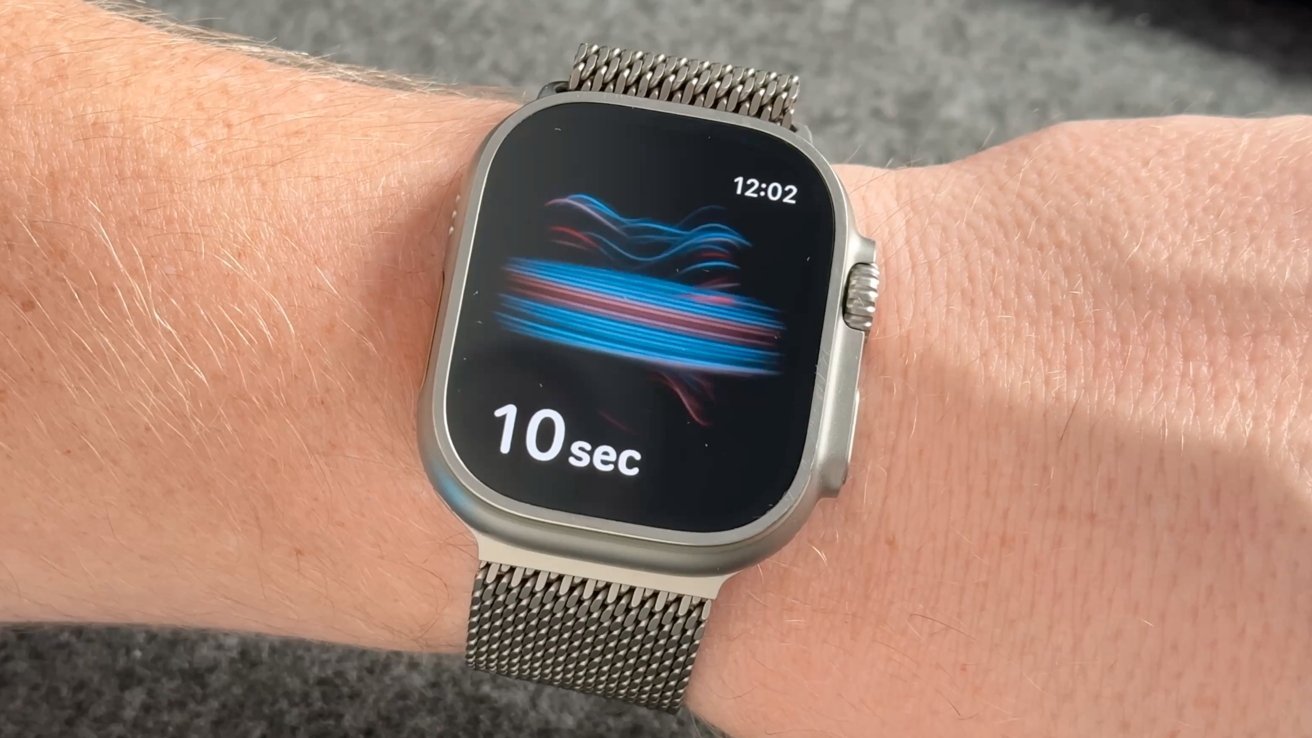
iOS 26 beta 7 restores the blood oxygen measuring feature, when used with an Apple Watch running watchOS 11.6.1.
Originally introduced in September 2020 with the Apple Watch Series 6, the capability lets users measure the oxygen saturation of their blood using the Blood Oxygen app, through hardware sensors on an Apple Watch.
In January 2024, however, the blood oxygen measuring capability was disabled on Apple Watch models sold in the United States. This was due to a patent dispute between Apple and medical tech company Massimo.
In August 2025, however, Apple found a solution to this predicament, which involves processing Apple Watch the sensor data on a paired iPhone. Results are viewable within the Respiratory section of the Apple Health app. The move was "enabled by a recent U.S. Customs ruling," according to Apple.
As a result, the blood oxygen measuring feature can be used with an iPhone on iOS 26 developer beta 7, as long as it's paired with a compatible Apple Watch running watchOS 11.6.1. Apple Watch Series 9, Apple Watch Series 10, and Apple Watch Ultra 2 are among the supported models.
Monday's developer beta also includes a new battery-related toggle in the Settings app.
Adaptive power notifications and visual changes
With the seventh developer beta of iOS 26, navigating to Settings > Battery > Power Mode reveals an additional option titled Adaptive Power Notifications
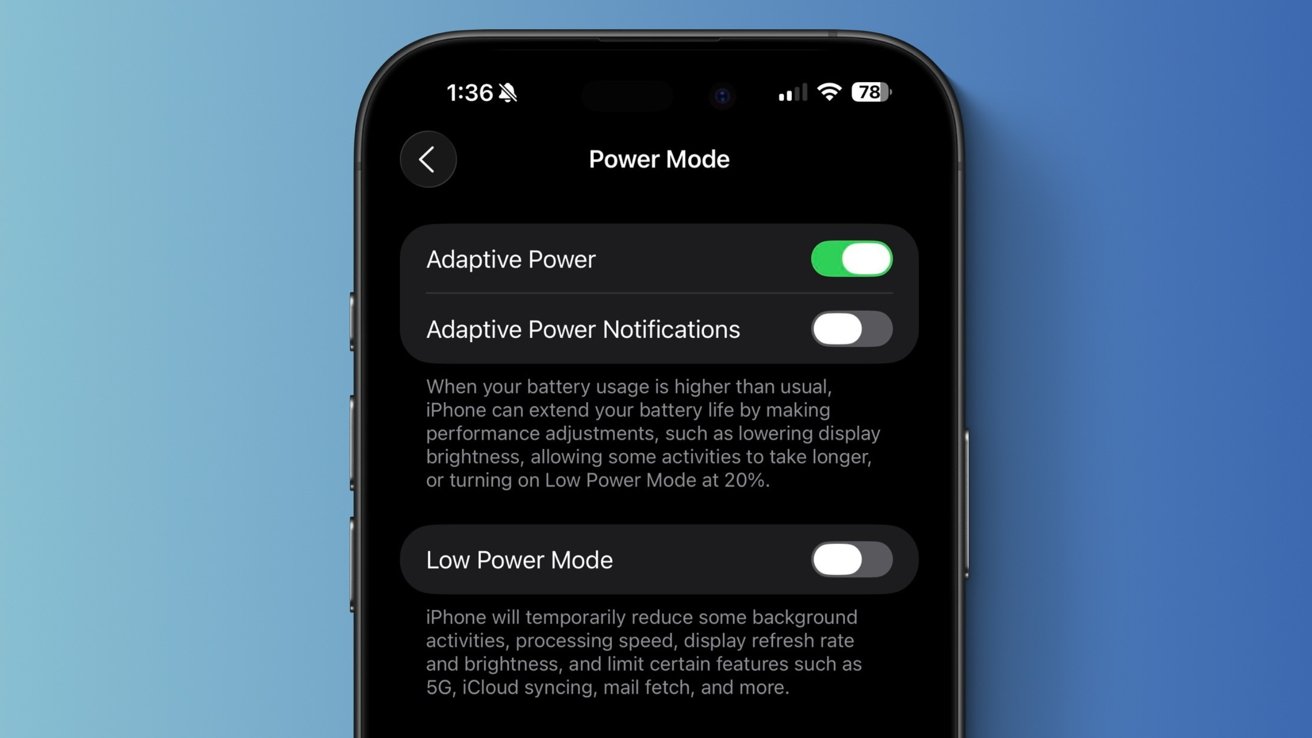
iOS 26 beta 7 features a new toggle labeled "Adaptive Power Notifications."
When activated, users will receive notifications when their iPhone begins adjusting performance to help extend battery life. This can include lowering the display's brightness, or turning on Low Power Mode when the battery is only 20% charged.
Adaptive Power Mode itself was introduced with iOS 26. It complements the existing Low Power Mode feature, which has been around since iOS 9 launched back in September 2015.
Battery-related notifications aside, Apple appears to have made slight adjustments to the "Liquid Glass" material. Specifically, iOS 26 developer beta 7 alter the Control Center background, making it somewhat darker than it was in previous betas.
Overall, iOS 26 developer beta 7 brought back the Apple Watch blood oxygen feature, but it did not add not much else beyond the Adaptive Power Notifications toggle. Apple deploys new developer betas of iOS nearly every week or two, meaning that we'll likely see additional features and changes with subsequent software releases.







