With the holiday season finally here, it's time to talk about the tech products we found most useful in 2025. Here are my top picks of the year.
Technology has made its way into virtually every facet of our lives, and that's especially true for us here at AppleInsider. We talk about the latest and greatest tech releases daily, covering everything from the relatively inexpensive AirPods to the $3500 Apple Vision Pro.
Still, many of us don't rush to buy the newest devices, especially without a good reason. In with the new and out with the old doesn't always make sense, after all. The fact is that Apple products can easily last you several years without issue, if not more.
In 2025, I only purchased a single brand-new Apple product, but I ended up using quite an assortment of devices throughout the year. This includes both those from Apple and those made by third parties.
In the spirit of the holiday season, let's start with the newest of the bunch.
M4 iPad Pro — games have never looked better on an iPad
The iPad Pro is one of those products that always sparks up a conversation, mainly about how it has all the hardware of a Mac, but with no macOS.
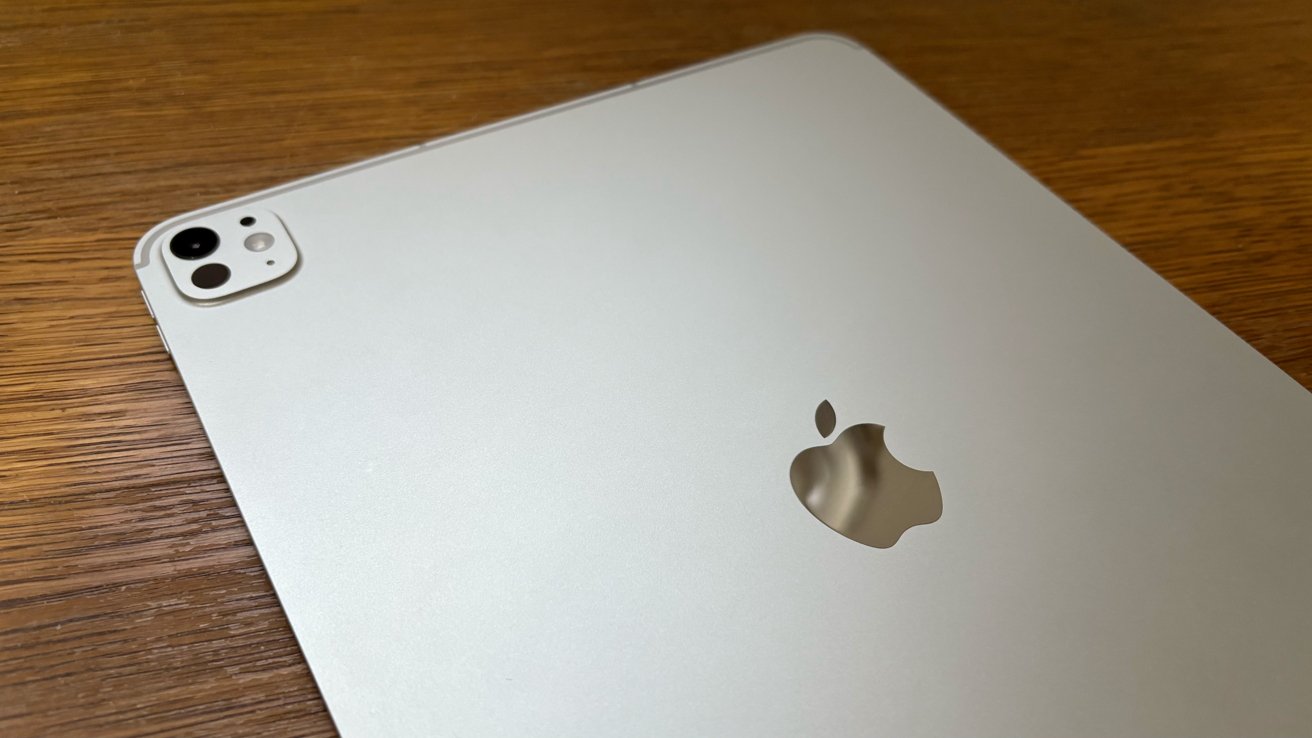
The M4 iPad Pro is still great in 2025.
Despite Apple's ads, I never expected a full-on Mac replacement, nor did I need one. The iPad Pro, as its name implies, represents the fastest, most feature-packed incarnation of the iPad concept. It's a tablet, first and foremost.
The M4 variant of the iPad Pro seemed particularly appealing to me because of its tandem OLED screen. Relative to older models with LCD screens, the contrast is infinitely better. So is the color accuracy.
The advantages of OLED are particularly noticeable when you're looking at anything with the color black, which almost always appears as a blue-ish gray color on devices with an LCD screen. Simply put, if you game or watch movies on your iPad as much as I do, you'll notice the difference straight away.
Apple's M4 chip also delivers hardware-accelerated ray tracing, which is always nice to have. Games look great on the M4 iPad Pro, with the tablet supporting triple-A titles the likes of Resident Evil: Village and Resident Evil: Biohazard.
The latter of the two titles offers a great iPad experience with the touch screen alone, letting you have fun even when you're on the go. I'm also excited to try out the iPad version of Red Dead Redemption and Assassin's Creed Shadows, when it becomes available.
Battery life is great, and the M4 iPad Pro easily gets through most of the day on a single charge. In that regard, it's again reminiscent of the original iPad from 2010, especially in the silver color that I went with. The hardware itself, however, has greatly improved over the years.
With a quad-speaker setup, audio performance is as good as you'd expect from a high-end iPad. I've also found the M4 iPad Pro great for keeping track of emails, notes, projects, and news. It's a device I use daily.
I have no regrets not waiting for the M5 variant of the iPad Pro, as the enhancements Apple delivered are arguably minimal. Performance improvements aside, the M5 iPad Pro offers the C1X modem that allows for better power efficiency, along with fast charging and Wi-Fi 7 support, but that's about it.
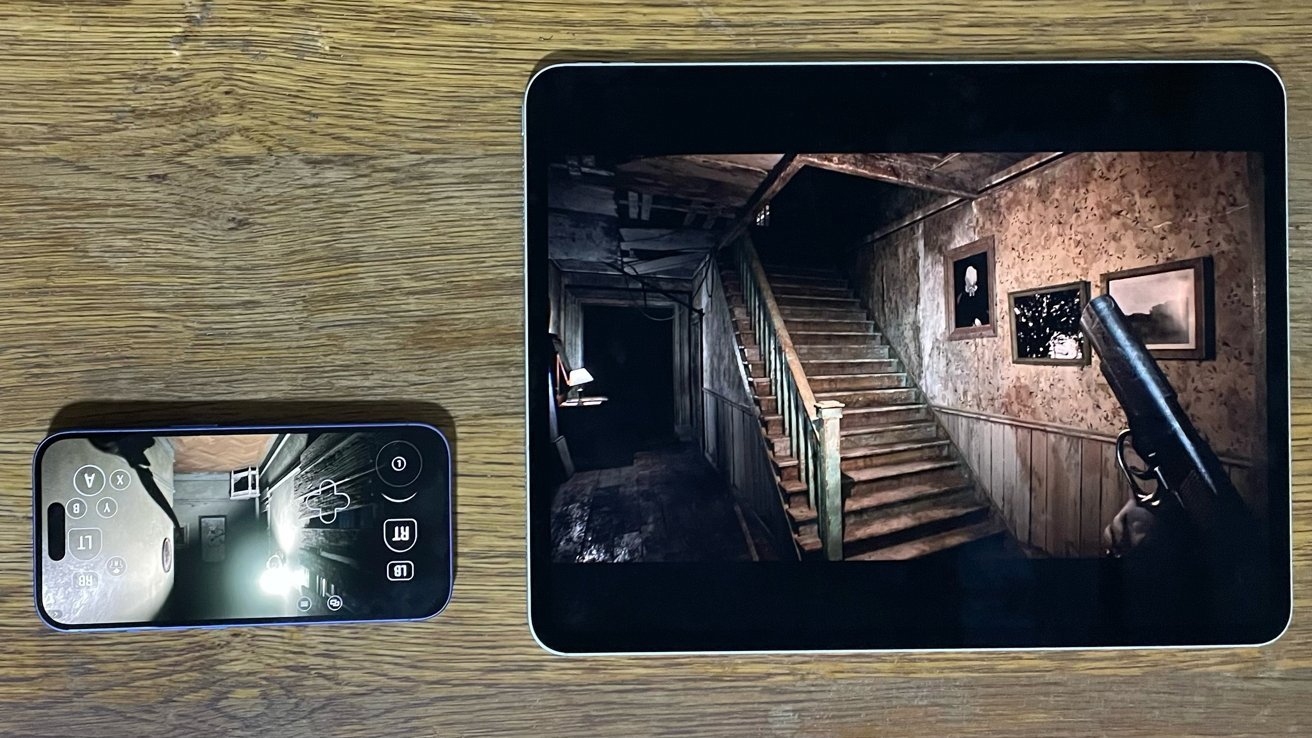
The M4 IPad Pro offers a great gaming experience in 2025.
The M4 model, however, was a fairly substantial change from the 2017 iPad Pro I used until recently. The M4 chip delivers significant performance gains compared to the A10X system-on-chip found in the second-generation 12.9-inch iPad Pro.
In Geekbench 6 CPU testing, the M4 iPad Pro received a single-core score of 3682 points and a multi-core score of 13457. The 2017 iPad Pro, meanwhile, only scored 929 points in single-core testing and 2256 in multicore testing.
The difference is noticeable. Older iPads without an M1 or newer Apple Silicon chip can't play more demanding games, like those belonging to Capcom's Resident Evil franchise. The M4 iPad Pro, meanwhile, handles them like it's nothing.
In terms of software support, the M4 iPad Pro supports both iPadOS 18, which delivered a Calculator app and Apple Intelligence, as well as iPadOS 26. The latter introduced Apple's Liquid Glass design language and Mac-like multitasking, which many consider to be a step in the right direction.
Design-wise, the M4 iPad Pro is in line with Apple's more recent flat aesthetic, with sharp edges rather than curves. The edge-to-edge display features significantly reduced bezels, and the lack of a home button makes the M4 iPad Pro feel modern.
At press time, closeout deals of up to $300 off are available on the M4 iPad Pro at Amazon, with a full rundown of the best offers in our M4 iPad Pro Price Guide.
2009 17-inch MacBook Pro — a portable, personal theater
Earlier in 2025, for virtually nothing, I managed to acquire one of the largest MacBook models ever made — the 17-inch unibody MacBook Pro, from 2009.
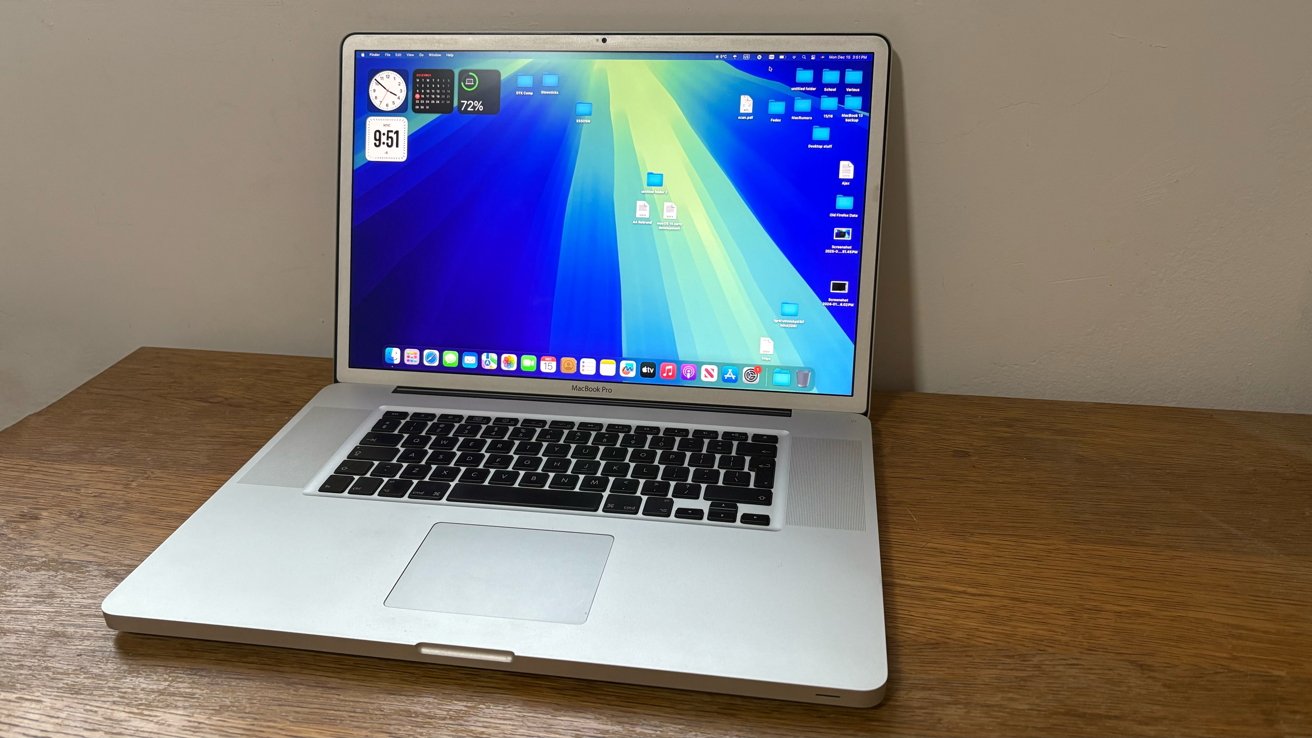
The 17-inch MacBook Pro is still one of my favorite Apple products in 2025.
It might seem like an odd choice in this day and age, getting an Intel MacBook Pro from over fifteen years ago, but the laptop is now one of my prized possessions.
The 17-inch MacBook Pro, which I was able to find with a high-end matte display, features a screen resolution of 1920 by 1200 pixels. It's no OLED panel, but the display still holds up surprisingly well in 2025.
Because of this, Apple's giant MacBook Pro remains a great device for movies. I use mine as a sort of portable theater, and the experience has been great.
That said, the processing hardware is limited, so you won't have a great experience running macOS Sequoia, even if it is possible to install with some hassle. Older macOS releases, mainly macOS Monterey and earlier, perform much better on the Intel Core 2 Duo inside this laptop.
The cost-to-benefit ratio of getting a 17-inch MacBook Pro was well worth it in my case. I ended up trading a first-generation iPad Air, which offers no software or hardware customization, for the massive 17-inch MacBook Pro that I could tinker around with.
One might argue that Apple sells a laptop comparable in size, the 16-inch MacBook Pro with the M4 Pro and M4 Max chips. The difference here, though, is that it starts at a whopping $2,499 brand new from Apple.
The 2009 17-inch MacBook Pro is a fun secondary machine, if you have the patience to work with old technology. It's also relatively inexpensive these days, but it's worth getting for the screen real estate alone. Web browsing and productivity apps work great on the large screen, but don't expect to do any graphics-intensive gaming, especially while it's running on the battery alone.

The 17-inch MacBook Pro is effectively a portable TV. Film — Eternal Sunshine of the Spotless Mind
Additionally, I use the 2009 MacBook Pro with my legacy iOS devices, with apps like iFunBox that let me manage applications and copy files directly to the filesystem of jailbroken devices.
USB-A ports are a convenience that vanished from Apple's high-end laptops in 2016, but you don't need a dongle with a 17-inch MacBook Pro. I'd recommend getting the laptop if you have an old iPhone lying around, or if you want a laptop that's essentially a portable TV.
Of course, for more serious tasks, such as the article you're reading right now, I use my M2 MacBook Air. The performance of Apple Silicon is light-years ahead of any Intel-based Mac, let alone something as ancient as a 17-inch MacBook Pro.
The device I use more than my 13-inch MacBook Air, which I've had for a little while now, is my base model iPhone 16.
iPhone 16 — the core iPhone experience, in ultramarine blue
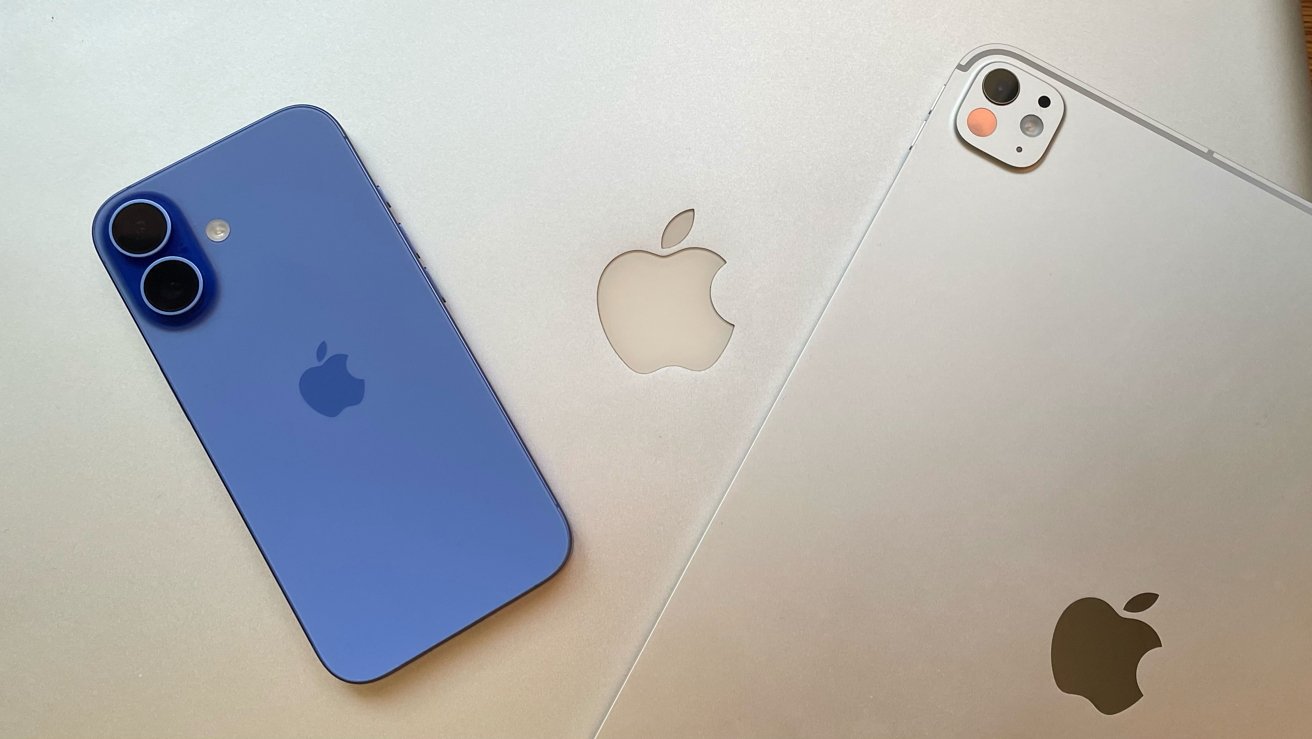
My standard iPhone 16 remains my daily driver, and I've used it for nearly all of 2025. It offers everything I need in an iPhone — a great camera system with a 48MP Fusion camera, battery life that easily lasts an entire work day, along with ample storage and processing power.
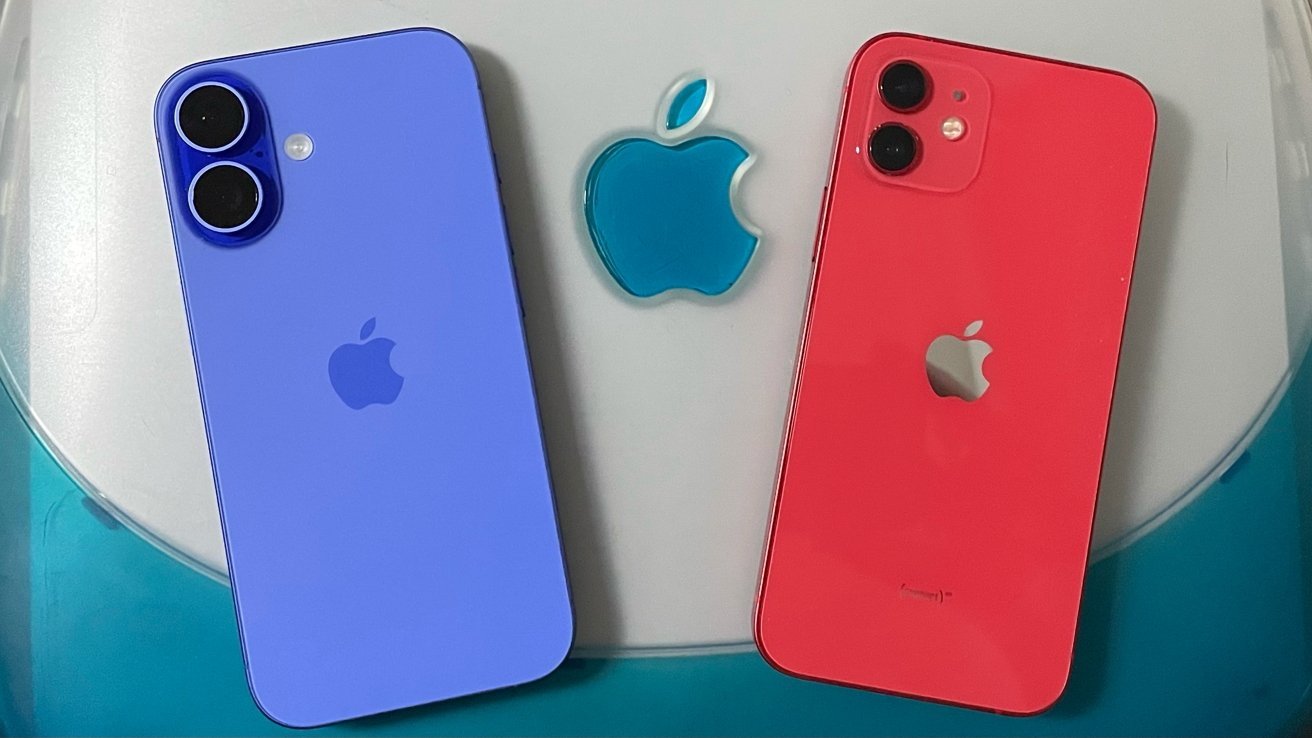
The iPhone 16 (left) has been my daily driver in 2025, having replaced my iPhone 12 (right)
The ultramarine color option is eye-catching; it really stands out. Design-wise, the iPhone 16 did away with the diagonal rear camera layout of the preceding three iPhone generations. It resembled an iPhone 12, my previous phone, making it feel familiar.
With its 48MP Fusion Camera and 12MP Ultrawide camera, the iPhone 16 supports macro photography, making it easy to capture the intricate details of a plant or animal. You can also use it to take photos of microprinting almost invisible to the naked eye, which I've found helpful when trying to authenticate collectibles.
On the right side of the iPhone 16 is the Camera Control button, or Project Nova as it was known during development. It's a button with a capacitive surface and force-sensing technology, and its function revolves largely around the Camera application.
I've found it to be one of the quickest ways of launching the Camera app, and zooming in. Visual Intelligence can also be toggled with the Camera Control, letting you point your iPhone at a plant or animal, and have it identified with artificial intelligence.
Admittedly, though, the Camera Control button is less useful than I imagined it would be when I first wrote about it in 2023. The same is largely true for Apple Intelligence features, unless you count Image Playground and the Clean Up tool in Photos.
The iPhone 16 supports Apple's suite of generative AI features, known to the public as Apple Intelligence, or Project Greymatter for those who worked on it.
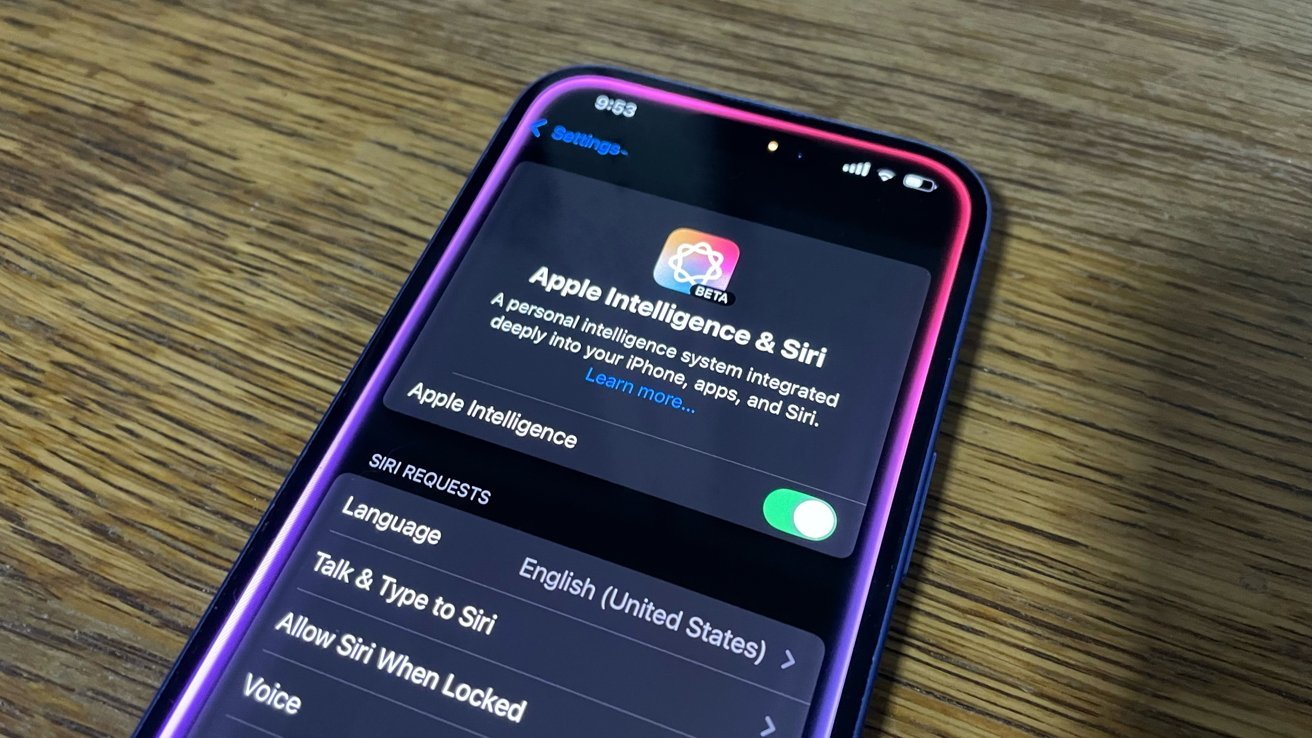
The iPhone 16 supports Apple Intelligence.
Apple Intelligence lets you summarize emails, proofread and edit text, generate replies to incoming messages, and so on. None of these features are essential, however. Image Playground, an app that lets you generate images on-device, is the feature that I've used the most, along with the Clean Up tool that lets you remove imperfections and unwanted objects from photos.
Of course, Apple Intelligence requires 8GB or more of RAM, a specific system-on-chip, like the one in the iPhone 16. The standard iPhone 16 is equipped with Apple's A18 chip, consisting of a 6-core CPU, a 5-core GPU, and a 16-core Neural Engine or NPU.
Performance has been excellent. Whether it's responding to messages, emails, browsing the web, taking photos, or playing mobile games, the iPhone 16 hasn't showed signs of slowing down.
The A18 is a 3nm chip with support for hardware-accelerated ray tracing, much like my M4 iPad Pro. One area of difference, though, is the lack of ProMotion on the iPhone 16, which I still don't see as much of a drawback. The capability is available on the iPhone 17 lineup, however.
Even so, I'm not particularly impressed by anything the iPhone 17 range has to offer, so I plan to keep using my iPhone 16 well into 2026. Accessories and peripherals are things that most people don't really need for an iPhone, but I ended up testing a couple of them in 2025.
Seenda's CBD 2 peripheral set and MBD 5 mouse — affordable and unapologetically plastic accessories
In terms of non-Apple accessories, the most interesting third-party accessories I got to use in 2025 were the Seenda's CBD 2 peripheral set and the MBD 5 ergonomic mouse.
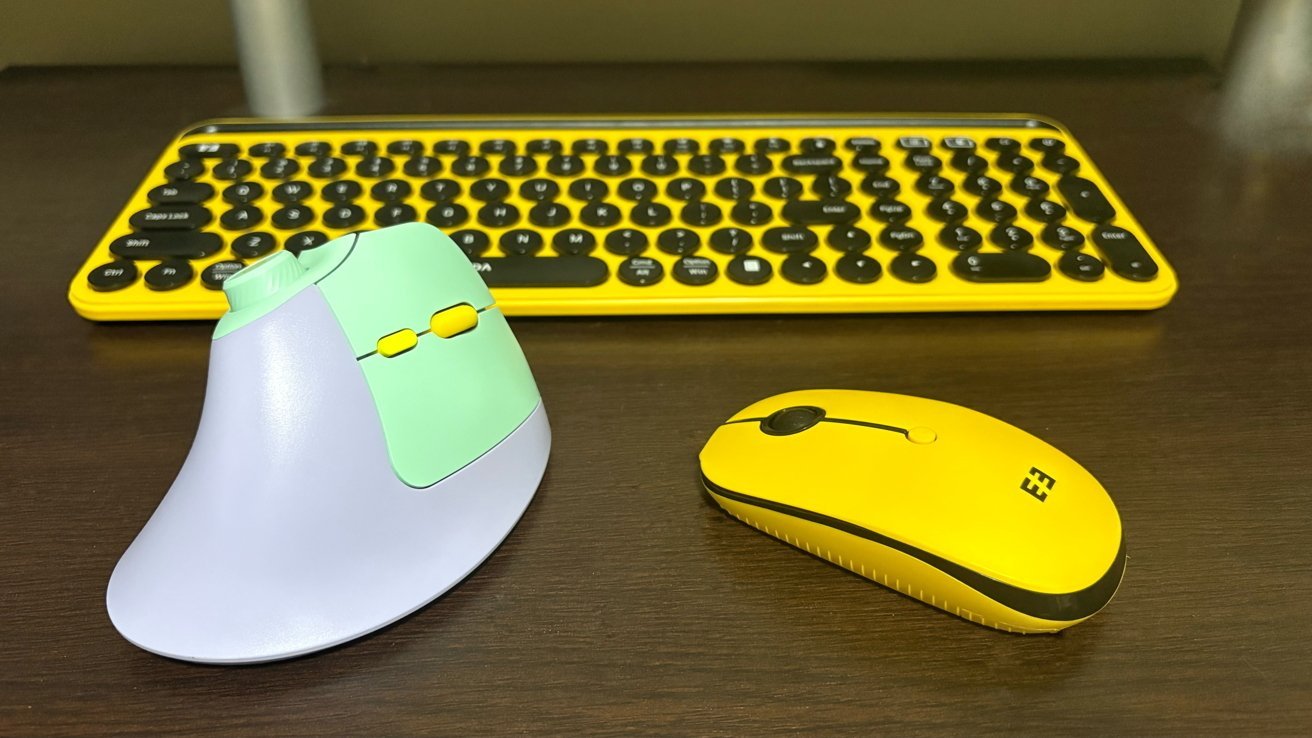
Seenda's products are great accessories for Apple devices in 2025.
The great thing about Seenda's accessories is that they'll work with just about any Mac released in the past 25 years.
Reviewing both products for AppleInsider proved to be a fun endeavor, and it meant that I got to test them with various hardware platforms and games, including Intel, Apple Silicon, and PowerPC Macs.
Design-wise, neither the CBD 2 peripheral set nor the MBD 5 mouse resembles more recent Apple products. Seenda's products, however, remind me of the iPhone 5C, with its bright colors and "unapologetically plastic" casing.
They're fun, quirky, and inexpensive, yet the products themselves are of good quality. The CBD 2 keyboard features round buttons that make typing feel different, maybe like an old typewriter of sorts.
The MBD 5, meanwhile, is an ergonomic mouse with vertically placed left and right buttons, as well as a dial on the top of the device. It also has two additional buttons on the left, which make it great for games.
Seenda's products are worth getting, The $39.99 price point of the CBD 2 peripheral set is particularly appealing, though the MBD 5 vertical mouse is a bit more expensive than a standard wired one, at $27.99. The extra buttons and the dial on the MBD 5 mouse more than make up for it, though.
Looking ahead, 2026 is sure to be a fun year, with a multitude of new Macs set to debut. The most interesting of them, the M6 Pro and M6 Max MacBook Pro, is expected to introduce a touchscreen and an OLED panel. Some might find the rumored iPhone Fold even more appealing, making the year a good one for hardware upgrades.